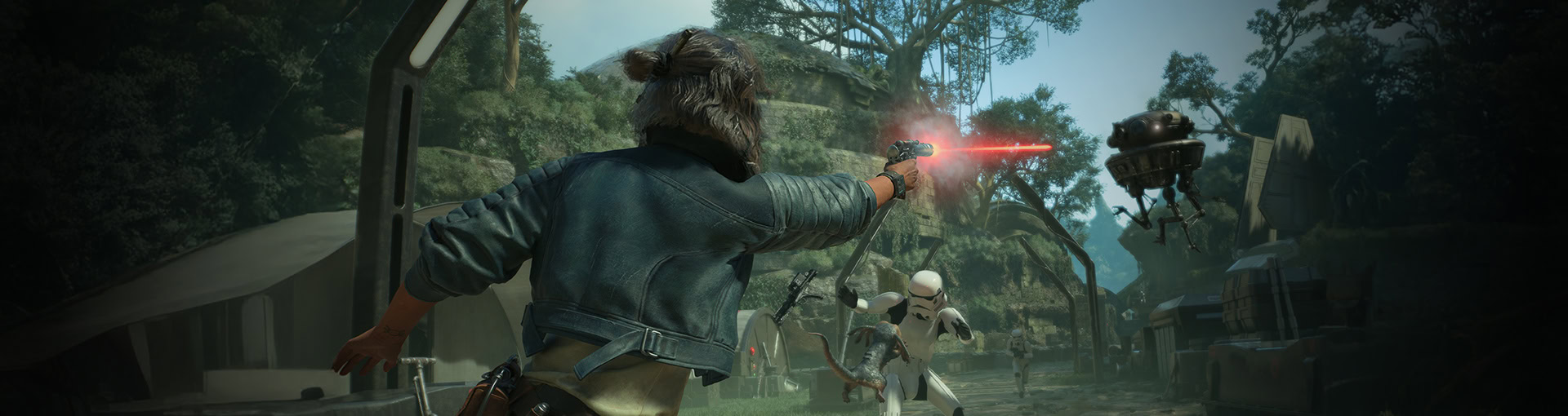

The Loadout system in Star Wars Outlaws plays an important role in its gameplay, allowing you access to various perks and benefits. This guide goes into this system in-depth.
Table of contents
What is the Loadout System
Simply put, the Loadout System manages our gear in Star Wars Outlaws. It allows us to swap around the gear we have for each slot, the only form of character builds offered.
As we progress and collect gear, we’ll have a total of nine Item slots we need to worry about. These are our Chest, Legs, Waist, Nix Treat, Major Charm, and up to four Minor Charms. Minor Charms will unlock as the story progresses.
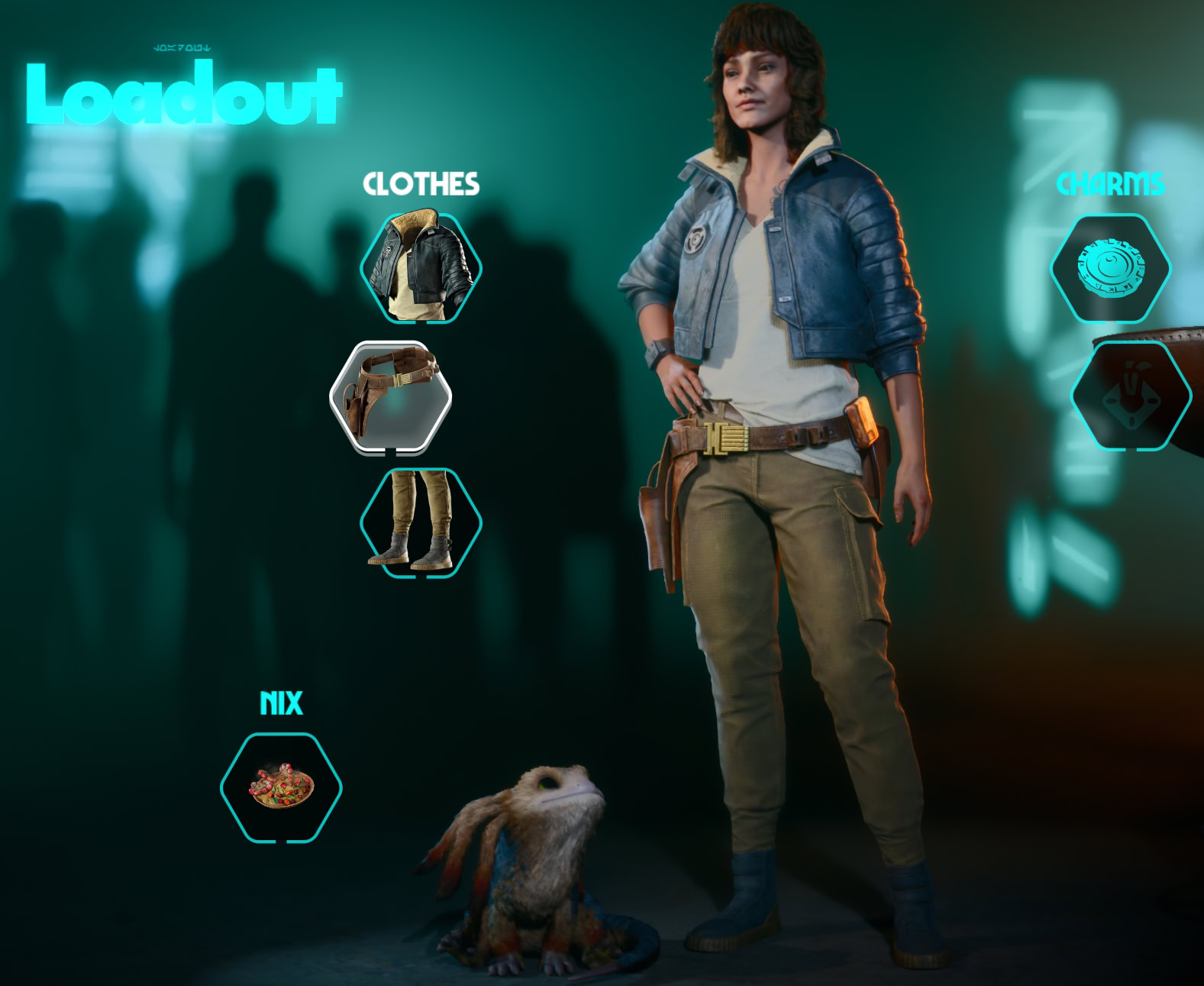
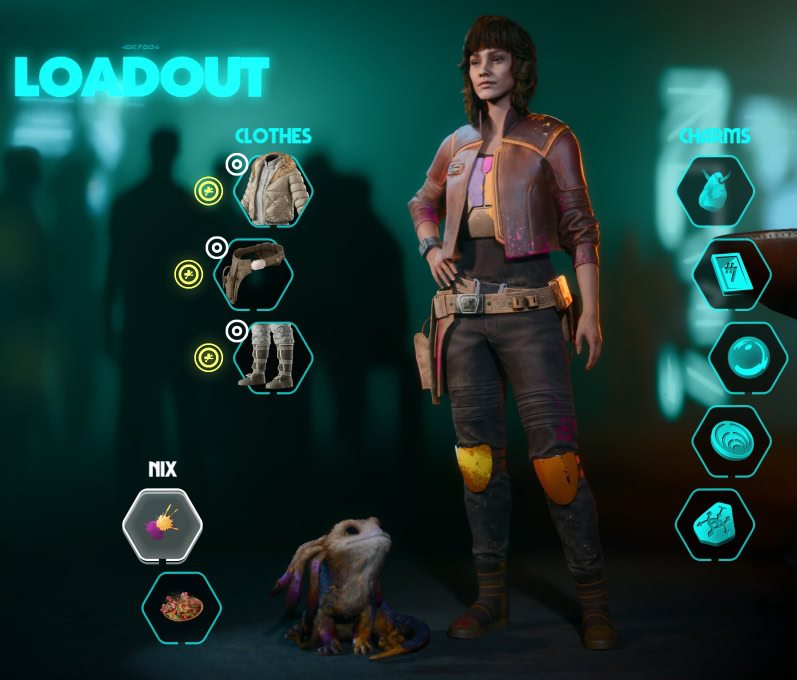
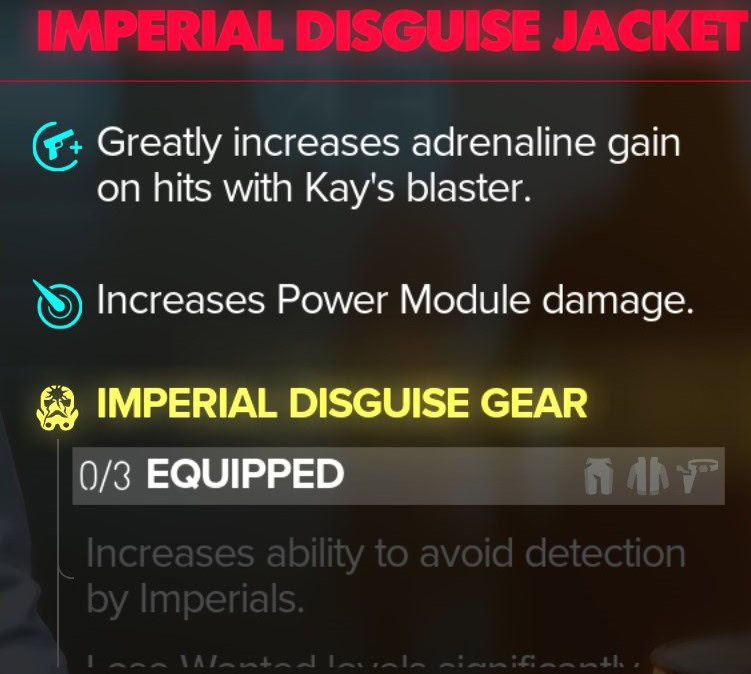
Each of these slots has access to different effects, with some gear even offering a Set Bonus for using matching Chest, Legs, and Waist Equipment.
How to use Transmog
In addition to simply swapping gear around and making builds, the Outfit slots have also built-in a Transmog System. You can have one outfit work as your gear and another one for appearance.
To change an item’s appearance with another item you already own, press the button marked “Change Appearance” when selecting a gear slot.
How to use Loadouts
To Access our Loadout, Open the Inventory and select Loadout. This will take us to the Loadout UI. From here, we’ll be able to swap our gear and transmog it as we see fit.
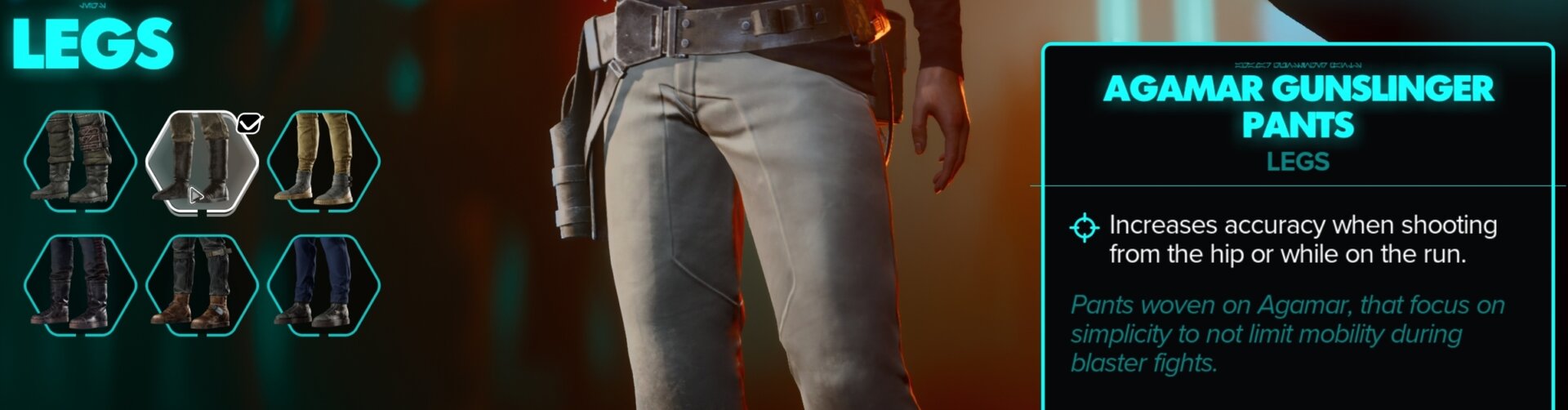
Once in the loadout menu, we can select any slot we want to change, and it will display all of our available gear for that slot of the left, while its details are shown on the right.
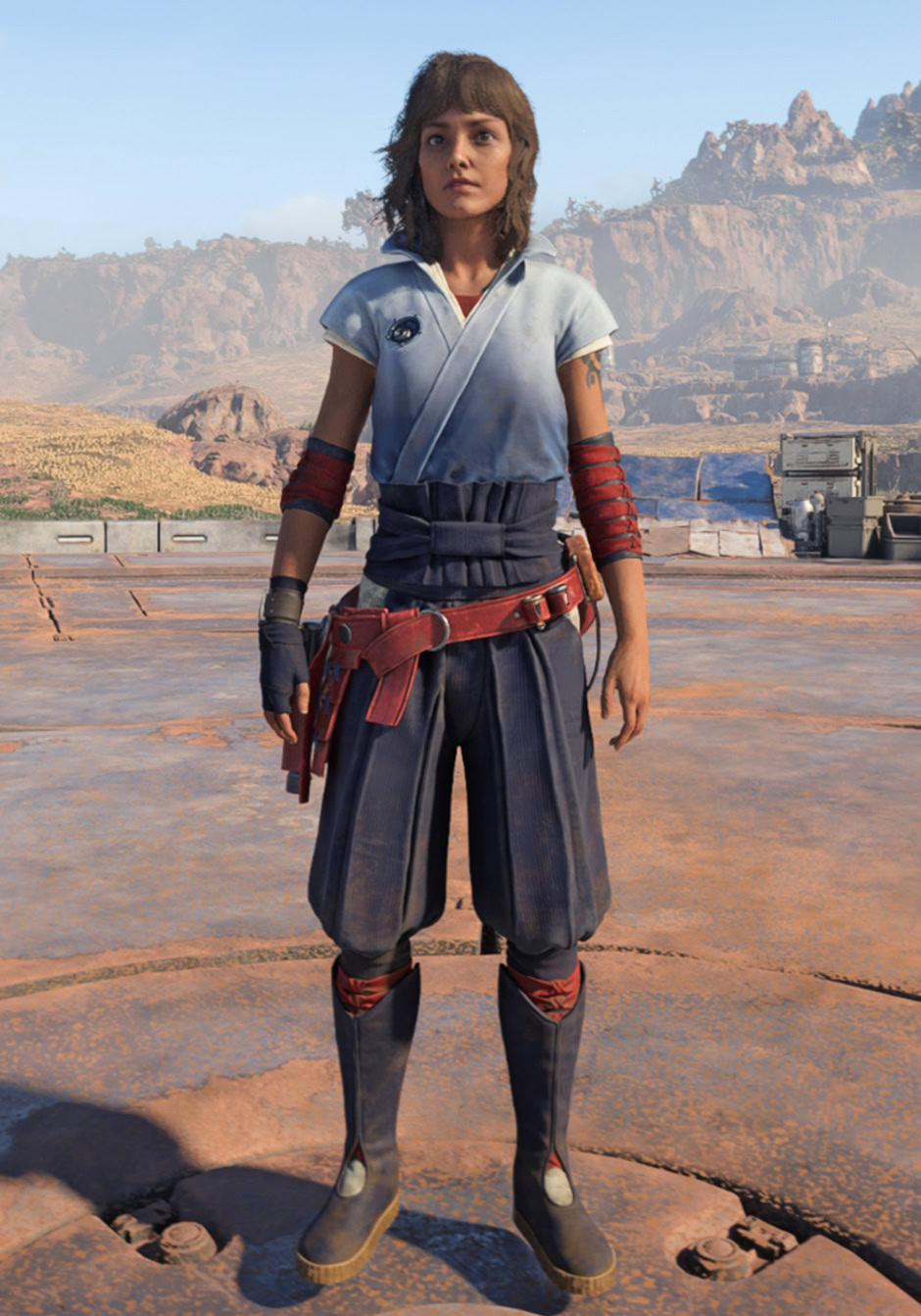
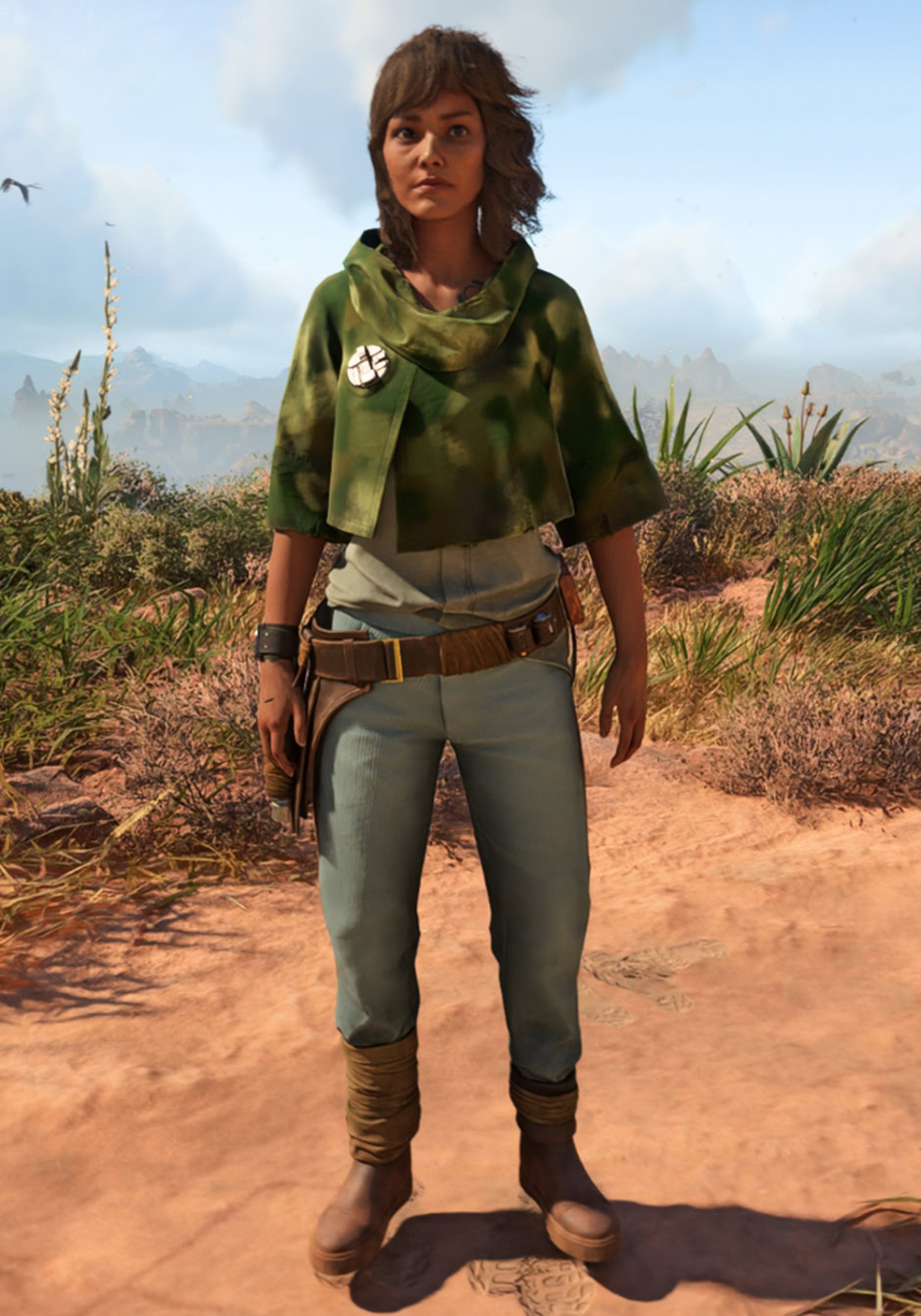
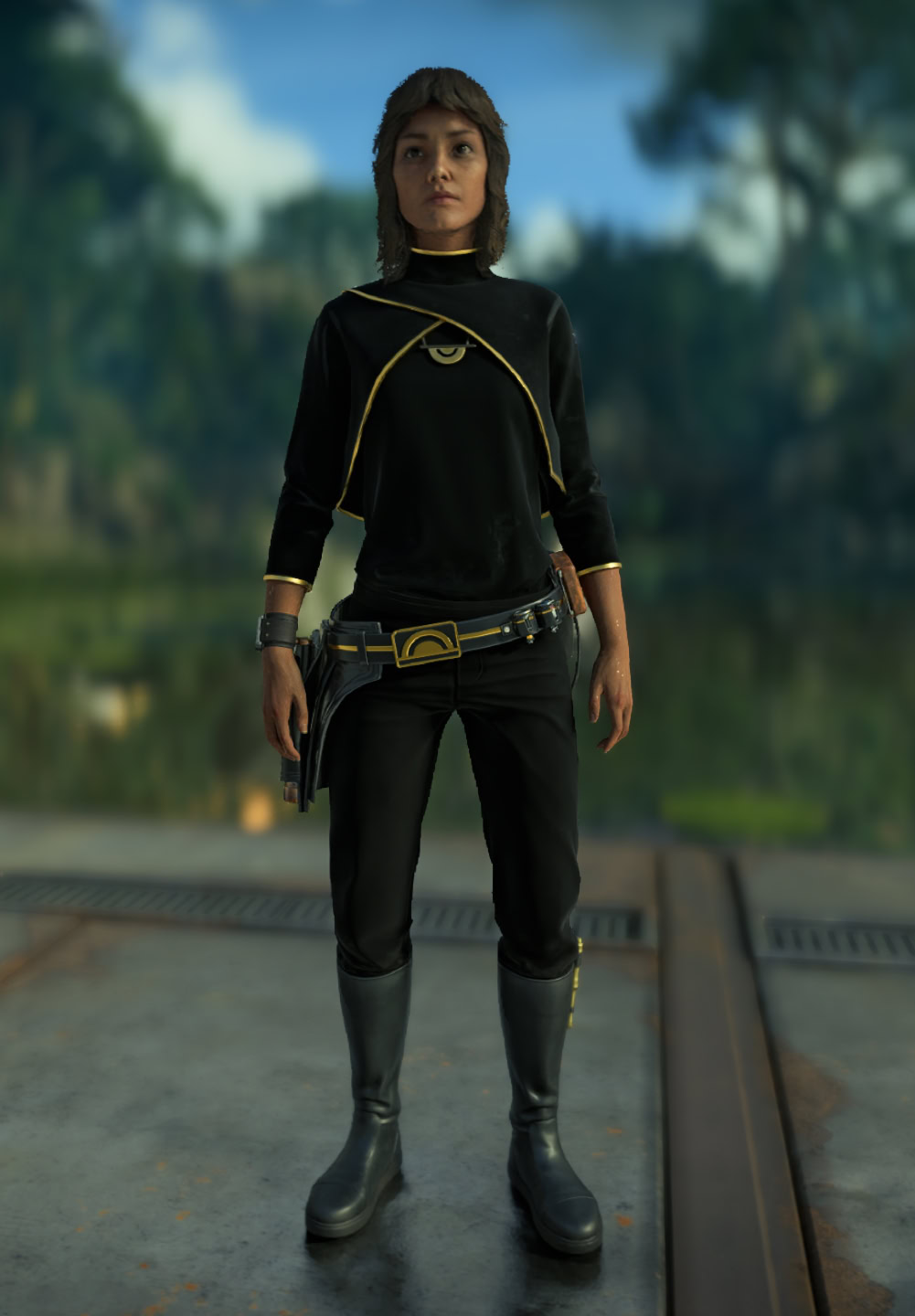
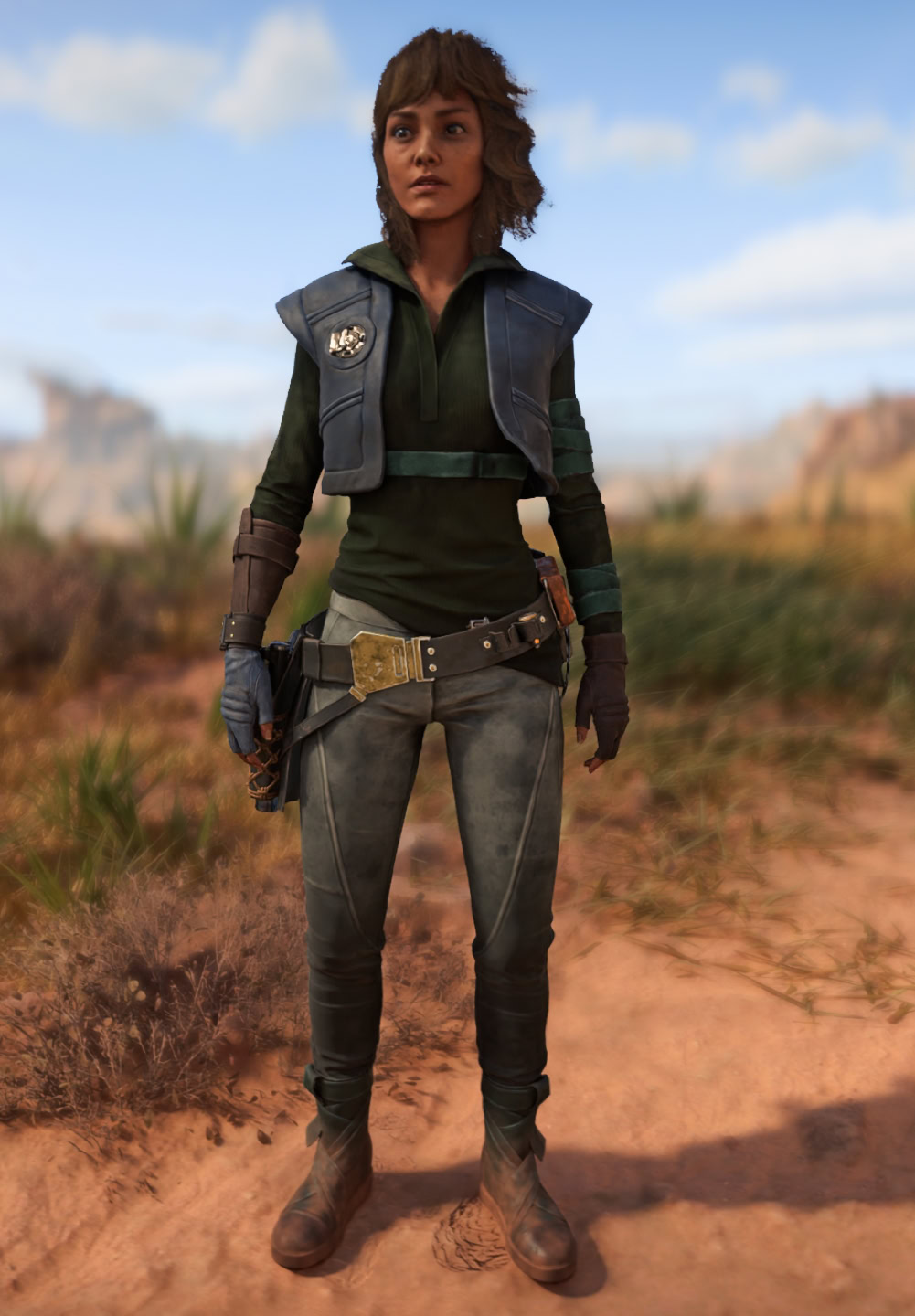
Outfit Types and Full List
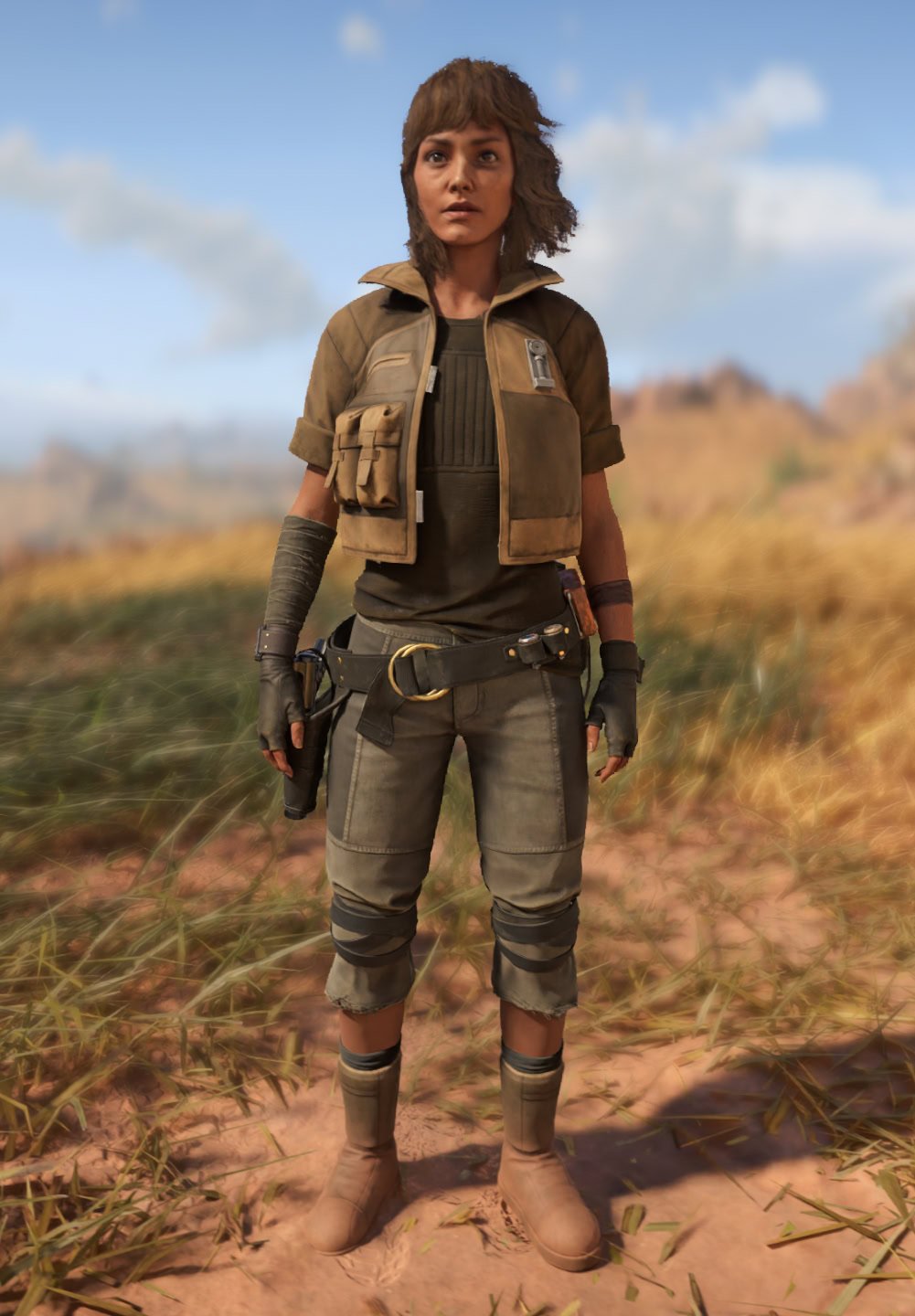
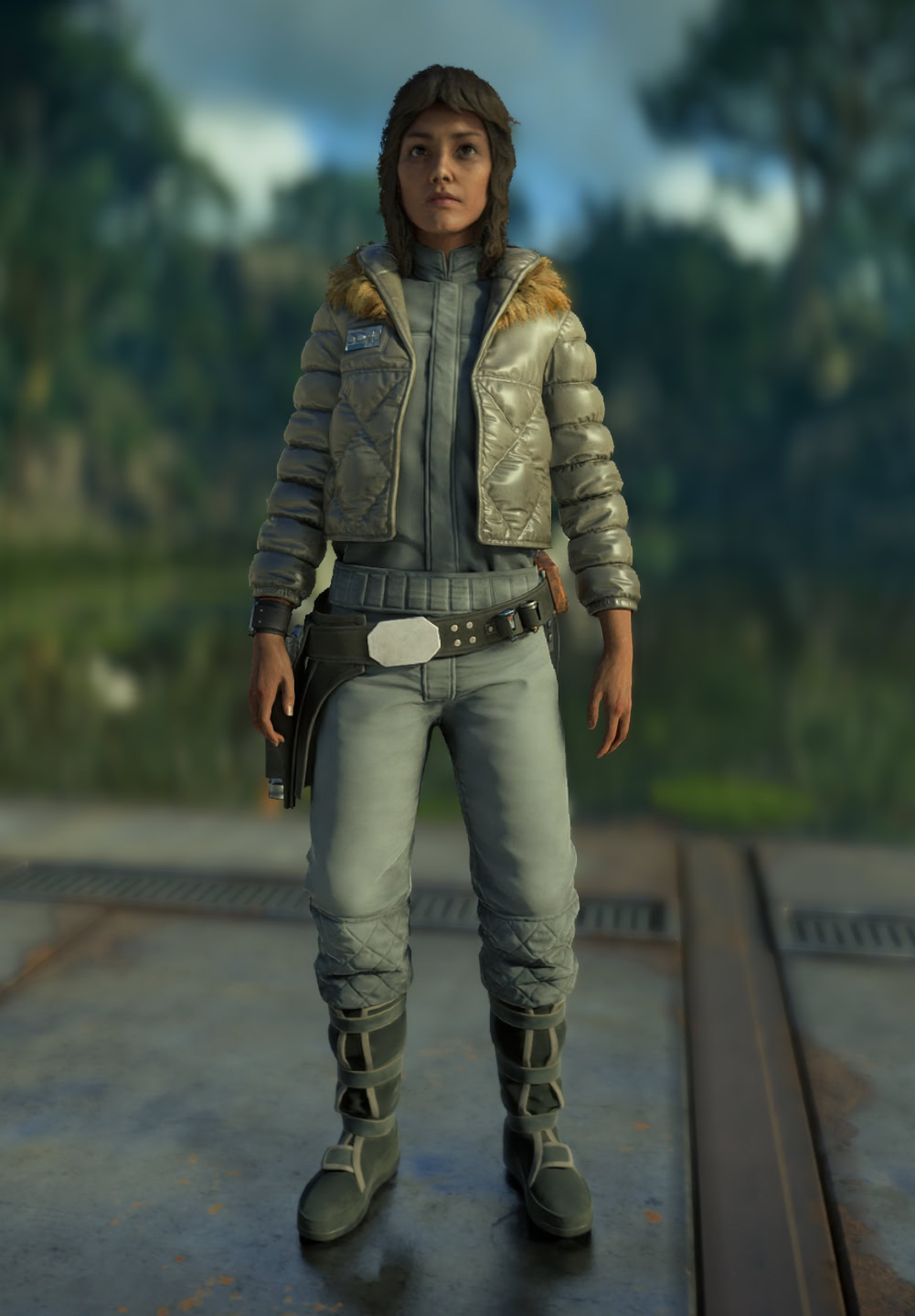
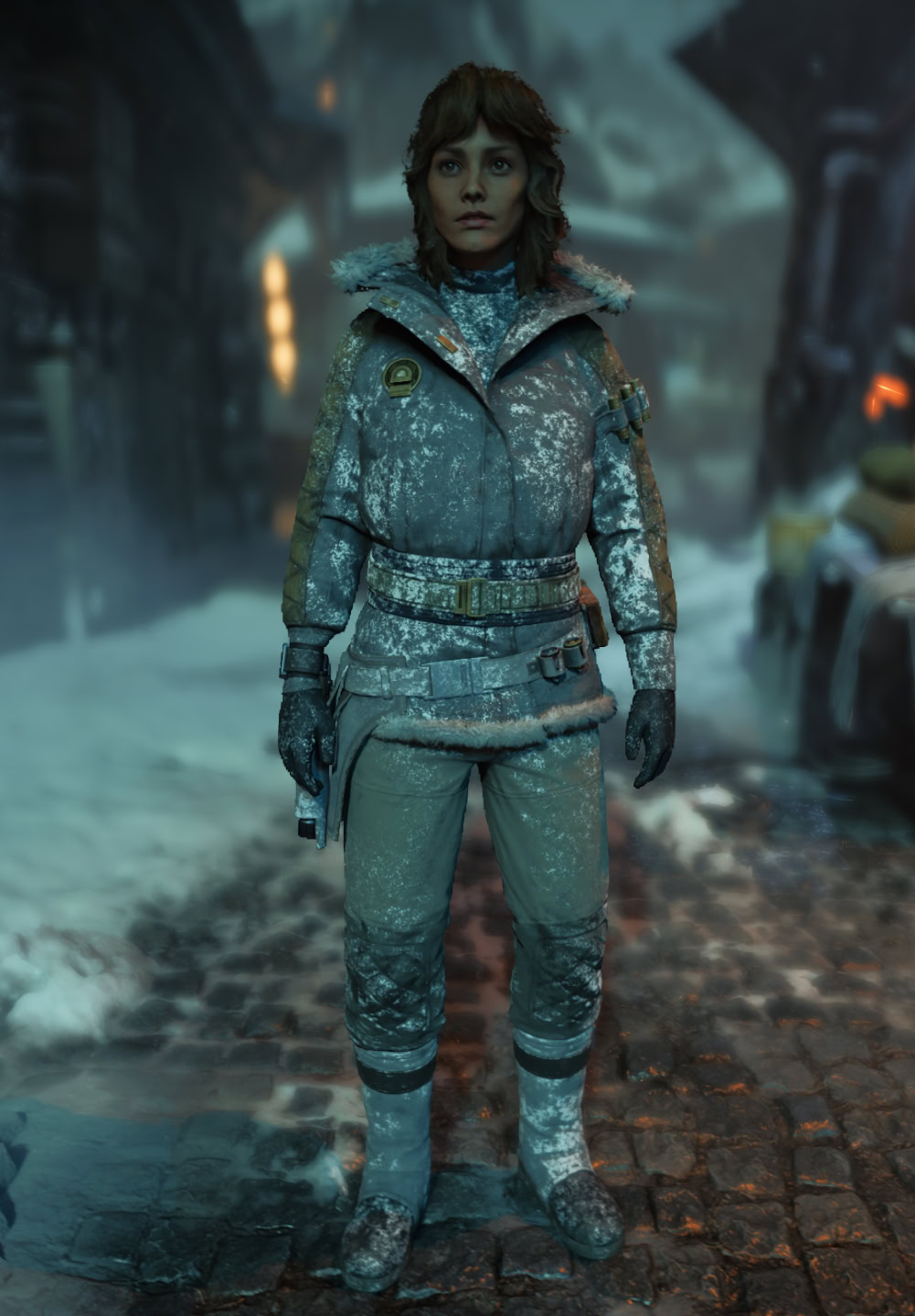
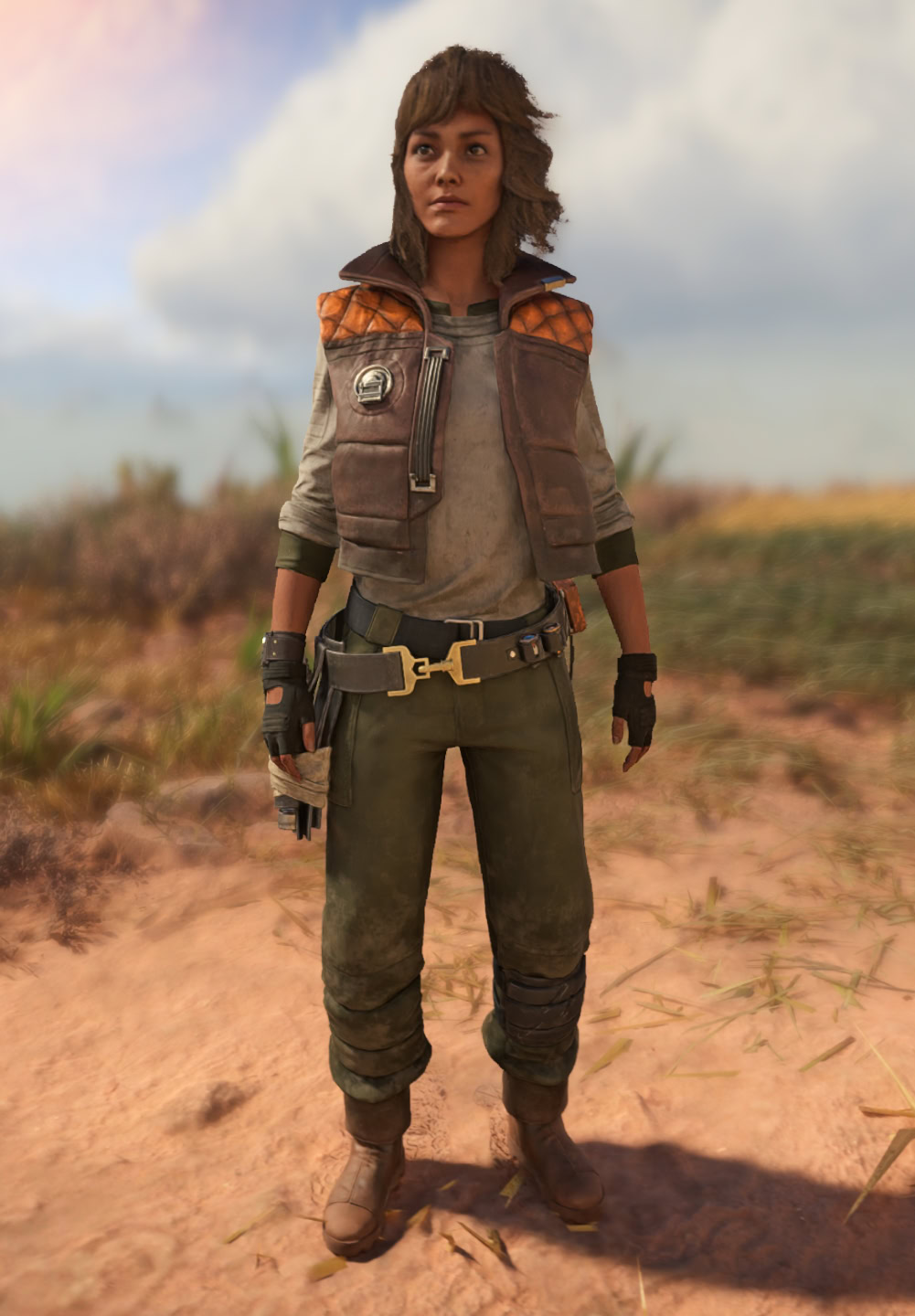
What gear we will want to equip depends on our preferred playstyle, which falls into one of three broader Categories: Stealth, Combat, and Survival.
Stealth Gear will have bonuses for various stealth actions. As an example, the Nar Shaddaa Theif Vest will grant additional Adrenaline when performing Stealth Takedowns.
Combat Gear will reward us for playing aggressively, or provide similar bonuses. As an example, the Agamar Gunslinger Pants will increase the accuracy of our Blaster shots.
Survival Gear will affect your Health, damage taken, or Bacta Vials. As an example, the Abelor Survivalist pants will reduce the damage we take from explosions while crouched, rolling, or sliding.
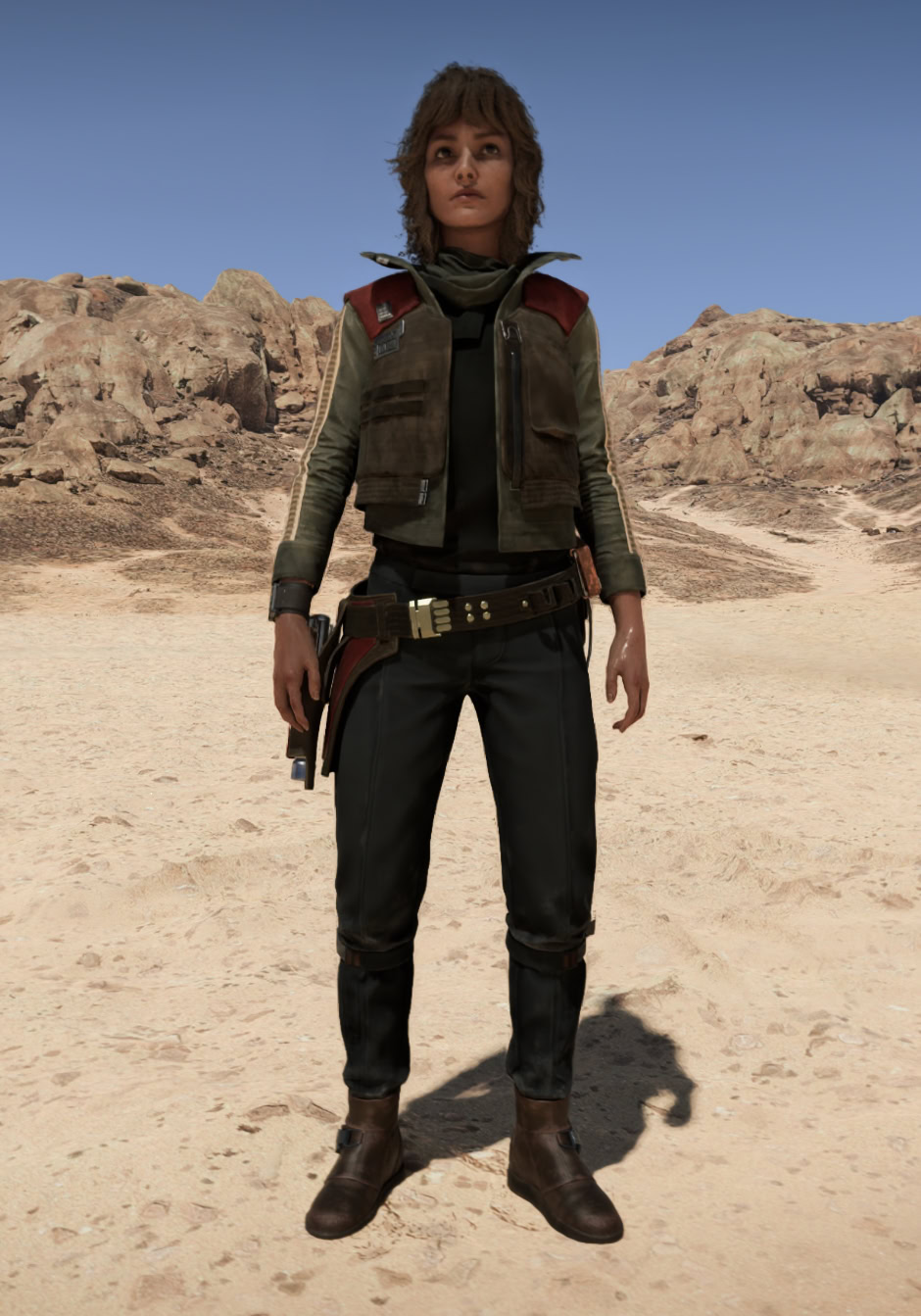
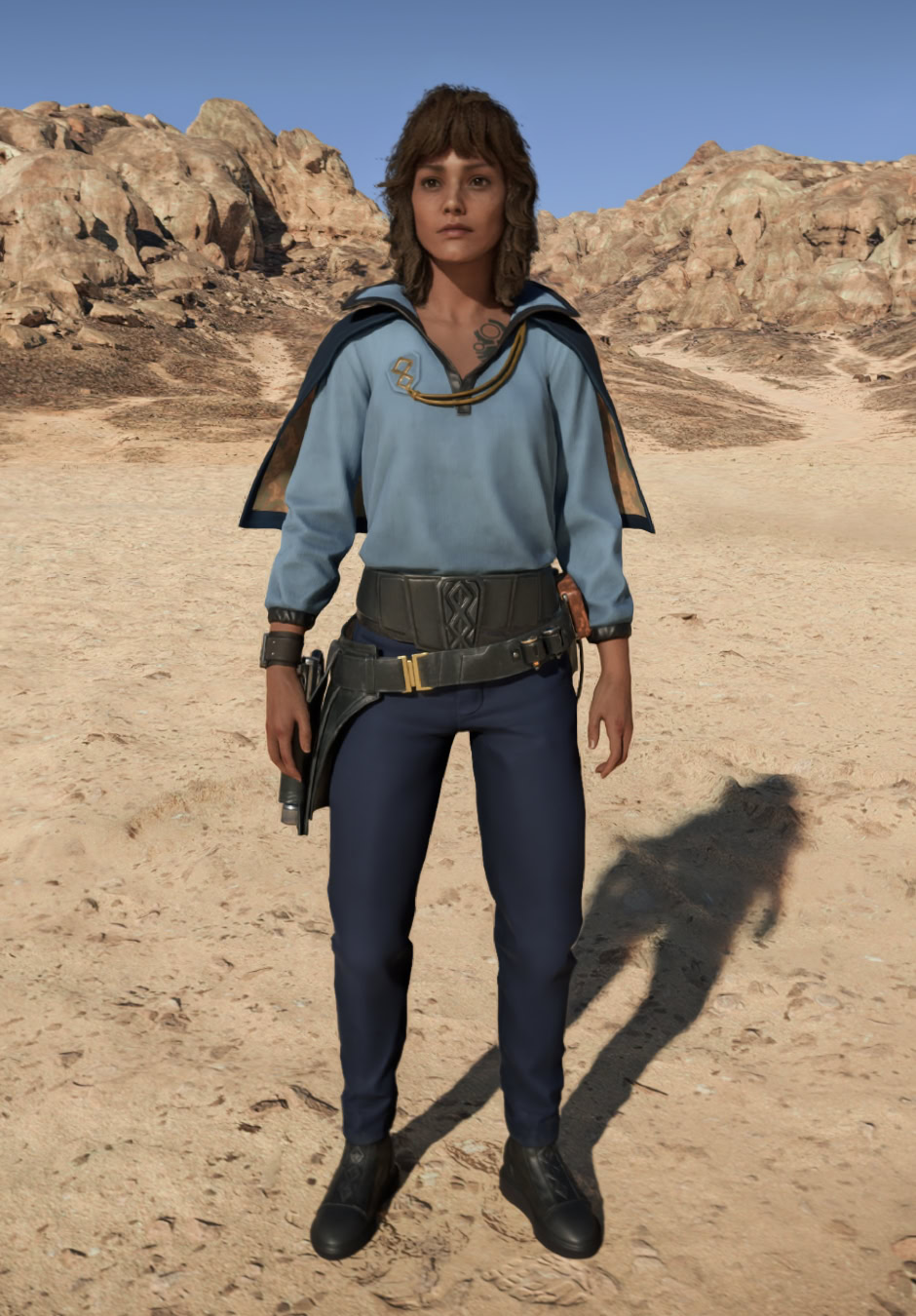
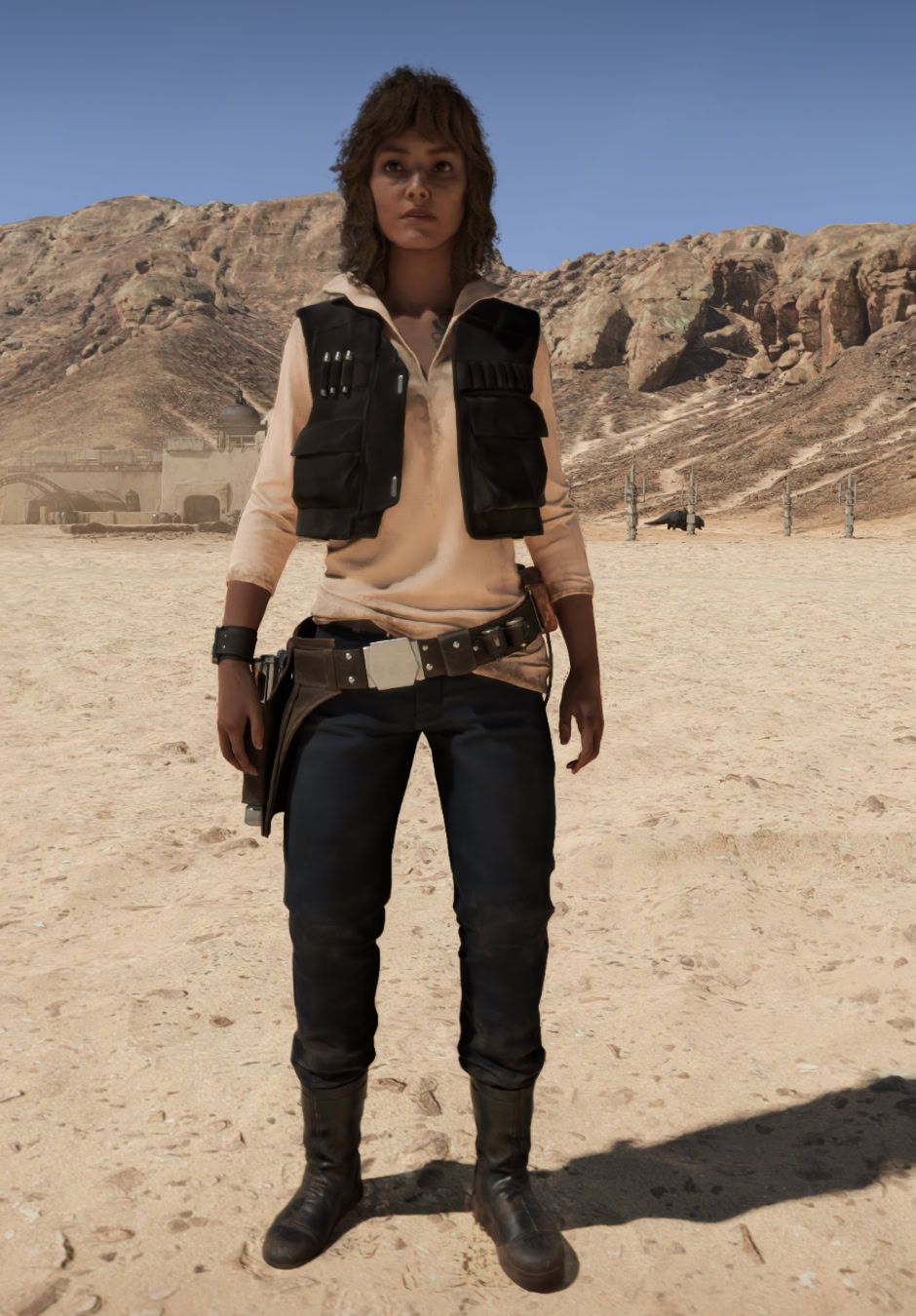
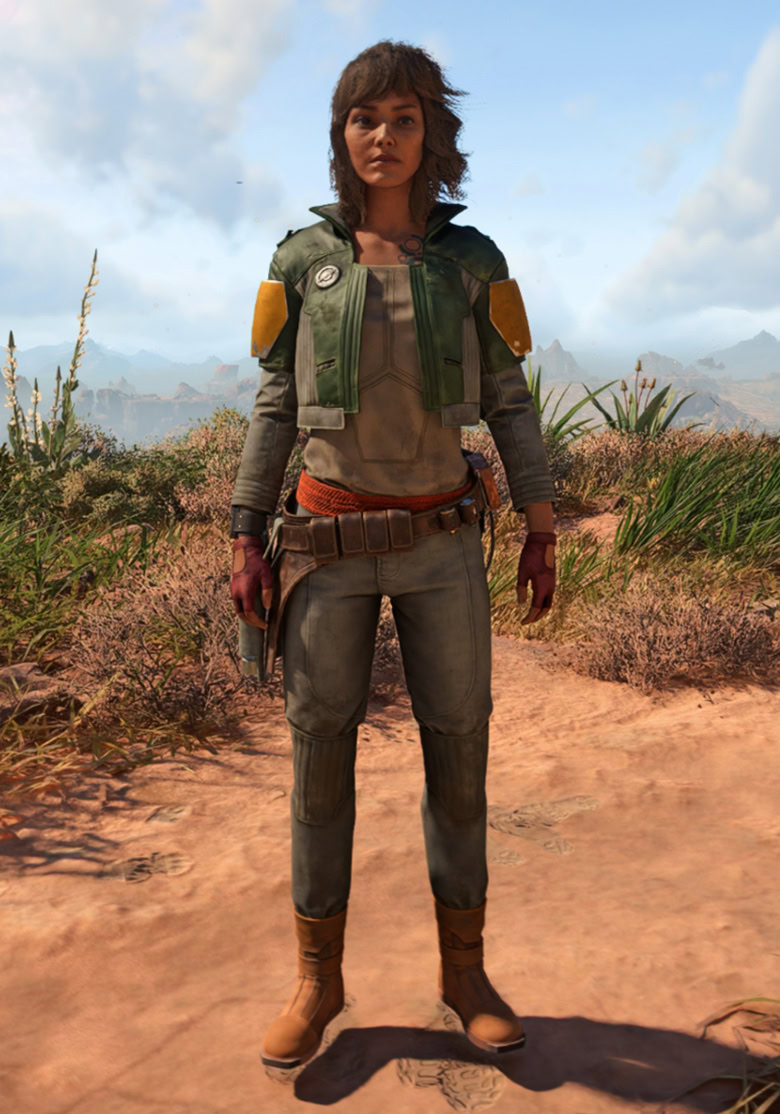
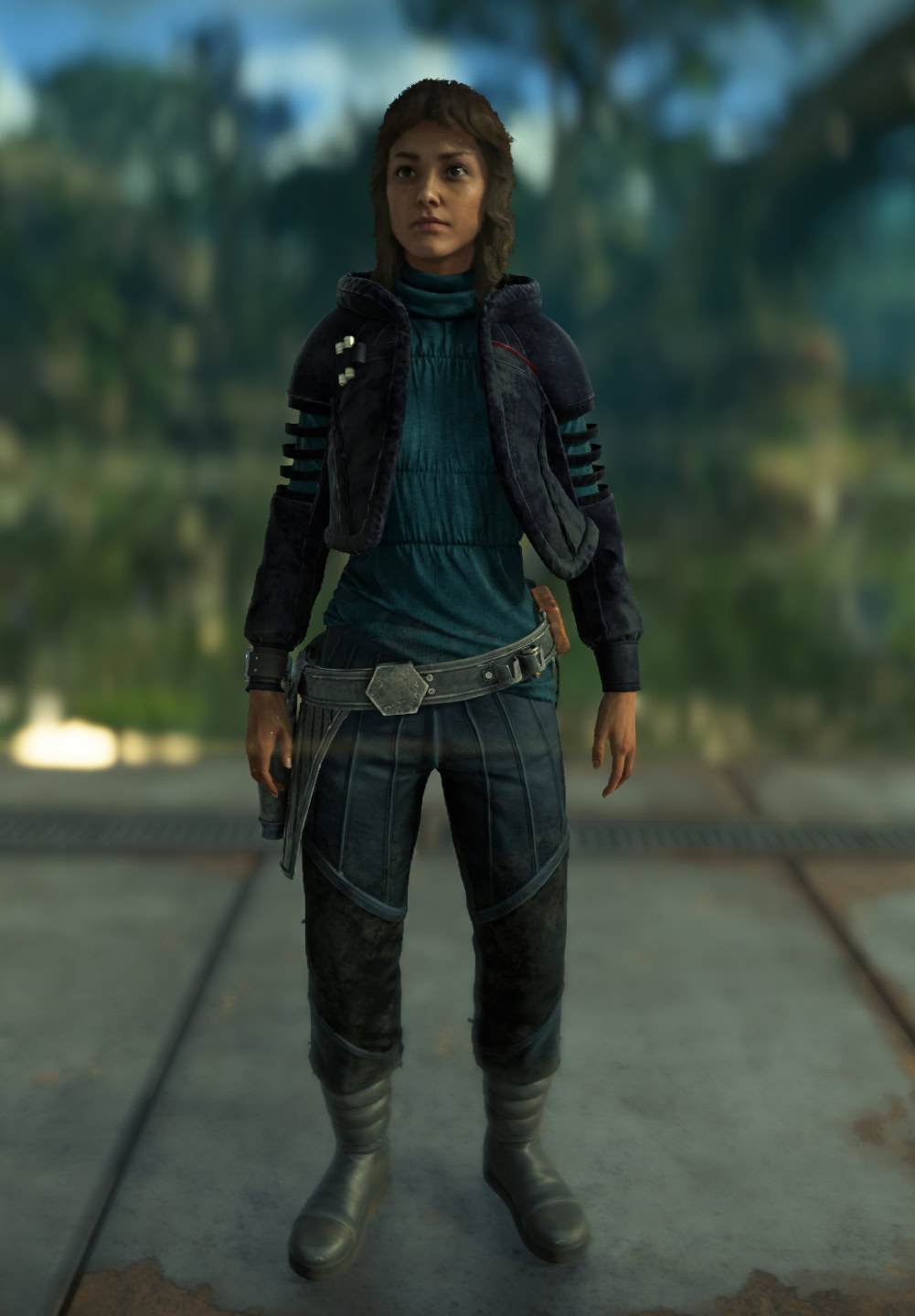
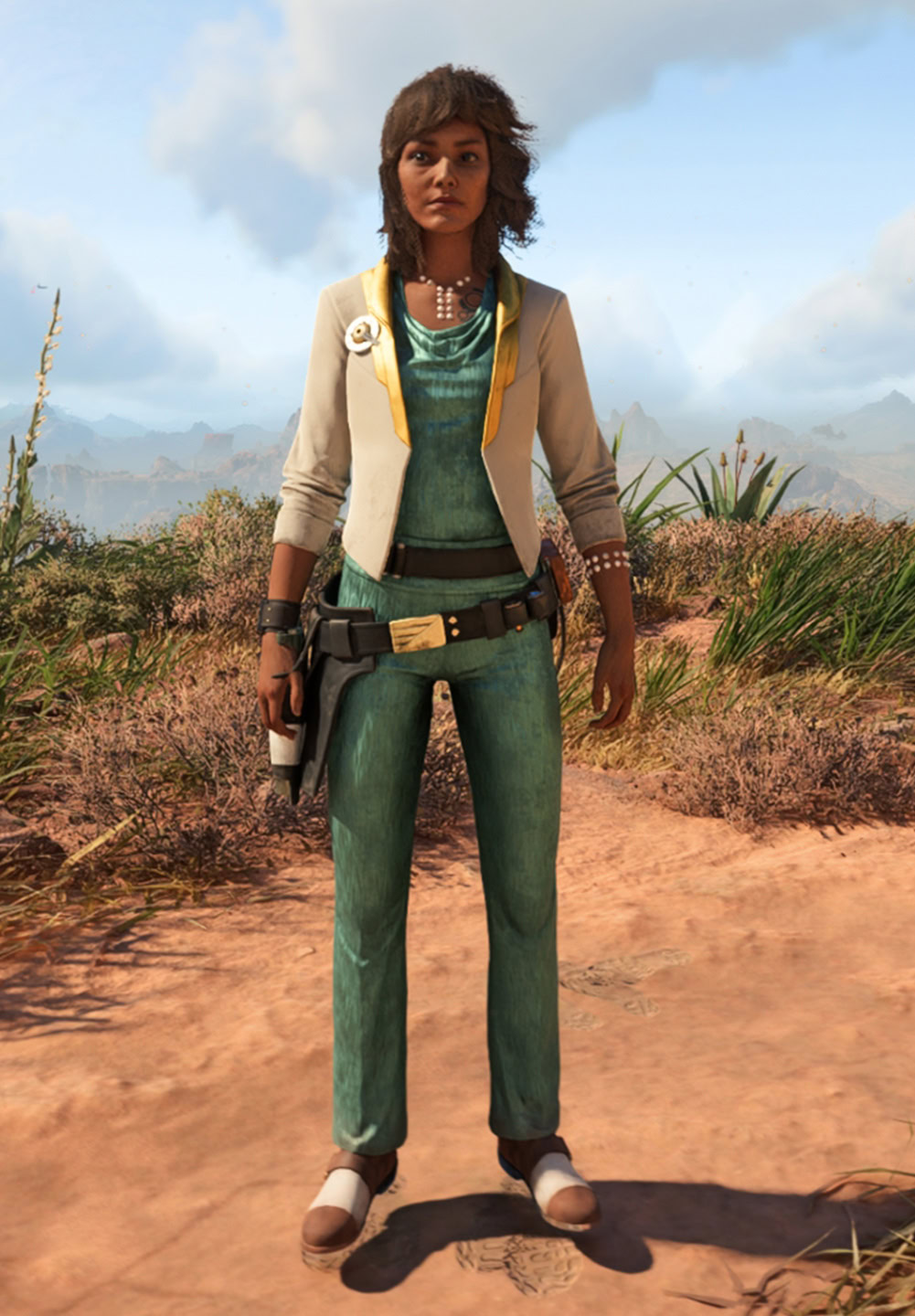
We have a complete catalog to all Outfits in Star Wars Outlaws where we show you what each one looks like, its stats (if applicable) and how to get the individual pieces.
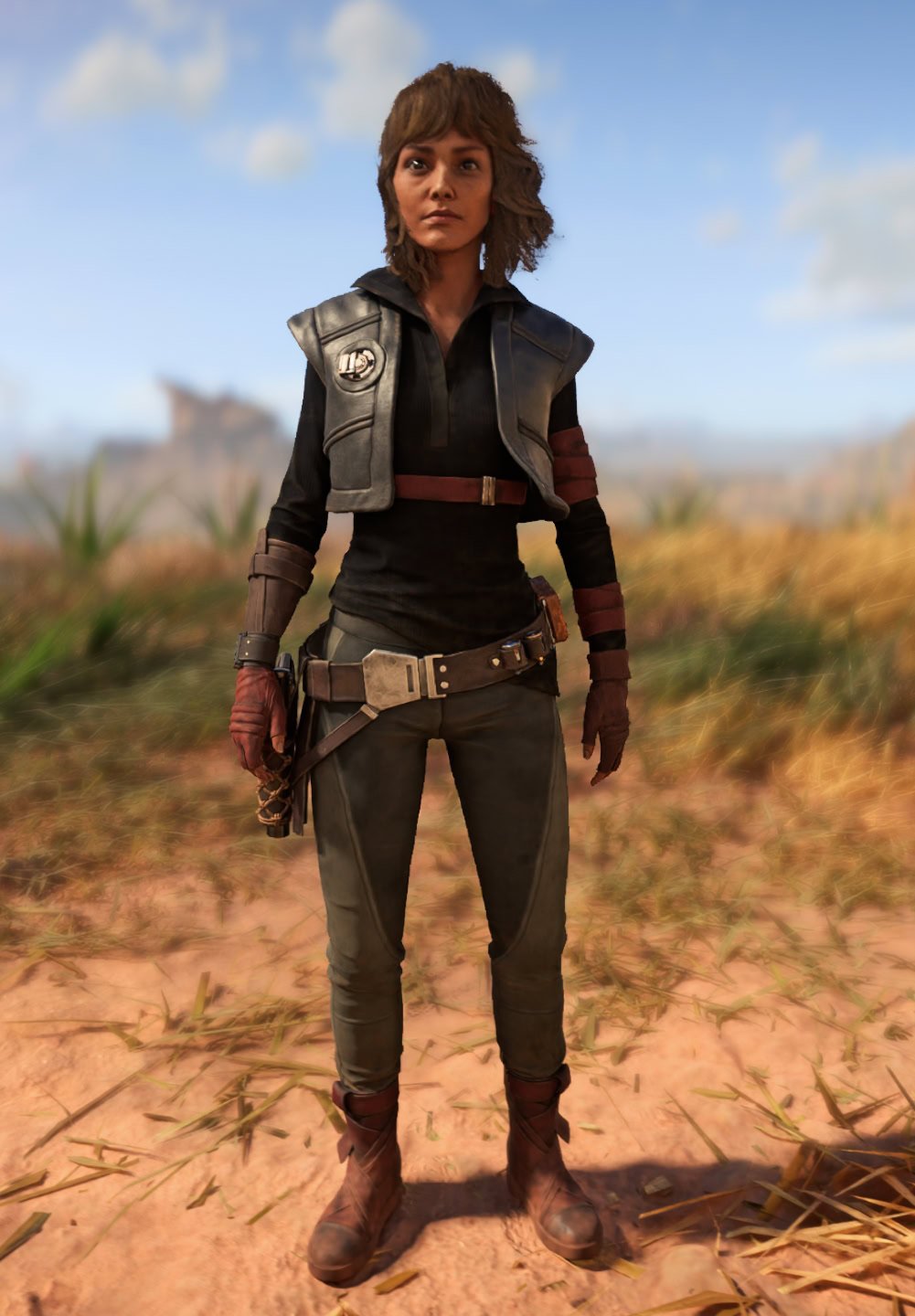
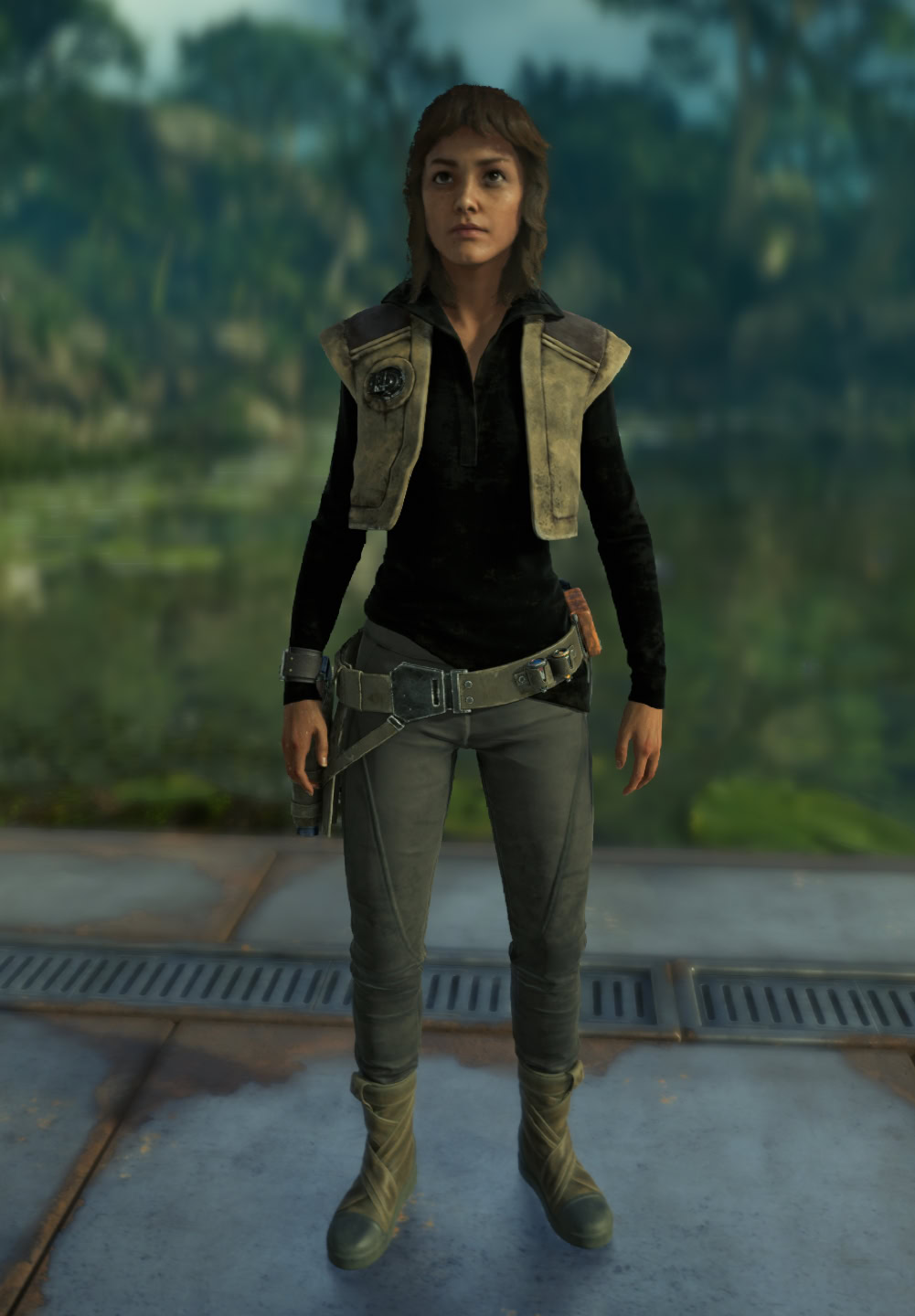
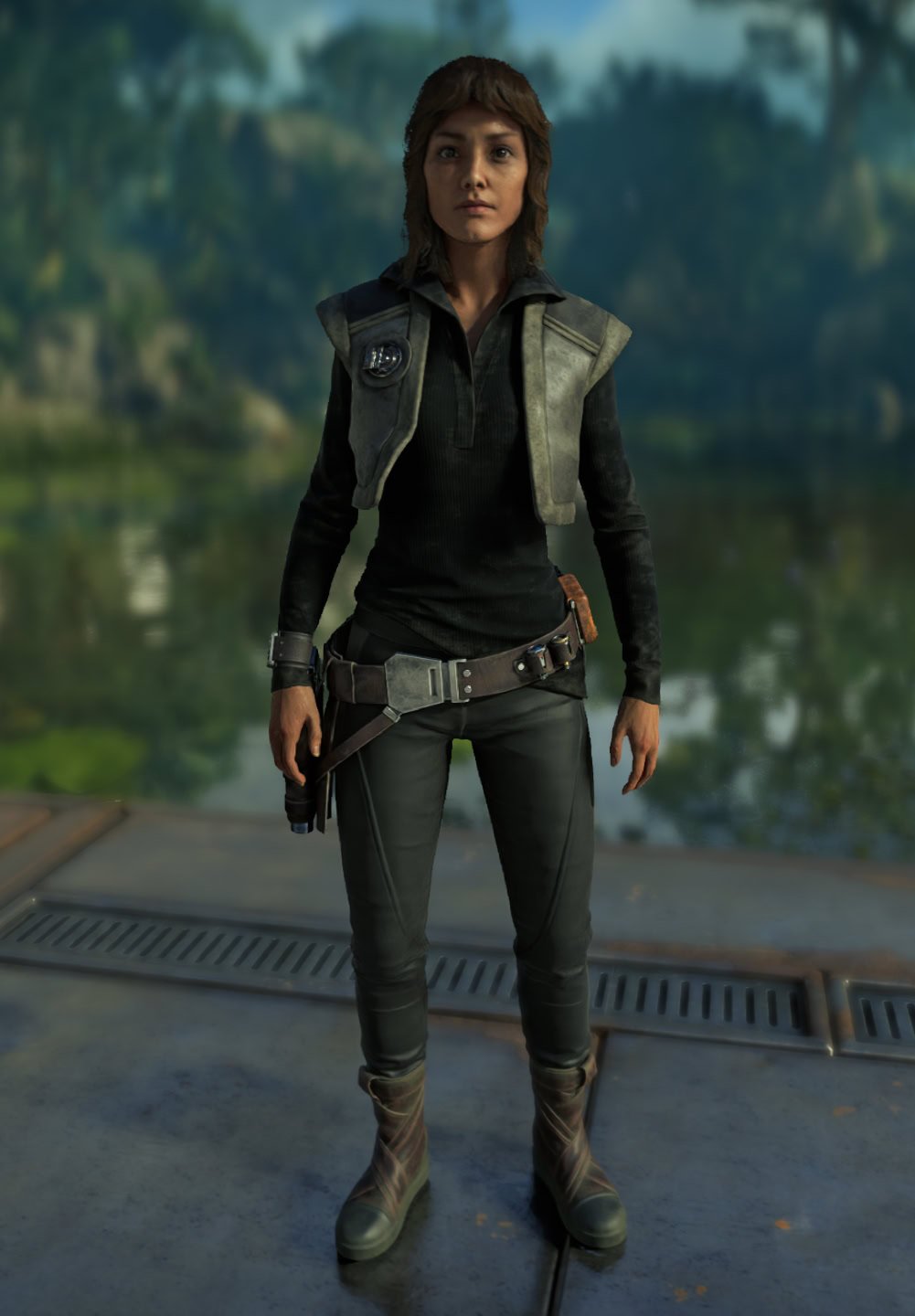
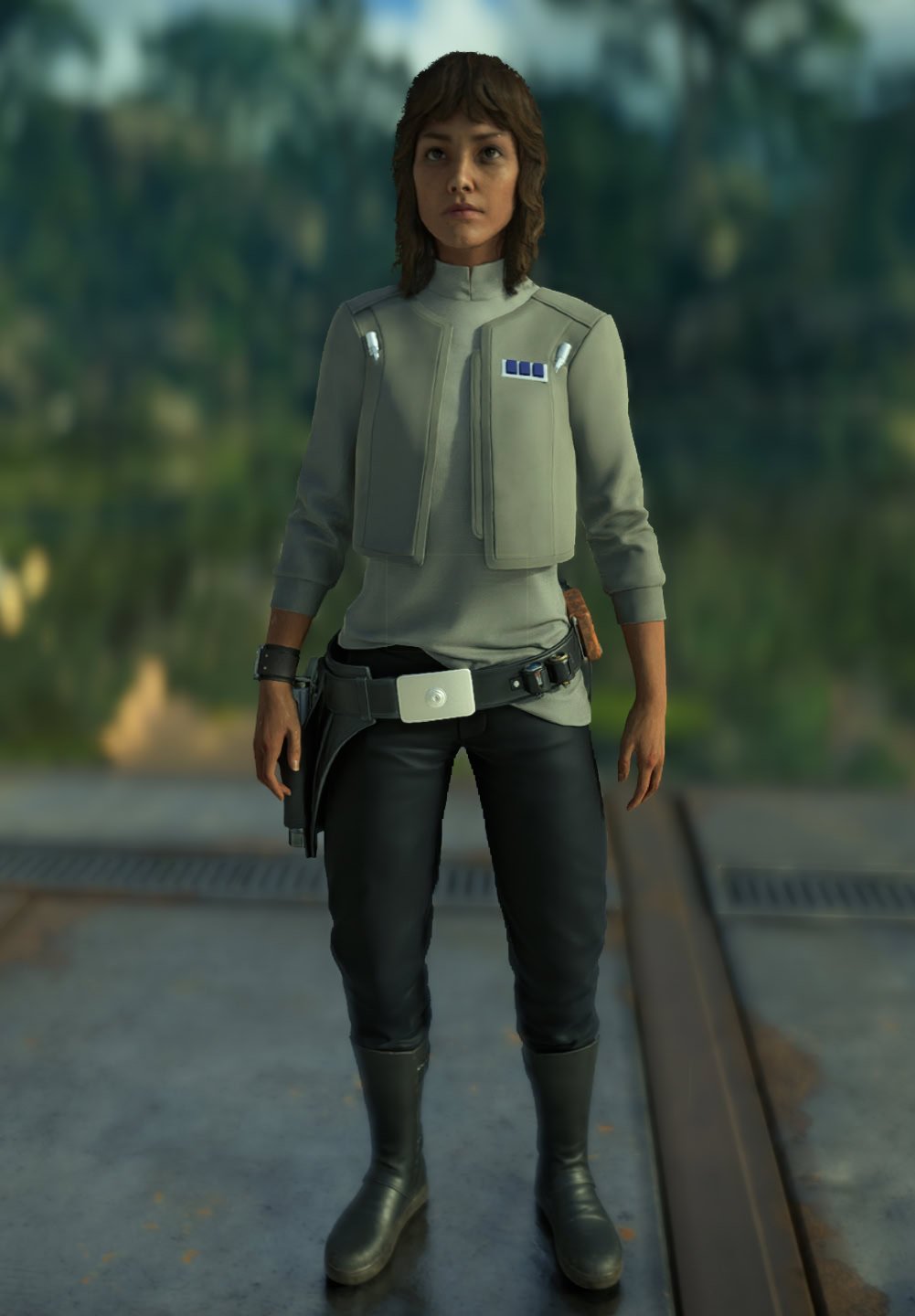
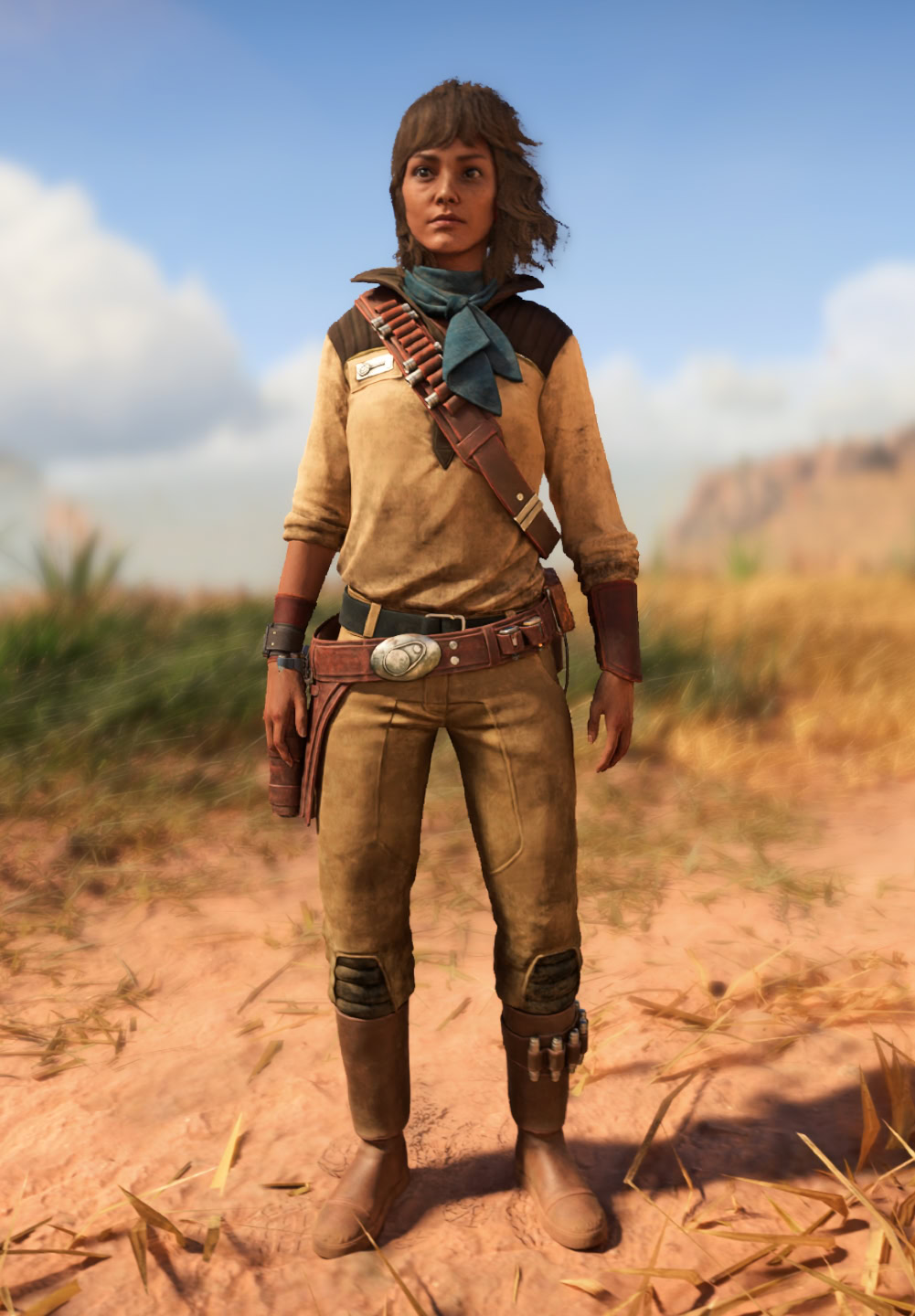
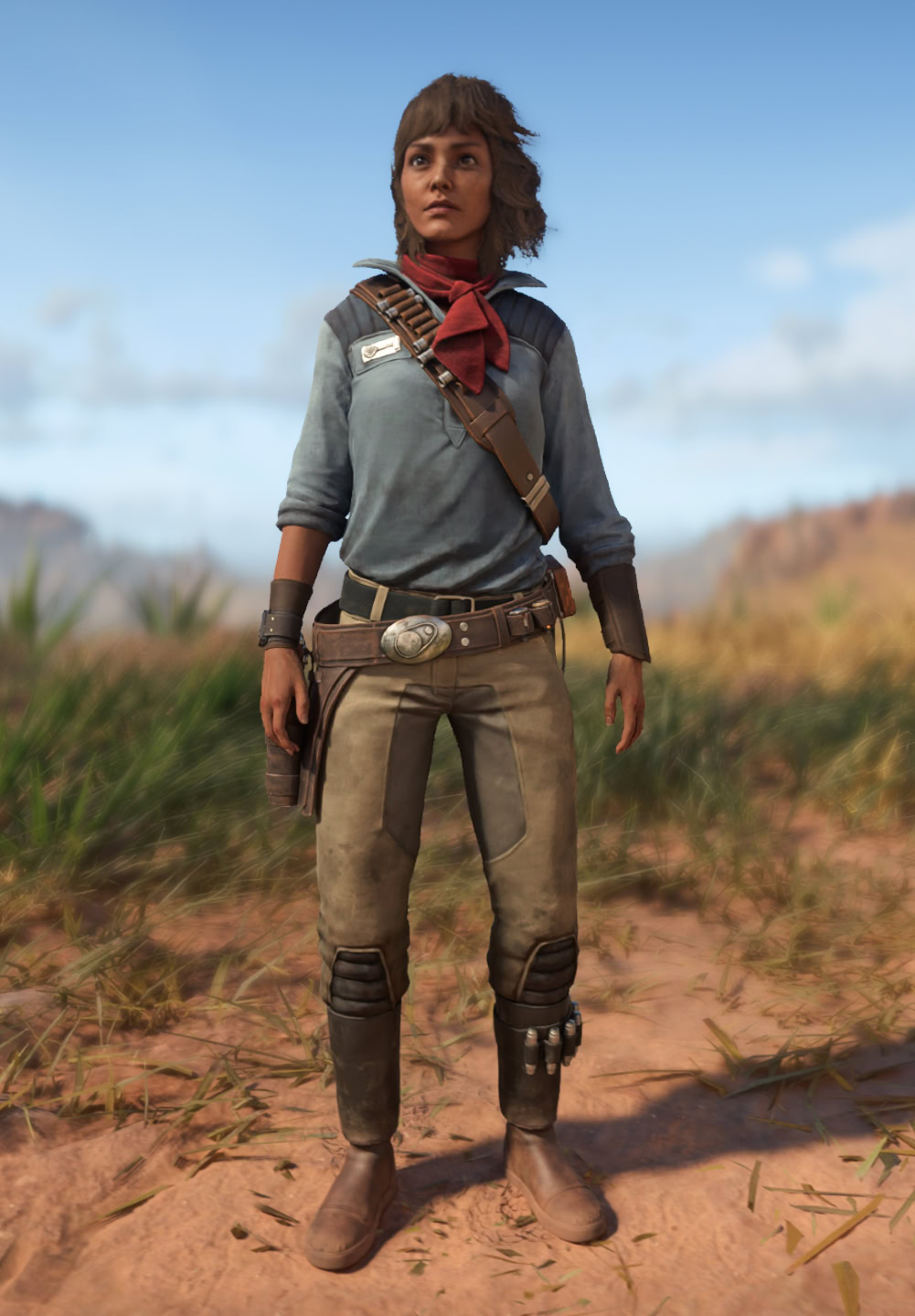
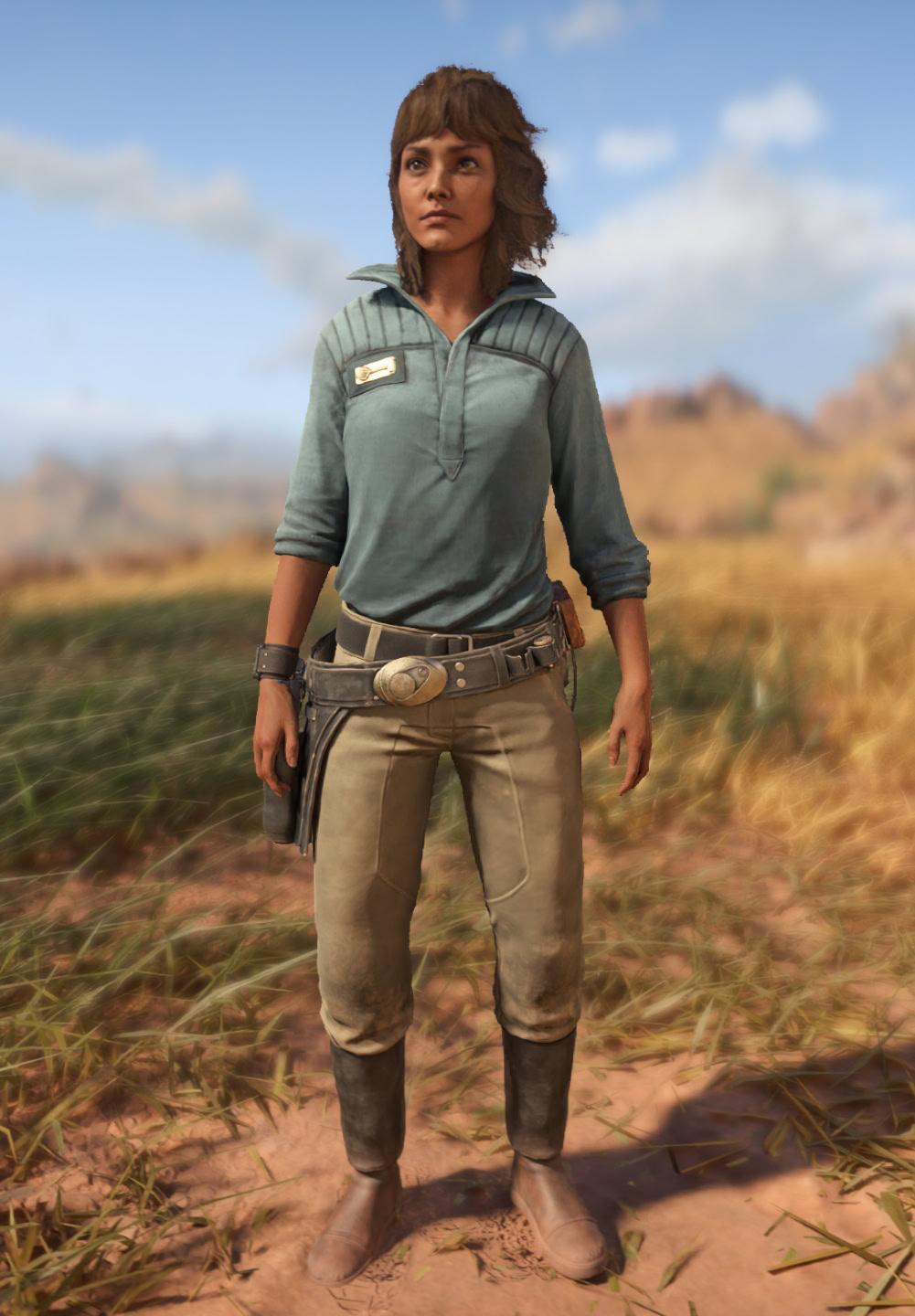
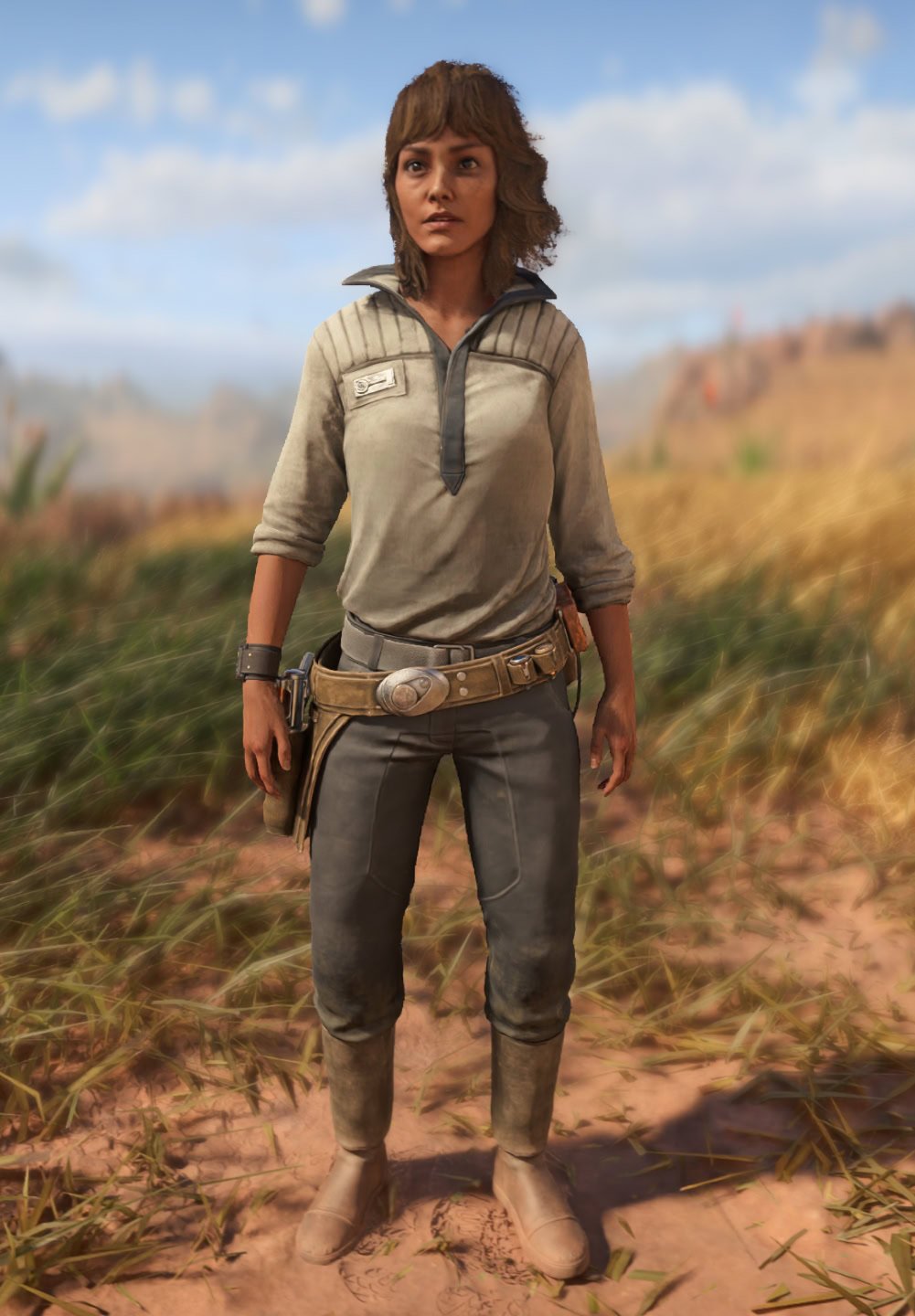
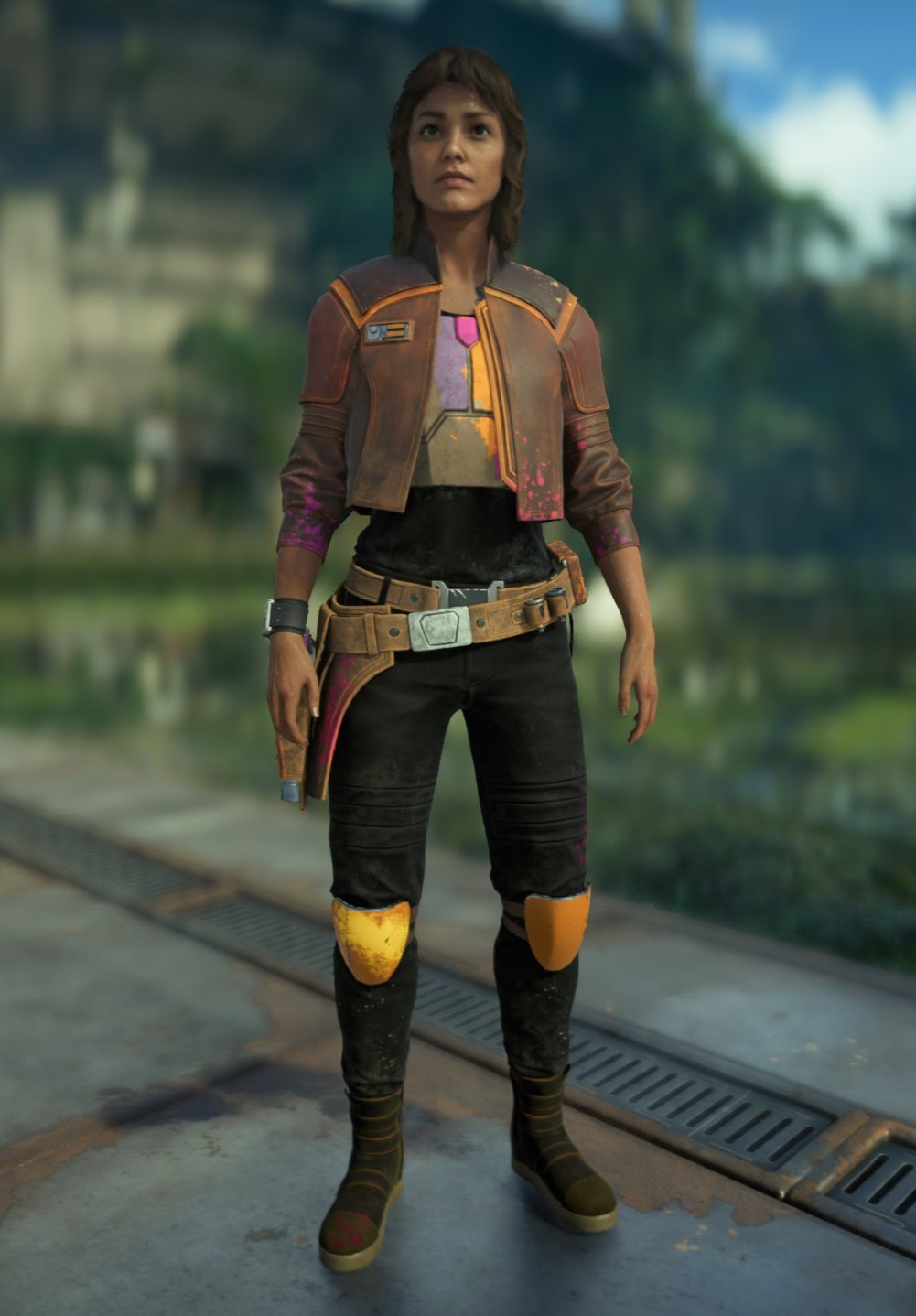
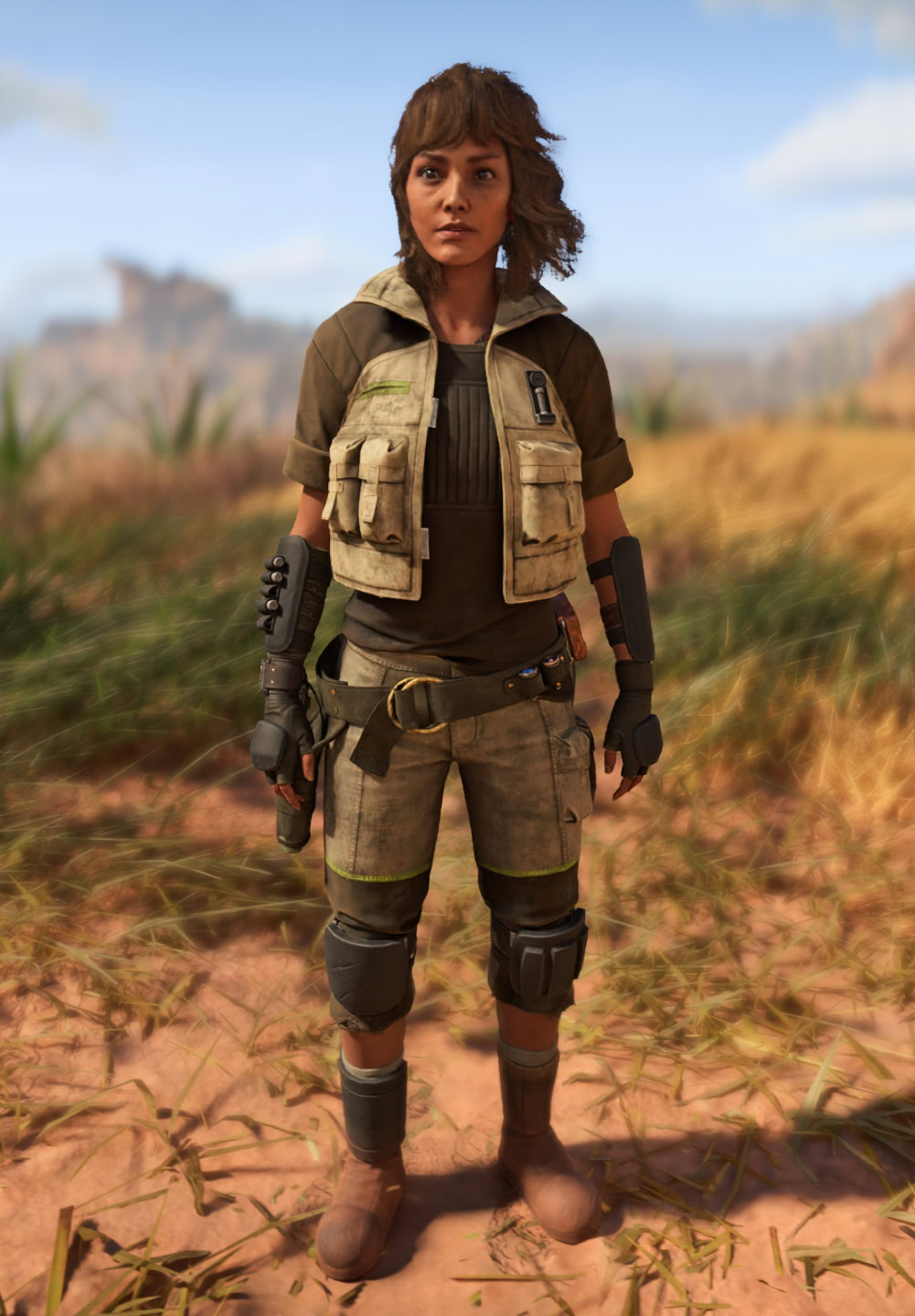
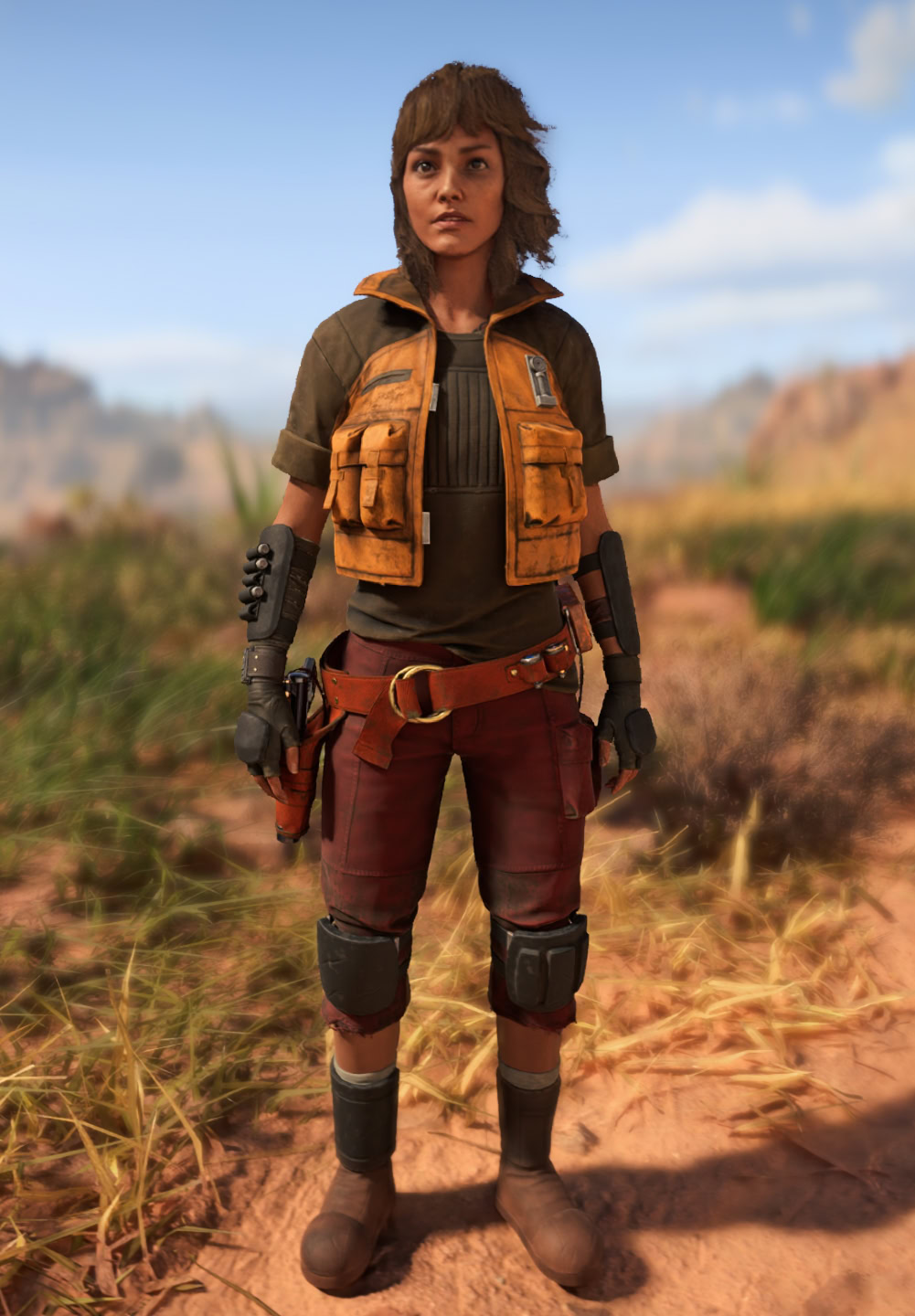
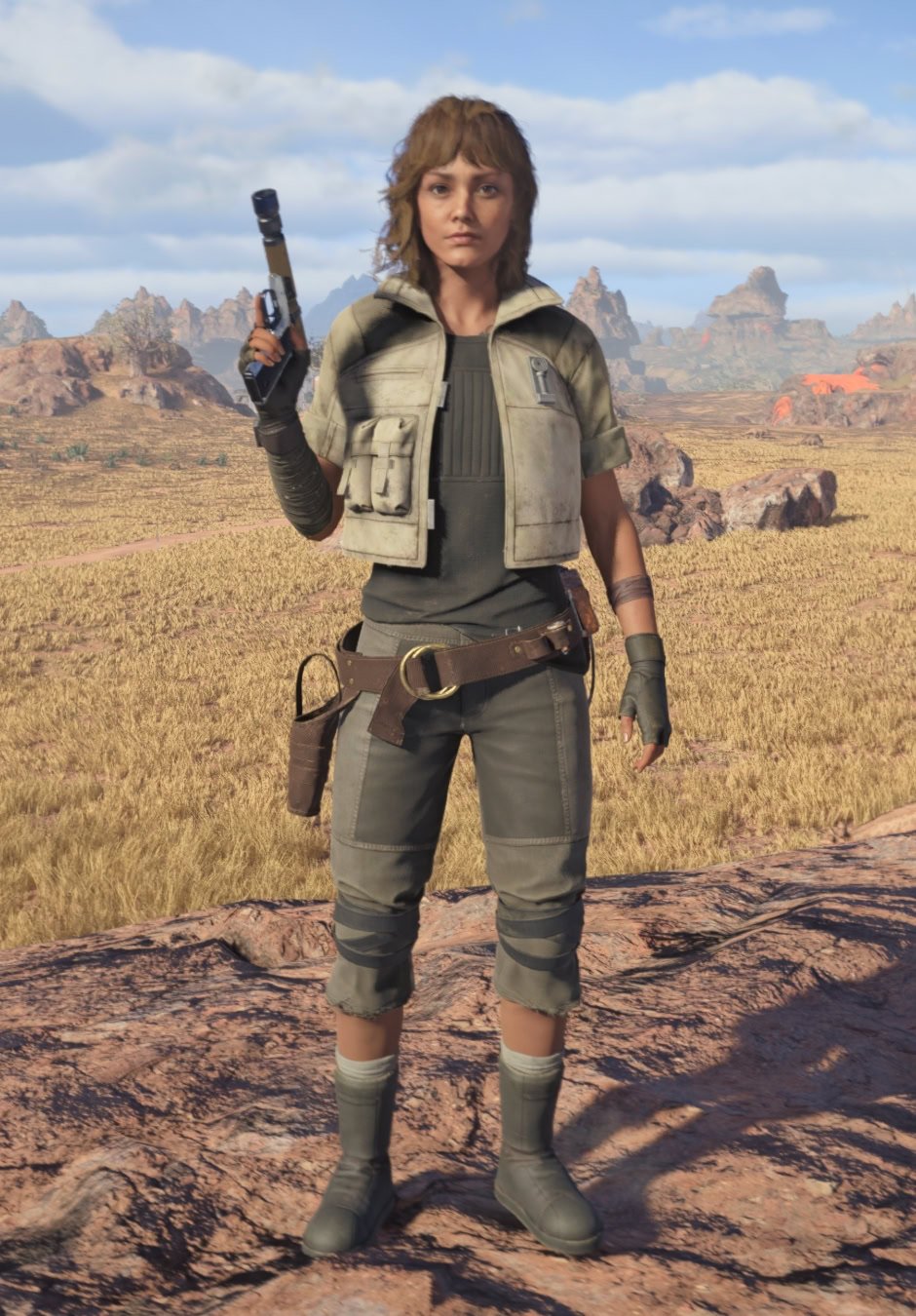
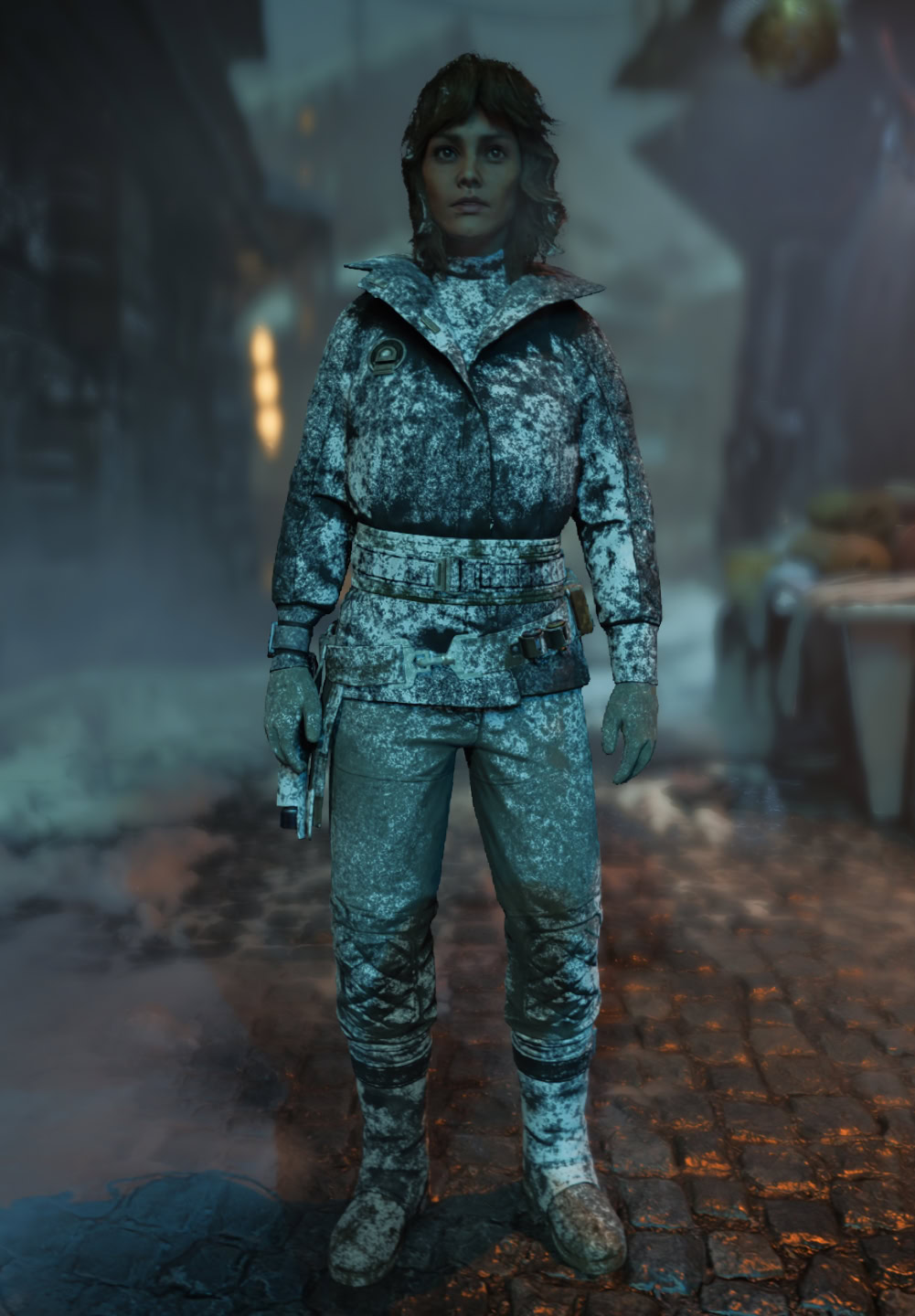
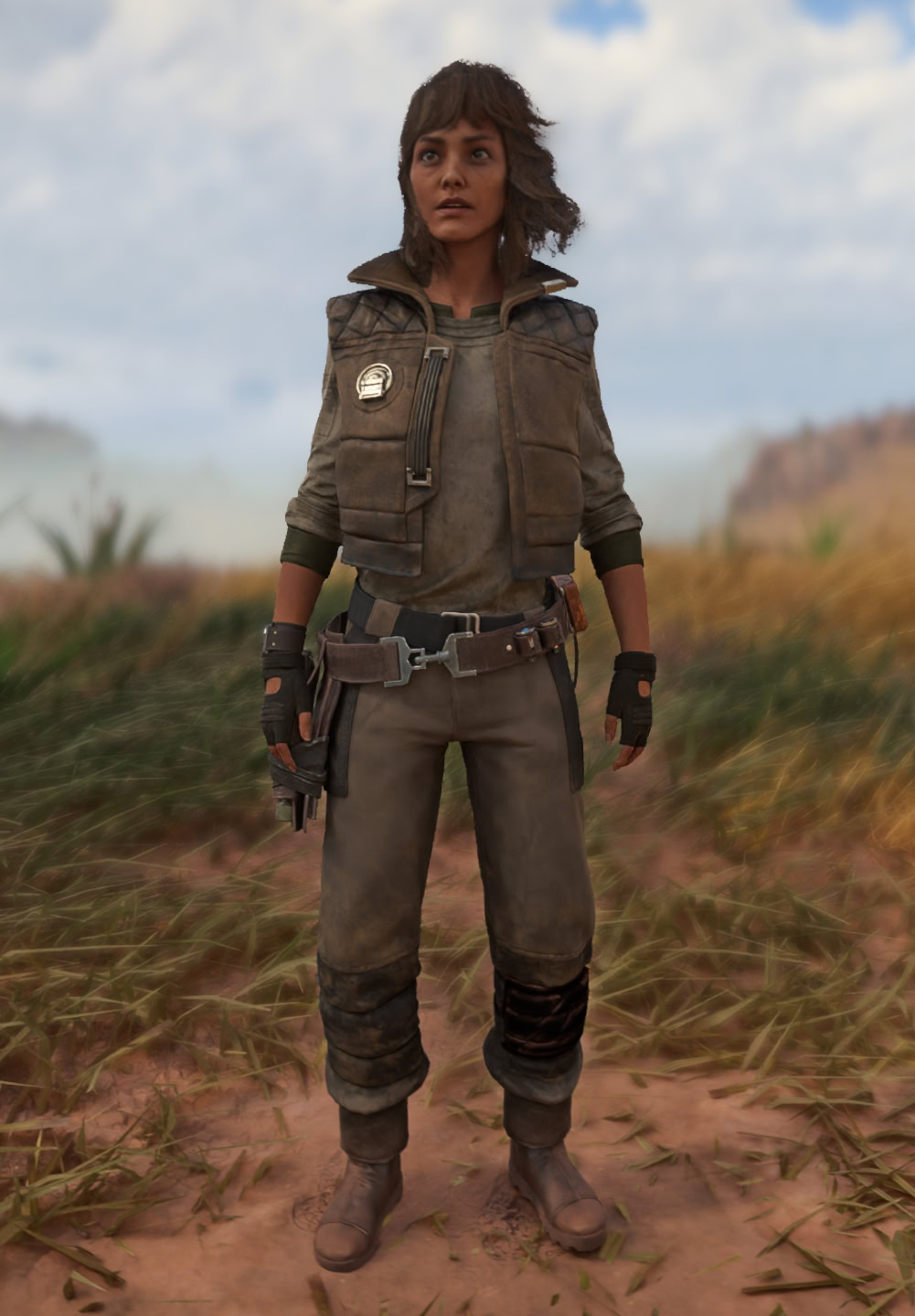
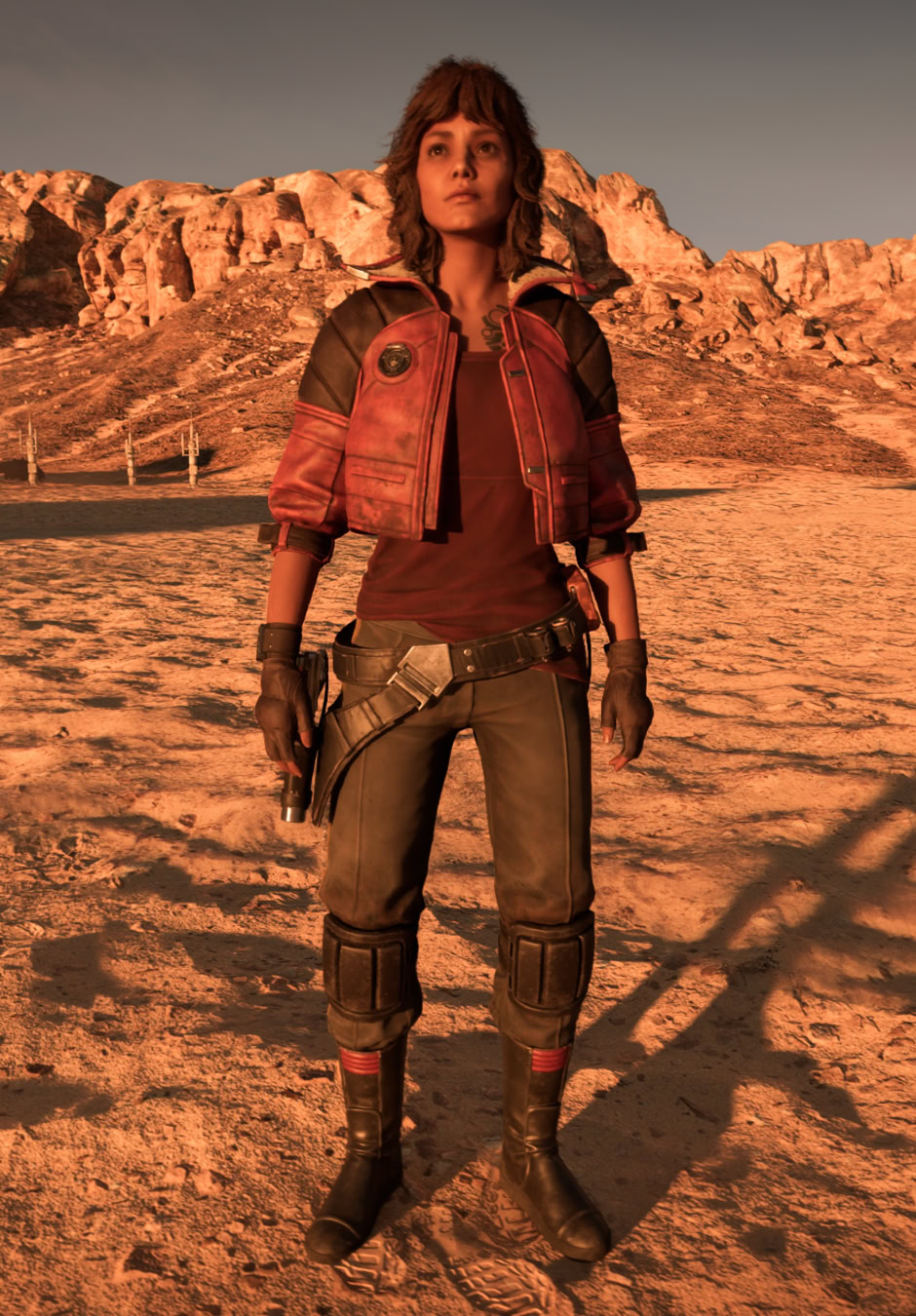
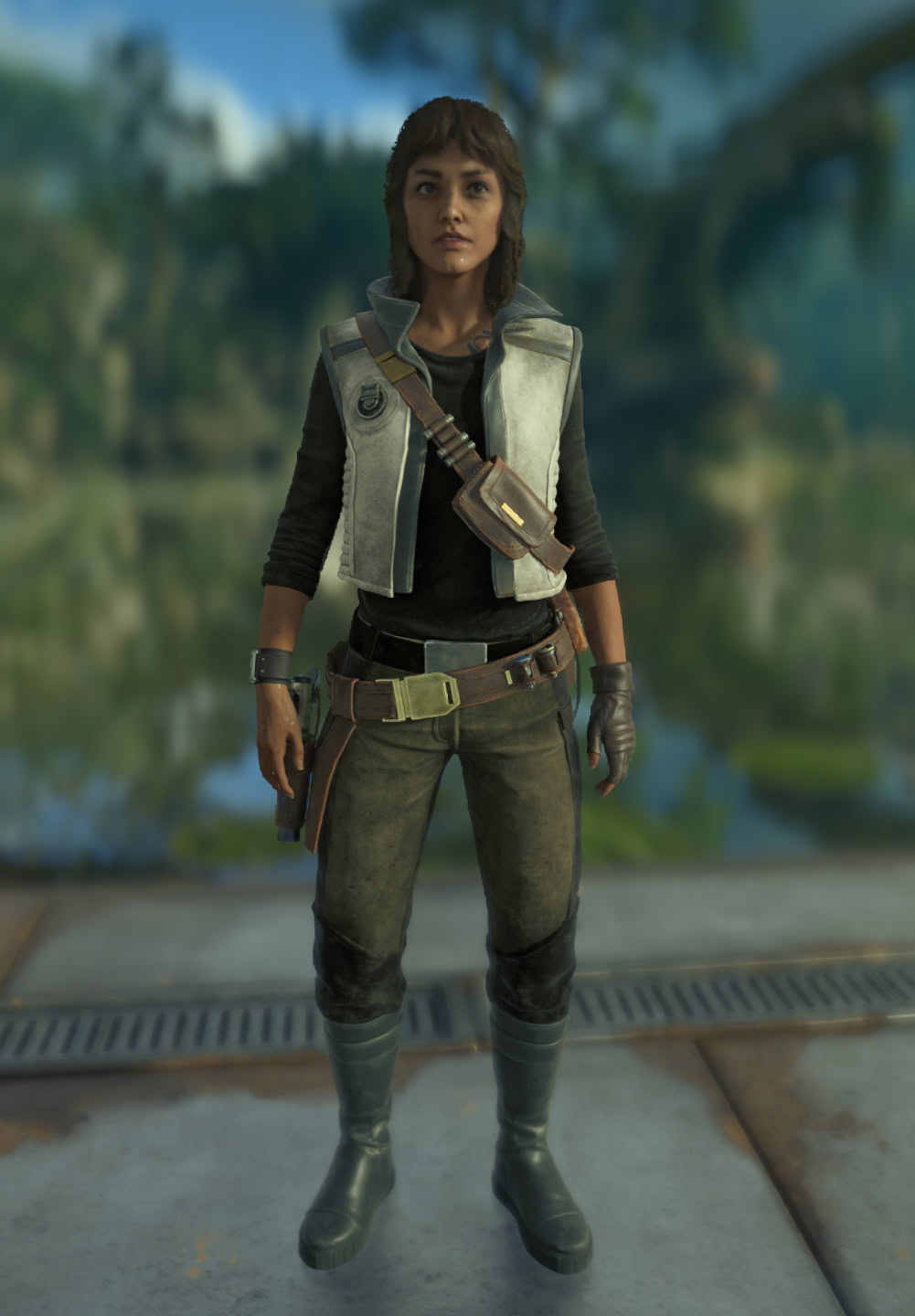
Charms Types and Full Lists
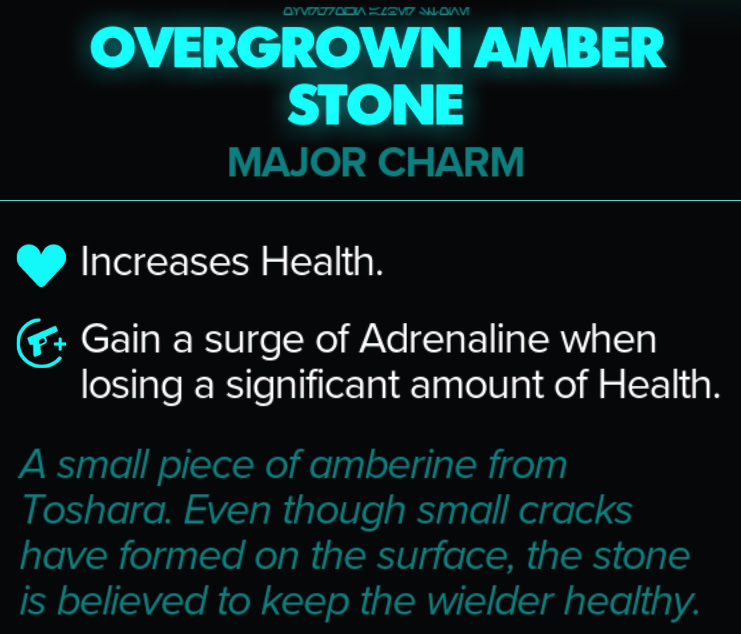
There are two types of Charms. Major Charms often grant valuable powerful perks and Minor Charms grant just a single effect with smaller impact on your build. Unlike other gear however, their effects tend to be much more potent.
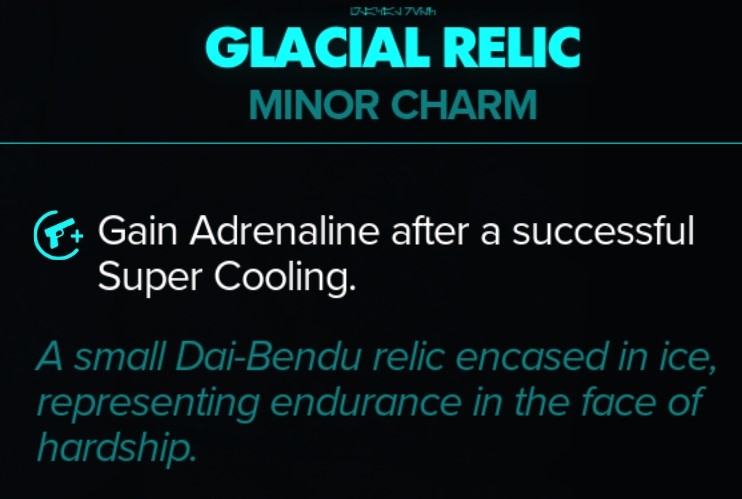
Since gear doesn’t typically provide any baseline offensive or defensive power other than their perks, those become the core parts of a loadout. Of course, even if they don’t fit your playstyle, you can also collect or purchase them to use as cosmetics.
We have complete catalogs to all Major and Minor charms in Star Wars Outlaws. They will show you what the charms offer, how to get them and what builds to use them in.
Click on an icon below to see the details for the selected Major Charm.
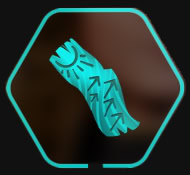
Ancient Hunter Carving

Baby Rancor Fang
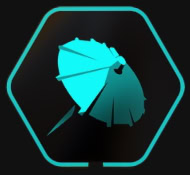
Cocktail Umbrella

Cyclone Relic
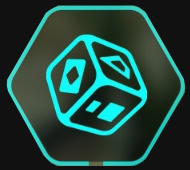
Impostor Die

Jarwal Bloom
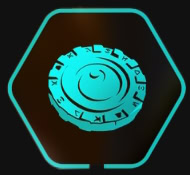
Kay’s Lucky Chip
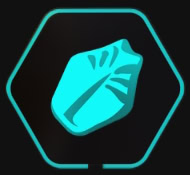
Nightsnake Scale Charm
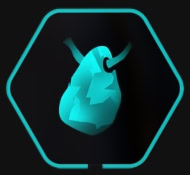
Overgrown Amber Stone
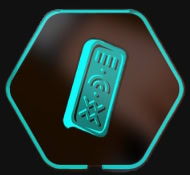
Tusken Amulet
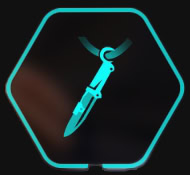
Vibroblade Talisman
Click on an icon below to see the details for the selected Minor Charm.
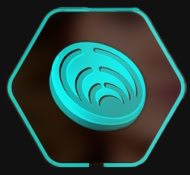
Ashiga Clan Crest
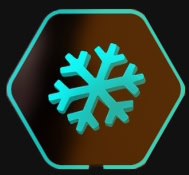
Aurora Snowflake Pin
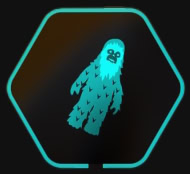
Chew Toy

Copalroot Bead
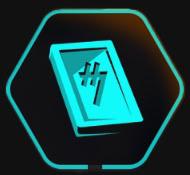
Credit Chip Talisman

Crimson Dawn Crest
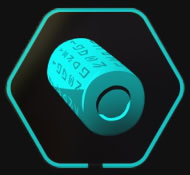
Data Cylinder
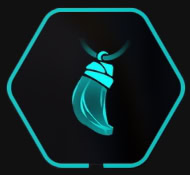
Frostfire Crystal Shard
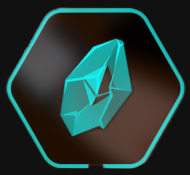
Glacial Relic
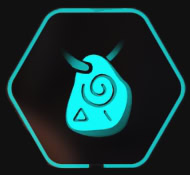
Glyph Stone
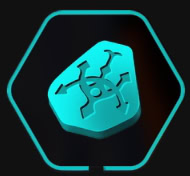
Hutt Cartel Crest
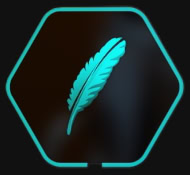
Kama Feather Token
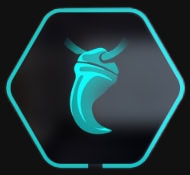
Krayt Dragon Fang
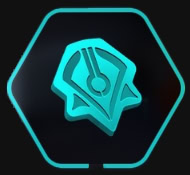
Pyke Syndicate Crest
Sunset Pebble
Tooka Paw

Varaki Eye Talisman
Vintage Chrono

Weathered Seashell Charm
Wind Chime Ornament
Nix Treats List
Throughout your adventures in the galaxy, you can find food vendors that will start the Galactic Street Food Challenge minigame.
Once completed, you’ll unlock a treat you can equip to gain new passive effects for Nix. The following are all the treats you can find in Star Wars Outlaws:
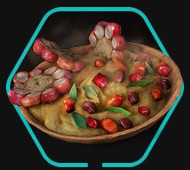
Che Mosska
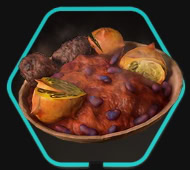
Sketto Chuga
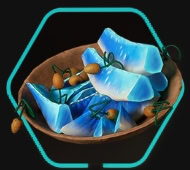
Kurado Fruit
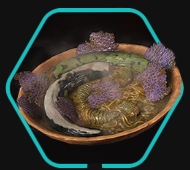
Duradan Soup
Early Game Loadout
Below is a quick starter loadout that you can create very early into the game, and as such does not fill all the Loadout Slots.
This example loadout is all about making heavy use of the Blaster and especially Adrenaline to keep us in the fight. To do so, we’ll use the following gear and bonuses:
| Slot | Equipped Gear | Effect |
|---|---|---|
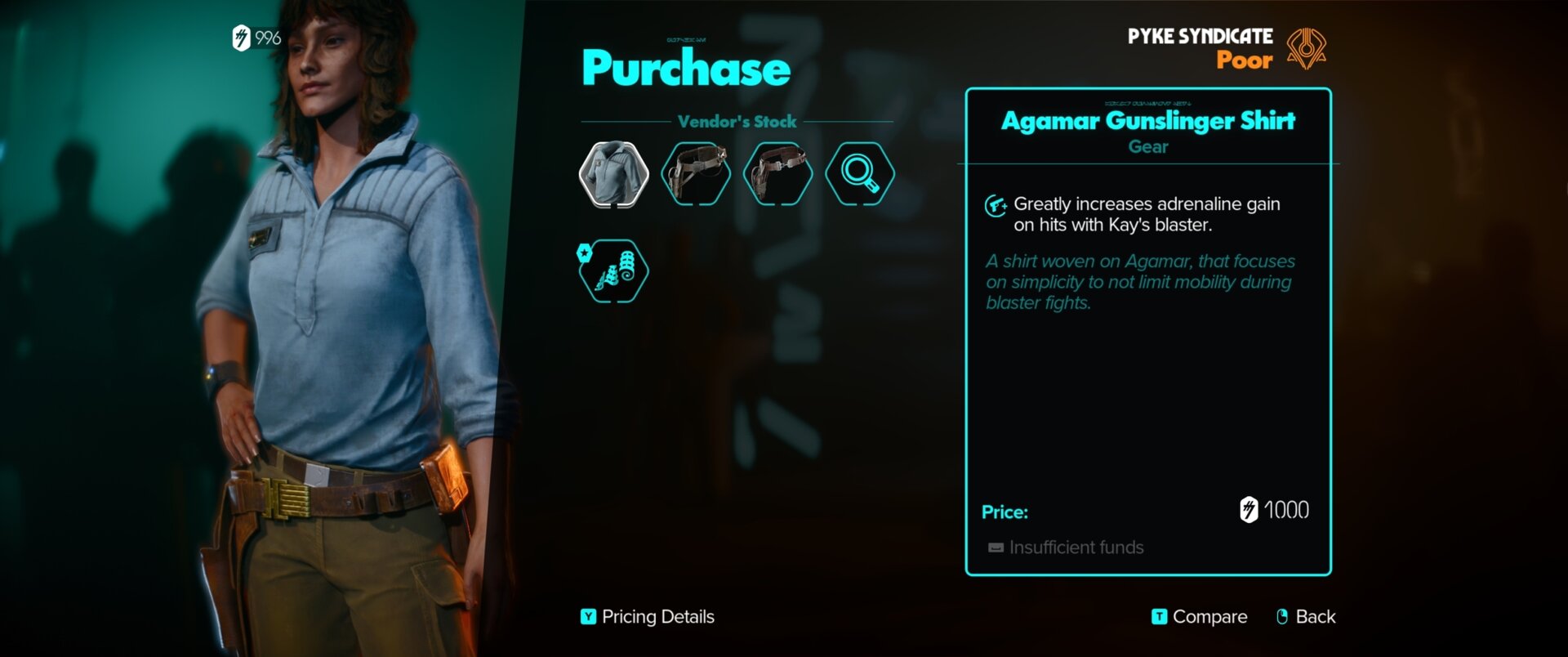
| Chest | Agamar Gunslinger Shirt | Greatly increased Adrenaline Gain from Blaster hits. |
| Legs | Any | Any |
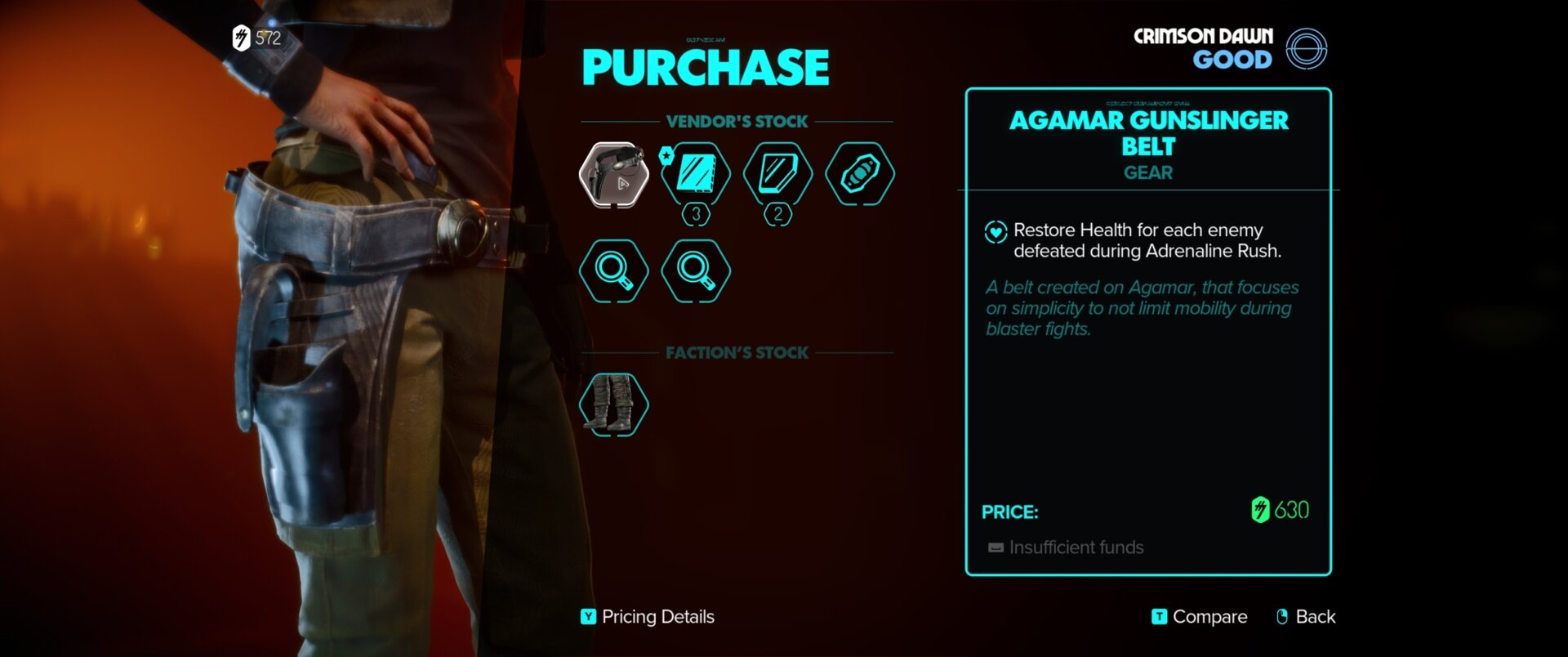
| Waist | Agamar Gunslinger Belt | Restores health for each enemy defeated during Adrenaline Rush |
| Major Charm | Overgrown Amber Stone | Increased Health. Gain Adrenaline when losing a significant amount of Health. |
| Minor Charms | Any | |
| Nix Treat | Any |
Despite the items sharing a name, they’re not considered a set and thus do not have a set bonus. However, they pair very well together, and combo exceptionally well with the Overgrown Amber Stone. We could add the Legs of the same name for more Blaster bonuses, but they are not required.
This Loadout works by allowing our Blaster to build Adrenaline for us quickly. If we don’t quite get adrenaline ready before we get low on health, the Overgrown Amber Stone will fill the gaps. Then an Adrenaline Rush that defeats multiple enemies will bring our health right back up.
Building this Loadout
If this Early Gunslinger Loadout sounds enjoyable, here’s how you can get the core parts mentioned. It’s important to note that the Vendor accssibility and prices are affected by Syndicate Reputation. This can prevent you from reaching a Vendor or simply increasing or decreasing their prices based on their faction and location.
For more information about Syndicate Reputation, check out our Syndicate Reputation System Guide, which covers this topic in detail.
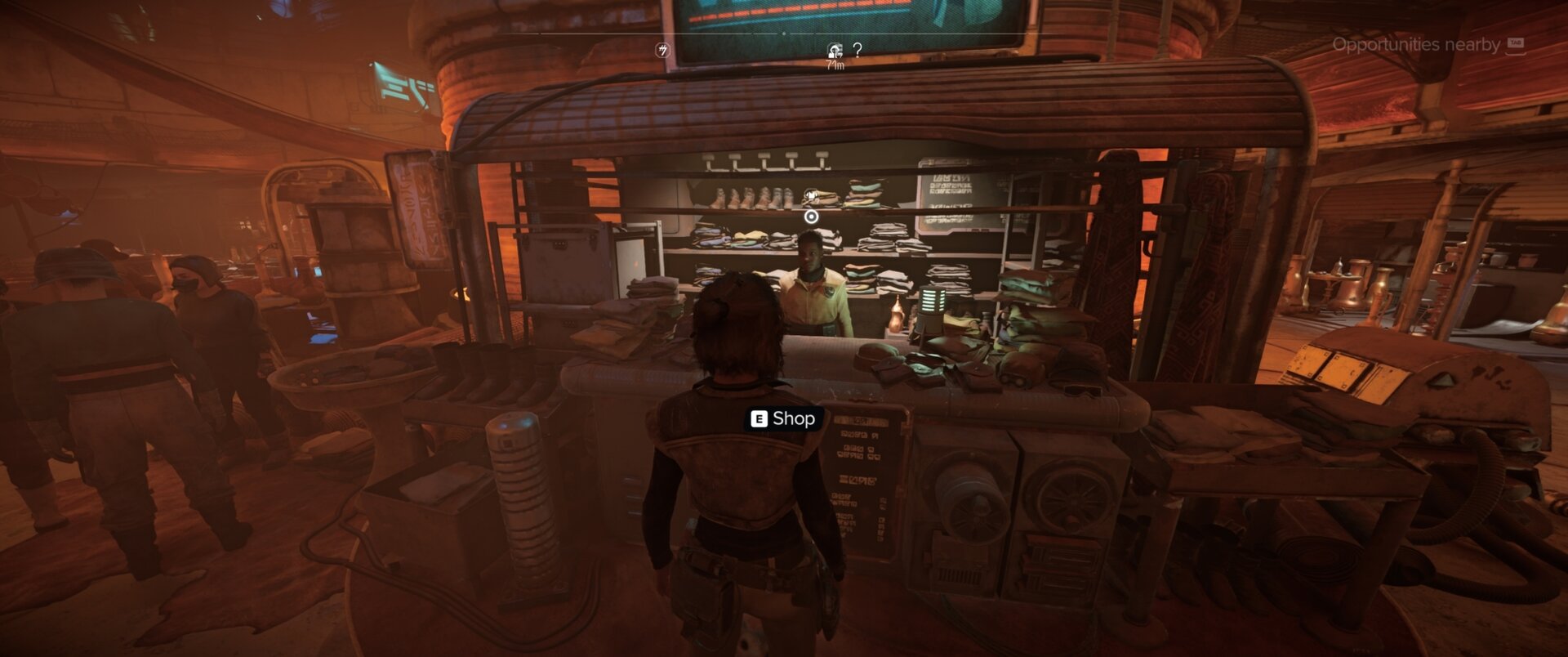
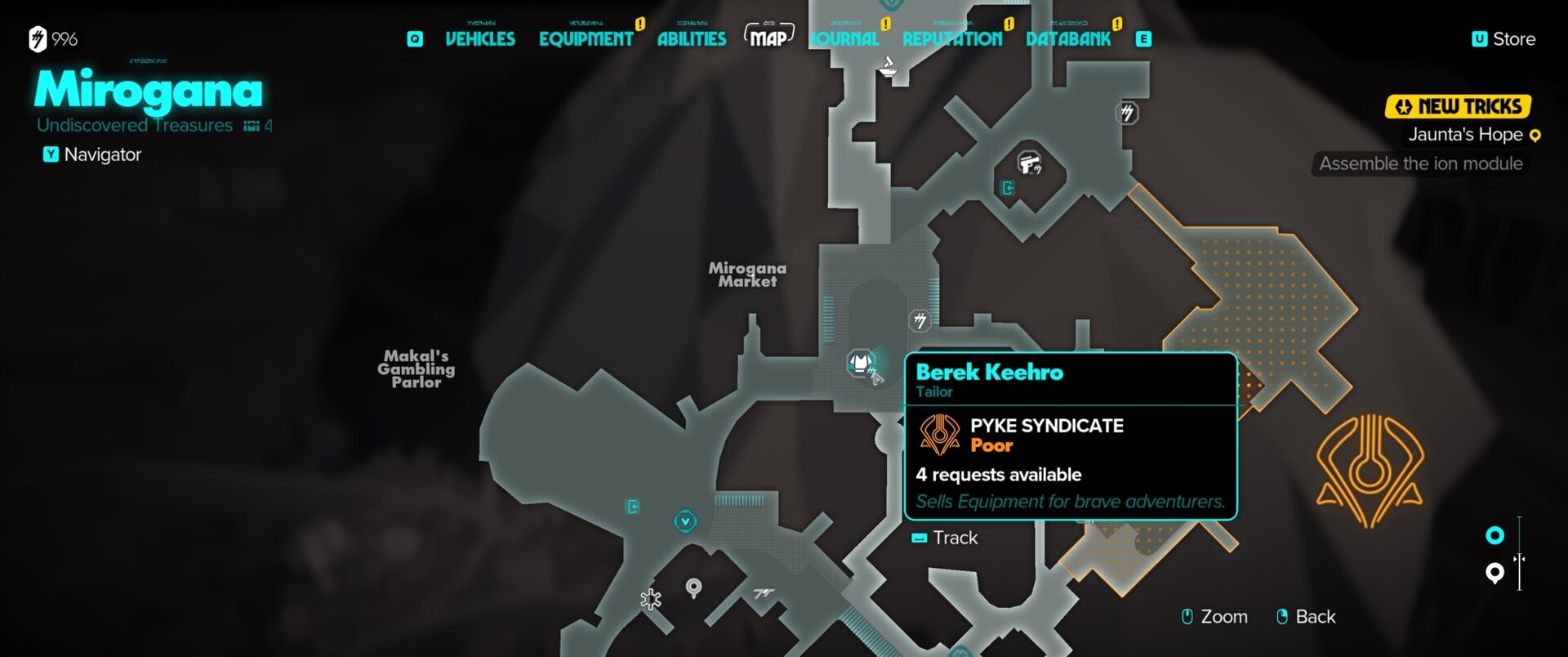
The Aramar Gunslinger Shirt is available from Berek Heehro, the Pyke Syndicate Gear Vendor, found in the Mirogana Market on Toshara. It has a base price of 700 Credits.
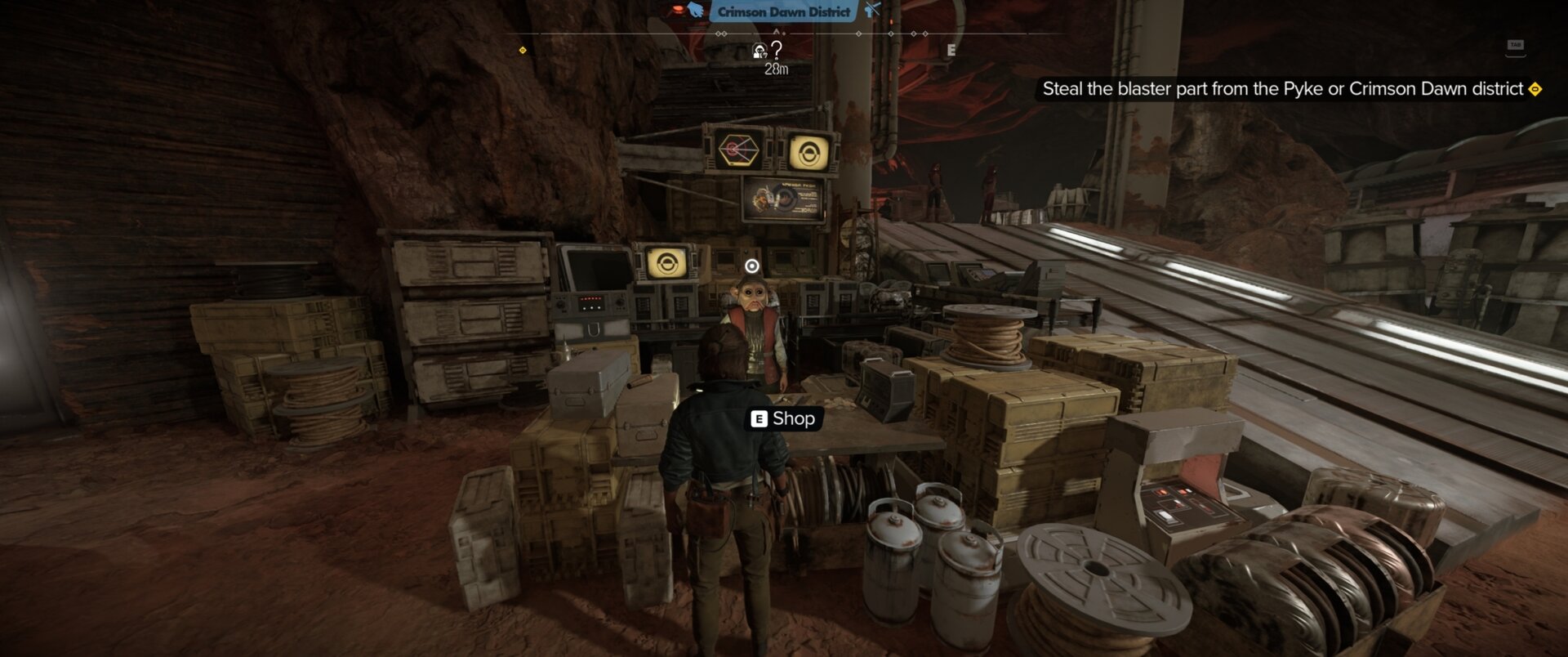
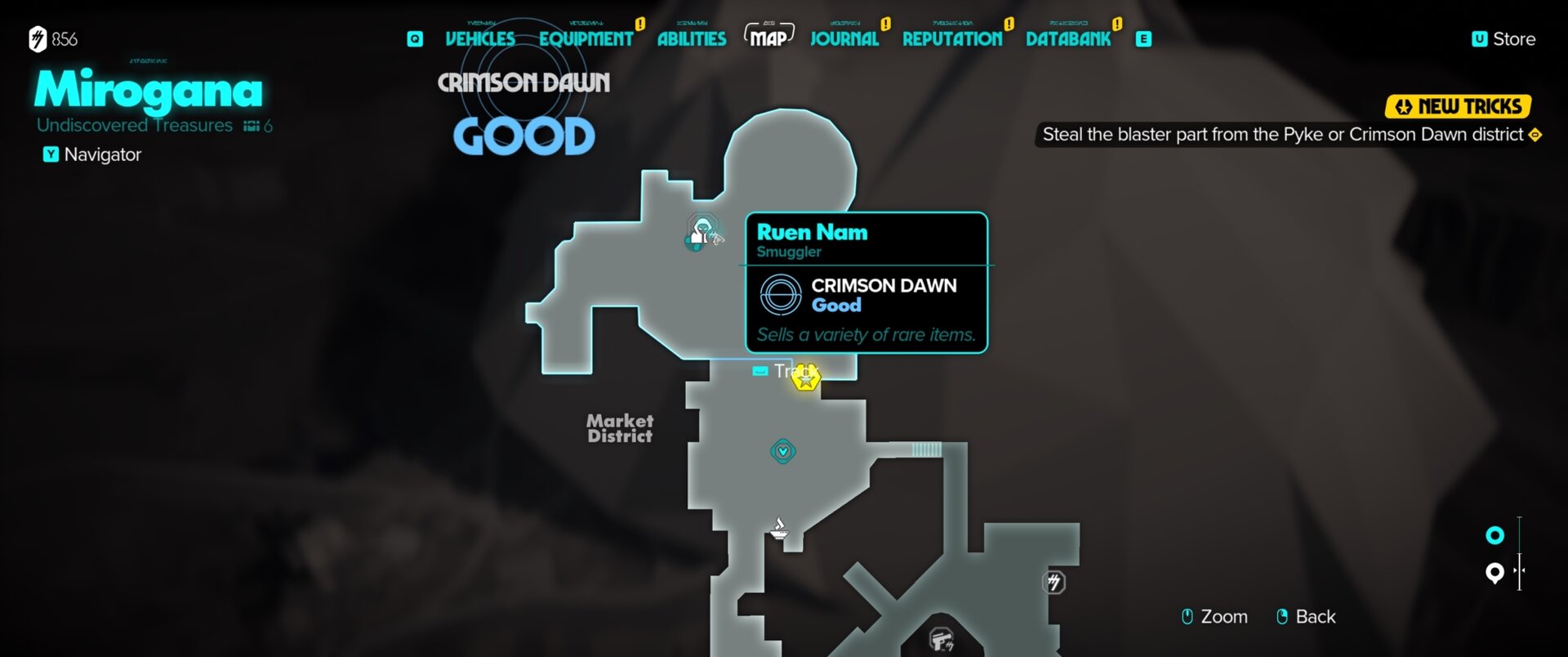
The Aramar Gunslinger Belt can be purchased from Ruen Nam, the Crimson Dawn Smuggler located in the Crimson Dawn District, just north of the Mirogana Market District on Toshara. Reputation with the Crimson Dawn must be Good or higher for this Vendor to be accessible.
The Overgrown Amber Stone Major Charm can be found in a chest located at the end of the Fallen Mound area.
That’s all we have for Star Wars Outlaws Loadout System. Be sure to check out our other Star Wars Outlaws Content for additional guides and walkthroughs.