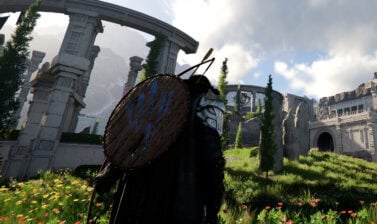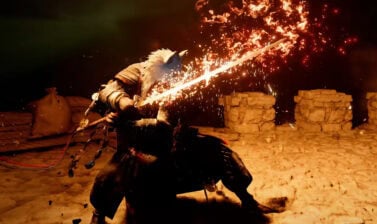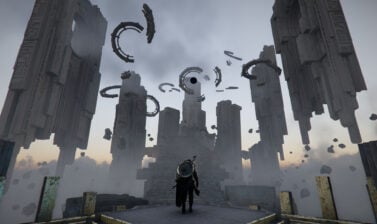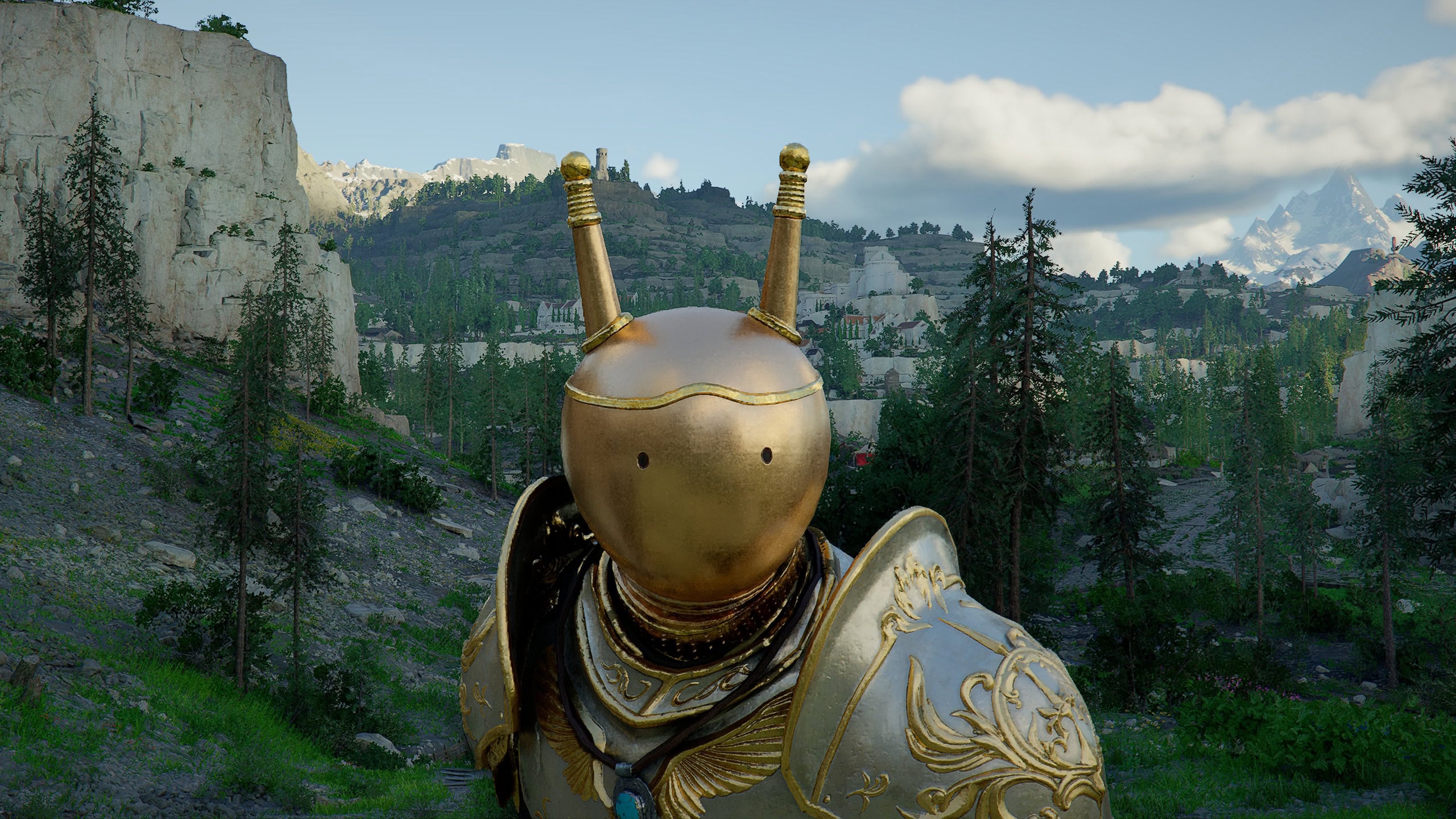

This guide details the Visione in Crimson Desert – a core mechanic used in a number of quests. Learn how to use it to view Memory Fragments.
How to Unlock the Visione
This Visione becomes available as part of the Main Story, during the “Where Light Leads” Quest involving the Lioncrest Watch Tower in Chapter 2. This Special Helmet allows the wearer to find and view Memory Fragments.
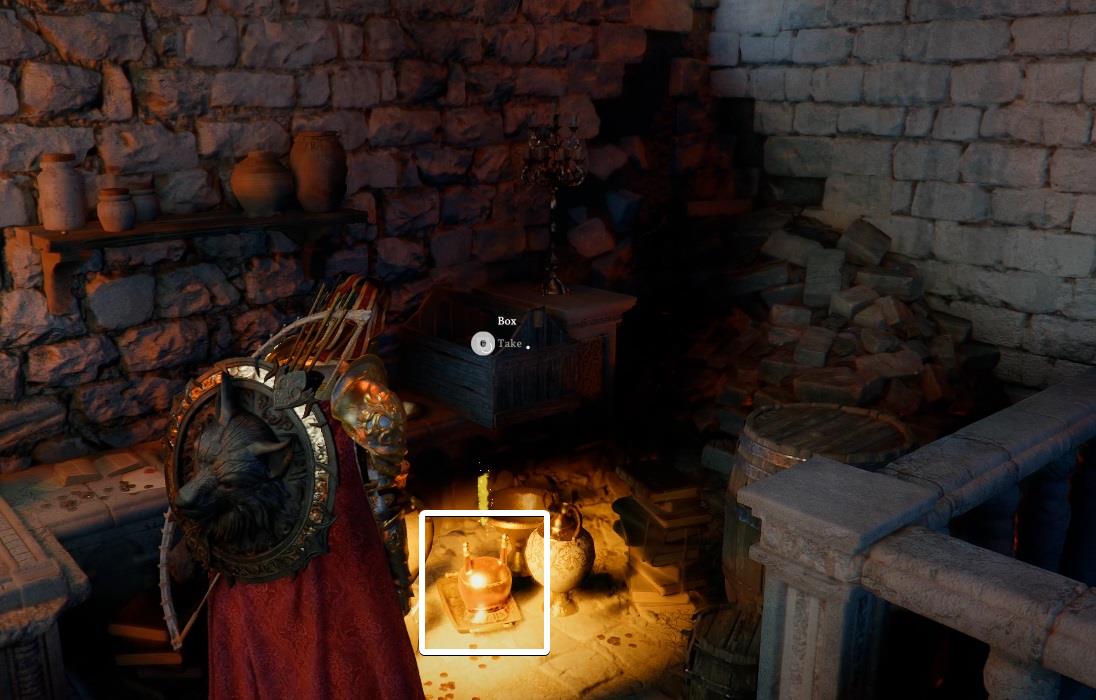
This is fairly early into the game, and plays a role in multiple quests going forward, so it’s worth getting used to accessing it.
Visione Controls
Below are the Controls involved in using the Visione and accessing Memory Fragments.
| Action | PC | PlayStation | Xbox | Input |
|---|---|---|---|---|
| Gear Quick Slot | F2 | D-Pad Left | D-Pad Left | Hold |
| Gear Radial | Mouse | L1 | R1 + RS | LB | RB + RS | Tilt |
| Swap Gear | Mouse + Mousewheel Up/Down | L2 | R2 | LT | RT | Press |
| Activate Visione | Space (while hoving Visione in Gear Slot / Inventory) | X * (while hoving Visione in Gear Slot / Inventory) | A * (while hoving Visione in Gear Slot / Inventory) | Press |
| Navigate Menus | Mouse / WASD | LS | LS | Tilt |
| Lantern | CTRL (Out of Combat) | L1 (Out of Combat) | LB (Out of Combat) | Hold |
How to Equip the Visione
The Visione can be equipped from either the Gear Quick Slot Radial Menu or straight from your Inventory.
Using Gear Quick Slot Radial Menu
- Hold the Gear Quick Slot Button. (F2 or D-Pad Left).
- Swap to the Armor panel if necessary. (Q/E, L1/R1, or LB/RB)
- Hover the Helmet Slot. (Mouse or RS).
- Swap to the Visione. (Mousewheel Up/Down, L2/R2, or LT/RT)
Using Inventory
- Open Inventory
- Navigate to the Visione (Mouse or LS)
- Select and Equip the Visione (Space, X, or A)
How to Use the Visione
Using the Visione can be broken down into two main parts, Unlocking a Memory Fragment and Viewing a Memory Fragment.
Unlocking Memory Fragments
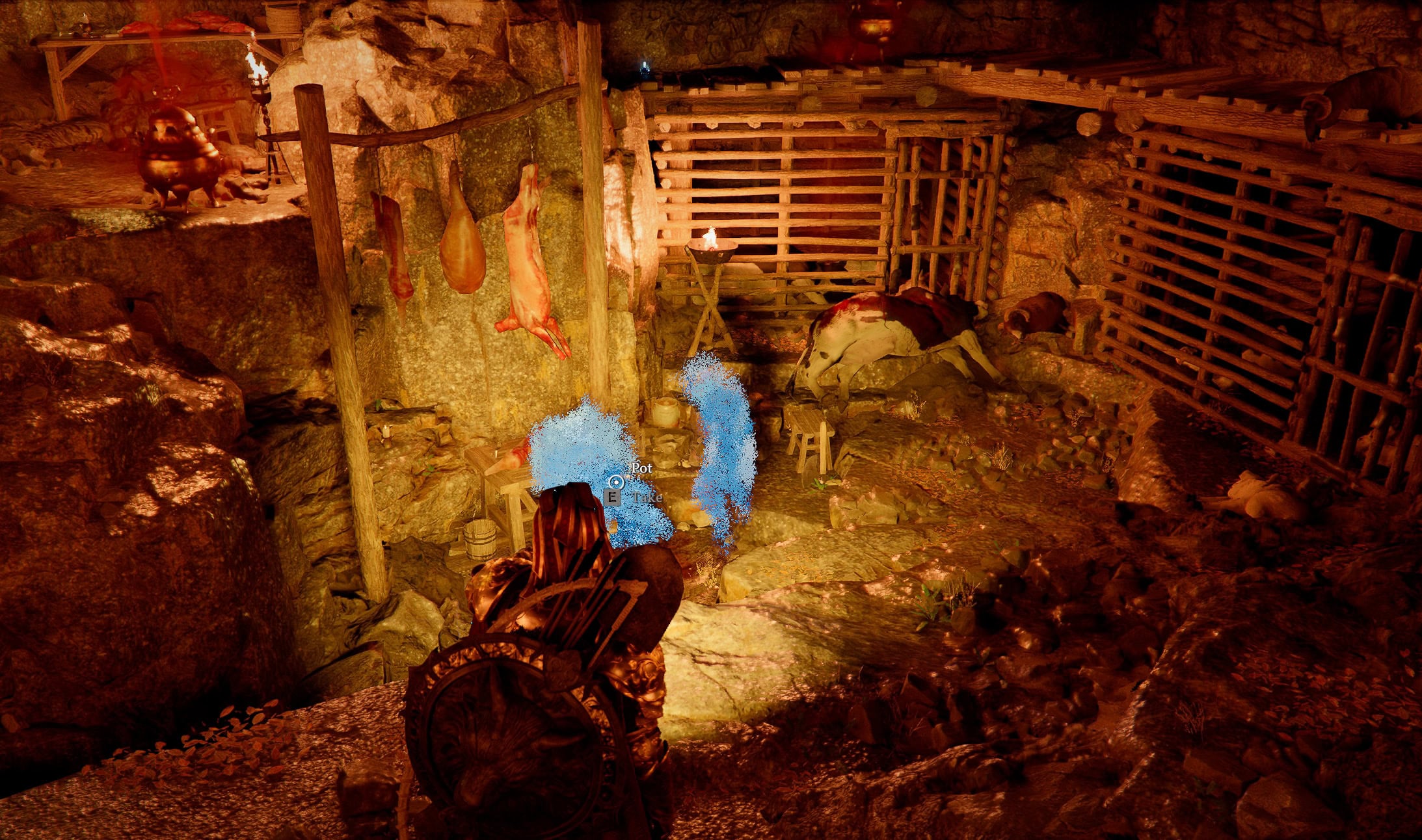
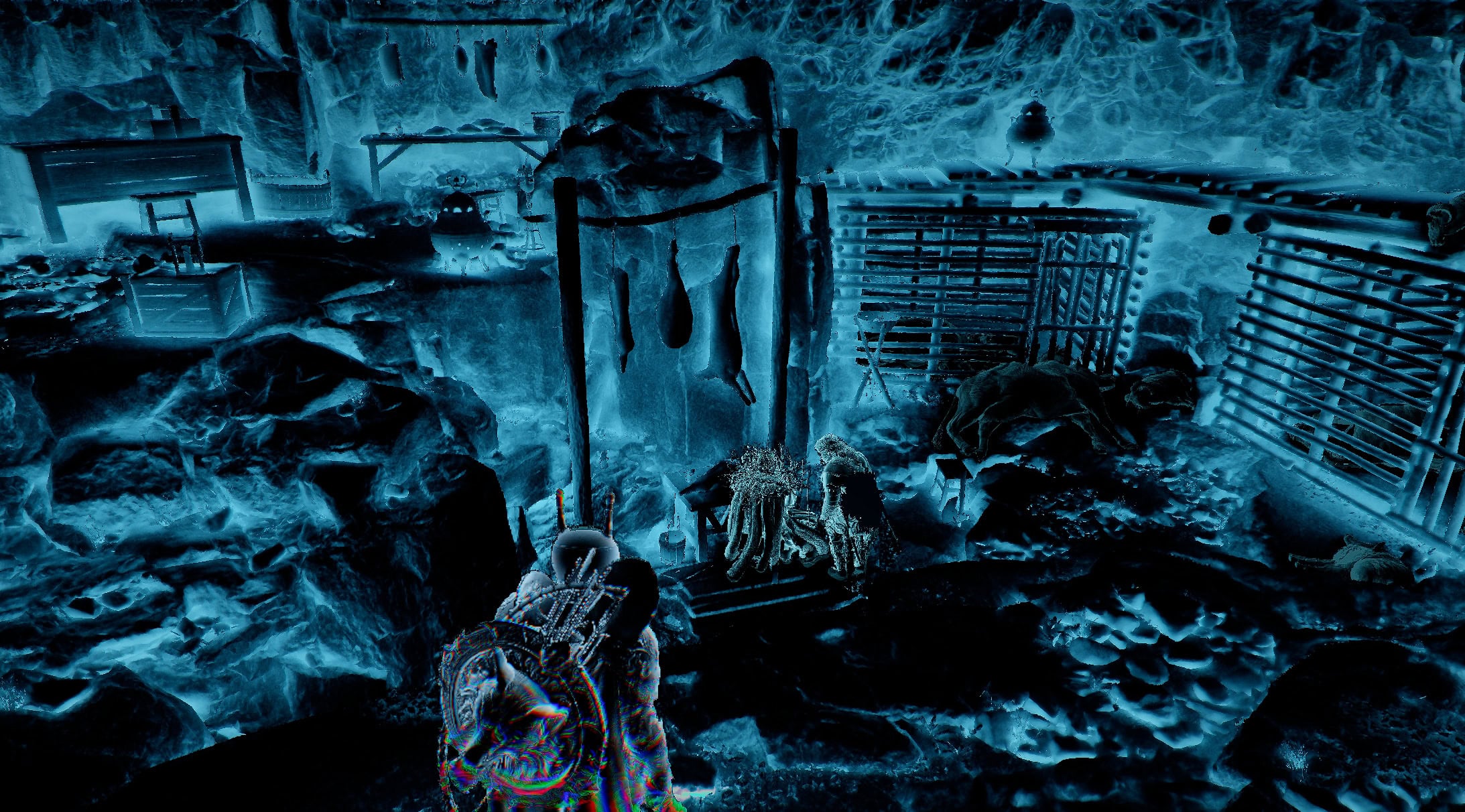
With the Visione in our possession, we can unlock Memory Fragments by shining our Lantern in a location. When in a location with a Memory Fragment, your lantern will release blue pulses as shown below.
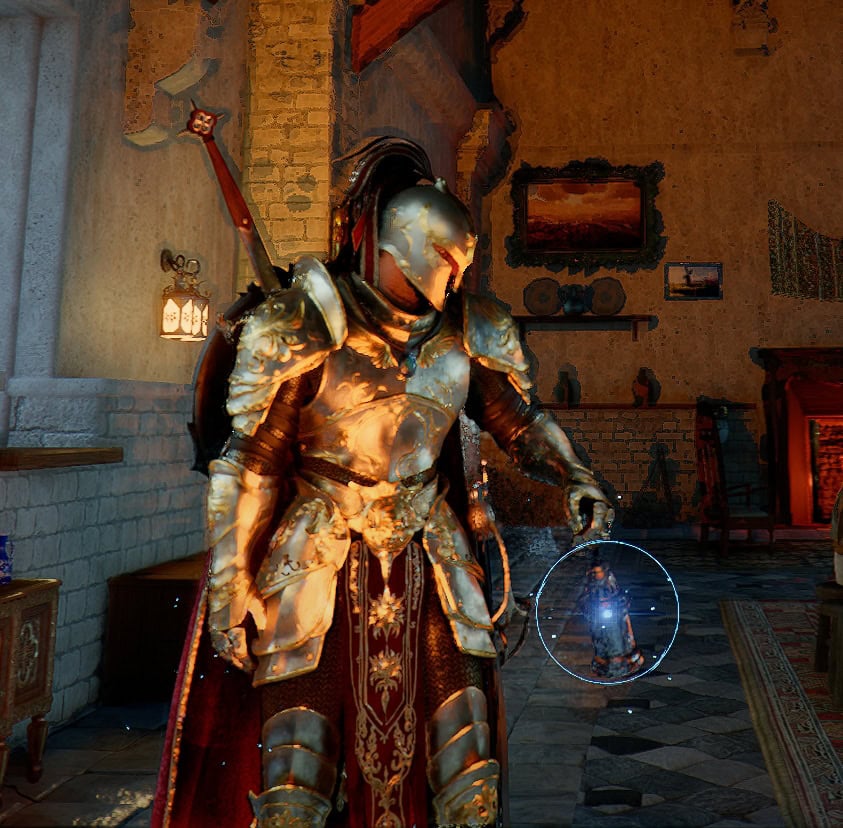
All we need to do is stand close enough and hold our Lantern out (While out of Combat: CTRL, L1, or LB) until the progress bar in the upper left completes. Once completed we can then view that Memory Fragment.
Viewing Memory Fragments
Memory Fragments can be viewed by equipping the Visione or by using it from the Inventory. We highly recommend using it from the Inventory as it’s quicker and doesn’t require multiple uses of the Gear Radial.
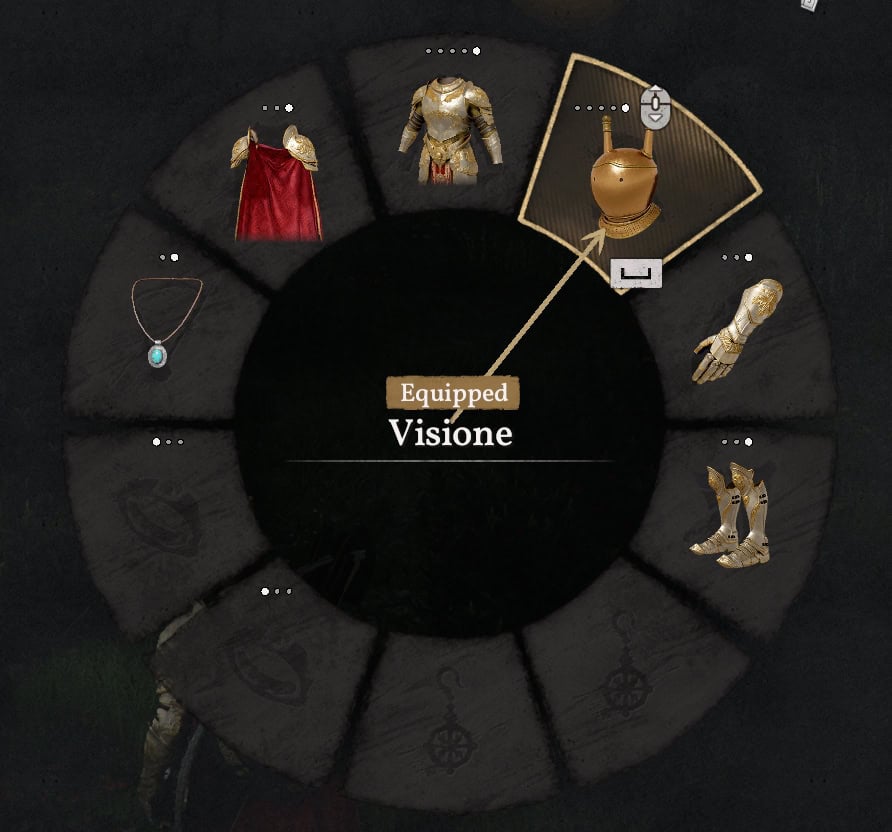
From the Gear Quick Slot Radial Menu
After equipping the Visione with the step further above, we’ll need to reopen the Gear Quick Slot Radial Menu. Then we need to hover and use the Visione with the indicated button.
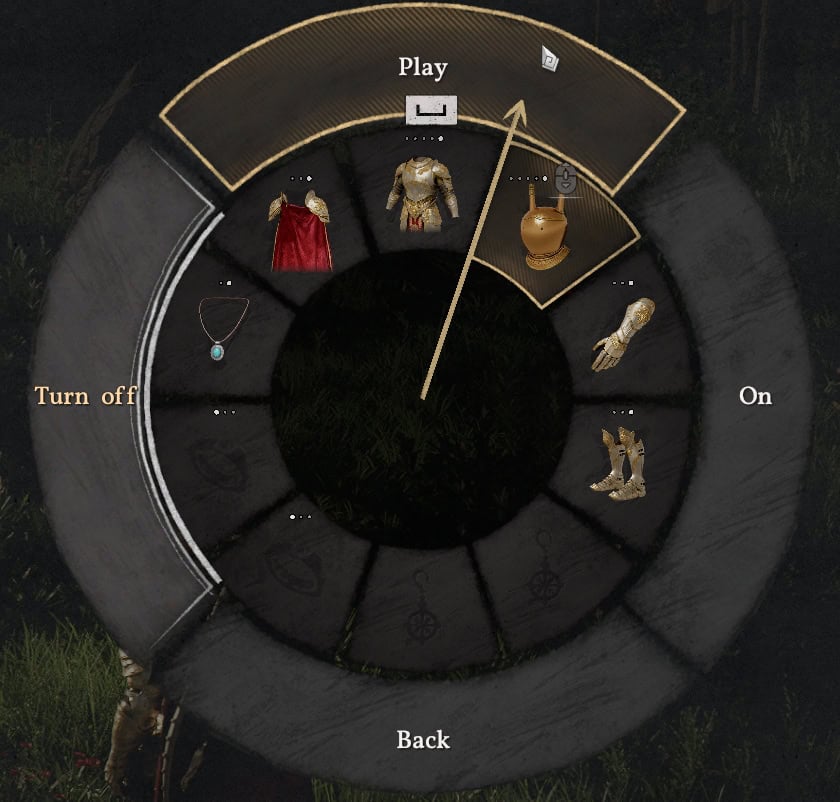
Then we’ll select Play from the secondary radial that appears.
Finally, navigate to the desired Memory to play it. If we are near its location, the Nearby Memory Fragment option will also be available.
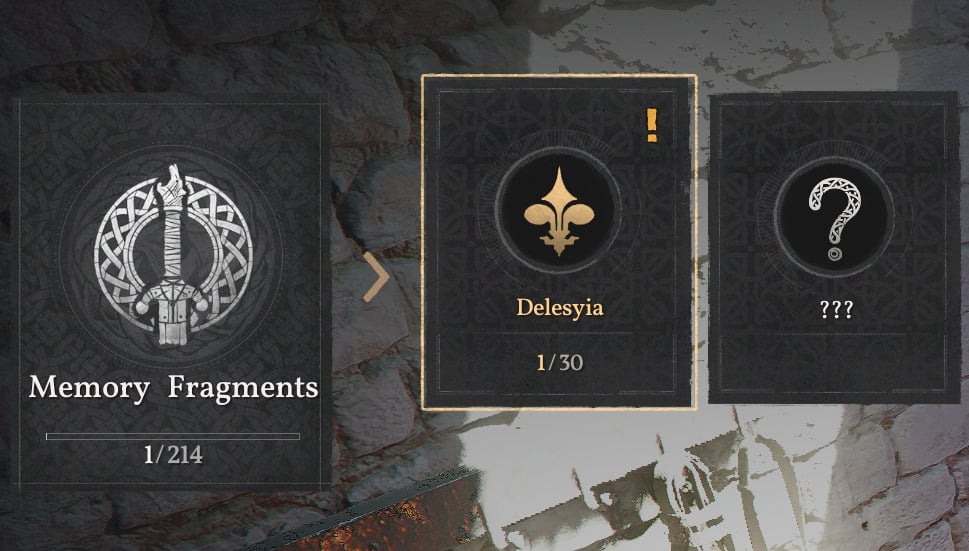
While watching a Memory Fragment, outside of the first time a Memory Fragment is Viewed, pressing Space, ⭘, or B.
- With Visione Equipped:
- Open the Gear Quick Slot Radial Menu
- Hover the Visione (Mouse or RS)
- Use the Visione (Space, X, or A)
- Select Play from the secondary Radial (Mouse or RS)
- Navigate to the Desired Memory Fragment and select it
- PC: WASD or Mouse + Space or LMB
- Console: LS + X or A
- Playing a Memory can be canceled by pressing Esc, ⭘, or B to end it early.
- This cannot be done on first view.
From the Inventory
To use the Visione from the Inventory, the process is much quicker. Without the Visione Equipped, we’ll want to open the Inventory and locate the Visione and select its Inventory Slot.
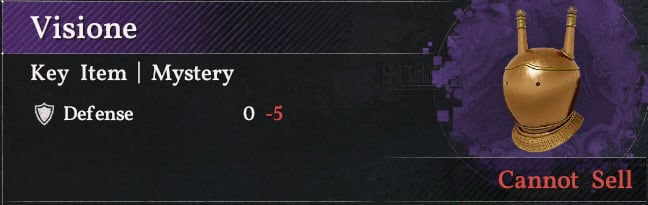
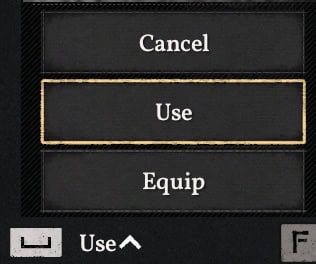
In the Item Group, hover the Visione and Hold the Use button (Space, X, or A) to open a secondary Menu. Select Use from this Menu and the Memory Fragment UI will open. After this first time, Use will be the default option, and Holding to Use will no longer be necessary.
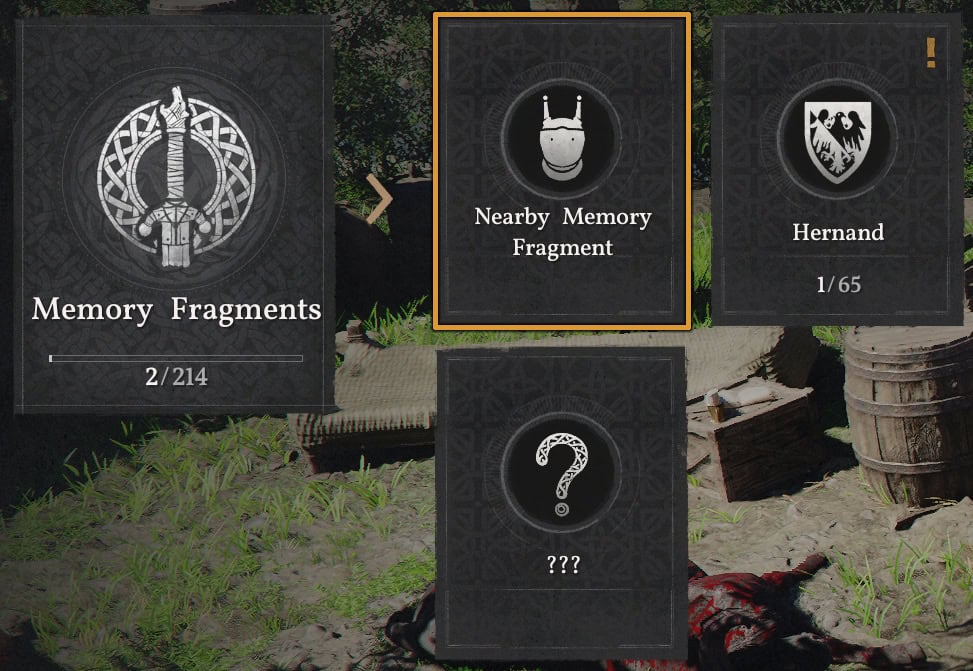
Finally, navigate to the desired Memory to play it. If we are near its location, the Nearby Memory Fragment option will also be available.
While watching a Memory Fragment, pressing Esc, ⭘,or B will cancel the playing of the Memory. This will only work once the Memory Fragment has been viewed once.
- With Visione NOT equipped:
- Open the Inventory (Esc, Option, or Menu)
- Navigate to the Visione Item Slot
- PC: WASD or Mouse + Space
- Console: LS + X or A
- HOLD the Use Button and Select Use from the Menu (Space, X ,or A)
- Pressing works once set to its default option.
- Navigate to the Desired Memory Fragment and select it
- PC: WASD or Mouse + Space or LMB
- Console: LS + X or A
- Playing a Memory can be canceled by pressing Esc, ⭘, or B to end it early.
- This cannot be done on first view.
From Contextual Quick-Menu
Memory Fragments will also replace the Quick Menu Option (Pressing ESC, Option, or Menu) as well after a new memory is available. This allows you to see the most recently discovered memory without having to go through the traditional menus.
Visione Usage in Quests
The Visione will not only provide lore, but many quests will require the discovery and viewing of Memory Fragments to progress. An Example of these quests requiring such would be the following:
- Chapter 2 – Hernand in Chaos
- Trial After Trial
- The Man Trapped in the Mire
- Missing Companion
- Secrets Hidden in the Dark