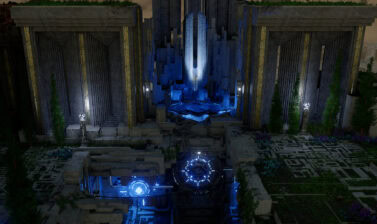
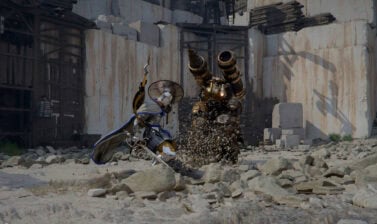
Force Palm is one of Crimson Desert’s few Multi-purpose skills. This guide covers all of its uses, from Combat to Puzzle-solving, to traversing difficult terrain and exploration.
How to Unlock Force Palm
Force Palm is an important skill we’ll get during the Abyss Without Balance quest in Chapter 1, near the end of the Abyss section. Upon reaching it, you need to Observe the Skill will from the Apparition to learn it.
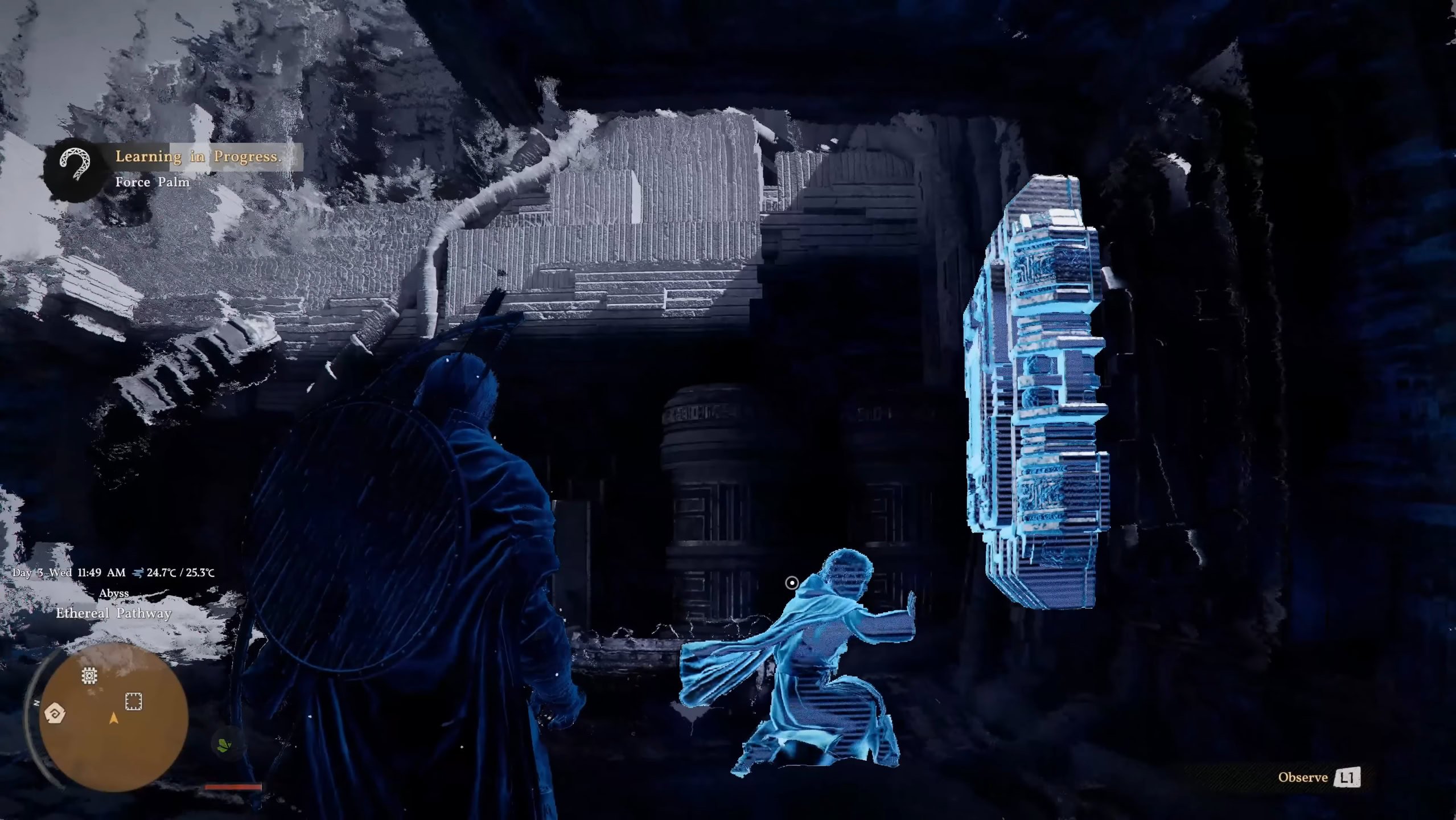
Unlike Blinding Flash, our other main multi-purpose Skill, Force Palm does consume Stamina, making it a little tougher to utilize frequently until we have access to Spirit Recovery.
Despite that limitation, it’s incredibly useful from the moment we get it for everything – solving puzzles, mobility, even resource collection.
| Stat | Value |
|---|---|
| Spirit / Stamina Cost | 5 per use |
| Cooldown | 0 seconds (no cooldown) |
| Cast Time | Approx. 0.5 seconds (Can be Held) |
Force Palm Controls
Below are the default controls for the Force Palm Skill, as listed in our Crimson Desert Controls Guide.
| Action | PC | Playstation | Xbox |
|---|---|---|---|
| Force Palm | MMB | R3 | RS (Press) |
| Focused Force Palm | X, then MMB | X, then R3 | A, then RS |
| Downward Force Palm | C, then MMB | L3 (Press), then R3 | LS (Press), then RS |
| Aerial Force Palm(Up to 3 Times) | MMB while Mid-air | R3 while Mid-air | RS while Mid-air |
| Force Current | R, then MMB | L3 (Hold), then R3 | LS (Hold), then RS |
| Healing Force Palm | Hold MMB, R | Hold R3, L3 | Hold RS, LS (Press) |
| Resist (While climbing) | Q | R2 | LT |
| Force Palm Pulse | F, during Force Palm | △, during Force Palm | Y, during Force Palm |
| Nature’s Retribution | MMB, during Nature’s Snare | R3, during Nature’s Snare | RS, during Nature’s Snare |
Using Force Palm in Combat
In combat, Force Palm works best with fighting styles that want to get real close and personal, like Dual Wielding, Unarmed, and Grappling. This is because it’s a very short-range skill.
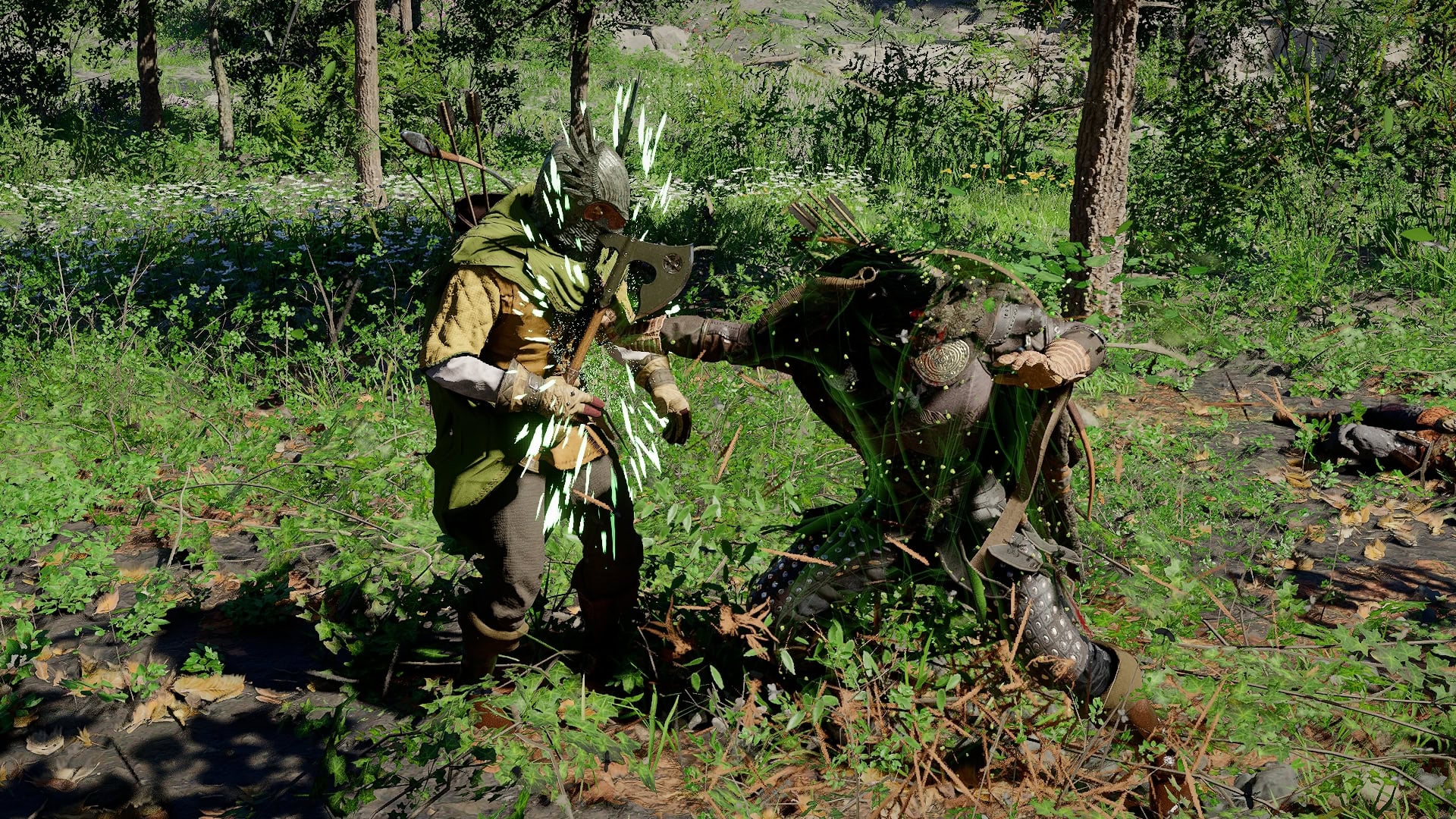
It’s not limited to just those combat styles, though, as the high Stagger buildup on Bosses can be incredibly useful when given a window to use it. Particularly when upgrading Force Palm to allow for the full combo or alongside Force Palm Pulse.
When we upgrade Nature’s Snare to get Nature’s Retribution, this can becomes a highly effective way to deal with Archers, Mages, and other ranged enemies, turning their projectiles against them or their allies.
Using Force Palm out of Combat
Outside of Combat, Force Palm has three main uses: Solving Puzzles, Mobility, and Resource Collection.
Using Force Palm for Puzzles
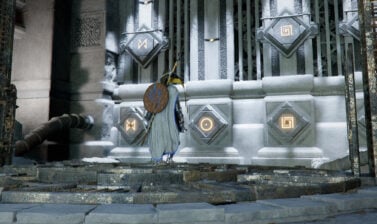
We learn this during Abyss Without Balance. The tutorial shows us how it’s used to socket different Power Sources into their respective locations. Many of these will not be able to be socketed without the extra push.
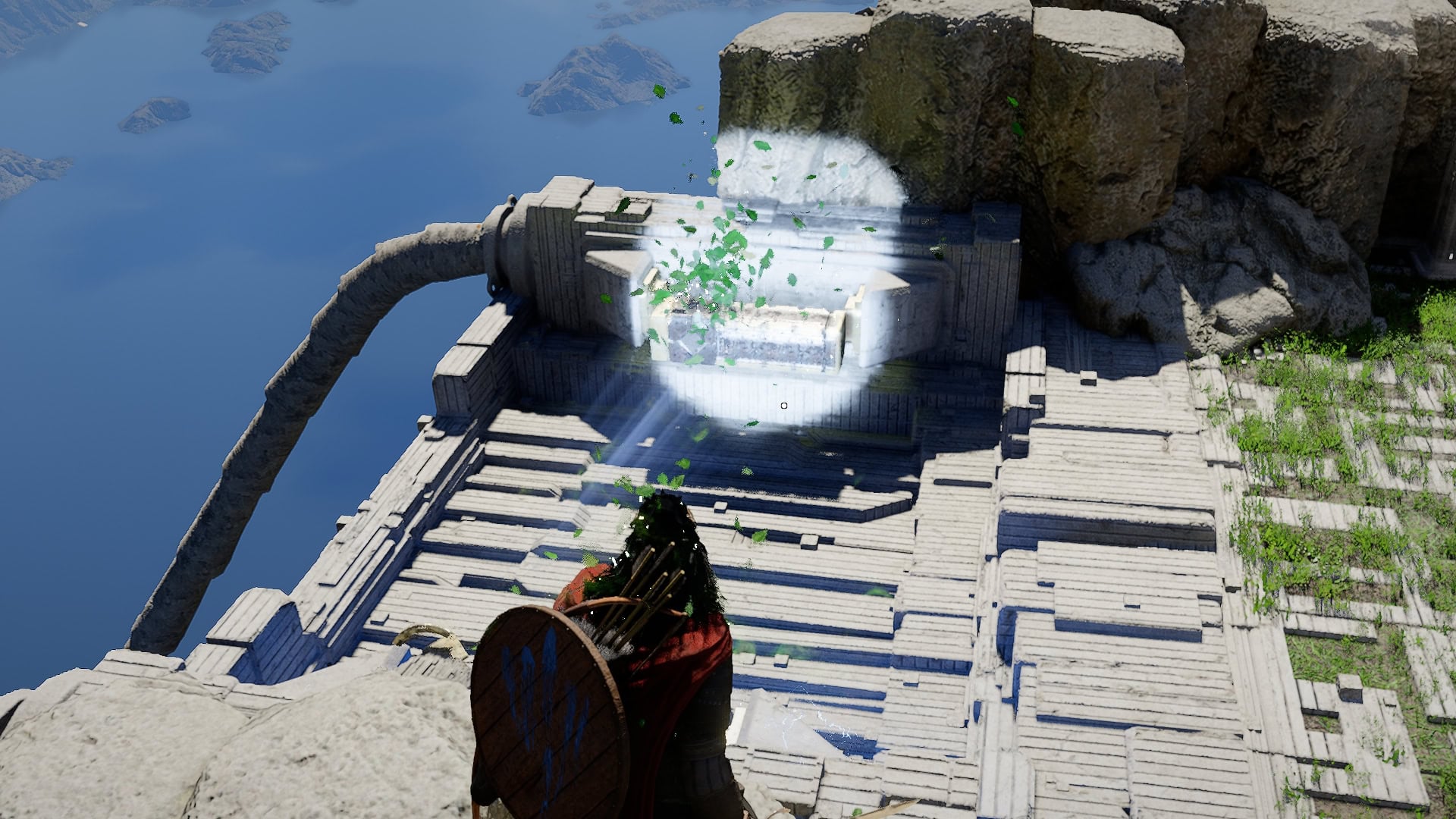
It’s also useful for pressing the Large Buttons that conclude most Abyss Puzzles as well. While hanging on a button located on a wall, don’t forget to use Resist to stick to the button and not get sent flying.
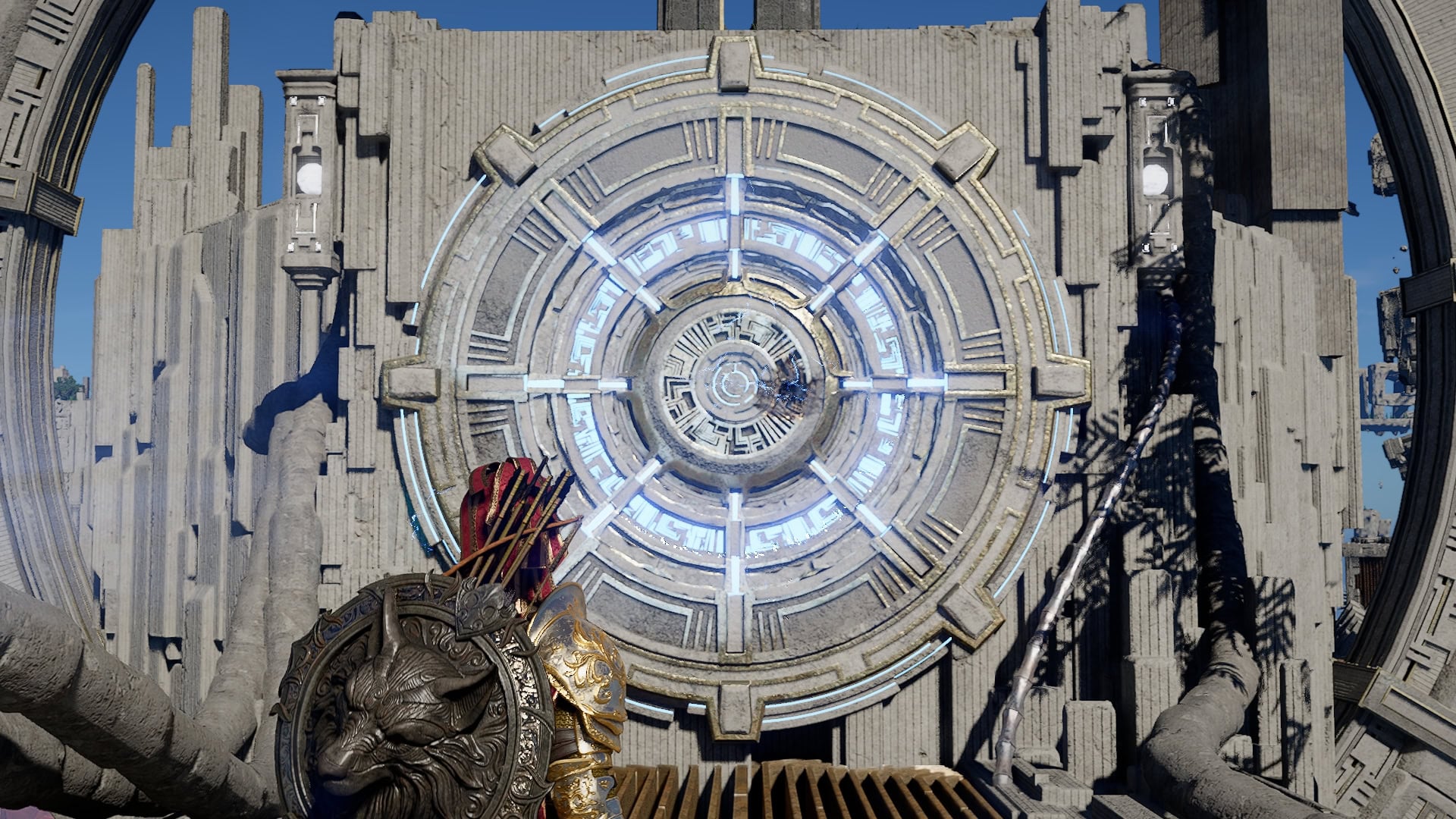
Its final use in puzzles is for the circular grates, often shown in a gold color. Unlike buttons, these require the use of Resist or Downward Force Palm for them to work as intended for puzzles.
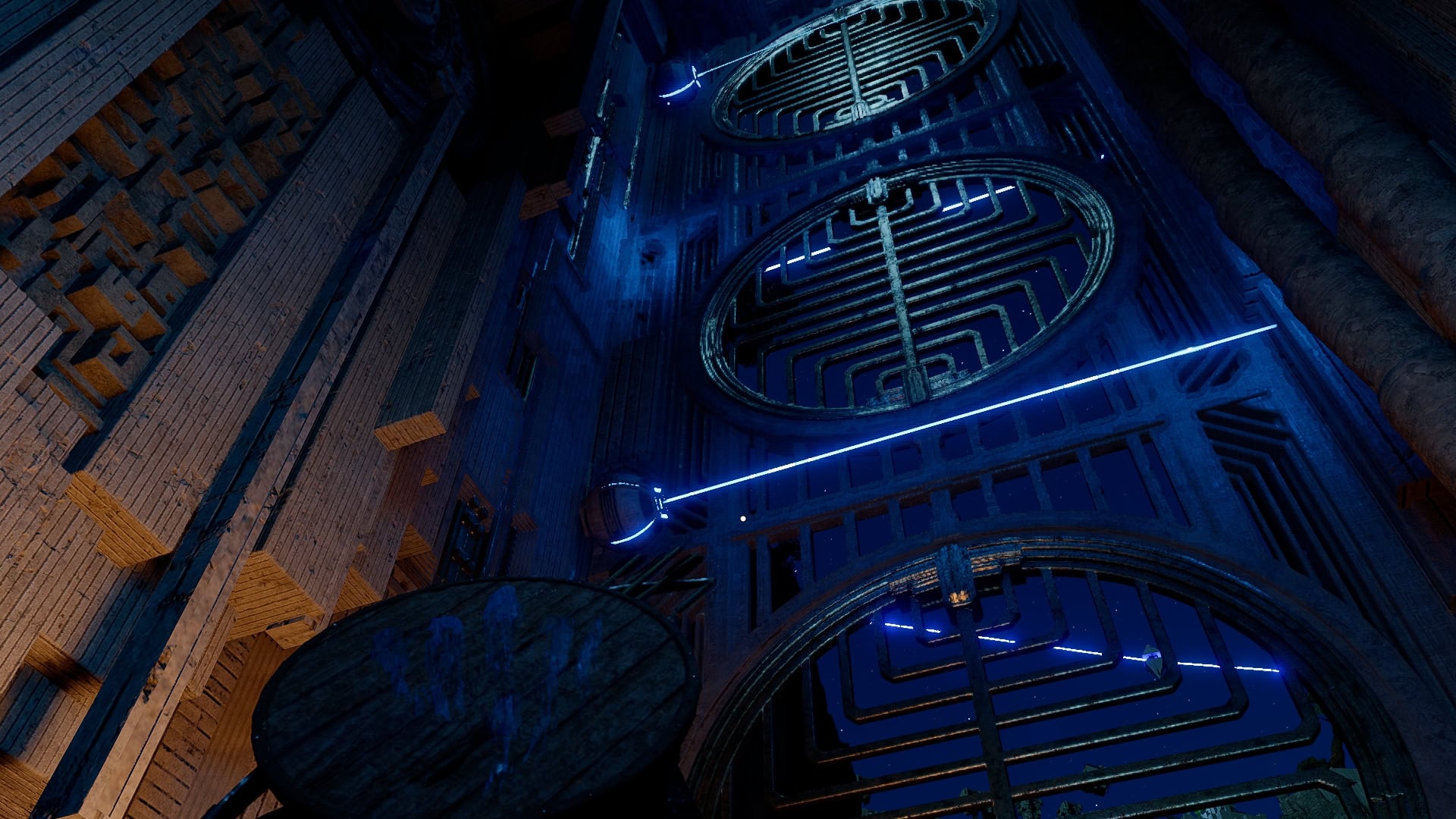
This flips us to the opposite side of the grate, as opposed to flinging us off. These aren’t used all too often. It’s easy to assume that we’re missing a skill or ability to interact with them, when all we need to do is hang on to them.
Using Force Palm for Mobility
A lot of Force Palm’s Mobility comes from using Aerial Force Palm to launch ourselves high into the air. We can use this up to three times and makes scaling cliffs and wall much easier, trading some of the Stamina required for climbing for Spirit instead.
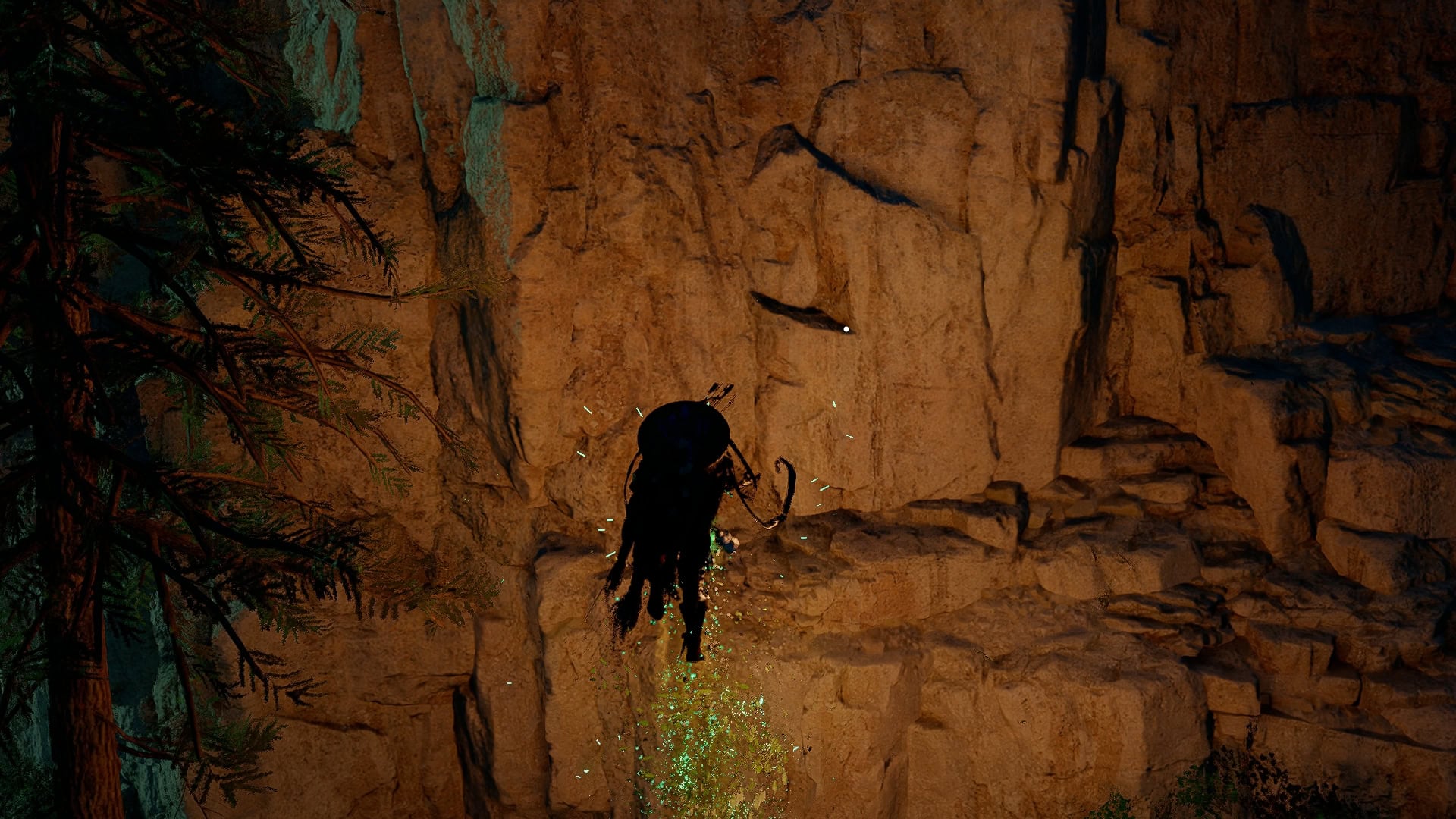
Combined with Glide, gaining height with Aerial Force Palm is a very easy way to clear sections of platforming. This shortens a lot of Abyss areas, particularly Sky Bridges, when we have the Spirit and Stamina to make consistent use of this combo.
While hanging on a wall and not using Resist, we can also use Force Palm to create Horizontal Distance, allowing us to push out from under any overhangs preventing us from climbing.
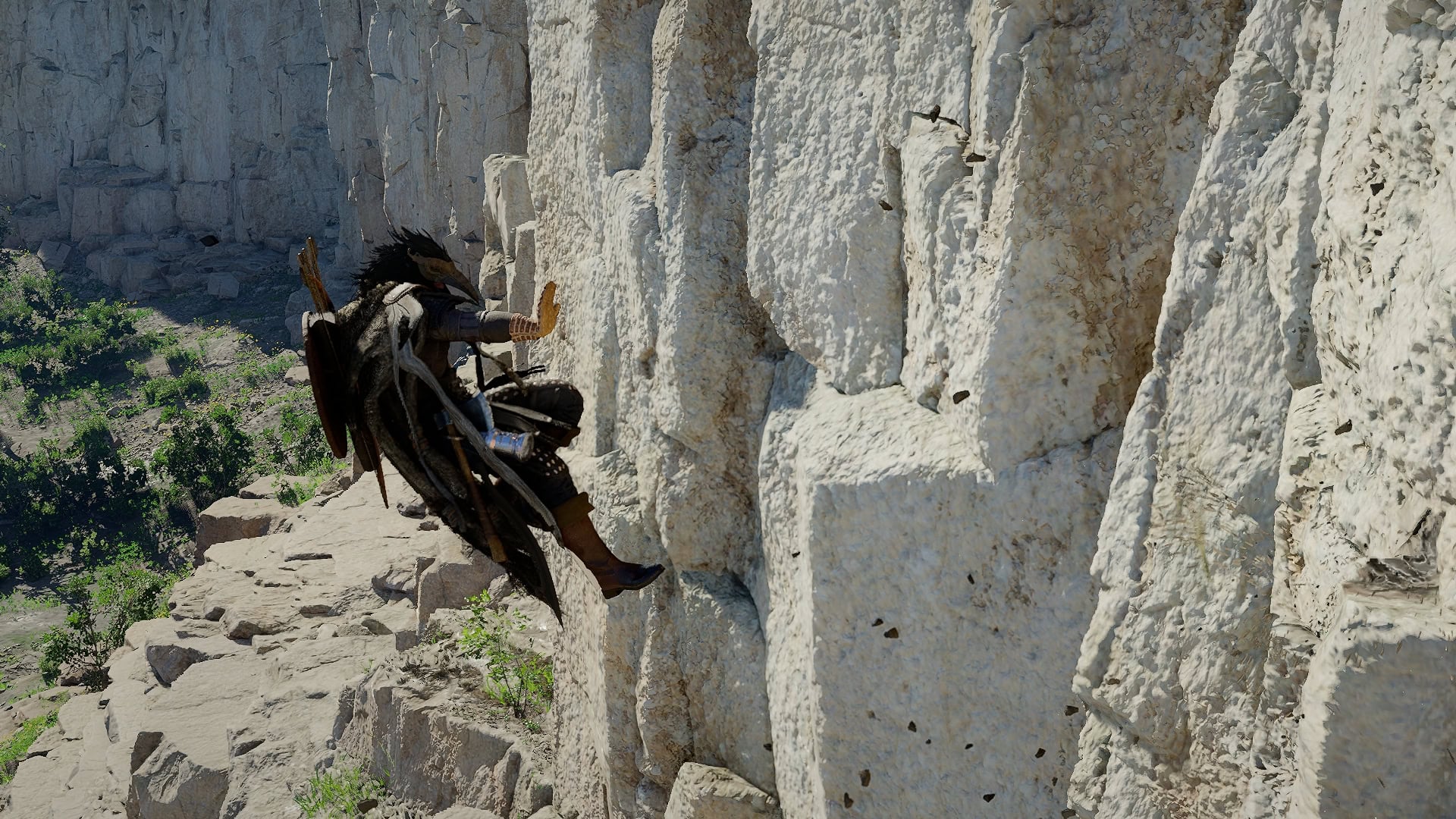
We can still follow up by three uses of Aerial Force Palm as well. These all reset each time we set foot on stable ground, making it very easy to scale many walls.
Using Force Palm for Resource Collection
While it won’t fully replace any tools, Force Palm is also capable of making some resource Collection easier, particularly with Mining.
Mining
For mining, we have the option of climbing onto, or preferably next to, Ores and using Force Palm to “mine” them if they’d otherwise be unreachable by the standard pickaxe. Just make sure to use Resist when doing this or you will get sent flying.
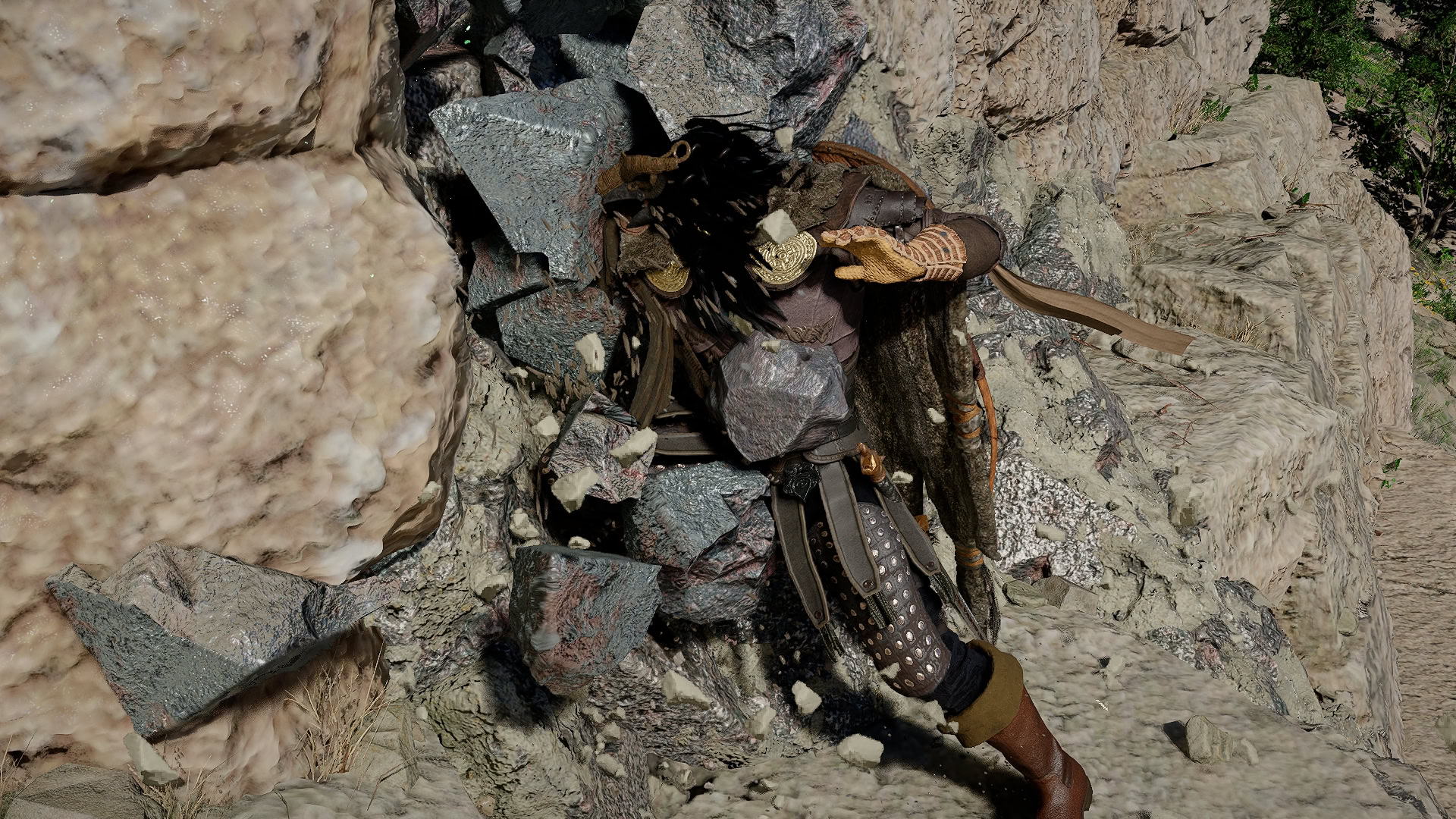
Alternatively, if you’ve unlocked Force Current, this will work similarly to collect Ores and forgo climbing altogether in most cases. Simply aim the Axriom Force at the Ore, and Force Palm after it attaches, and the deposit will get mined.
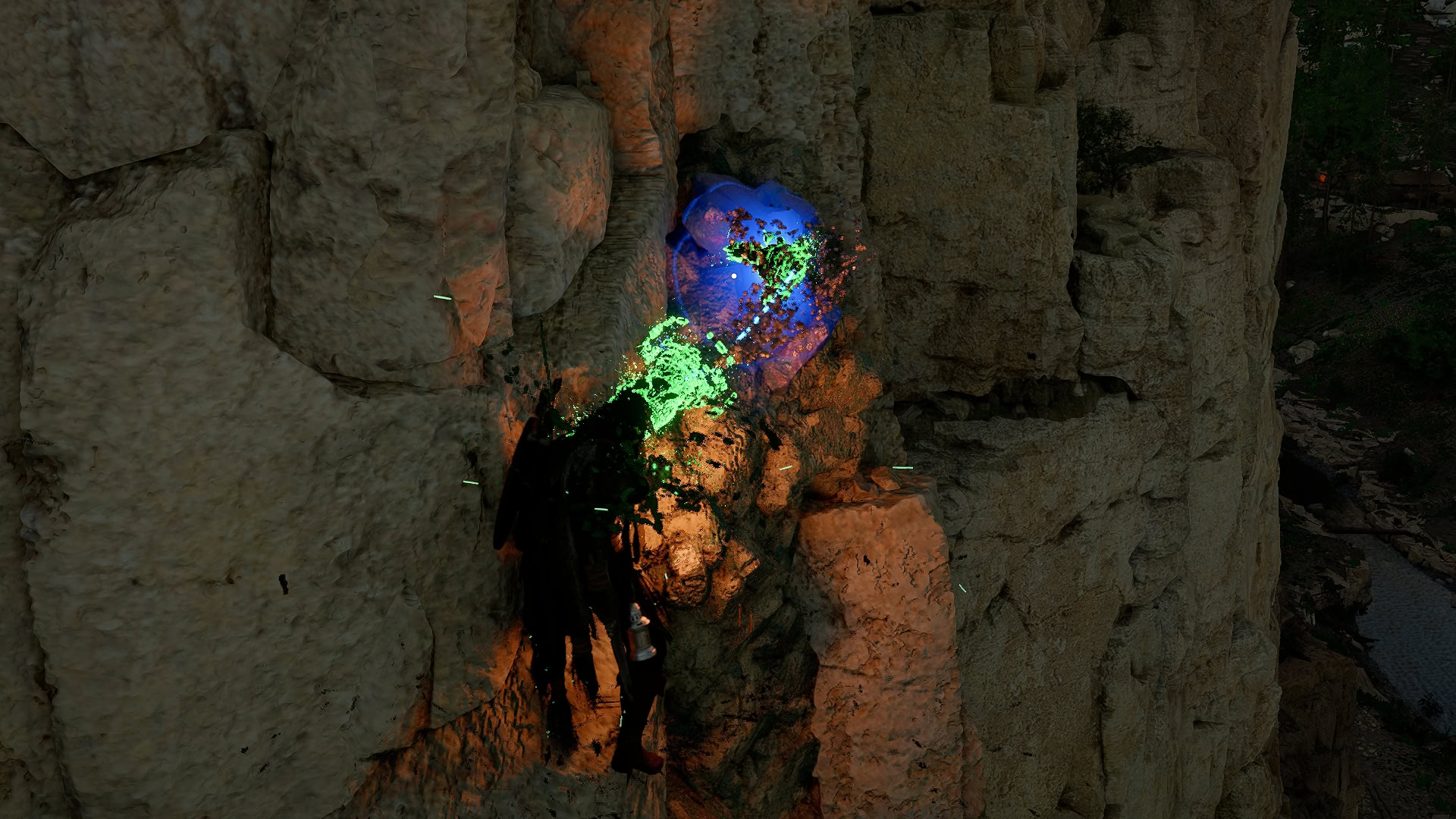
The downside to this, however, is that once we’ve Liberated Karin Quarry, the Miner’s Knuckledrill is a much more effective collection option due to its bonus.
Logging
Force Palm’s use in Logging is far more limited. It can replace the Axe swing to chop a tree down and split it into logs, it will be unable to split the logs into Timber, requiring a Logging Axe or Demenissian Chainsaw to get the job done.
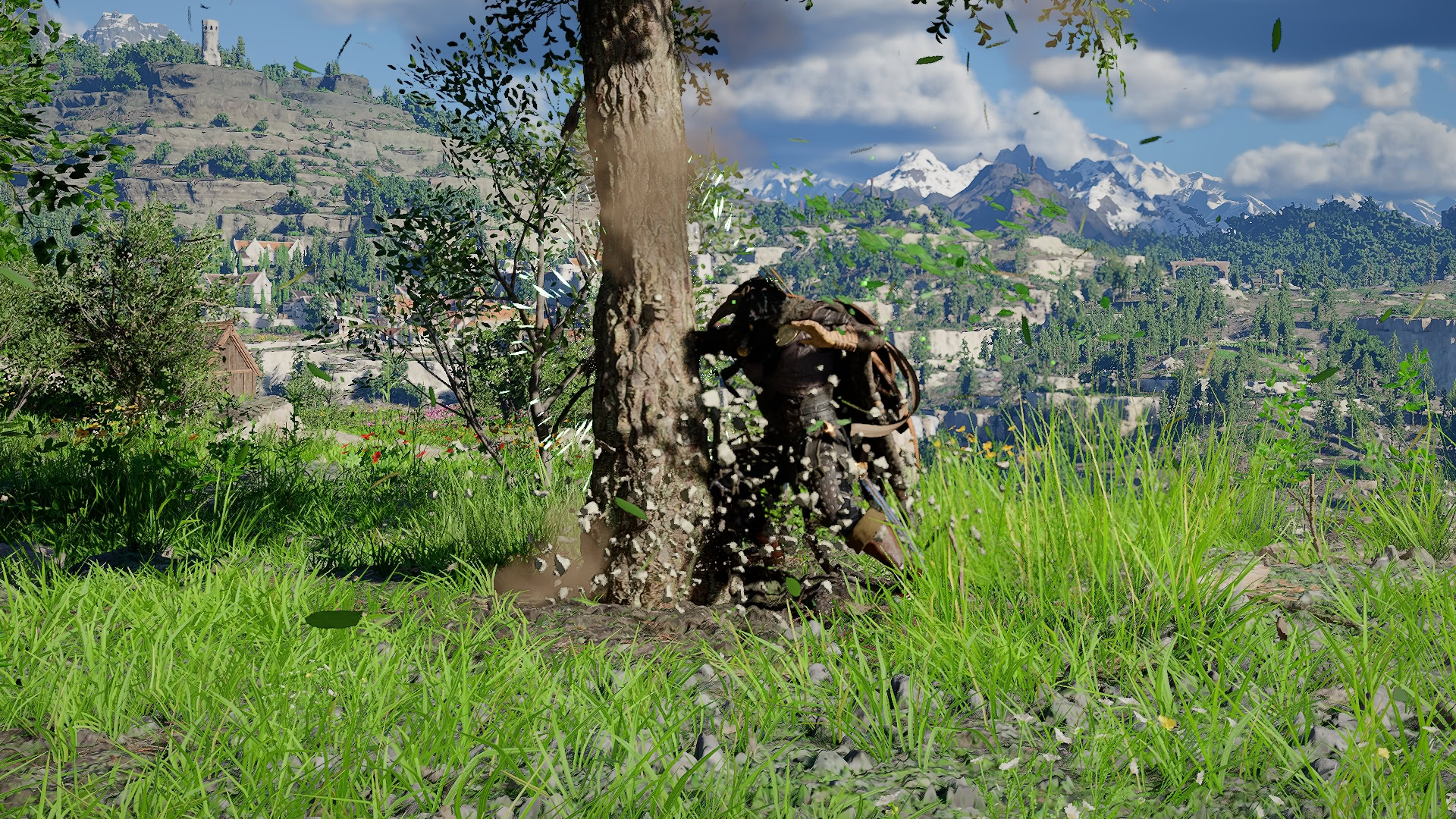
One of the advantages this does have, however, is that the slightly larger Area of Force Palm can allow us to knock down and split multiple trees that are close together, which the basic Logging Axe cannot do. We can also utilize Axiom Current similarly to mining to do so from a farther Range.