
Crimson Desert will offer robust saving system that allows for steady and stable progress with minimum chance of forced backtracking. It is also confirmed to be a the “Xbox Play Anywhere” title.
Two Save Styles
Crimson Desert employs two common save methods: Autosave and Save Anytime. This combination of systems is the best approach for an Open World, offering a lot of freedom without interrupting exploration.
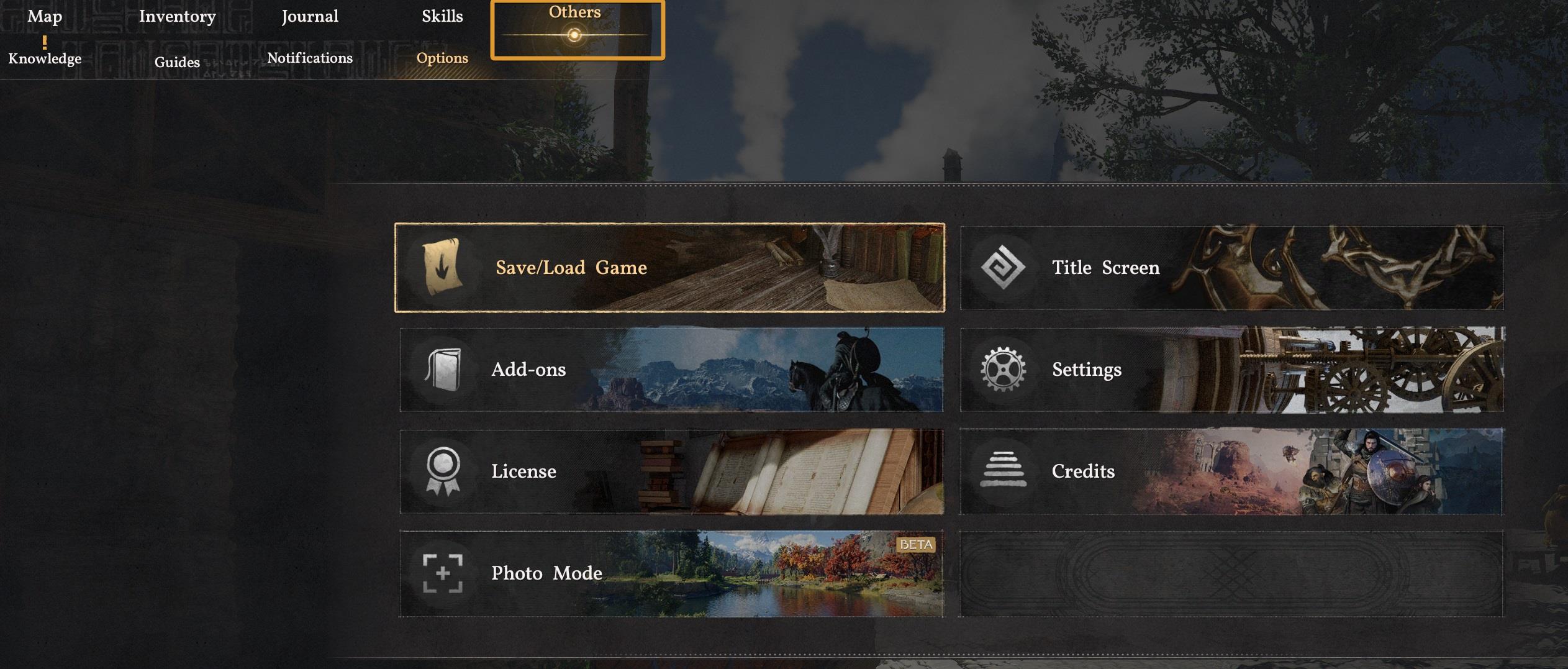
Before getting into the types of saves, I must point out that Crimson Desert doesn’t have a “Save button” in the main menu or immediately visible when pausing like many other games. In order to find it, just go to the “Others/Options” tab at the top right of the Menu.
Autosaving vs Save Anytime
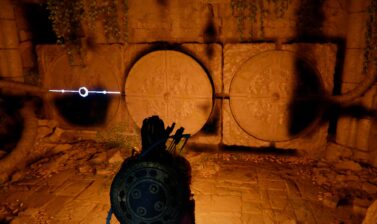
The way Autosaves work in Crimson Desert is very efficient. Every time you finish an important action like solving a puzzle, acquiring an important item, or talking to a person of interest, the game will automatically save.
You can also save the game at any given time. I recommend that you do this every few hours. Having to backtrack to the nearest save and remember to return later can often be a hassle in that regard.
Saving anywhere both eliminates that hassle and makes the game more accessible to those who can’t commit to longer play sessions, so long as they keep note of what they were doing last.
You will most likely not be able to save in certain scenarios, during combat and possible in some story-related exclusive moments.
You will see that some saves have the “Auto Save” label. This means that every other save that does not have that is a Manual Save. Remembering this will make finding a specific save a lot easier once you have over a couple dozen saves.
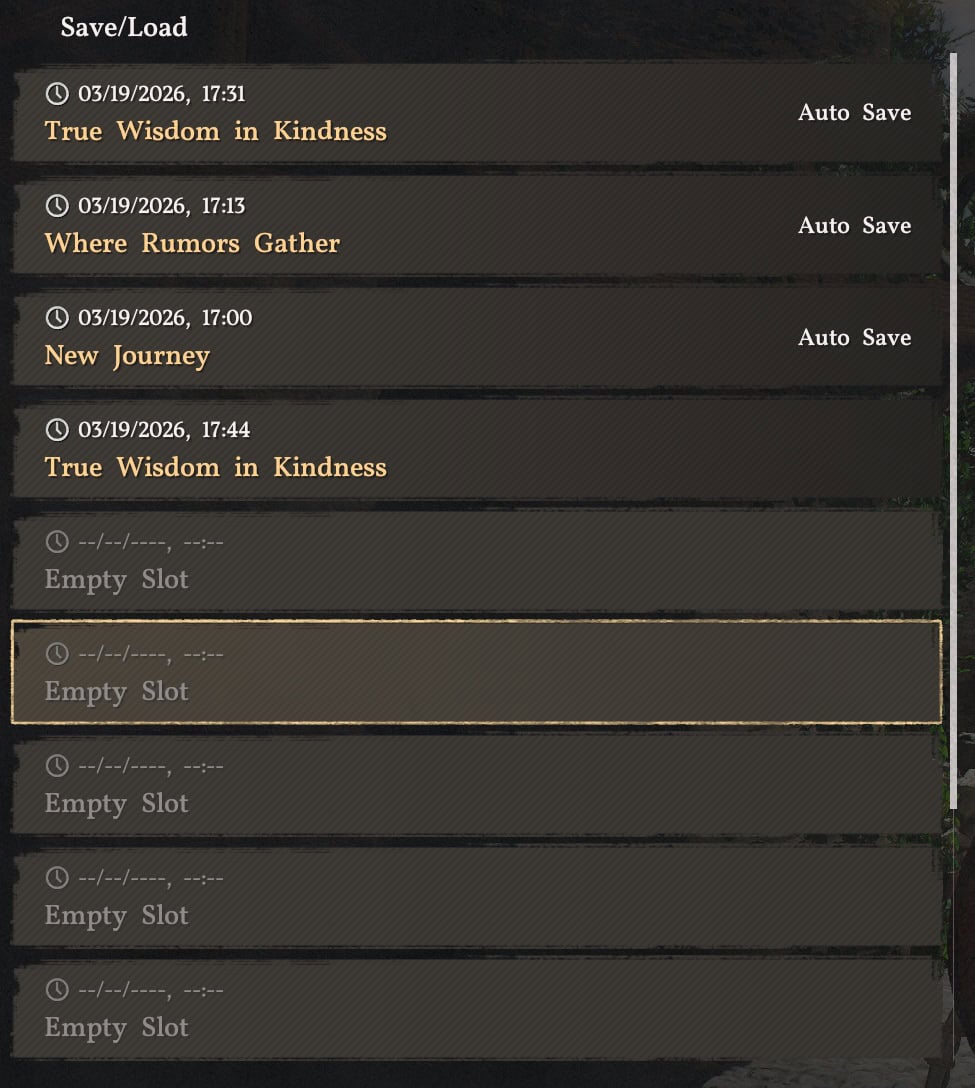
When you start Crison Desert, you can direcly load the most recent saved file by pressing the corresponding key shown in the bottom right corner. On PC, it’s E. If you want to load up a specific saved file, the shortcut on PC is R.
Cross-Platform Shared Progress
While official full cross-platform save progress is not yet confirmed, we know that Crimson Desert is a “Xbox Play Anywhere” title. This means you will be able to play on PC and Xbox consoles (including its hand-held variants) if you purchase it from their app/store.
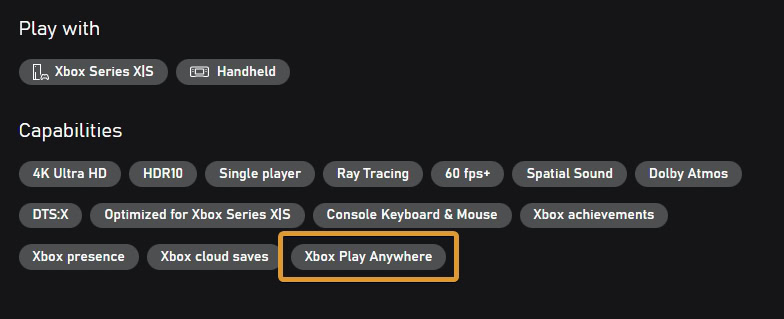
This is not true about PC and Playstation, though. The only cross-platform is currently confirmed to be possible for PC and Xbox.
Platform Availability
Crimson Desert is available in several editions on all major platforms. This includes PC (Steam and Epic), Playstation 5, Xbox Series X|S, and Mac.
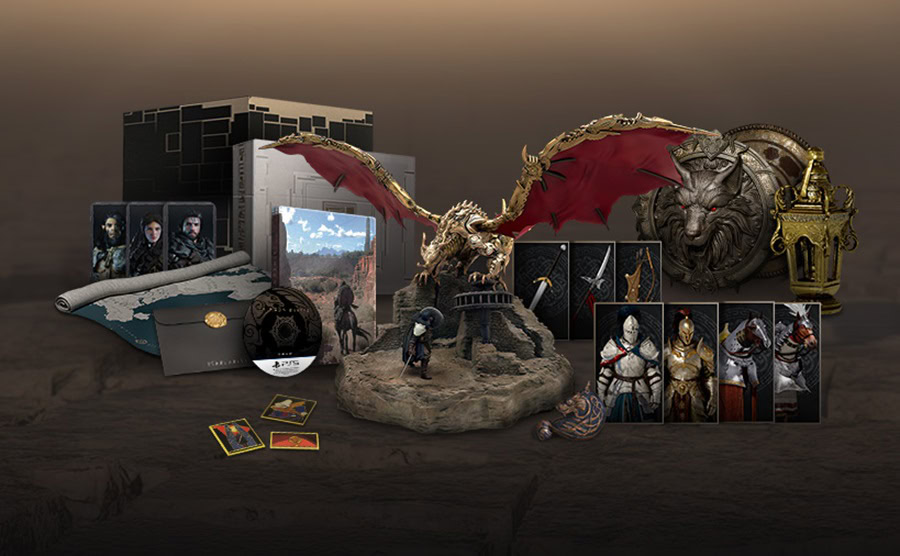
Crimson Desert is available in 4 editions. The good news is that everything you can pay extra on top of the Standard Edition, are cosmetics. There is no P2W stuff available in the Deluxe and Collector’s Editions.
The game’s PC hardware requirements are also surprisingly low for a modern title with such stunning visuals that we witnessed from the recent gameplay feature trailers.
| Minimum | Part | Recommended |
|---|---|---|
| Windows 10 64-bit Windows 11 64-bit | OS | Windows 10 64-bit Windows 11 64-bit |
| AMD Ryzen 5 2600X Intel i5-8500 | CPU | AMD Ryzen 5 5600 Intel i5-11600K |
| 16GB RAM | Memory | 16GB RAM |
| NVIDIA GTX 1060 AMD RX 6500 XT | GPU | NVIDIA RTX 2080 AMD RX 6700 XT |
| DirectX 12 | Graphics API | DirectX 12 |
| 135 GB (SSD Required) | Storage | 135 GB (SSD Required) |
Crimson Desert releases globally on March 19 (20th in some regions due to time zones differences). The launch is simultaneous for the entire world and all platforms where the game is sold and accessible.