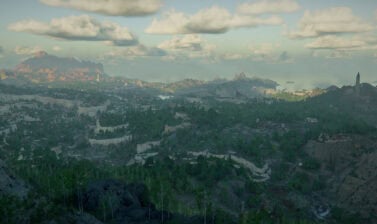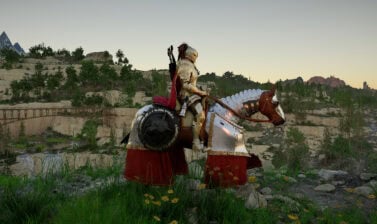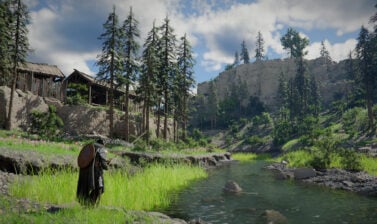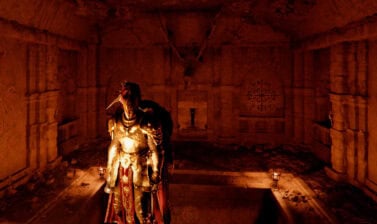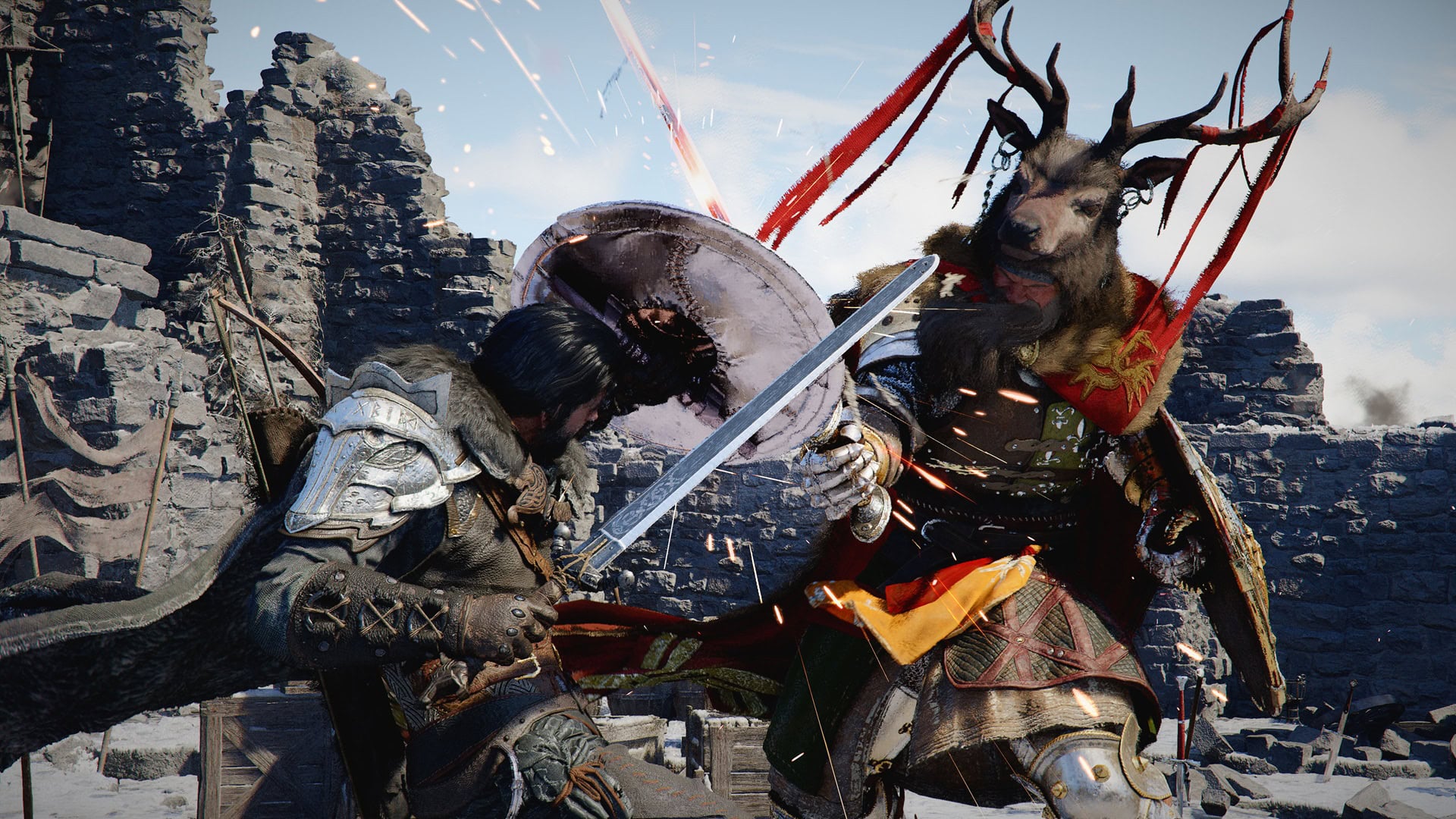

Crimson Desert is just a few days away. These system requirements will give you an idea on how your system is going to perform.
Crimson Desert is going to be playable on PC, Xbox Series X|S, PlayStation 5, Xbox ROG Ally, and Mac. In preparation for the official release, Pearl Abyss has revealed the full requirements of these systems. Even if you don’t know much about hardware, these tables will give you an idea of how your system will perform.
Update: A week before the game’s launch, we learned that the game will implement Denuvo, a technology used to prevent piracy. Historically, the use of Denuvo often comes with performance issues. However, the developers have claimed that all the performance specs were released with Denuvo being taken into consideration.
PC
| Preset / HW | Minimum | Low | Medium | High | Ultra |
|---|---|---|---|---|---|
| Performance Specs | Upscaled 1080 (from 900p) 30 FPS | 1080p 30 FPS | 1080p 60 FPS 4k 30 FPS | 1440p 60 FPS | 4K 60 FPS |
| GPU | AMD Radeon RX 5500 XT NVIDIA GeForce GTX 1060 | AMD Radeon RX 6500 XT NVIDIA GeForce GTX 1660 | AMD Radeon RX 6700 XT NVIDIA GeForce RTX 2080 | AMD Radeon RX 7700 XT NVIDIA GeForce RTX 4070 | AMD Radeon RX 9070 XT NVIDIA GeForce RTX 5070 Ti |
| CPU | AMD Ryzen 5 2600X Intel i5-8500 | AMD Ryzen 5 2600X Intel i5-8500 | AMD Ryzen 5 5600 Intel i5-11600K | AMD Ryzen 5 7600X Intel i5-12600K | AMD Ryzen 7 7700X Intel i5-13600K |
| RAM | 16 GB | 16 GB | 16 GB | 16 GB | 16 GB |
| OS | Windows 10 64-bit 22h2 or newer | Windows 10 64-bit 22h2 or newer | Windows 10 64-bit 22h2 or newer | Windows 10 64-bit 22h2 or newer | Windows 10 64-bit 22h2 or newer |
| Storage | 150 GB, SSD required | 150 GB, SSD required | 150 GB, SSD required | 150 GB, SSD required | 150 GB, SSD required |
| Other requirements | DirectX 12 | DirectX 12 | DirectX 12 | DirectX 12 | DirectX 12 |
Consoles
Note that where it mentions 120/240 Hz and/or VRR, you will need HDMI 2.1 cable and a compatible display.
PlayStation Specs
| Console | PlayStation 5 | PlayStation 5 | PlayStation 5 | PlayStation 5 Pro | PlayStation 5 Pro | PlayStation 5 Pro |
|---|---|---|---|---|---|---|
| Graphics Preset | Performance | Balanced | Quality | Performance | Balanced | Quality |
| Resolution | 1080p | Upscaled 4K (from 1280p, FSR 3) | Upscaled 4K (from 1440p, FSR 3) | Upscaled 4K (from 1080p, Upgraded PSSR) | Upsccaled 4K (from 1440p, Upgraded PSSR) | 4K |
| Target Performance | 60 FPS VSync 60+ FPS VRR** | 40 FPS VSync* | 30 FPS VSync | 60 FPS VSync 60+ FPS VRR** | 40 FPS VSync* 48+ FPS VRR** | 30 FPS VSync |
| Raytracing Quality | Raytracing Low | Raytracing Low | Raytracing High | Raytracing High | Raytracing High | Raytracing Ultra |
Xbox Specs
| Console | Xbox Series S | Xbox Series S | Xbox Series X | Xbox Series X | Xbox Series X |
|---|---|---|---|---|---|
| Graphics Preset | Performance | Quality | Performance | Balanced | Quality |
| Resolution | 720p | 1080p | 1080p | Upscaled 4K (from 1280p, FS3) | Upscaled 4K (from 1440p, FS3) |
| Target Performance | 40 FPS VSync* | 30 FPS VSync | 60 FPS VSync 60+ FPS VRR* | 40 FPS VSync* | 30 FPS VSync |
| Raytracing Quality | Raytracing Off | Raytracing Off | Raytracing Low | Raytracing Low | Raytracing High |
Mac
| Config | Minimum | Recommended | High | Ultra |
|---|---|---|---|---|
| Graphics Preset | For this Mac* | For this Mac* | For this Mac* | For this Mac* |
| Mac OS 15 MetalFX Upscale | 720p – 30FPS 900p – 30 FPS | 1080p – 30 FPS | 1440p – 30 FPS | 4K – 40 FPS |
| Mac OS 26+ MetalFX upscale/frame interpolation | 720p – 60 FPS 900p – 60 FPS | 1080p – 60 FPS | 1440p – 60 FPS | 4K – 60 FPS |
| macOS | 15.0 or later | 15.0 or later | 15.0 or later | 15.0 or later |
| Chip | M2 Pro (RT Off) | M3, M4 (RT On) | M3 Pro, M4 Pro, M5 (RT On) | M2 Max (RT Off) | M3 Max (RT On) | M3 Ultra, M4 Max (RT On) |
| RAM | 16 GB | 16 GB | 16 GB | 16 GB |
| Storage | 150 GB | 150 GB | 150 GB | 150 GB |
*“For this Mac” is a preset which will assign the settings and resolution that provide optimal visual quality and performance on your Mac. Specific settings may vary depending on how powerful your hardware is.
Rog Xbox Ally X | S
| Console | ROG Xbox Ally | ROG Xbox Ally X | ROG Xbox Ally X | ROG Xbox Ally X |
|---|---|---|---|---|
| Graphics Preset | Performance | Performance | Balanced | Quality |
| Resolution | 720p (FSR 3 Frame Generation) | Upscaled 1080p (from 720p, FS3 Super Resolution / Frame Generation) | Upscaled 1080p (from 720p, FSR3 Super Resolution) | 1080p |
| Target Performance | 40 FPS | 60 FPS | 40 FPS | 30 FPS |
| Storage | 150 GB | 150 GB | 150 GB | 150 GB |
Tweaks to consider
This segment will give you a few basic tips for improving and tweaking your game to make sure it performs well and uses your hardware to its best potential.
Consider which drivers you will use
GPU manufacturers often release drivers a few days before the release of a big game and Crimson Desert is no exception. Games coming out with performance issues is something that has sadly become more and more common with modern games. Because of this, it’s very hard to know if the new drivers will improve the experience or make it worse.
You can either wait to play the game with the current drivers and decide if downloading the new ones is worth it, depending on the performance of your system. Keep in mind that additional drivers could be released a few days after launch day.
Use custom settings
The game will choose the settings automatically depending on your hardware. This is certainly convenient for anyone who doesn’t like tweaking stuff, but we can’t deny that sometimes the default settings are not the most optimal.
It’s also a matter of personal preference. Some players value the visual aspect over FPS, others prefer smooth gameplay at the expense of impressive visuals, and a different group likes to have a balance of both.
I can’t recommend a specific setting because every configuration (RAM speed, GPU, CPU, and resolution) is different, but you should at least give it a try. If it doesn’t work, you can always return to the default settings with a single click.
Additional information
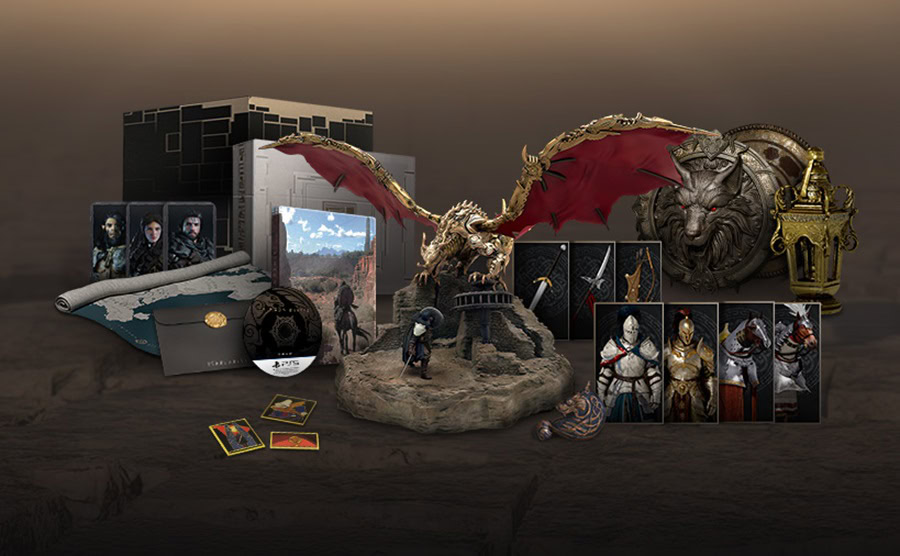
Crimson Desert is available in 4 editions. The good news is that everything you can pay extra on top of the Standard Edition, are cosmetics. There is no P2W stuff available in the Deluxe and Collector’s Editions.
The game’s demand for relatively high end hardware to play at Ultra preset on PC is explained by the vast open world Crimson Desert will offer. The game is built on Pearl Abyss’s proprietary Black Space engine. It is designed specifically for vast open world environments and this was very clearly visible from the media preview event and all of the promotional videos in the recent weeks.
Rendering dense environments, complex physics and effects, dynamic weather systems, and very highly detailed character models, requires substantial CPU and GPU power. Today it’s a standard for every game to recommend and even demand that you install it on an SSD, not on a normal HDD.
In general, Raytracing is by far the most demanding feature in modern games and if you want to enjoy it, you will need the hardware to be up to the task.
Crimson Desert offers upscaling and frame generation tech, but from what we have seen so far, at least PC players should be able to run the game on modest hardware with decent visual quality and “enough” framerate. We don’t have much experience with consoles in general, so we leave this evaluation to experts such as Digital Foundry.
Pearl Abyss has gradually revealed details about different aspects of the game. Like the Save Systems, the fact that the game has no Difficulty setting, and the main cast (hint: we know them all from other beloved titles). The VULKK team will be fully covering Crimson Desert. Read our expectations and reasons why we are so excited for Crimson Desert.