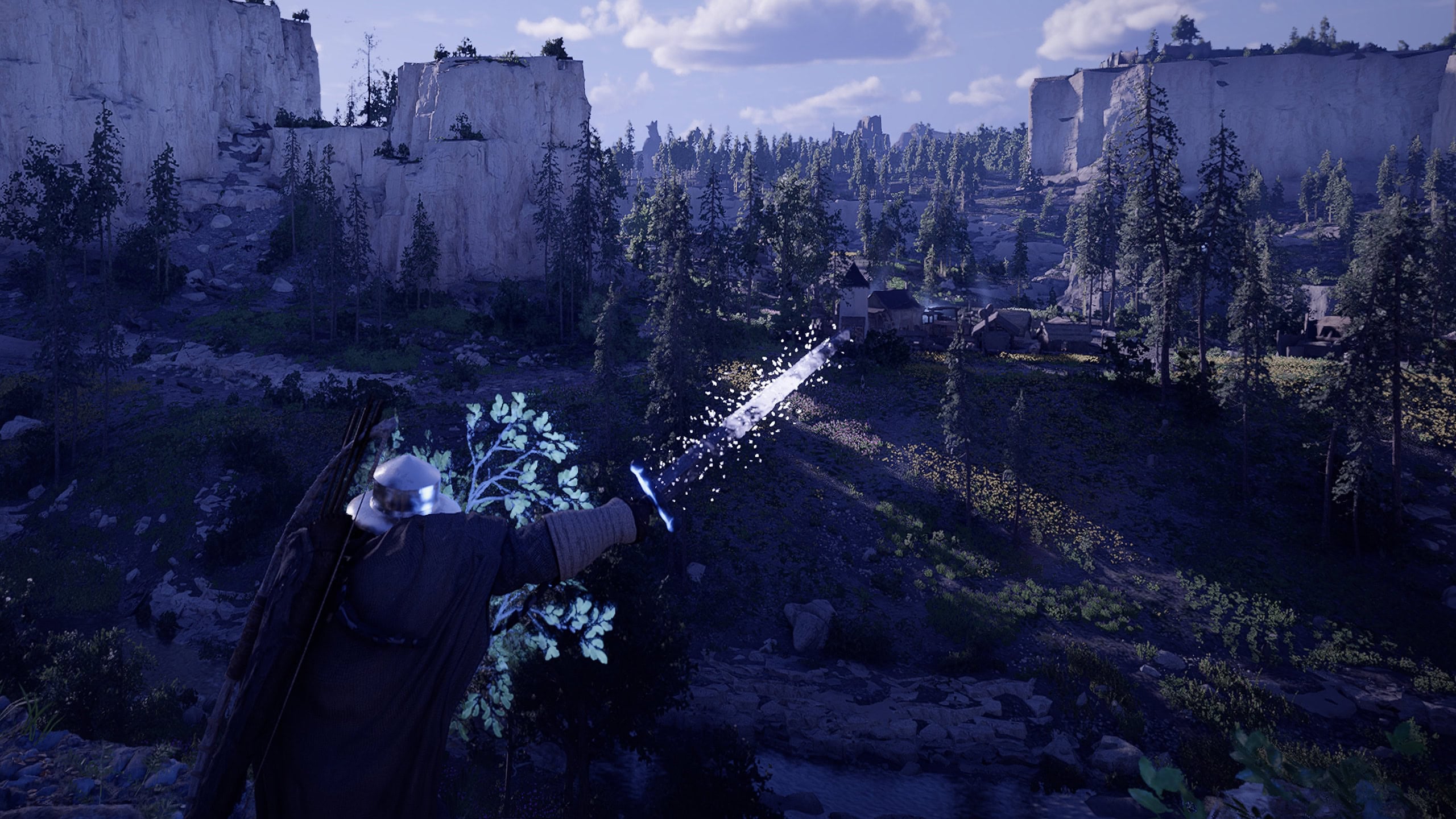

Blinding Flash is one of Crimson Desert’s few Multi-purpose skills. This guide covers all of its uses, from Combat to Puzzle-solving.
Unlocking Blinding Flash
Blinding Flash is an important skill we’ll get the very first time we visit the Abyss during the Prologue, following the encounter in the Greymane Camp. When reaching the Point it is required to progress, the skill will be automatically unlocked with a short tutorial for it.
If this tutorial sounds confusing or you forgot about it next time you need it, this guide will show you everything you need to know.
Blinding Flash is a free skill that we can utilize in many scenarios. It has no cooldown and doesn’t cost Stamina to use. Here are its stats:
| Stat | Value |
|---|---|
| Spirit / Stamina Cost | 0 (free) |
| Cooldown | 0 Seconds (no cooldown) |
| Cast Time | Approx. 0.8 seconds |
| Blind Duration | Approx. 1 second |
Blinding Flash Controls
Below are the default controls for the Blinding Flash Skill, as listed in our Crimson Desert Controls Guide.
| Action | PC | Playstation | Xbox |
|---|---|---|---|
| Activate Blinding Flash | CTRL + LMB | L1 + R1 | LB + RB |
| Activate Focus Light | CTRL (without releasing LMB for Blinding Flash) | L1 (without releasing L1 for Blinding Flash) | LB (without releasing RB for Blinding Flash) |
| Blinding Flash Finisher (When Unlocked) | RMB (During the Blind duration of Blinding Flash) | R2 (During the Blind duration of Blinding Flash) | RT (During the Blind duration of Blinding Flash) |
The Default controls work pretty well for this skill overall. If desired, Activating Blinding Flash can be moved to Mouse 4 or Mouse 5 on PC as mentioned in our Control Guide.
If we happen to have a PlayStation DualSense Edge or Xbox Elite Controller, it may be possible to set one of the rear paddle buttons to activate Blinding Flash with a single button press
Using Blinding Flash in Combat
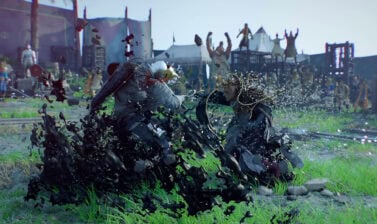
Blinding Flash provides a very brief crowd control to nearby enemies, blinding and dazing them for a short duration, as indicated by the apparition-like effect on them.
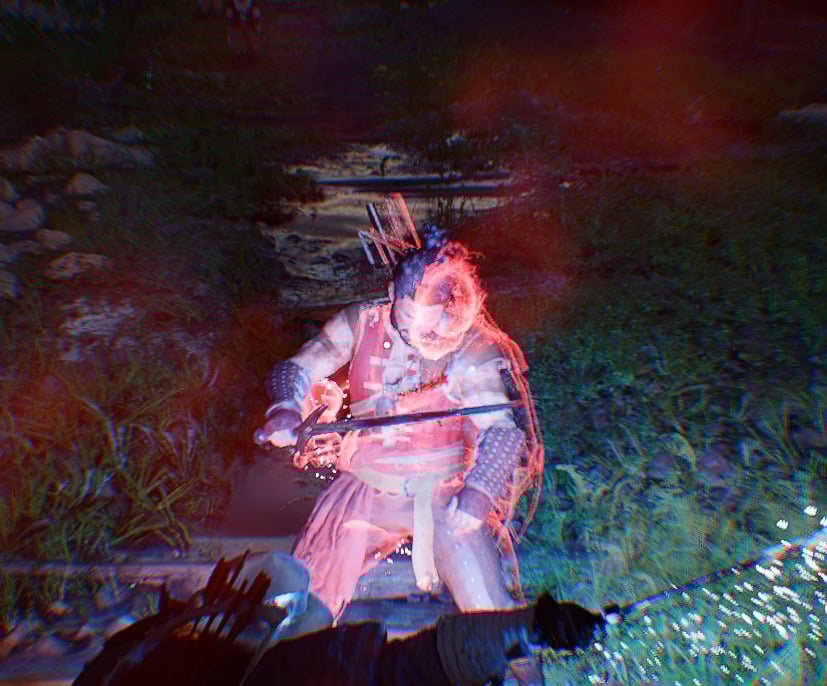
This can be extremely helpful when dealing with large crowds of enemies all at once, giving you a chance to breathe and consume a healing item.
This does very little on its own, but through the use of Abyss Artifacts, or finding the Observe location in the world, the Blinding Flash Finisher can be unlocked as an upgrade path.
Like most other skills, you can Observe an NPC in the world, as they perform the skill, allowing us to get the first point for free. This allows for a high damage follow-up on a single target by pressing RMB / R2 /RT immediately after Blinding Flash.
Here are the stats for Blinding Flash Finisher
| Stat | Value |
|---|---|
| Stamina / Spirit Cost | 5 Spirit |
| Cooldown | Tied to Blinding Flash connecting |
| Damage | Approx. 3 Light Attacks and a Heavy Attack |
| Cast Time | Approx. 0.25 seconds |
| Skill Length | Approx. 3 seconds |
Using Blinding Flash out of Combat
Outside of Combat, Blinding Flash has two functions, a Point of Interest Locator and solving Light Puzzles
Locating Points of Interest
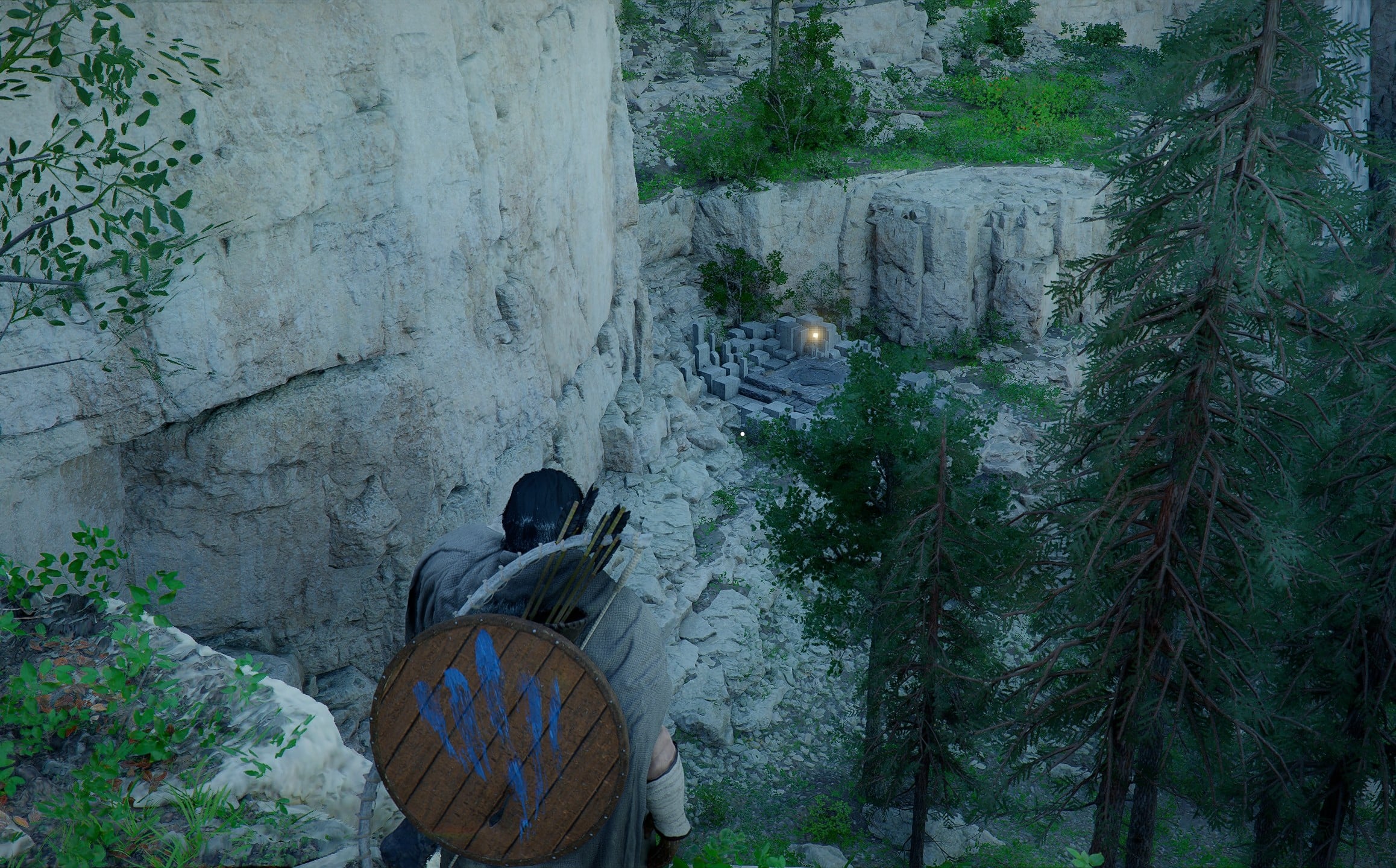
While exploring and even while mounted, Kliff can channel Blinding Flash to mark nearby locations with a glowing Blue Light, similar to the Orange glow the Lantern can produce.
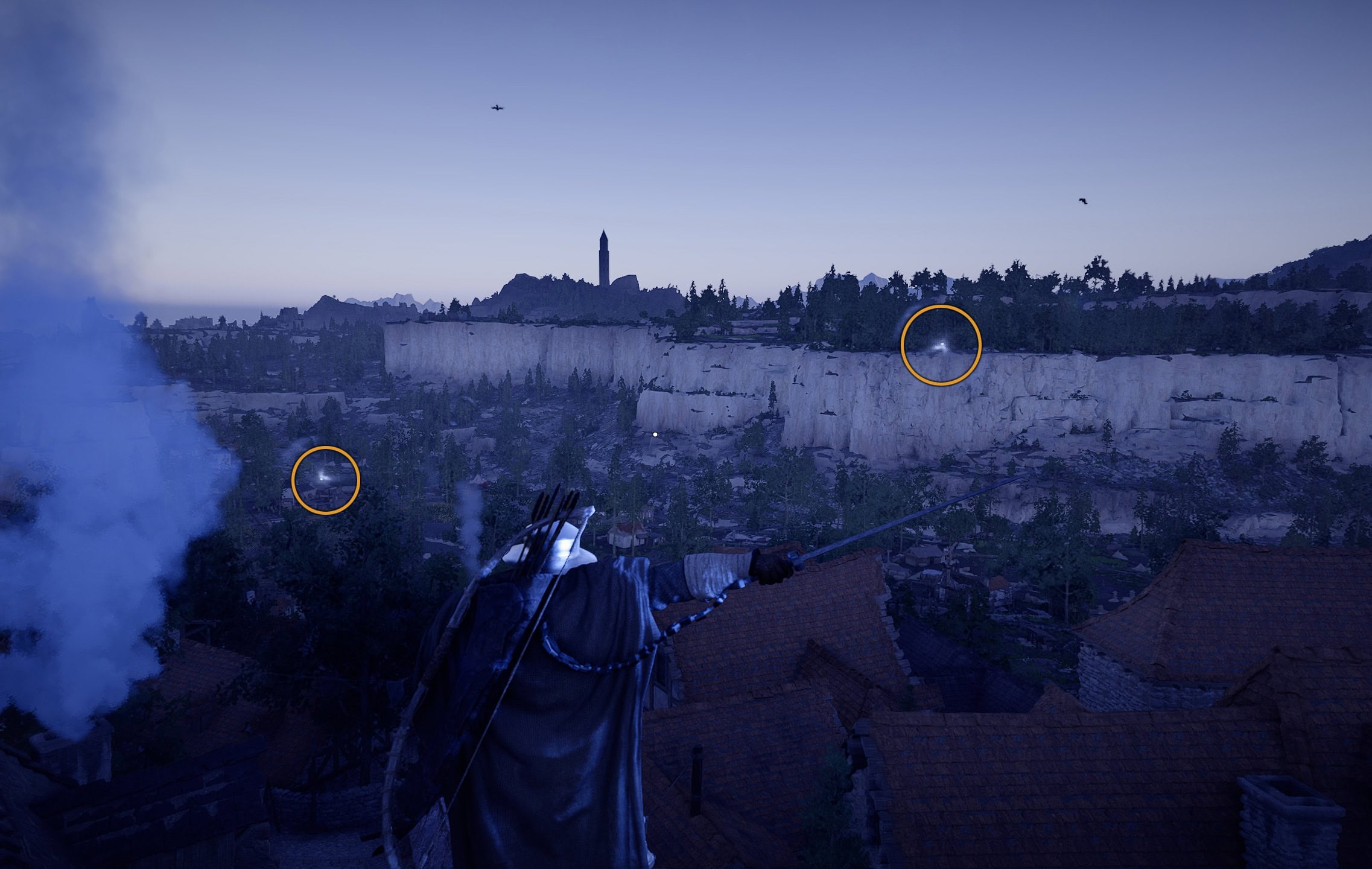
The Locations that get shown will often have an Abyss Artifact of some nature. Some of these Artifact will be simple to grab, requiring just the Lantern’s light; others may require a puzzle to be solved to claim the reward.
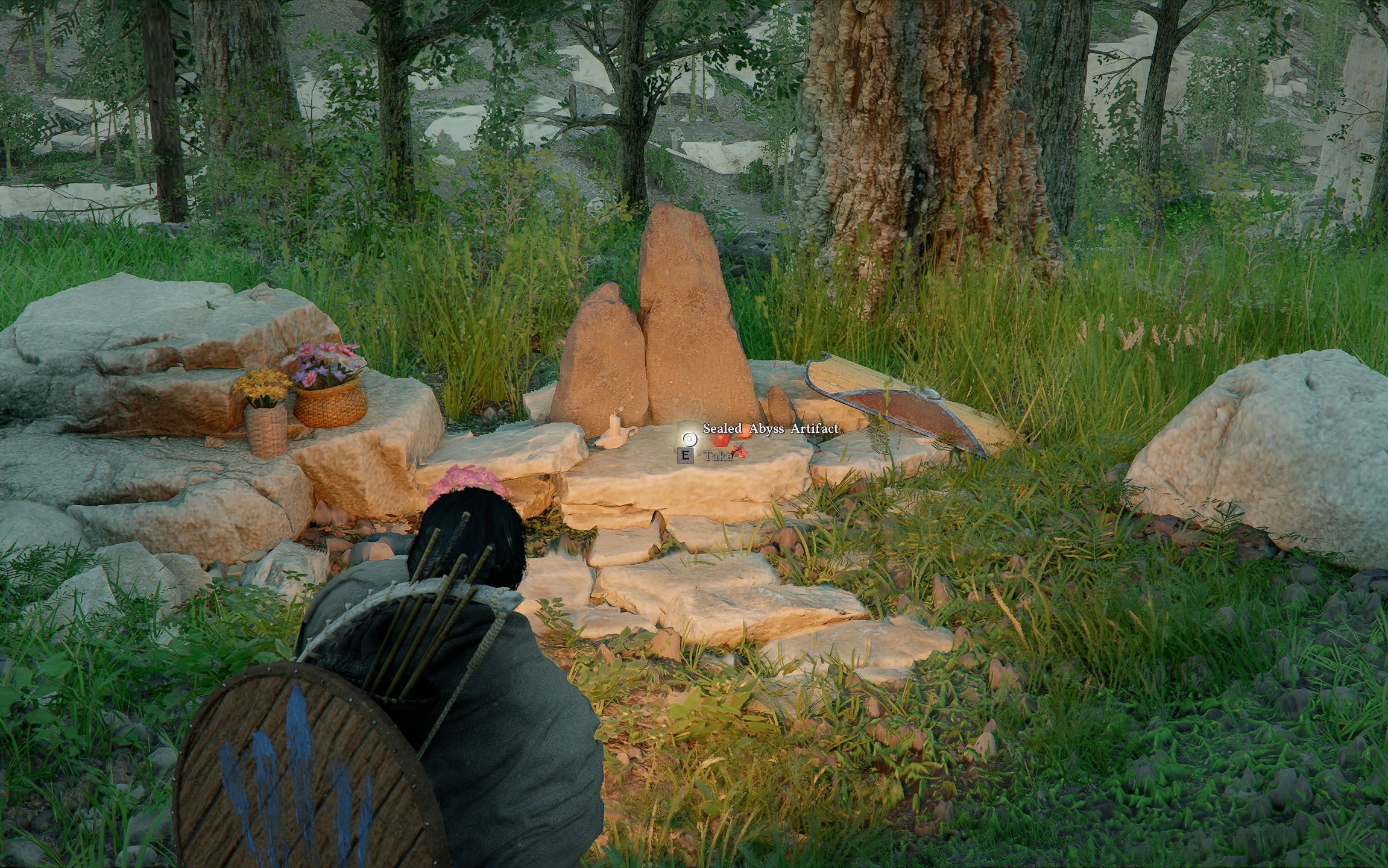
The other main Points of interest this will often highlight are Abyss Nexuses, or Fast Travel locations we can use to get around the world faster.
Light Puzzles
During the process of channeling Blinding Flash, as you would for the applications above, we can continue to hold Light Attack (LMB / R1 / RB) to maintain the effect while releasing Block.
However, we can also re-press and hold Block (CTRL/ L1 / LB) while maintaining the channel to Focus Light on an object. While channeling Focus Light, Light Attack can be released while Block remains held.
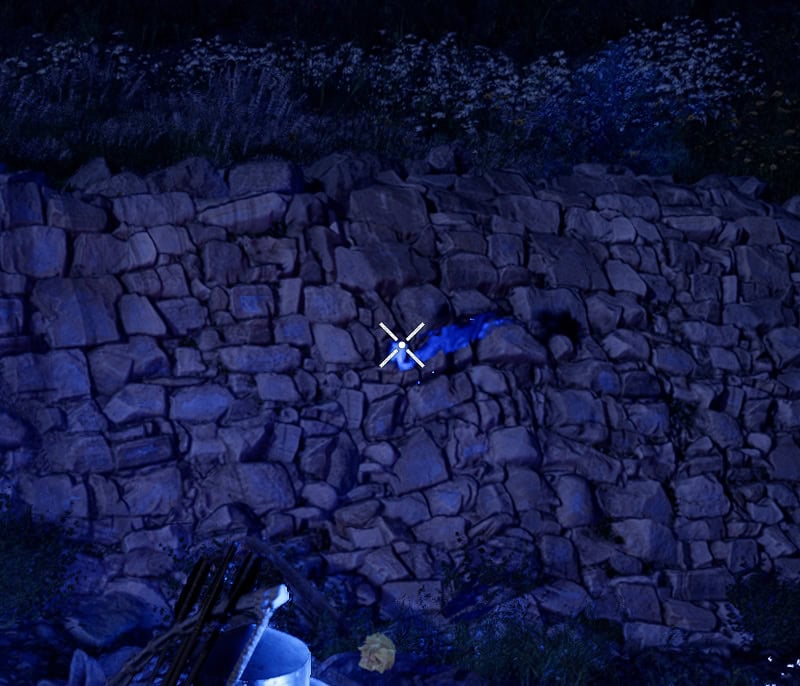
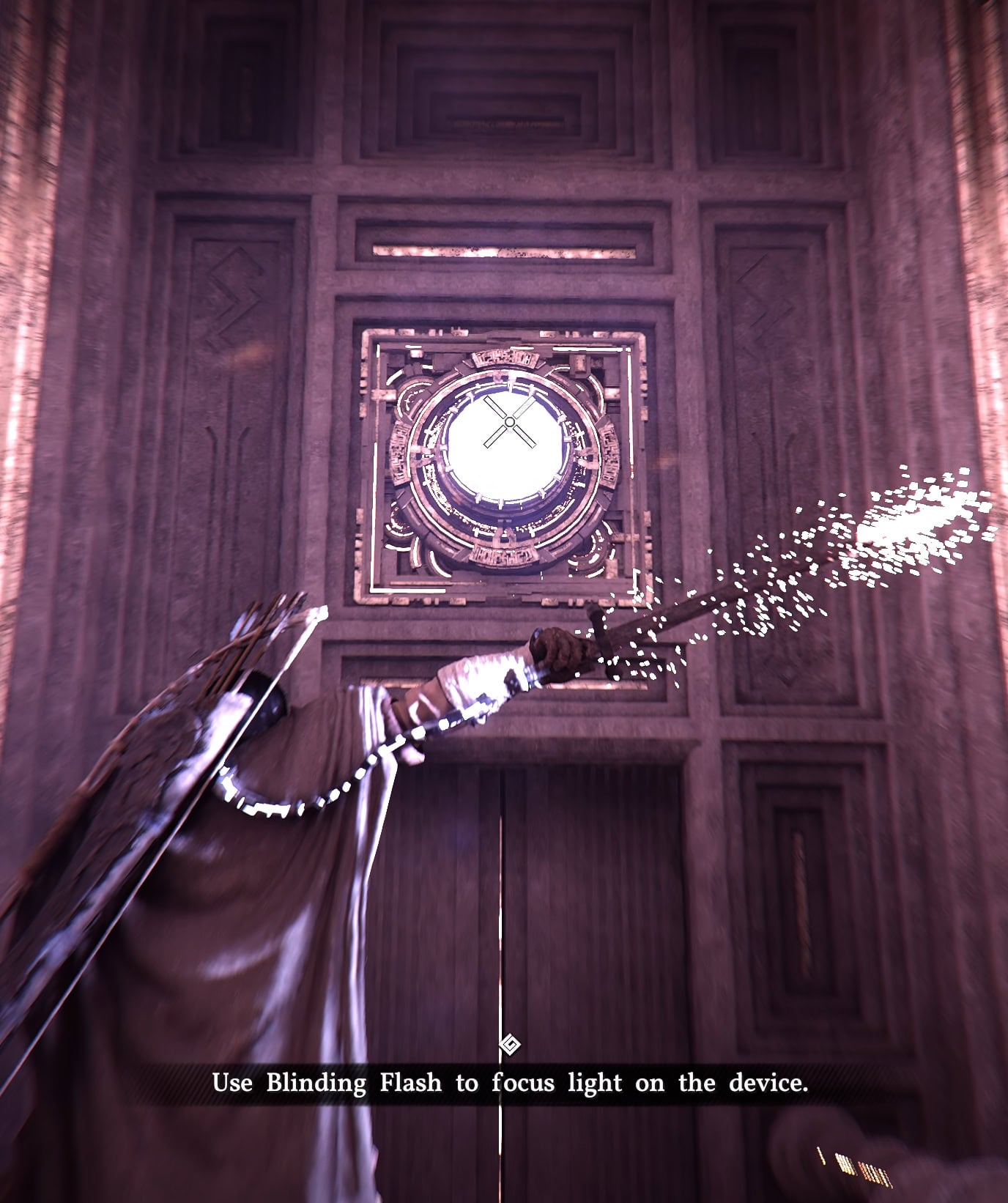
Focus Light allows us to activate certain Abyss Devices (like the one shown below) by following this sequence of inputs:
- Activate Blinding Flash
Press Light Attack and Block (CTRL + LMB / L1 + R1 / LB + RB)
- Release Block
Default Keybinds: CTRL / L1 /LB
- Activate Focus Light
Re-press and hold Block. Light Attack can be released at this point if Block remains held.
- Target an Abyss Device
Point your Crosshair where the light needs to be directed, and Abyss Devices will glow blue as shown below
- Charge the Device
Wait for the Audio or visual cue to know they are charged and proceed.
As a Source of Heat
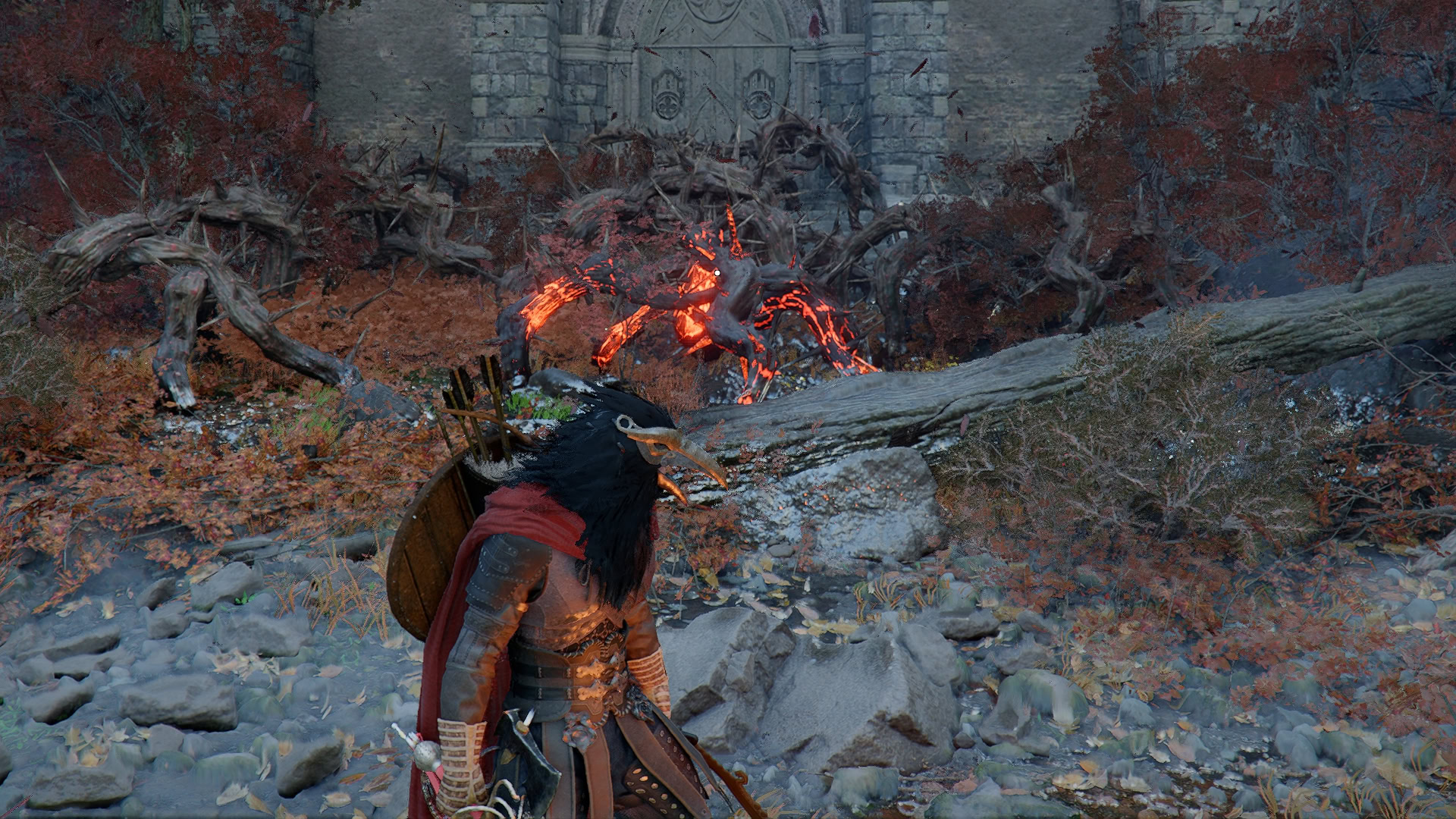
Light Puzzles aren’t the only thing Focus Light can do. Much like a Magnifying Glass can, it can be used to heat objects. The main purpose of this in puzzles would be to remove burnable objects, such as Thorns.
Beyond this, it can also “grill” Raw Meat. This is more of an Easter Egg than anything, but it can be used in a pinch if we deplete our food stock and there’s no bonfire around.