Crimson Desert’s Update 1.03.00 introduced a new setting, allowing you to completely or partially hide the Weapons on your character’s back. This guide will show you how.
Where to find the Display Weapons Setting
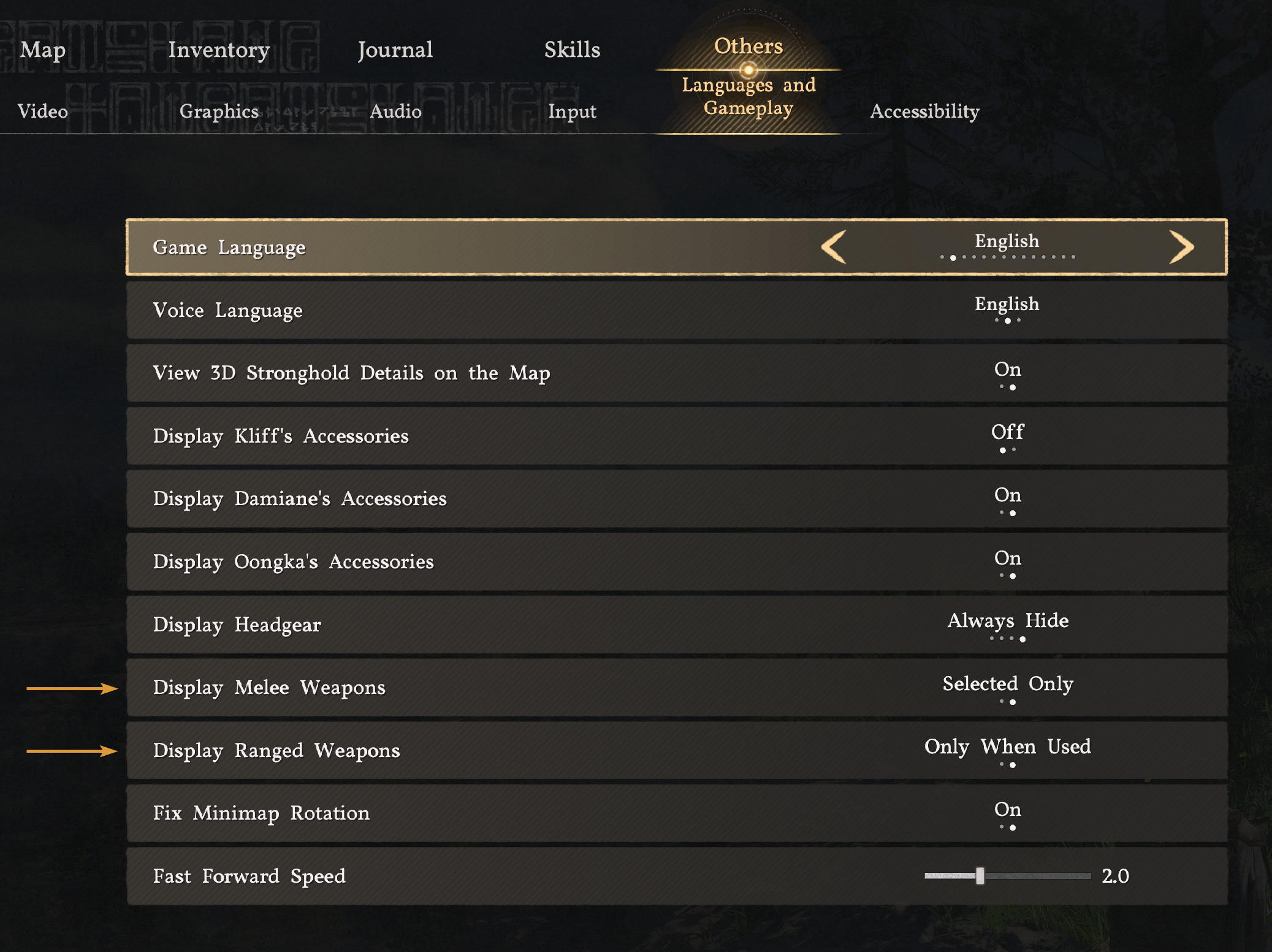
After adding the option to hide your helmet, now Pearl Abyss offers a similar feature for the Melee and Ranged weapons on your character’s back with the release of Patch 1.03.00. Here’s where to find it in the game’s menu:
- Open Main Menu
Open the Main Menu of the game by pressing ESC on keyboard or the Menu / Option button on your controller.
- Open Language and Gameplay
Go through the Others → Settings → Language and Gameplay
- Choose Display Melee Weapons Option
Choose one of the two available options to hide your headgear.
- Choose Display Ranged Weapons Option
Choose one of the two available options to hide your headgear.
What are the different options to hide weapons
Unlike with Helmets, here you only have two options here. But the visuals are different if you are out in the open or in a special area where weapons are not allowed (like in the Graymane camp, for example).
Melee Weapons Settings
- All: This is the default setting. Everything is visible on your back, including the shield and selected weapon, even if it’s a two-handed one.
- Only Selected: This option will display only the weapons that are currently active. If it’s a two-hander, it will be on your back. If it’s a sword and shield combo, the sword will be on your hip, the shield will be on your back.
Ranged Weapons Settings
- Always: This is the default setting. Whatever you have on the ranged slot, will be visible. For the standard bow and arrows combo that most of you have most of the time, both are visible.
- Only When Used: This setting completely hides whatever you have selected in your Ranged weapon slot. Even if it’s a sprayer, it will not be visible on your back unless you are actively using it.
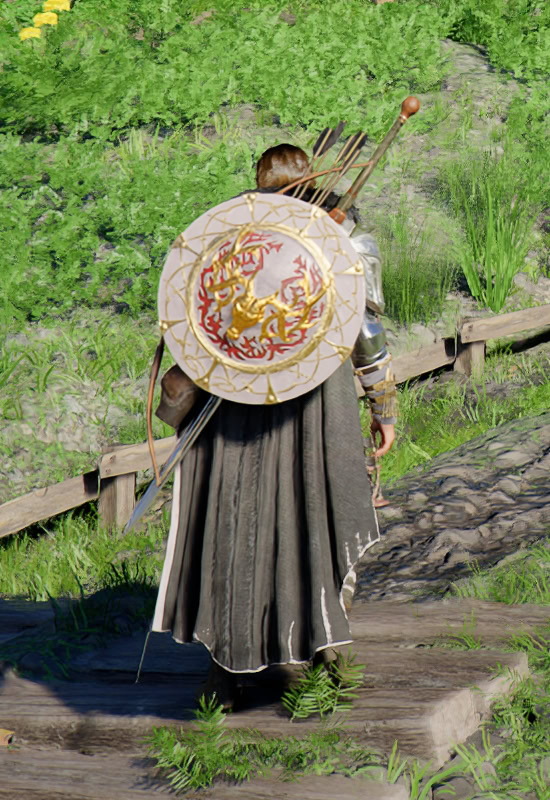
Ranged: Always
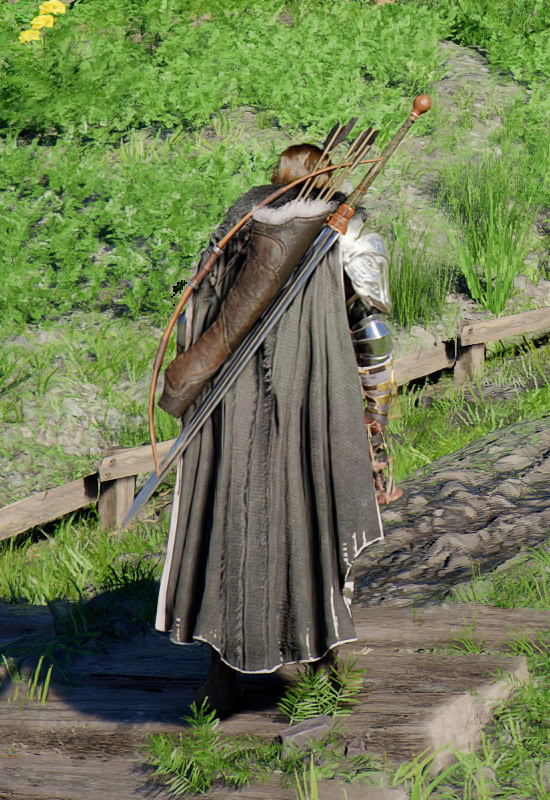
Ranged: Always
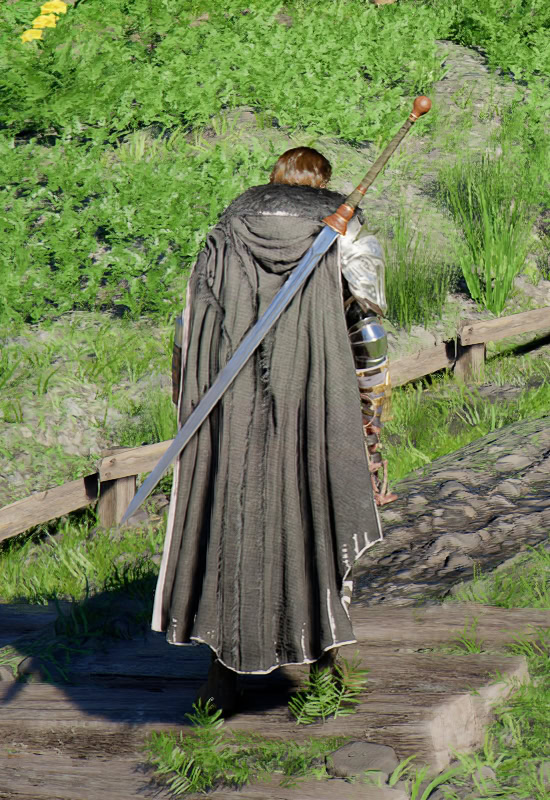
Ranged: Only When Used

Ranged: Only When Used
Benefits and drawbacks of Hiding Weapons
Some of the gear pieces you will find later in the game look incredible. Most weapons’ default stats are normalized in Crimson Desert.
This means that when you extract the Abyss Gear from them, they are almost on equal grounds from the start to the very endgame. It’s the looks that matter the most when choosing a weapon.
It is great that Pearl Abyss have created options for everyone to choose from. We expect more options will appear later as the game is still only a few weeks old and with the pace the devs are releasing new patches with major changes and improvements, I would not be surprised if they add additional tweaks, specifically to the Sprayers and other odd things we can have on our backs sometimes.
There are no stat-drawbacks at all regardless of which option you select. The only little thing worth mentioning is that if you want absolutely no weapons displayed while out of combat, you have to select the Gloves you have equipped in the two-handed weapon slot. This will actually impact your combat performance.
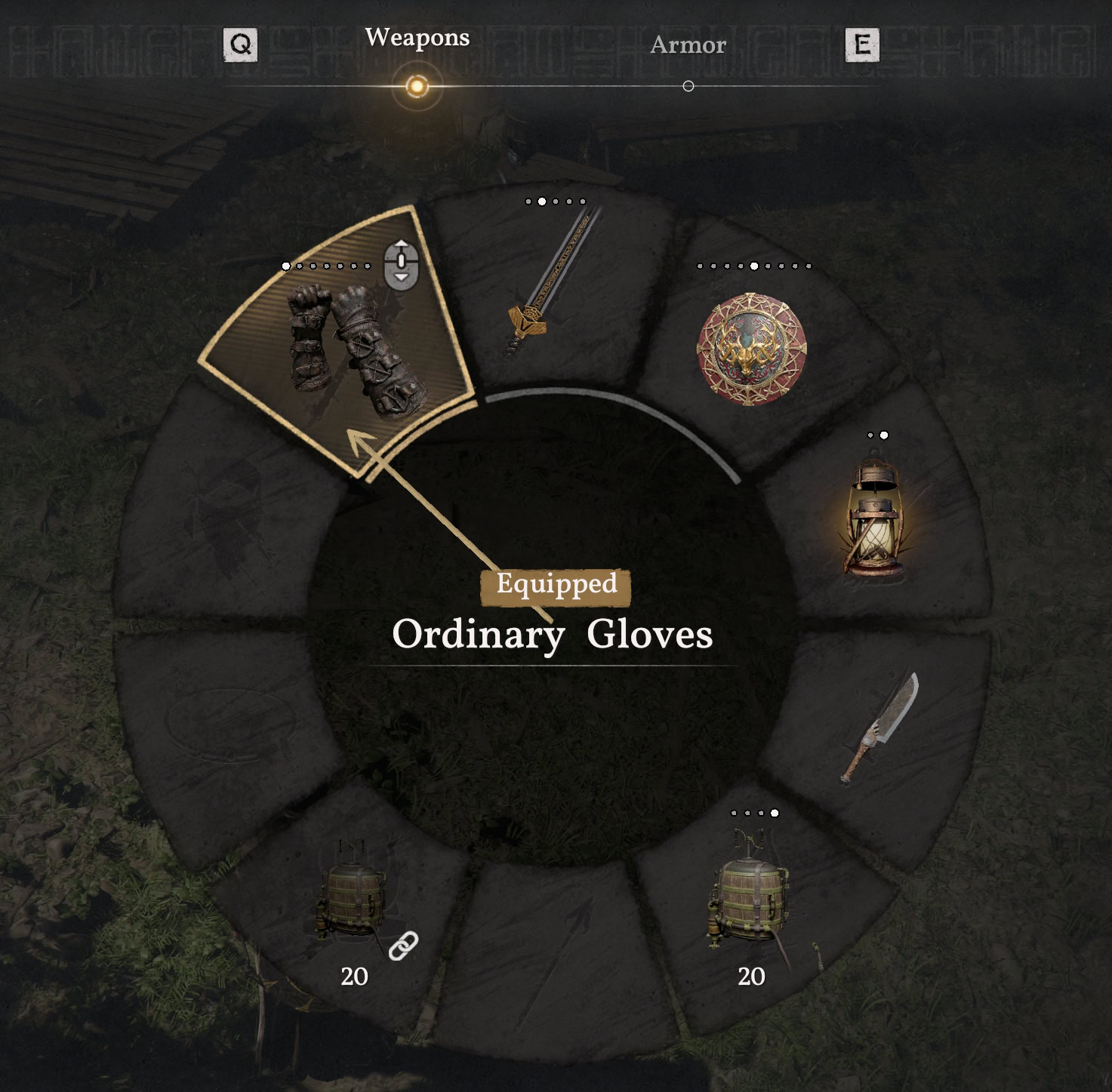
One potential visual issue you may see more often, is that when you have no shield displayed on your back, you may see the two-handed weapon clipping through your cape or cloak more often.
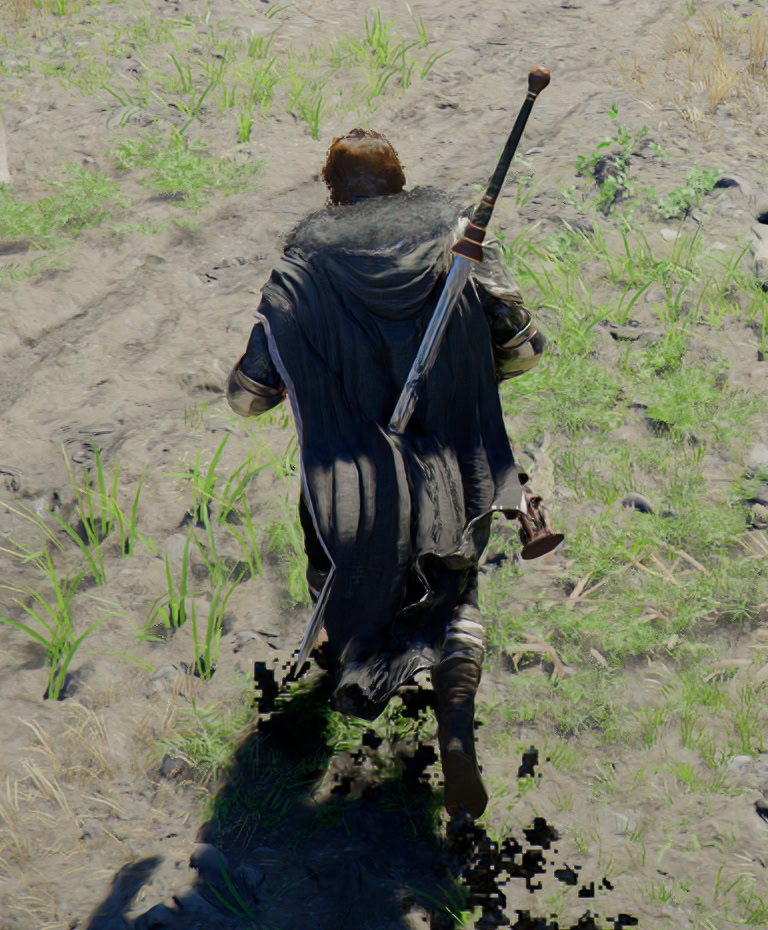
This would happen more frequently if you run. This is yet unsolvable issue present in every video game ever made. Though, it’s a tiny one, easy to ignore. And most of us are not running most of the time anyway. We need more time to enjoy the vistas. Right?!