Learn how to control the camera in The Witcher 3 Remastered and find out what are the best settings for walking, riding Roach, or fighting opponents.
This guide is up-to-date for The Witcher 3 Remastered edition.
The Witcher 3 Wild Hunt Next-Gen Update arrived on December 14th, 2022. As of this patch, labeled 4.0 in-game, you have the ability to choose from two camera angles and positions as you play. The Remastered free upgrade released on September 29th, 2026. It further improves the options you have to controlling your camera both in and out of combat.
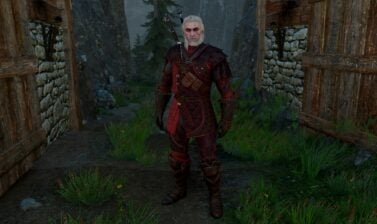
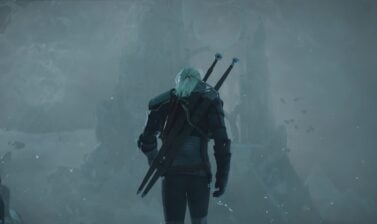
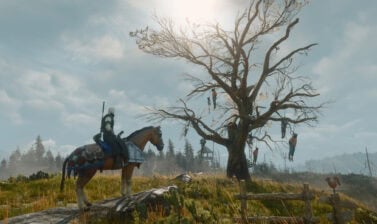
The classic original camera position and angle – far behind Geralt, looking almost from the top, is still available.
How to access and change the Camera Modes
You can choose between several options for how the camera should behave depending if you are in combat, walking around, or riding Roach.
You can do that from in-game or out in the main menu without actively playing. There are no limits to when and how often you change these. Here is how to do it:
- Pause the game and navigate to Settings from the main menu on the left-hand side.
- Open the Gameplay Tab in the Options Menu and scroll down a little bit.
- Choose a preferred setting for Exploreation Camera Distance, Combat Camera Distance, Horseback Camera Distance, and Autmatic Camera Centering.
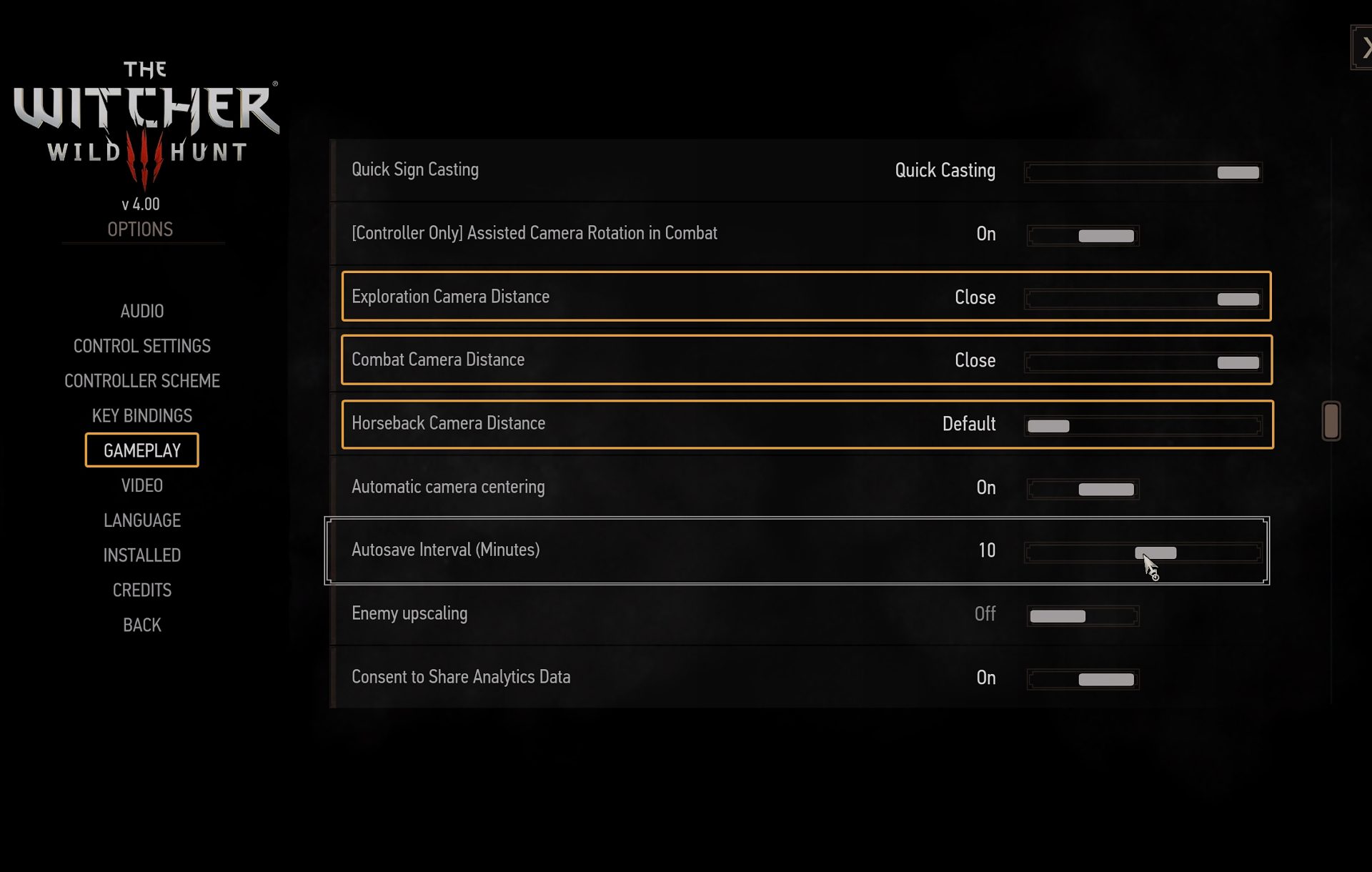
The Remastered Edition added a few new tweaks for Target Locking, and Camera Rotation for controllers.
Exploration Camera Distance
When you are exploring the world, walking or running around The Continent. This includes any and all activities that are not Combat and Horse Riding.
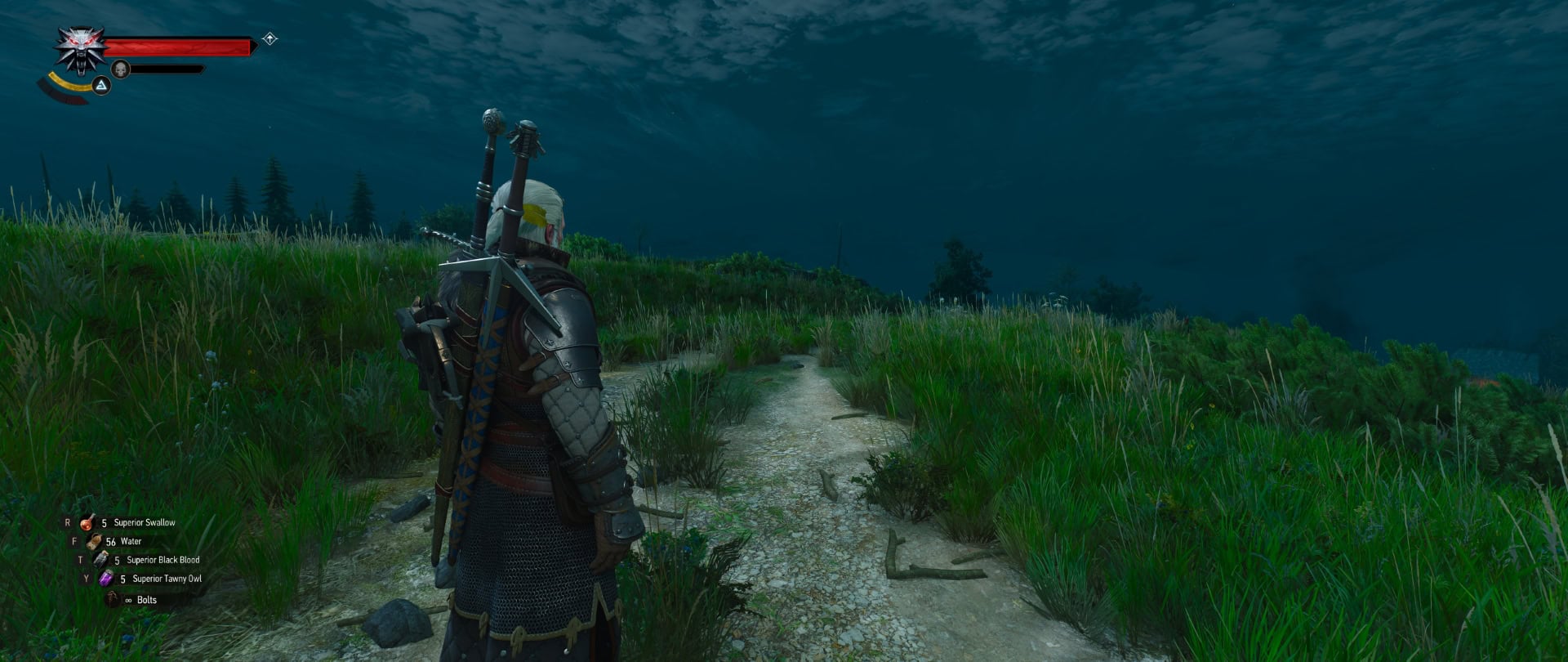
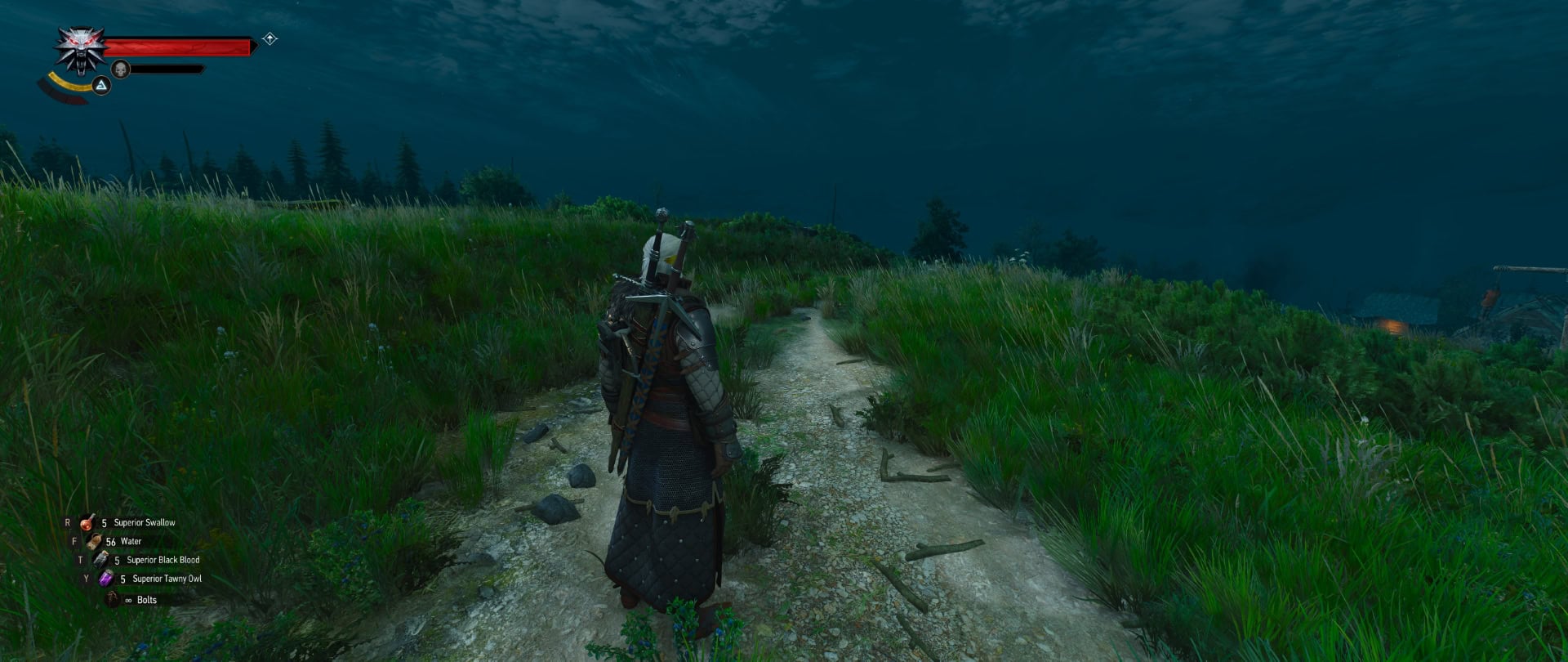
Combat Camera Distance
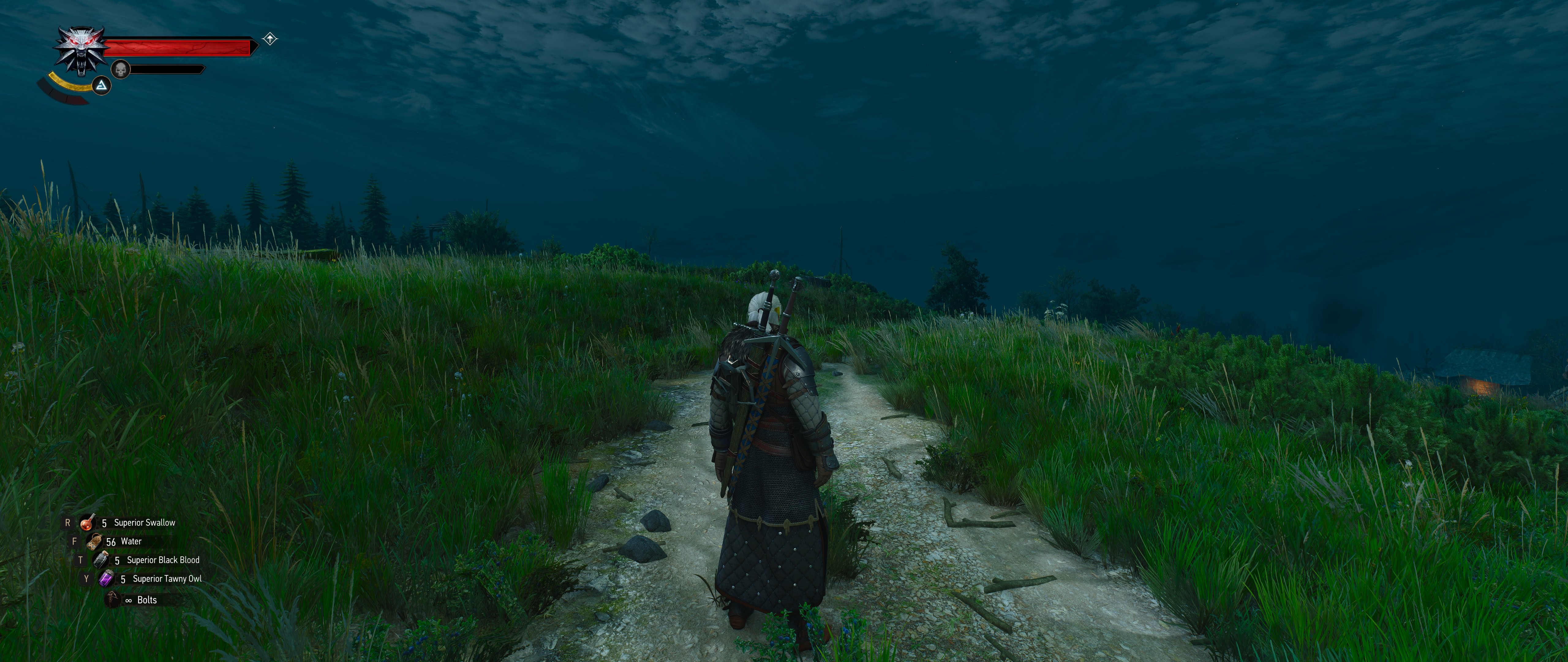
This camera mode is activated when Geralt enters combat. It doesn’t matter if you initiate it or get surprised by an enemy. As soon as you enter combat, this camera kicks in.
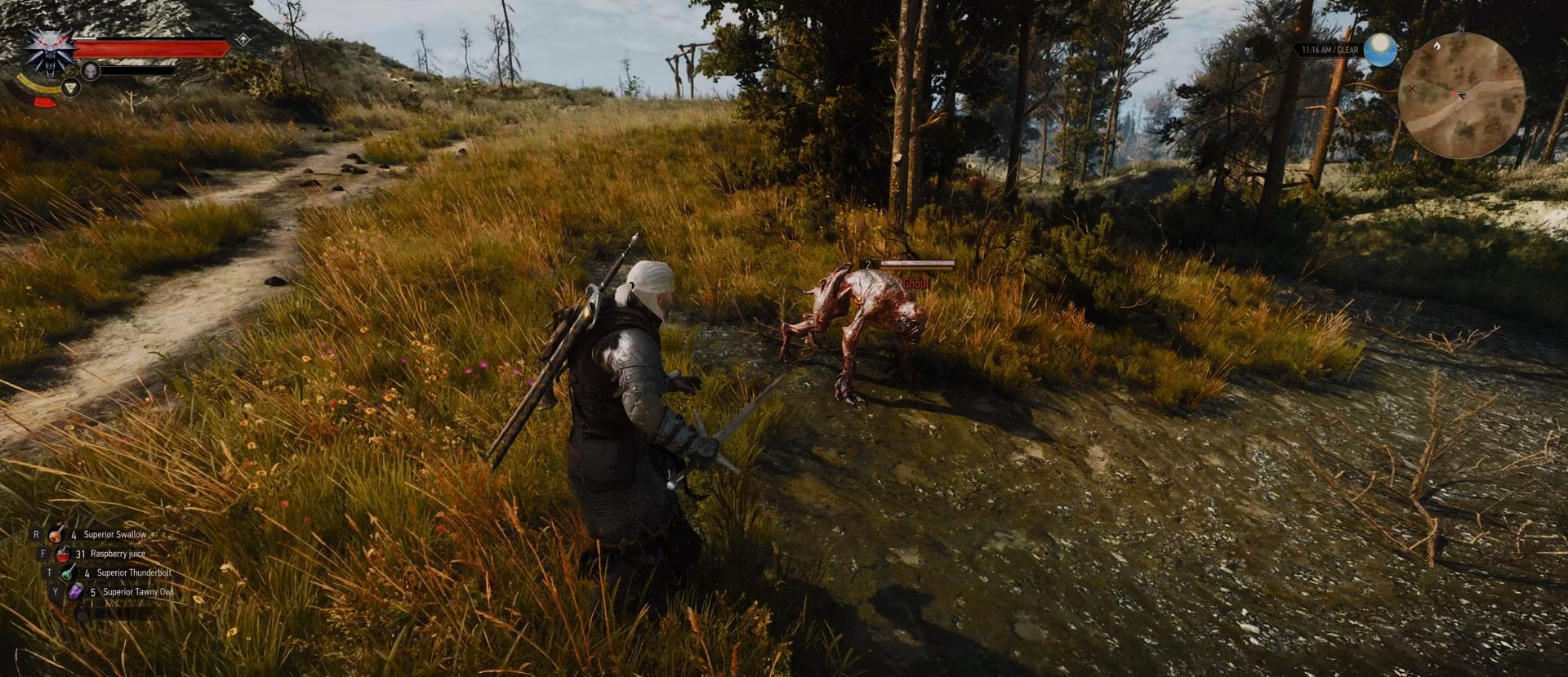
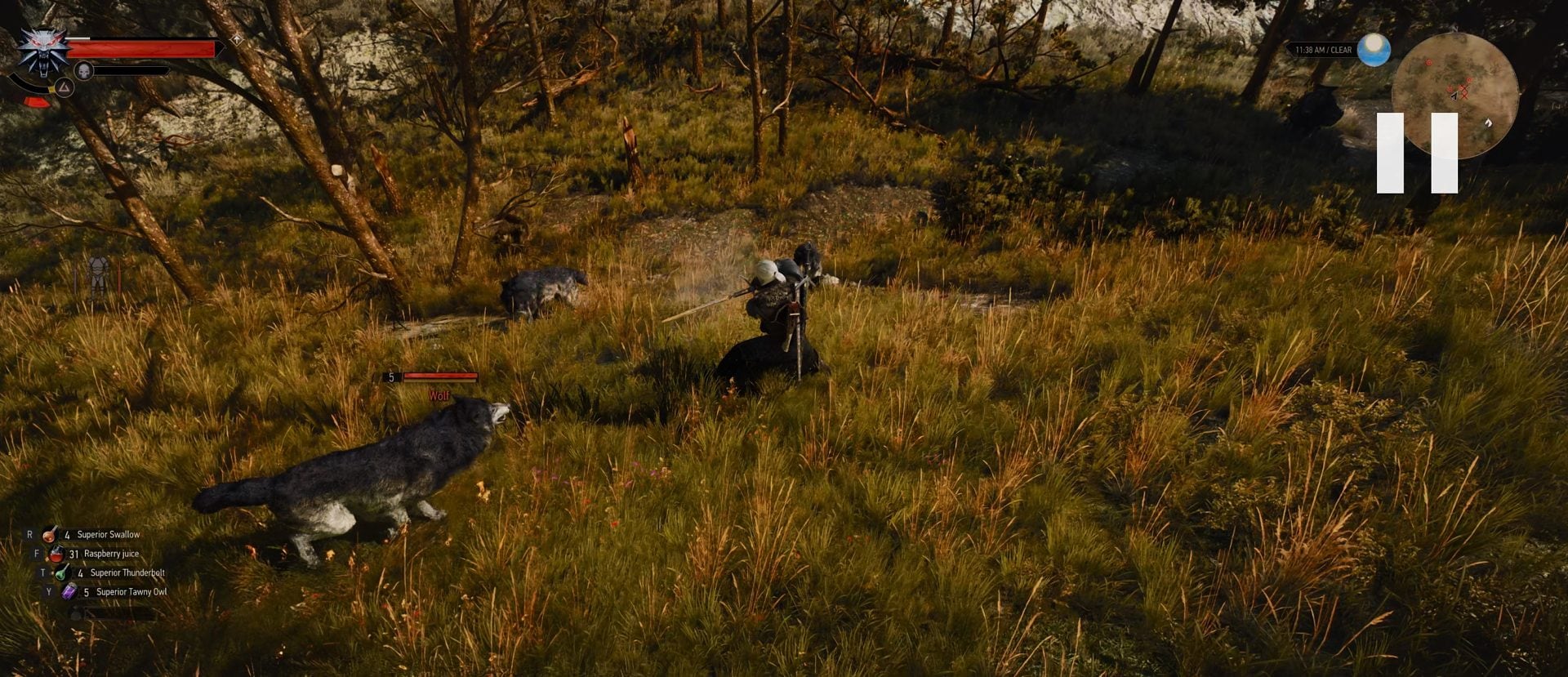
The third option, added with the Remastered, is called “Dynamic”. The camera constantly tries to balance the view on your screen during combat to allow you a better view. It zooms out when you are facing many opponents and they are surrounding you. It zoomes in when you are facing a single enemy.
Horseback Camera Distance
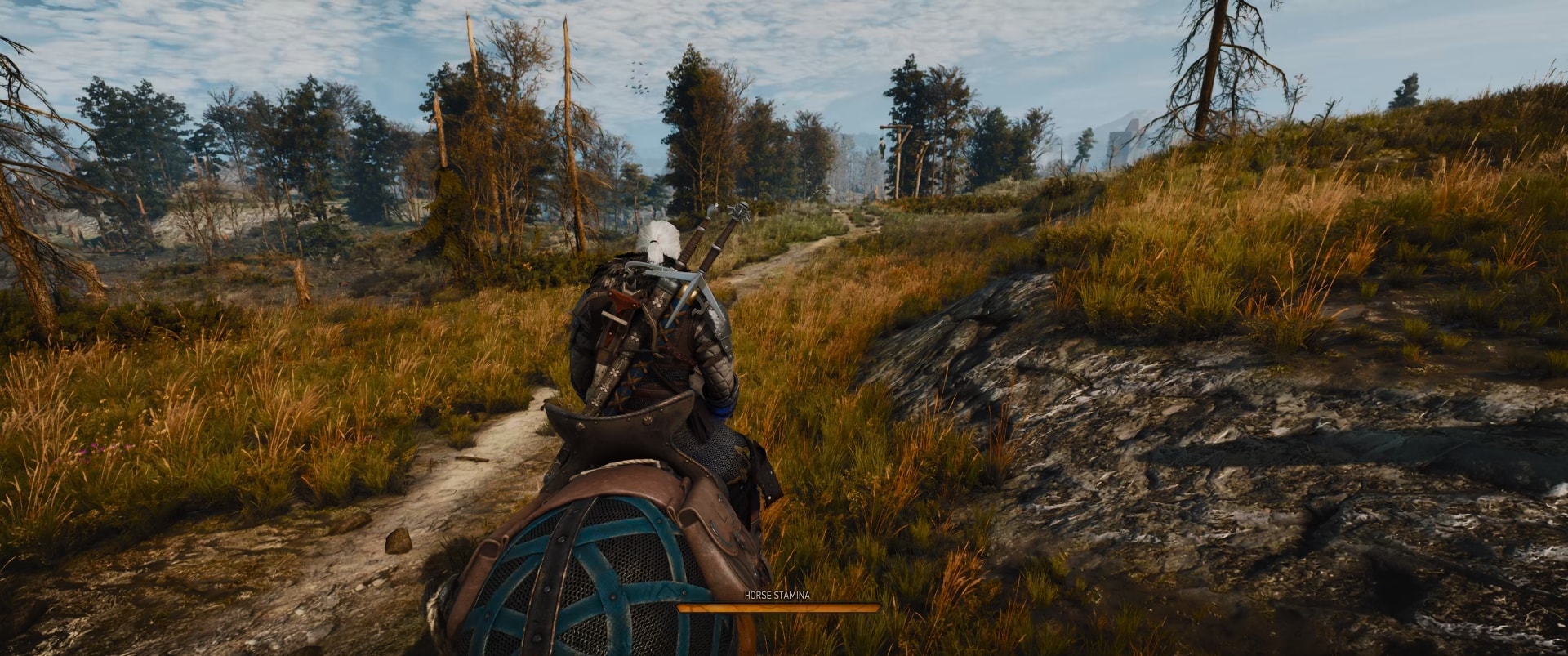
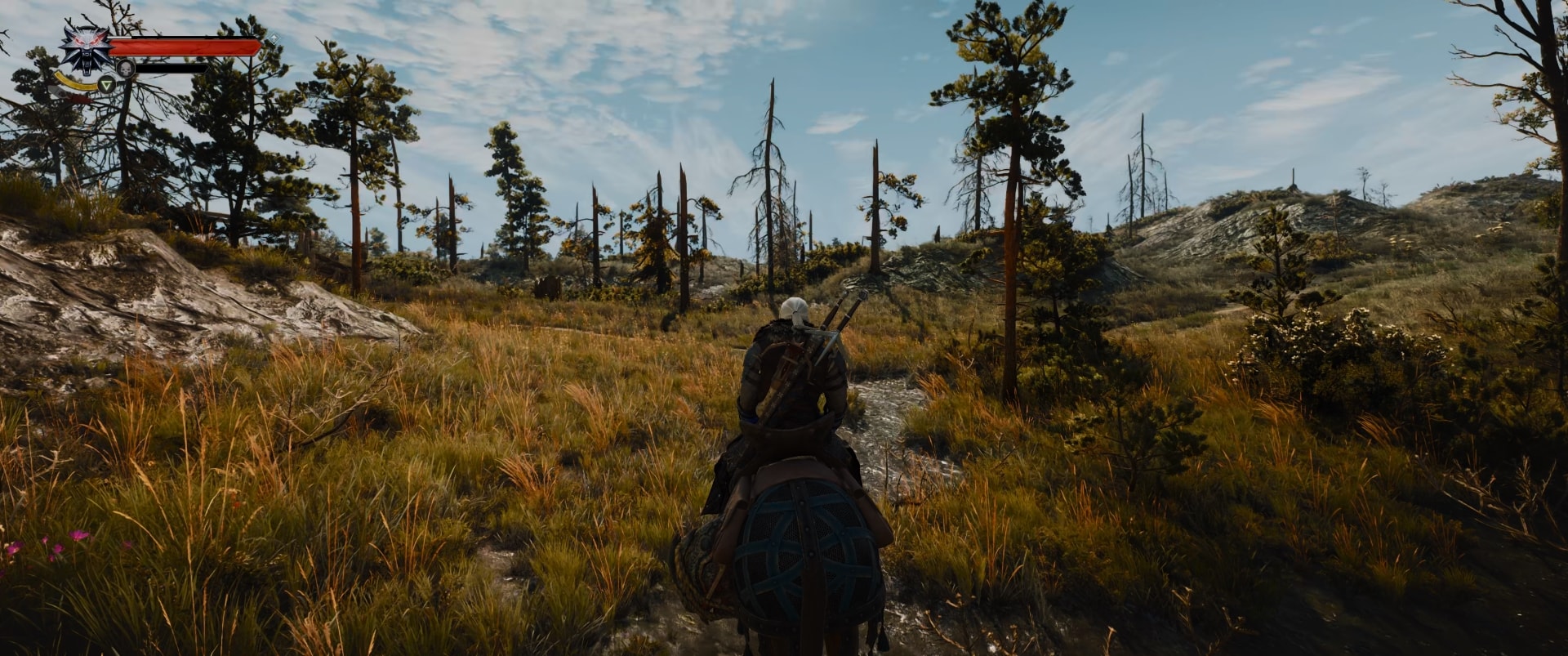
This camera is active while you are on the back of your horse Roach. Whether you stroll around the roads or gallop chasing something (or someone), it doesn’t matter. As long as you are on top of Roach, this view kicks in. This camera mode has not been altered for the Remastered and is the same as it was in the Next-Gen update.
Video Guide
In this video, I will show you how the camera changes position and adapts for every setting and preset available for Camera Distances in and out of combat.
Which Camera Mode to use and When
You know what I am about to say, right? This is a personal choice. As a veteran player with about a thousand hours of playtime with The Witcher 3 and a ton of video and written content being my back, I can safely say that… I love the new Close camera!
If you are new to The Witcher 3 or are having trouble deciding which one you want to stick to, below I have a few thoughts followed by my recommendations on each camera mode.
Combat Camera Recommendation
Combat takes a bit of getting used to it. The Original Camera allows you to see a much large portion of the terrain around Geralt. This is advantageous when you are fighting multiple enemies.
The Close camera, however, offers a brand new look at the combat. The creatures look better, thanks to the new textures and other graphics updates. But the best part is that you feel more involved, and more engaged with the combat. Many modern games offer this type of close-view camera and this is for a reason.
The new, Dynamic Combat Camera mode is a great balance of both and you should give this one a try to see if you can get used to it. CDPR attempted to bring the combat of The Witcher 3 as close as possible to other modern games and this camera is a step in this direction.
Horseback Camera Recommendation
The one activity I do not like the Close camera for is when riding Roach. You ride your horse to speed up the process of moving from point A to point B. Therefore your horse gallops. CD PROJEKT RED showed us amazing visuals of Geralt strolling casually on his horse, but when running, the camera angle gets weird, even ugly.
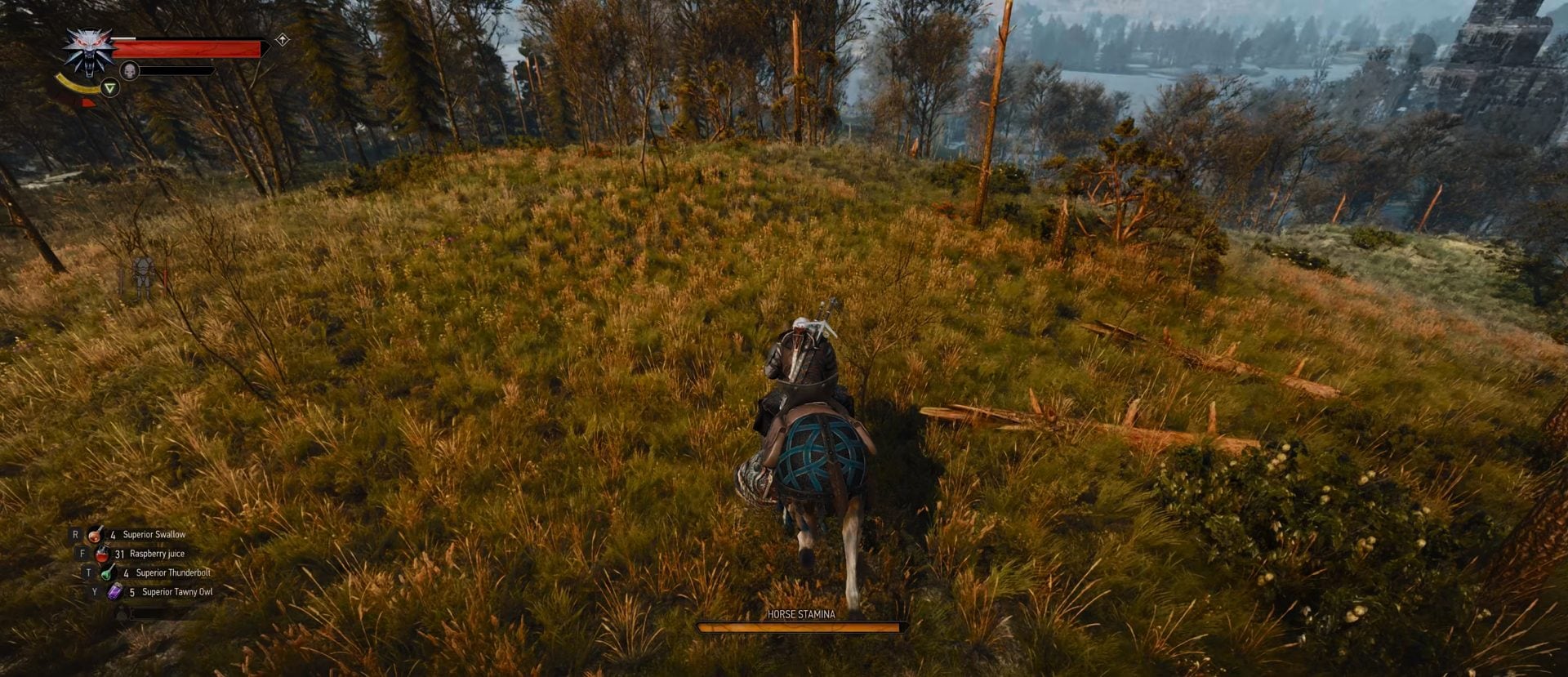
This effect is not present, at least not for me, when running using your feet. The camera angle is not too distorted and I personally enjoy this very much.
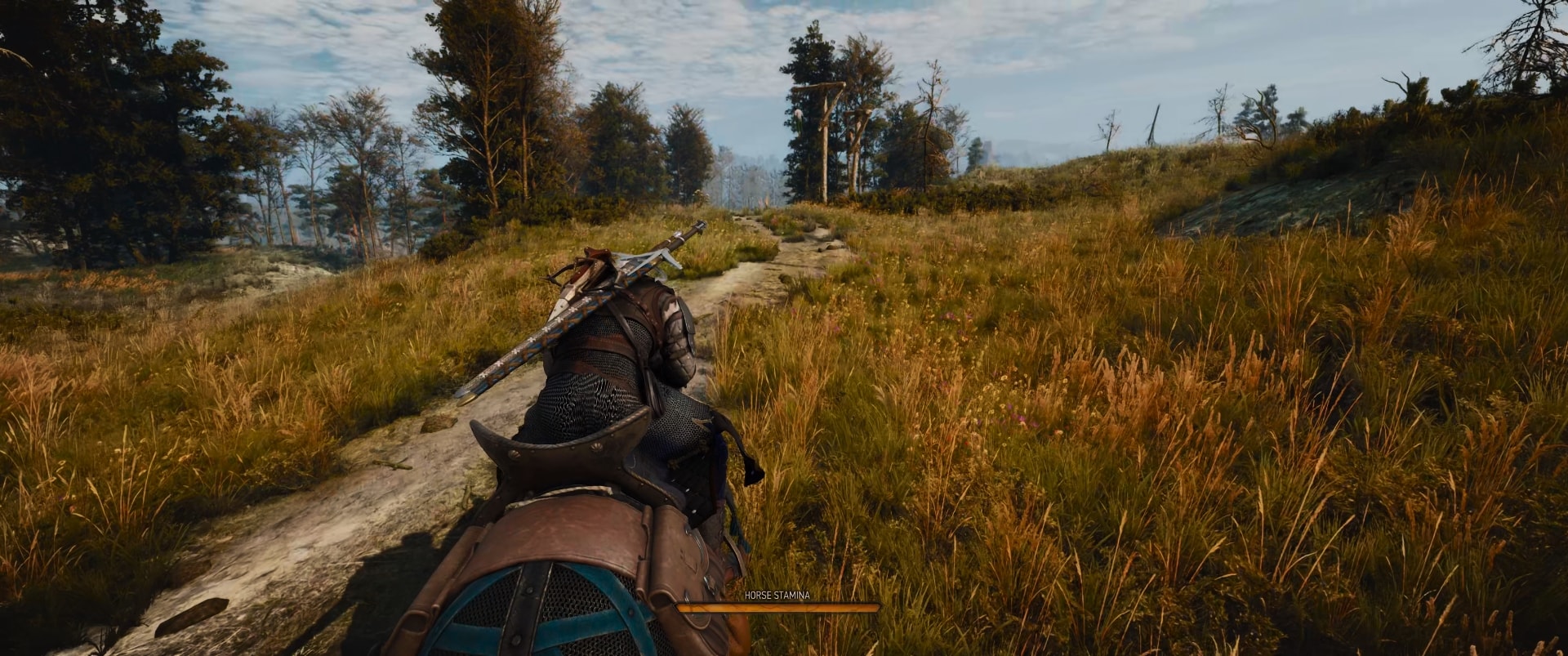
Keep in mind that if you enter Combat while riding Roach, the camera will not switch to the Combat Camera Distance. It will remain whatever you have chosen it to be for when you are on a horseback. The Combat Camera Distance is only when you are on foot.
Exploration Camera Recommendation
Because I have played the game for so many hours over the years in the Original mode, I personally love the different view of the Close camera while out of combat and walking or running around.
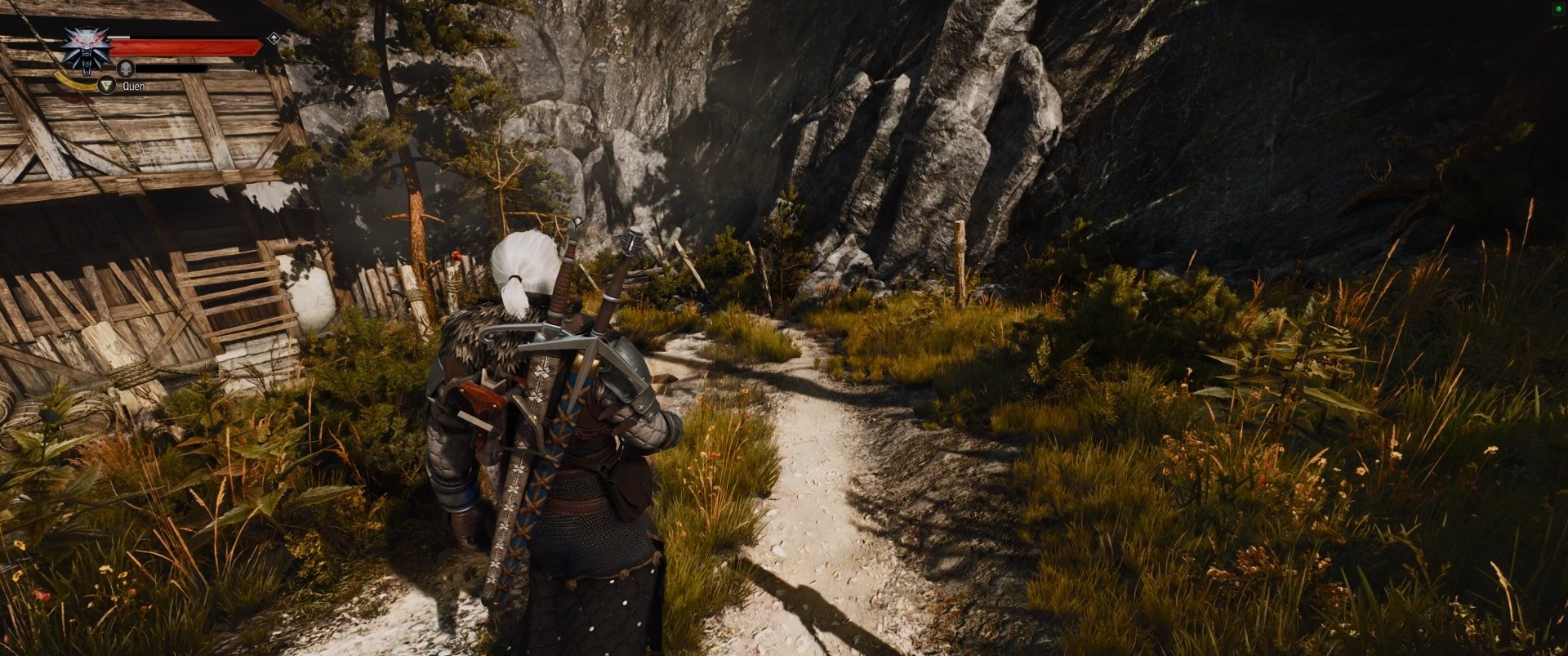
The Close camera gives you a new perspective from which you see things differently. The new textures and graphical fidelities definitely strengthen the feeling that you are not just looking from behind Geralt, but you almost feel as if you are looking through his eyes.
I find it a bit annoying when I run. The camera is too close to Geralt and when he runs, his feet appear to almost hit the camera and the distortion angle is a little annoying. Thankfully, armor like the Bear School Witcher set help to mitigate this issue for me, heh
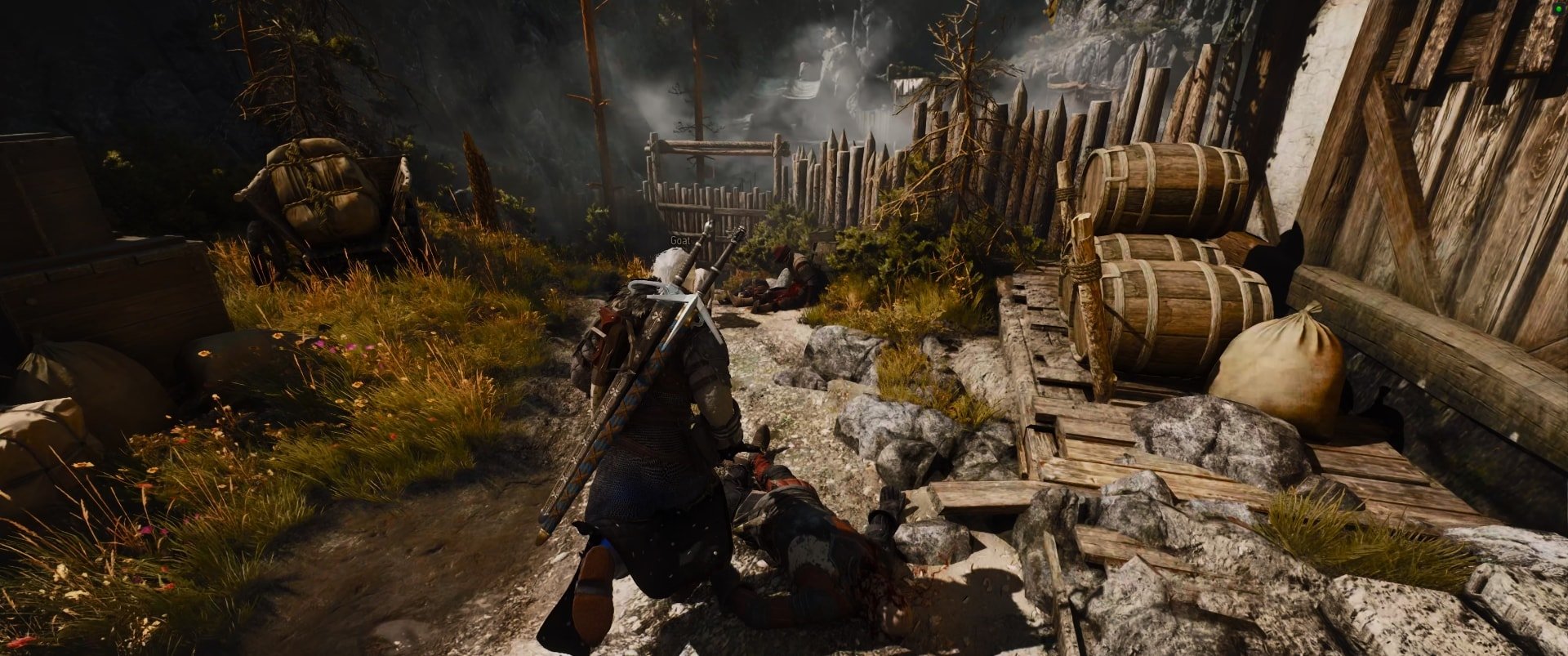
You may find it disorienting when your camera switches from Default to Close when you enter Combat. This is yet another reason I prefer and recommend the Close Camera Distance for Exploration.
The new Modern setting offers the best balance. It places the camera closer to Geralt compared to the Original, but it moves the character off-center, which is also typical for many modern games and I personally love this perspective.