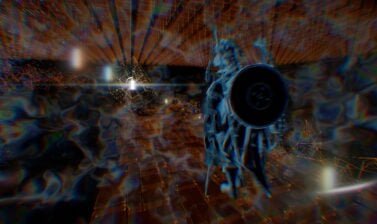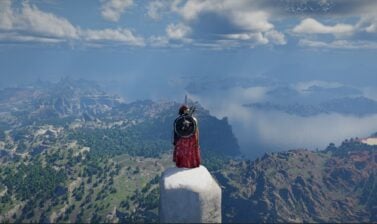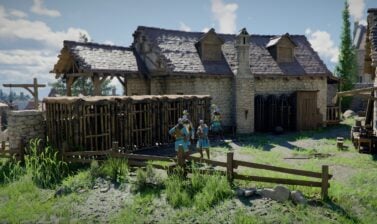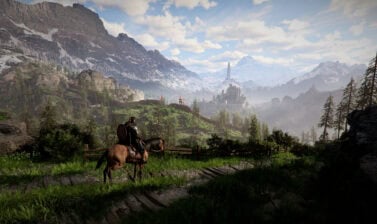

Crimson Desert will have two weeks of Twitch Drops following the launch. This guide will show you how to claim the items and keep you updated on all future Drops as they become available.
What are Twitch Drops?
Twitch Drops are in-game cosmetic rewards granted to you for watching streams for specific games on channels participating in the Drops Program on Twitch.tv! Each Twitch Drop has a watch time requirement set by the game developer.
By watching a participating channel while logged into the Twitch.tv account associated with your game account, your time will be counted towards earning the current cosmetic reward for the associated game.
How to Claim Crimson Desert Twitch Drops
To claim Twitch Drops for Crimson Desert, you must complete the following steps:
- Watch Crimson Desert Streams with Drops Enabled while logged in to your Twitch account.
- Collect the Drops from the Twitch Drop Inventory.
- Head to the Crimson Desert Drops Page and Login using your Twitch account and authorize the connection when prompted.
- Claim your Drops:
- PSN/Xbox/Epic: Select your console and claim the Coupon Code to enter on your platform of choice to claim drops.
- Steam: Rewards are sent automatically when selected.
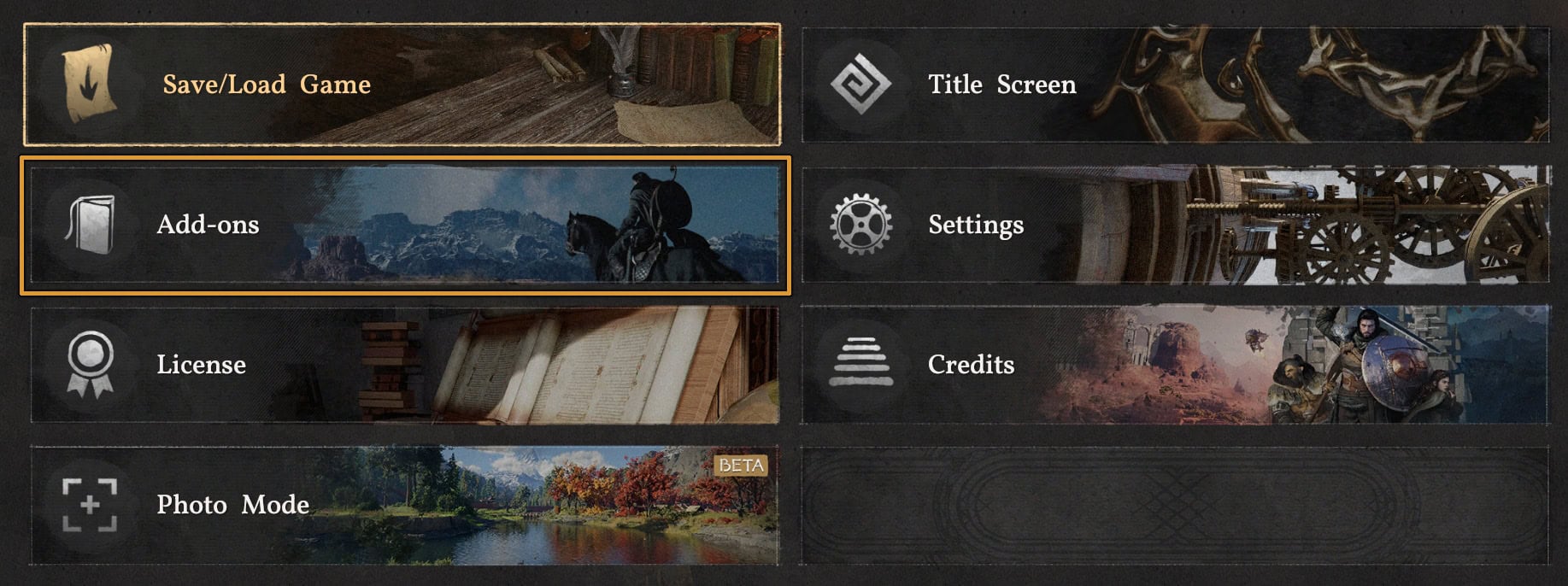
- Regardless of the claim method, all drops will be sent to the “Add-Ons” section of the “Others” menu to be claimed in-game.

All Crimson Desert Twitch Drop Campaign Rewards
Below is a list of all current and previous Twitch Drops that have occurred for Crimson Desert.
Crimson Desert Launch (Current)
This campaign spans two weeks from March 19th, 2026, to April 1, 2026. This awards the Blue Scout Armor and Accessories for Week 1 and the Blue Scout Horse Armor for Week 2.
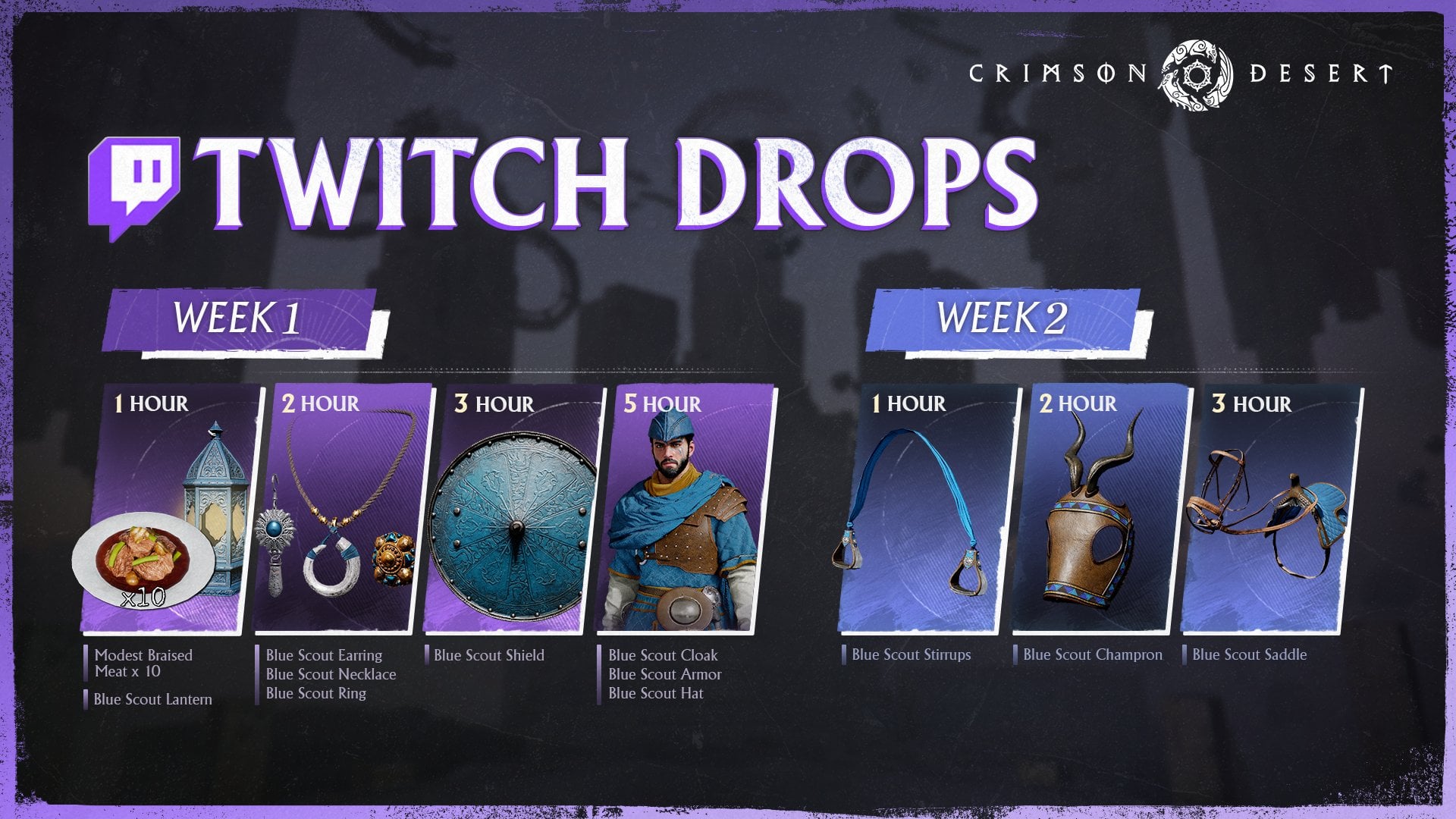
| Time Watched | Week 1 Mar 19-25 | Week 2 Mar 26 – Apr 1 |
|---|---|---|
| 1 Hour | 10x Braised Meat Blue Scout Lantern | Blue Scout Stirrups |
| 2 Hours | Blue Scout Earring Blue Scout Ring Blue Scout Necklace | Blue Scout Champron |
| 3 Hours | Blue Scout Shield | Blue Scout Saddle |
| 5 Hours | Blue Scout Cloak Blue Scout Armor Blue Scout Hat | N/A |
Frequently Asked Questions
Twitch Drops are promotional in-game rewards you earn simply by watching participating streamers play a specific game. Once you hit a required watch-time milestone, the items are unlocked for you to claim.
Look for the “Drops Enabled” tag in the streamer’s category or title. You will also see a call-out message at the top of the chat box confirming that drops are active on that specific channel.
No. All you have to do, is watch Crimson Desert livestream(s) while logged in on your account. The time accumulated doesn’t have to be on the same channel or even the same stream session. The system records your progress in the background.
No. Crimson Desert has a dedicated page where you log in with your Twitch account to claim your rewards. Pearl Abyss ID and link between that account and Twitch is not required.
Technically, no. You can watch streams that have drops enabled and when you reach the designated time, the rewards will be attached to your Twitch account. To be able to claim and use them, however, you will need to purchase the game. But you can watch streams and qualify for rewards before you purchase the game.
No. Twitch only tracks your watch-time progress on one active stream at a time. Having multiple tabs open will not accelerate your progress.
Yes. Once you hit a reward’s time milestone, it will be available for you to claim it. Visit your Twitch Drops Inventory and click Claim.
Muting the stream player directly on Twitch can sometimes flag you as an inactive viewer and pause your progress. A safer workaround is to leave the Twitch player’s volume on, but mute the browser tab itself.
Twitch Drops are always only cosmetic items, usually armors for your character and/or your horse. The items are not P2W. The rewards are usually (but not always) featuring purple colors or accents to match the Twitch brand color.