
Everything you need to know about transferring toons to different servers in SWTOR, and what the experience is like if you want a fresh start or continue with your legacy on another server.
Choosing a Server in SWTOR
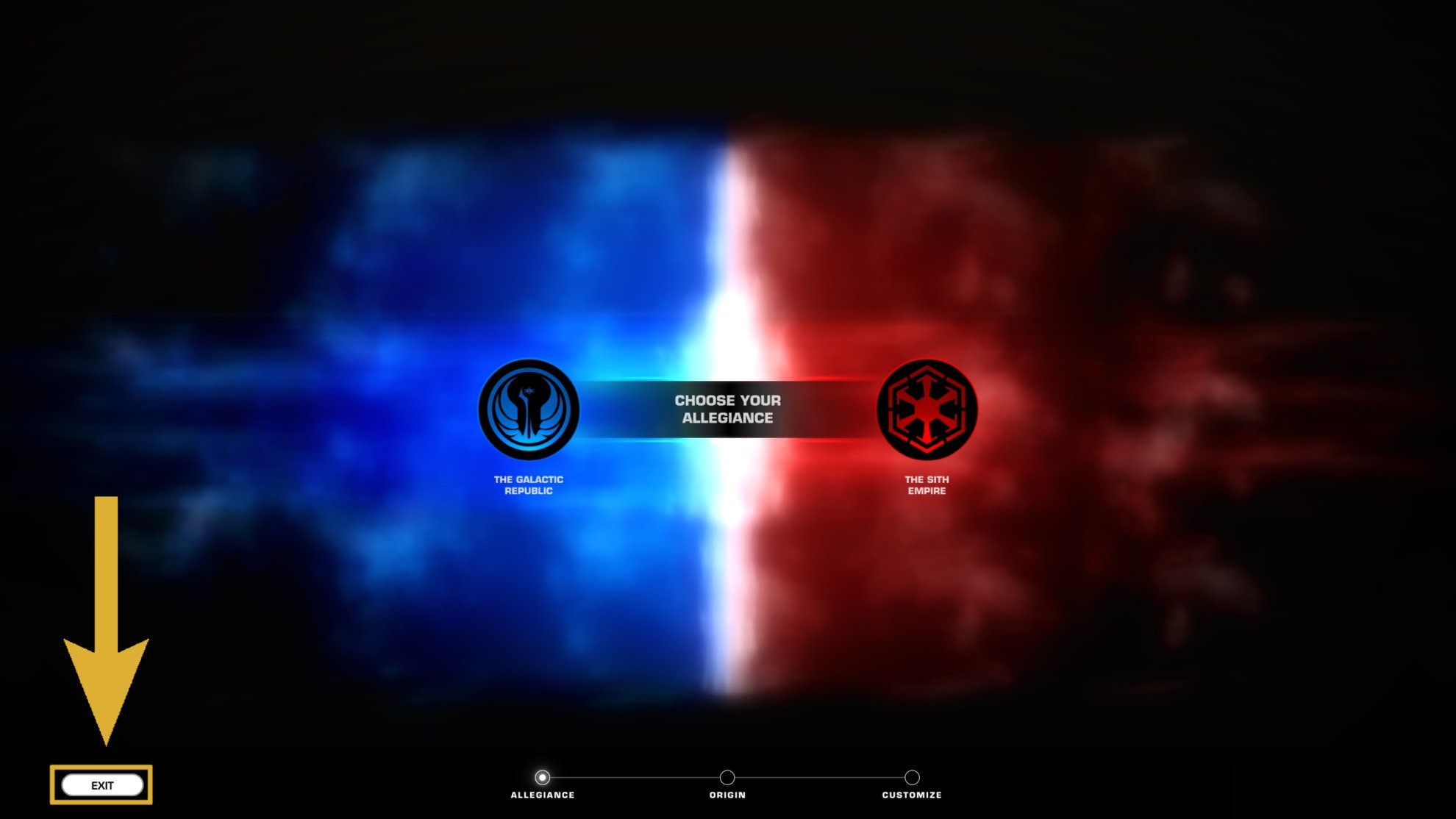
When you first start up SWTOR, you may be placed into a server by default. You might end up starting out on the Character Creation Screen and not start out with the option to choose your server. If this happens, you can click the white “Exit” button on the lower left to find the Server List.
If you already have a character made in SWTOR, you’ll need to click the Server Selection Button on the Character Selection screen. This is right above the “Quit” button on the lower left corner.
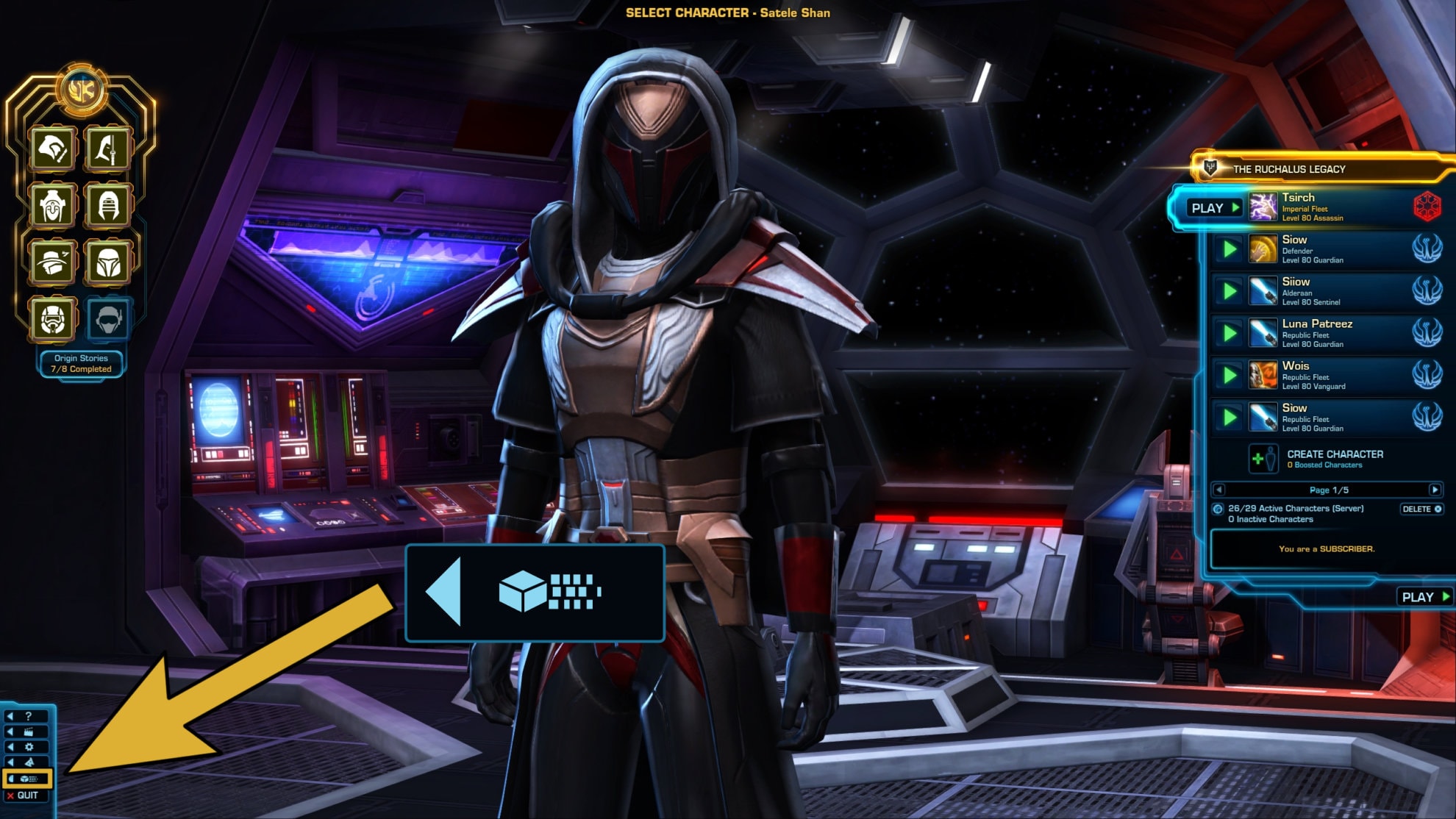
Once you do either of these options, you should reach the Server Selection menu. You’ll have access to the six different servers:
| Server Name | Region | Location | Language | Population |
|---|---|---|---|---|
| Star Forge | North America | Virginia | English | High |
| Satele Shan | North America | Virginia | English | Low |
| Darth Malgus | Europe | Ireland | English | High |
| Tulak Hord | Europe | Ireland | Deutsch | Very Low |
| The Leviathan | Europe | Ireland | Français | Very Low |
| Shae Vizla | Asia-Pacific (APAC) | Australia | English | Very Low |
You may have a few options when creating a new character in SWTOR. Depending on your current subscriber status and other perks and benefits you may have gained over the years as a player or through the Cartel Market, you may be eligible to start from a certain point in the middle of the story.
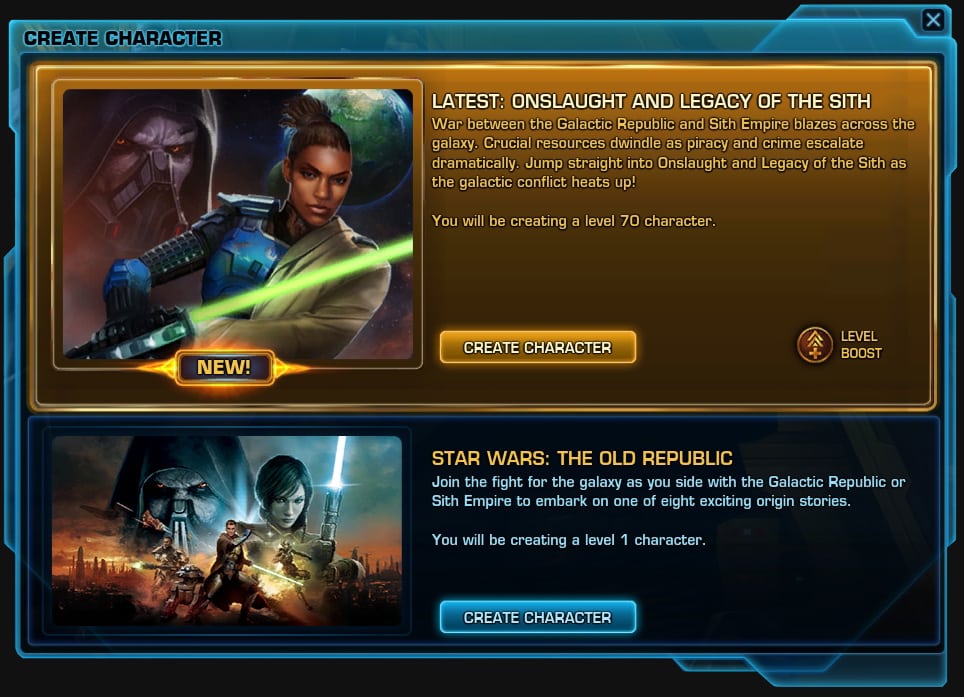
For new players, we strongly recommend starting at Level 1 and playing through the entire game to properly experience the leveling and learn your class and chosen spec.
Our comprehensive guide on how to create an original and unique outfit in SWTOR may also be of great help to you. Some of the recommendations explained in it may not be suitable for brand-new players as they may be out of the scope of what a new player has access to in the game. But you can decide what you can achieve and strive for it from the very beginning.
Server Latency and Ping
When choosing a server, you’ll want to consider picking a server that is closest to your region in the world to get the lowest ping. There are fiber optic cables on the ocean floor, but it still takes about 70ms for data to cross the Atlantic Ocean, and that can make a difference when you’re trying to get out of a red circle in an Operation or pop a DCD in PvP.
Peak Times and Active Hours
Most players are going to pick the server in their region, which will organically define peak times and active hours.
People usually go to work during the day and play games when they get home in the evening and night, local time. If you’re part of that majority, stick to your home region.
If you work odd hours, like the night shift, and you know it’s gonna stay that way for the foreseeable future, you might want to consider a server overseas. That way, you can be awake and play at the same time as your guildmates and get queue pops in a reasonable amount of time.
Higher ping isn’t ideal, but unstable ping is far harder to deal with than a higher baseline, and something like 100ms isn’t too bad.
In North America, there are no “East Coast” or “West Coast” servers. Both NA servers are based in Virginia, and it’s been over a decade since there were servers for separate time zones. There aren’t any SWTOR servers that are meant for Central or South American players.
Language
SWTOR is supported in English, French, and German. Both the French and German servers are based in Ireland, rather than France or Germany. Both have very low populations.
Population
A server’s player population determines how quickly and easily you can get a group together, find a guild you like, or get a queue to pop. More players online means more players in queue, more guilds, and more people forming groups.
Player population also seems to heavily influence the overall economy. GTN prices tend to be significantly higher on the lower population servers, so you can find things for cheaper on the servers with more players.
You’re more likely to find super rare items on higher population servers because there are more chances for them to drop, or just someone who has one lying around in their Cargo Hold.
Prices tend to be more stable with a more consistent supply as well because a lot of players don’t know what something is worth and just undercut the existing listing by a few credits. When there aren’t any listings, the ones that don’t sell are often the only price others have as a point of reference.
Of course, if you’re a solo player, you may prefer the least active server so can minimize the number of other players you run into.
Pick a server whose primary language matches your own or one you can speak well, and hit the “Select” button to create a new character!
How to Transfer Characters to Another SWTOR Server

This is a complete step-by-step instruction on how to transfer a character from one SWTOR server to another.
Instructions
- To transfer your characters to another SWTOR server, first log into your SWTOR account at swtor.com. It doesn't matter if you play on SWTOR Steam or use the classic SWTOR launcher.
- Go to the account page and select Character Transfer. You'll be given some information about your account, transfer requirements, and any restrictions for the transfer.

- Select "Start a character transfer", seen at the bottom of the page. This will begin the process of transferring your character with the parameters you are about to define next.
- Select the source server that holds the character you want to transfer. When selected, the server will be highlighted in black on the SWTOR website. Once you've chosen your source server. select "Choose character from source server".

- Choose a character and the destination server for that character. You'll see a price column in the Destination Server selection that shows the price in Cartel Coins. This cost is needed to successfully transfer the character.
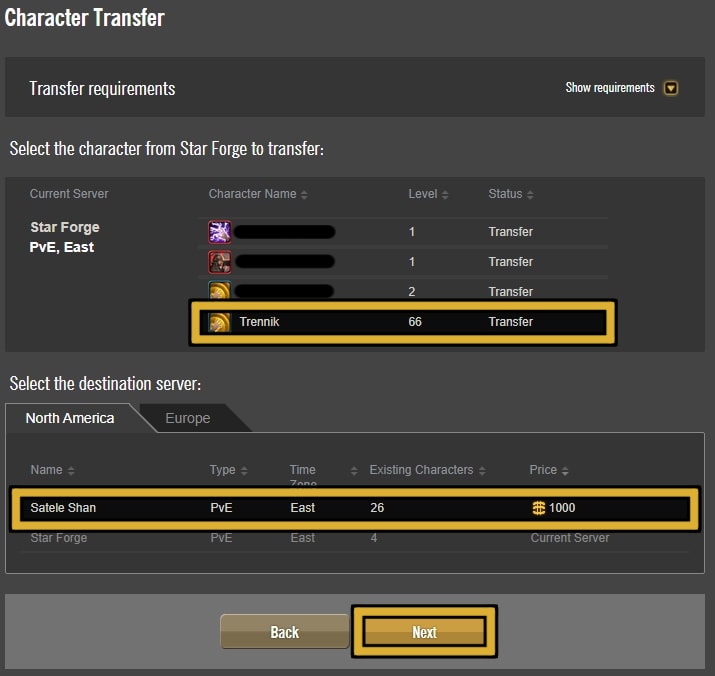
After the previous step, the SWTOR website will take a moment to see if this character meets the transfer requirements. - Once verified for transfer, you'll be given any applicable warnings such as any mail your character has or a lack of Cartel Coins. Once you have the necessary Cartel Coins, you can select "Start Transfer" to begin the process.Upon approval, select "Start transfer".
This requires 1,000 Cartel Coins in your account to activate.
The amount of time this takes to complete depends on the amount of people currently trying to switch servers. Usually, this process will take under an hour to complete. - Log in to your character on the new server and have fun!
Notes
To successfully transfer a character to a different server, you'll need to meet the following requirements:
Account Requirements
- Your SWTOR Account must not be in a suspended or banned status.
Character Requirements
- Your character must have not been through a transfer within the last 72 hours.
- Your character must be level 10 or higher to transfer.
- Your character must not be a guild leader.
Destination Server Requirements
- The destination server must have been open for at least 90 days.
- The new APAC server will not allow character transfers for now.
Server Transfer Cost
The cost to transfer characters between servers is 1,000 Cartel Coins. This is about $10 USD or you can wait for two month's worth of complimentary Cartel Coins gained from your subscription.
Transfer Limitations and Restrictions
Before you decide to transfer to another server, you’ll need to get your character in order otherwise you might lose things you didn’t intend to. Here are a couple of lists that show what does and does not come with your character during the transfer process:
What DOES come with your Transferred Character
- All items in your inventory (including credits)
- All currently equipped items
- All saved outfits
- All loadouts
- All items stored in your Personal Cargo Hold (the green one)
- Ability placement in your Quickbars.
- Legacy Perks and Reputation
- Achievements and achievement progress will be synchronized
- All strongholds purchased with Cartel Coins. If you purchased them with credits, you’ll need to pay credits to reactivate them on your new server.
- Any rooms doors you unlocked in your strongholds will remain unlocked once you reactivate the server.
- Your unlocked decorations will be synchronized
- Your earned Personal Conquest Points
- All items in Collections
What DOES NOT come with your Transferred Character
- Any items or credits stored in your Legacy Cargo Hold (the yellow one)
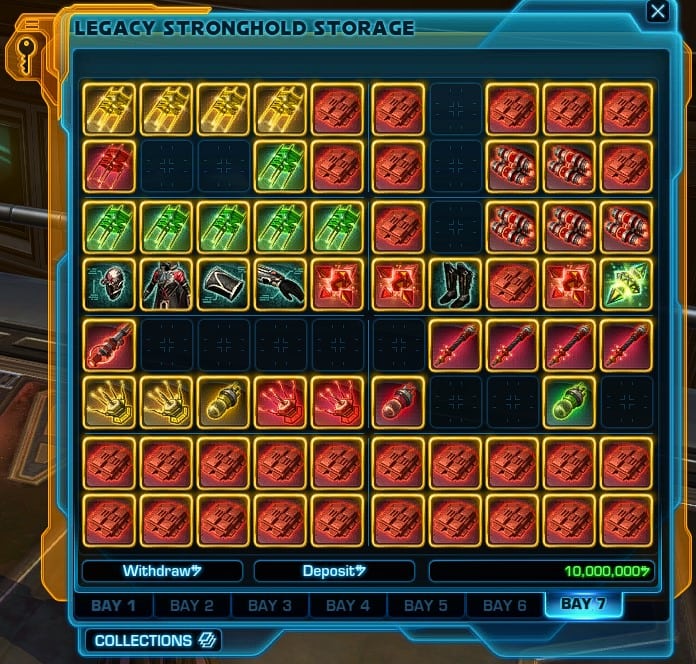
- Additional Legacy Stronghold Storage Bays that were purchased with credits will not transfer.
- Any items, credits, or mail in your selected character’s mailbox.
- Any listings, unclaimed purchases, or favorites in the Galactic Trade Network
- Friends and Ignore lists
- Legacy Currencies (Tech Fragments, WZ-1 Accelerants, OP-1 Catalysts, etc)
- The contents of your (crafting) Materials tab in your Inventory do not transfer. If you want to bring any crafting mats with you, take them out of the tab and into your inventory or Personal Cargo Hold.
- Placed Stronghold decos (you’ll need to redecorate)
- If your character’s name is already taken in the new server, you will have to rename your character.
- Guilds, Flagships, and the contents of Guild Banks cannot transfer servers; so you will leave your guild and guild ownership will transfer, if applicable
- Your progress in the current Galactic Season and/or PvP Season rewards tracks
- Your completed Conquest objectives
How transferring affects your Legacy
Legacy achievements and unlocks get synchronized along with your character. Progress is copied with higher progress overwriting lower progress.
If you already have an established Legacy on your destination server, the higher level Legacy will take over and become your new Legacy. Your Legacy from your Source Server will not be deleted.
For example, let’s say you want to move from Star Forge to Satele Shan. You have the “Skywalker” Legacy on Star Forge and the “Kenobi” Legacy on Satele Shan. Skywalker is Legacy Level 32 while Kenobi is Legacy Level 50. Kenobi will be your Legacy name for your character upon transfer.
The game doesn’t keep track of exactly where and when you defeated every single of the 10,000 enemies required get Section X Extinction. If the Kenobi Legacy has defeated 5,300 enemies there and the Skywalker Legacy has defeated 2,400 enemies, and you move a Kenobi toon over to the Skywalkers’ server, progress over there becomes 5,300, not 7,700.
Galactic Seasons Loopholes
Since Galactic Seasons rewards track progress is tied to the server, you can complete the track multiple times and get multiple copies of the rewards, most notably Cartel Coins and GS Tokens. Cartel Coins are nice because you can spend them on any server without needing to transfer toons.
If you fell behind on the 100 Weekly Objectives you need to get the Season Objective Master achievement required to get the big FOMO achievement reward, you can catch up by moving a toon around to multiple servers each week, doing the objectives on each server in sequence.
Achievement progress is only limited by the number of Weekly Objectives you are allowed to complete per week through the track, but you have to be careful about exactly when you complete the Weekly Objectives and transfer toons.
This method costs a minimum of 2,000 Cartel Coins for just 14 Weekly Objectives (SS Week 1 → SF Week 1 → SF Week 2 → SS Week 2). You can make a little circuit with your toon going to additional servers in a single week to rack up 7 more objectives at 1,000 CC per server, but those costs rack up real fast, so it’s only worthwhile if you really want the reward and procrastinated too much.
You can do something similar with PvP Seasons to get additional PvP Seasons Tokens, both from the track and the individual achievements, but it takes a lot more Cartel Coins to consolidate your winnings.
SWTOR Server Status
If you ever need to see the current status of any of the SWTOR servers, check out SWTOR’s Server Status page. You can also find a link there for the System Alerts page that updates players on any issues that might be present.
Starting on a New Server as a Veteran Player
If you are rooted on a server and have expanded your Legacy, it will be a start difference and a very weird experience starting fresh on another server.
The leveling process may not be that different. Especially if you are an active subscriber. There is little to no challenge while you are playing on the low level planets and going through the early Flashpoints and even lowbie PvP.
You will not have your army of alts, your wealth and rich supplies of crafting materials. You will not have Legacy unlocks to help you move faster through the Galaxy. You will not even have a Stronghold to call a home (at first).
What you will have is, the experience of playing the same way you played when you first started this game, but with all of the knowledge you have accumulated over the months or years.
Sometimes it is hard to appreciate the value of a side quest or even a planetary story arc when you arrive on the planet five, ten, or twenty levels higher than the recommended level for it, thanks to your XP stims, pre-purchased Legacy upgrades, mods and other gear.
Starting on a New Server as a Brand-New Player
If you have never played SWTOR, or even never played a Massively-Multiplayer Online role-playing game (MMORPG), you will meet a lot of new and weird mechanics that are not present in other games.
While SWTOR strives to be an MMO, it also fights hard (often with itself) to keep the story at the front end for all players. The first group content, The Esseles Flashpoint for Republics and The Black Talon Flashpoint for Empire players, will attempt to bridge the gap between group play and solo story experience.
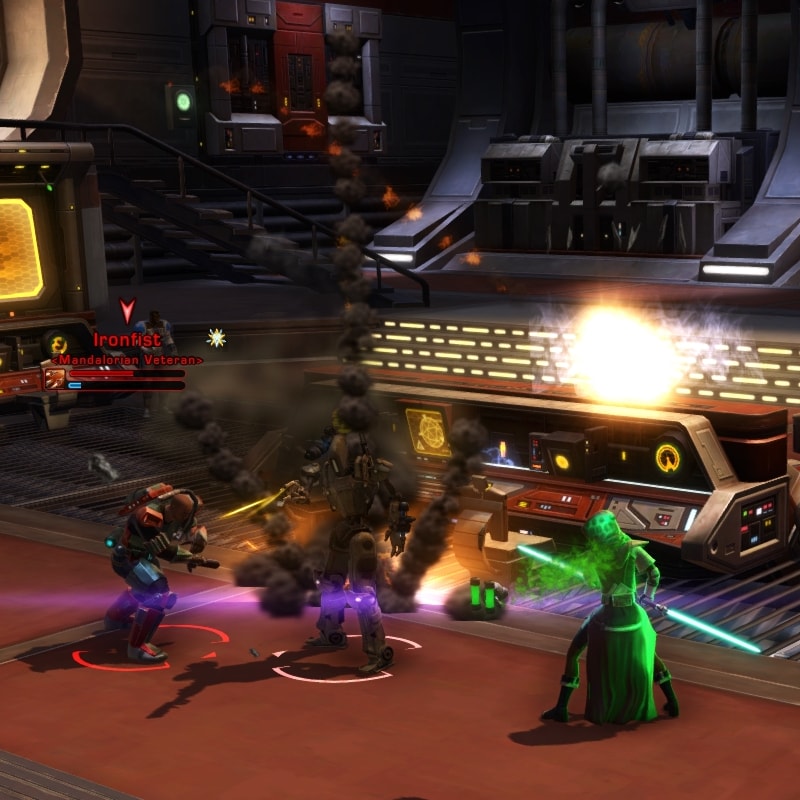
You can go through the entire story of your character and all planetary story arcs alone and play SWTOR as a solo RPG. The first time you will be introduced to playing in a group will be the Flashpoints that are not part of the main story path as well as the PvE endgame Operations and PvP Warzones and Arenas.
A great place to start would be any of our Beginner Guides. A few of them are highlighted in the SWTOR Guides Master List.
The Ultimate Beginner’s Guide for SWTOR 7.0 is quite long, but it will also give you a great perspective of what to do not only during and immediately after you create your character, but how to play and develop it.
If you want to role-play, we have a number of Role-Playing Build Guides where we show you how to play as an iconic Star Wars character in SWTOR.
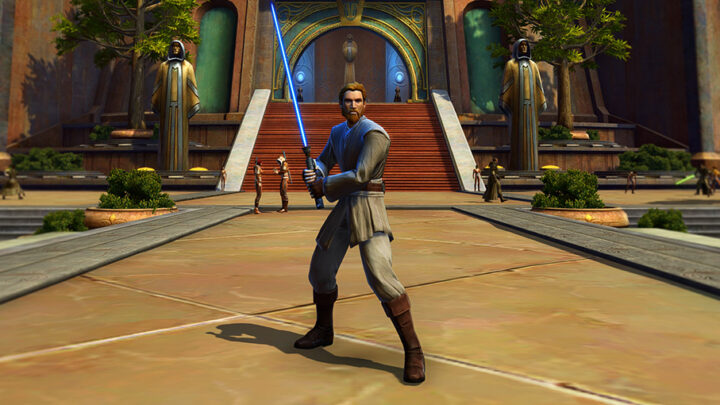
How to Create Obi-Wan Kenobi in SWTOR: Full Build Guide
This SWTOR Obi-Wan Build Guide will show you how to create a character as close and as authentic with Appearance, Outfits and Key Abilities! It replicates the Hero of the Republic, from before the events of Episode 4.
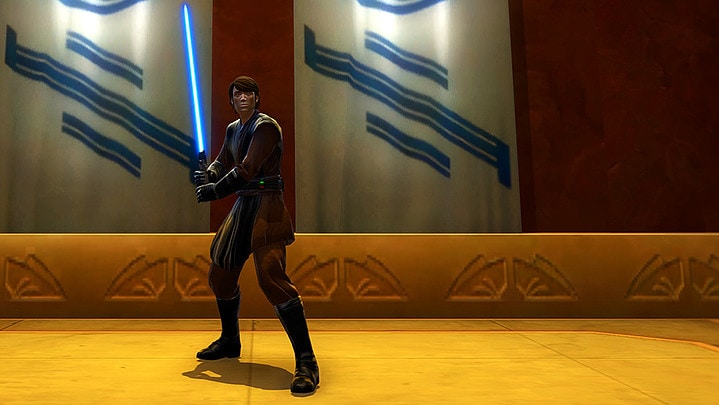
How to Create Anakin Skywalker in SWTOR: Full Build Guide
This SWTOR Anakin Skywalker Build Guide will show you how to create a character as close and as authentic with Appearance, Outfits, and Key Abilities to the iconic character from Clone Wars up until the events on Mustafar from Episode 3!
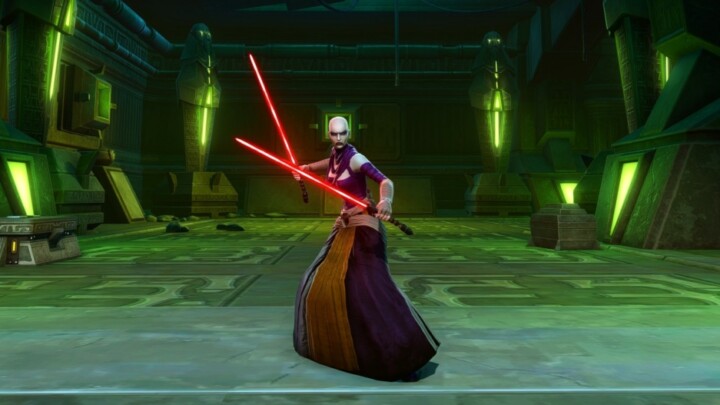
How to Create Asajj Ventress in SWTOR: Full Build Guide
This SWTOR Asajj Ventress Build Guide is designed to be as faithful to the lore and authentic as possible within the constraints of the game!
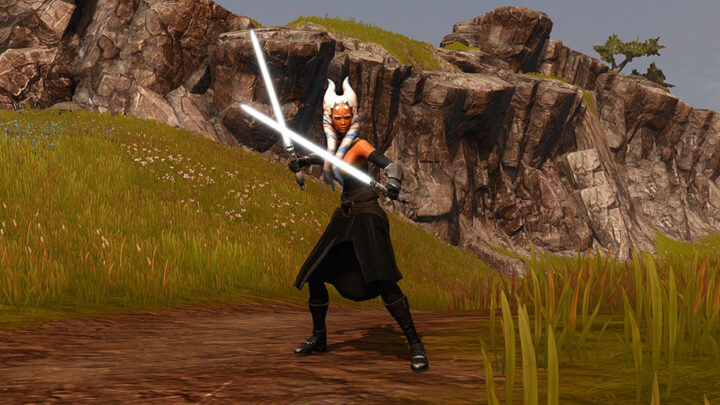
How to Create Ahsoka in SWTOR: Full Build Guide
This SWTOR Ahsoka Tano Build Guide recreates the legendary character as closely as possible on all fronts: Appearance, Outfit, Gear, Skills!
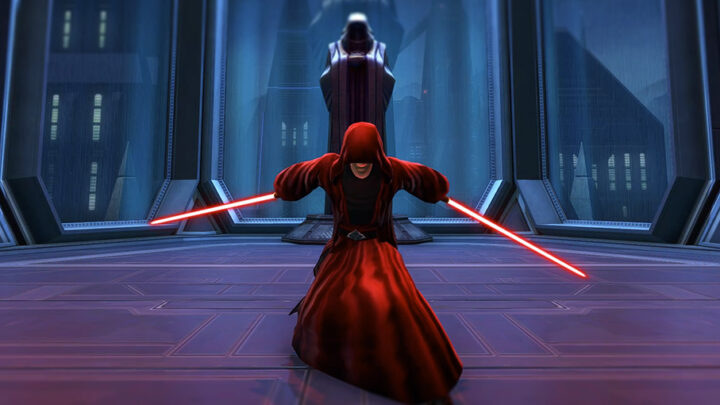
How to Create Darth Sidious in SWTOR: Full Build Guide
This SWTOR Darth Sidious Build Guide will show you how to create a character as close and as authentic with Appearance, Outfits and Key Abilities! It replicates the character from before the events of Episode 3.
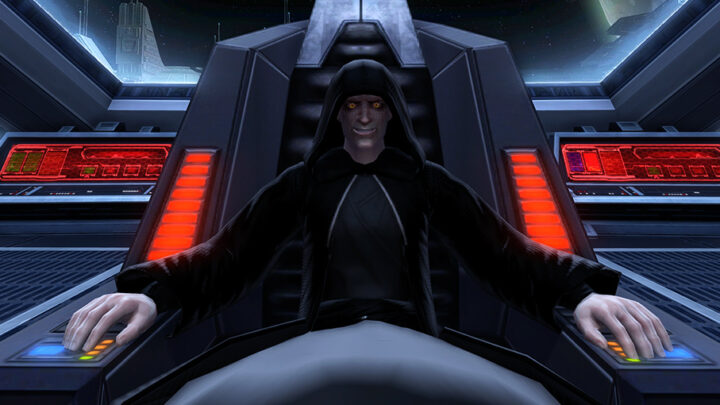
How to Create Emperor Palpatine in SWTOR: Full Build Guide
This SWTOR Emperor Palpatine Build Guide on how to create a character as close and as authentic with Appearance, Outfits and Key Abilities!
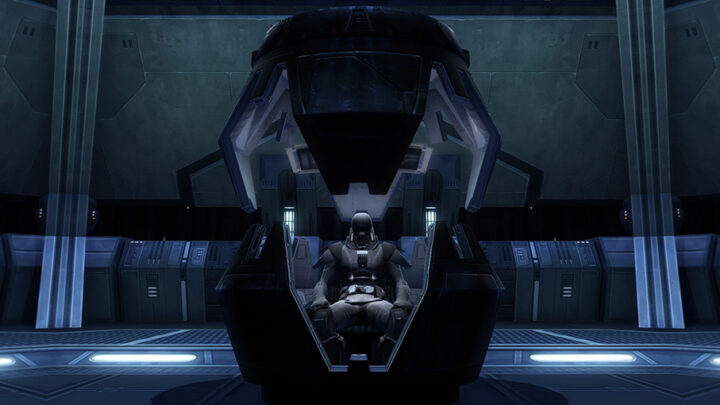
How to Create Darth Vader in SWTOR: Full Build Guide
This SWTOR Darth Vader Build Guide recreates the legendary character as closely as possible on all fronts: Appearance, Outfit, Gear, Skills!
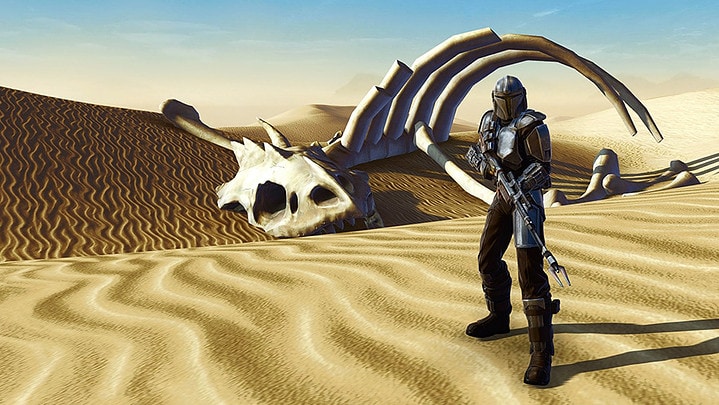
SWTOR Din Djarin (The Mandalorian) Build Guide
In this SWTOR Din Djarin Build Guide, you’ll find everything you need to know to create a toon in SWTOR and play like the Mandalorian. His outfit and appearance are based on Pedro Pascal’s portrayal in The Mandalorian and The Book of Boba Fett.
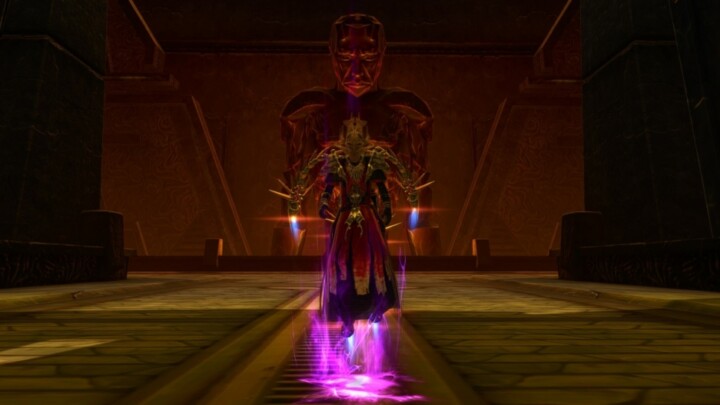
How to Become a Dread Master in SWTOR: Full Build Guide
This SWTOR Dread Master Build Guide is designed to be as faithful to the lore and authentic as possible within the constraints of the game!
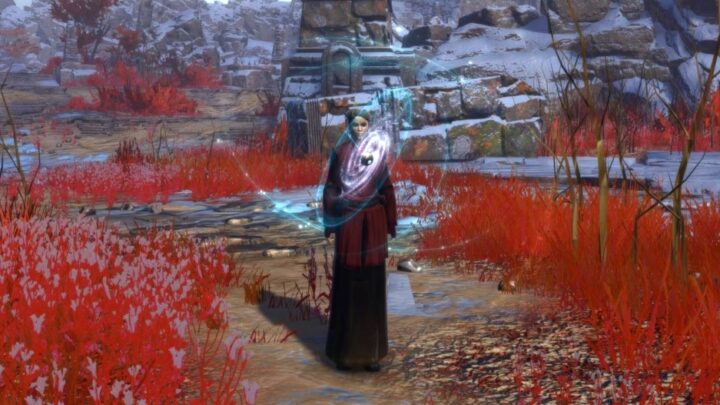
How to Create Morgan Elsbeth and the Blade of Talzin in SWTOR: Full Build Guide
This SWTOR Morgan Elsbeth Build Guide is designed to be as faithful to the lore and authentic as possible within the constraints of the game.