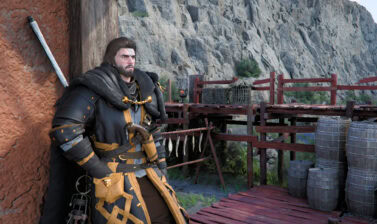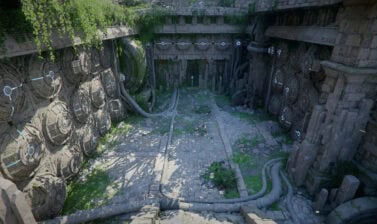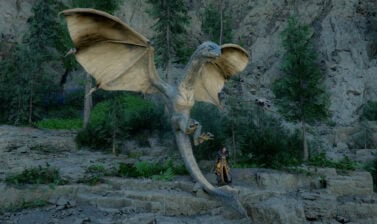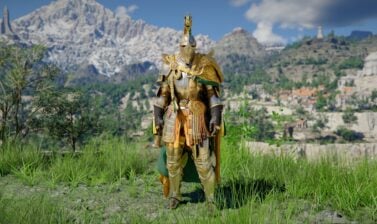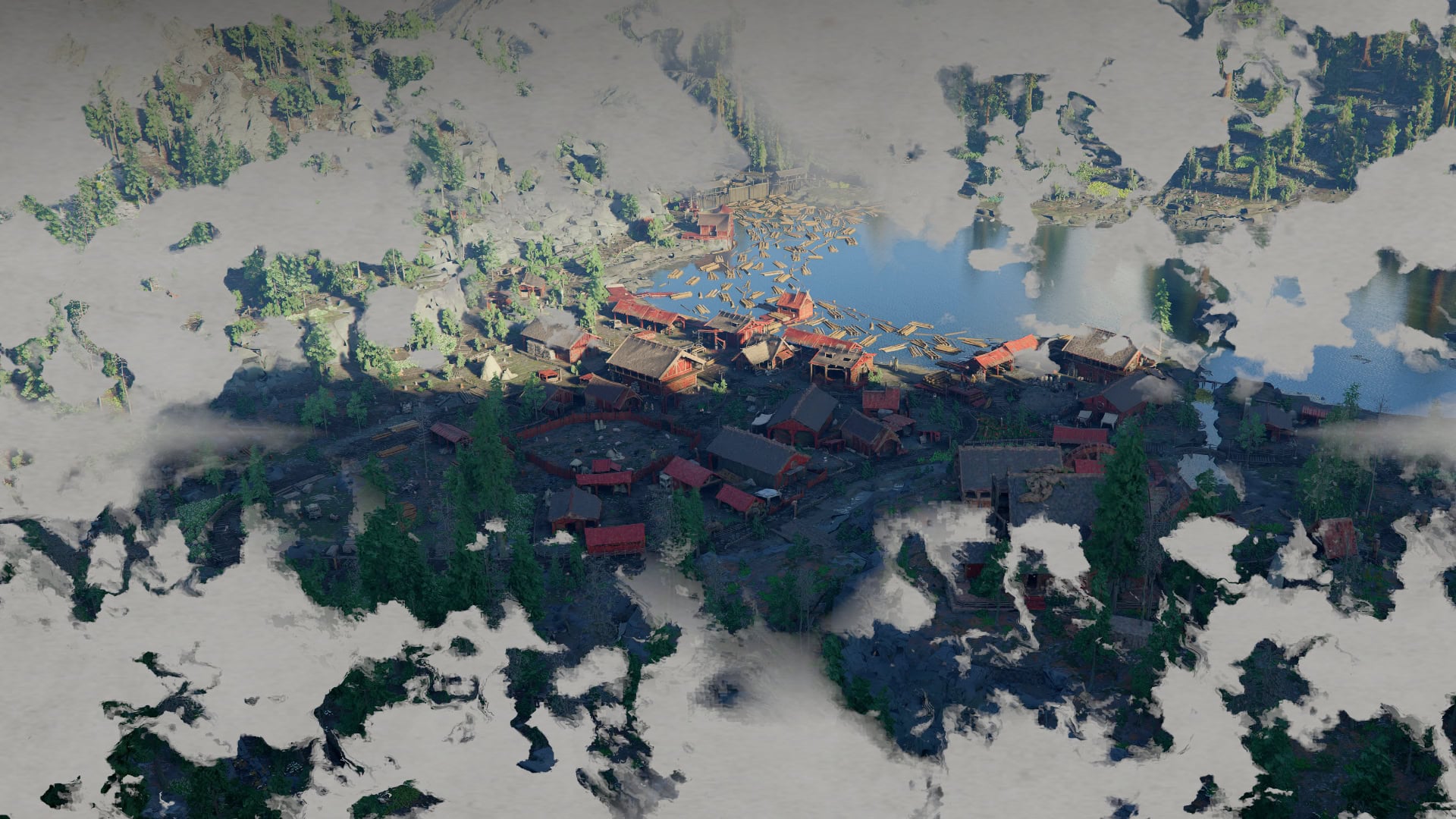

The three-dimensional bird’s eye view when you Inspect a location on the map is a cool feature in Crimson Desert that we recommend you turn off for productivity purposes.
Where to find this setting?
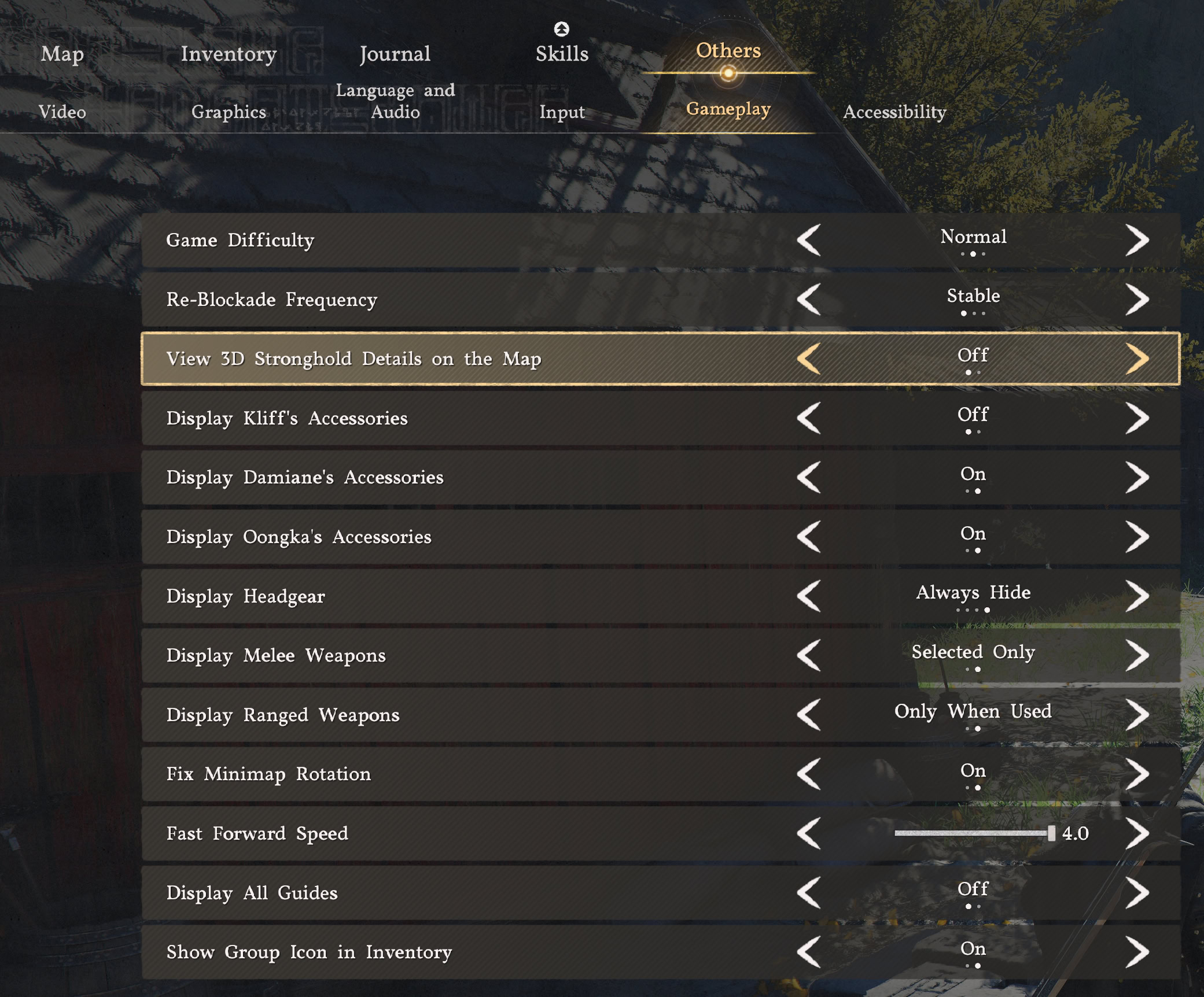
Open the game’s menu and navigate to Others → Gasmeplay. On the third row, you will see the option to turn ON or OFF the “View 3D Stronghold Details on the Map”.
What does it do?
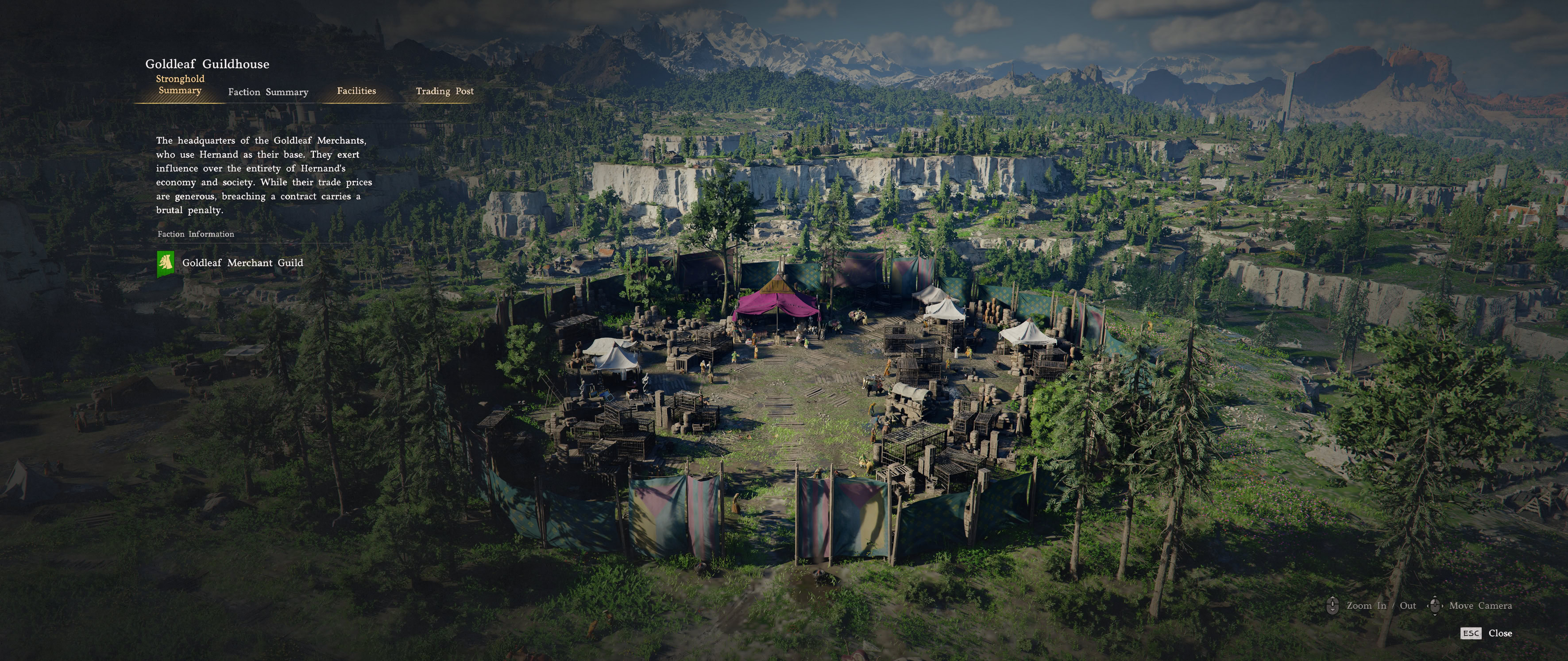
This feature allows you to see a three-dimensional bird’s eye overview of Places of Interest such as Castles, Forts, Camps. It adds an animation that plays when you attempt to inspect an object on the world map.
When the feature is turned ON, it shows you a beautiful 3D view of the area. It comes at a high cost, though: time.
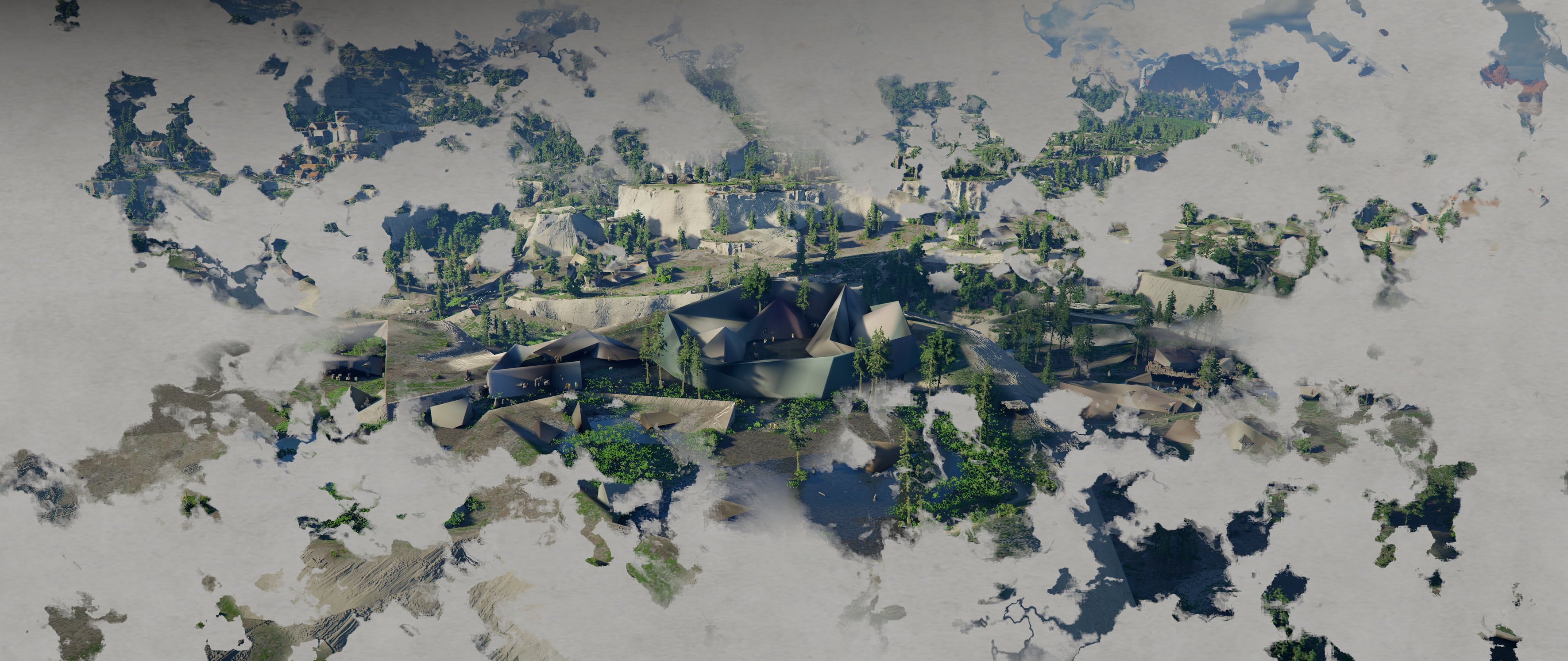
At first, the game loads low-poly model of the stronghold you are inspecting. It takes several seconds to load the full model and atmospheric effects.
Why you should turn it OFF?
Crimson Desert is a massive game. And it’s extremely beautiful. But wasting time waiting for a bird’s eye view to pop in can be frustrating.
The Inspect screen shows you additional details that further expand the already rich lore about everything in the game. You can learn more about the Faction that controls or governs the location and a bit of its history.
The most frequently Inspected locations, will likely be Trading Posts – to check what they are looking to buy and sell and the current prices.
If the “View 3D Stronghold Details on the Map” setting is OFF, when you click to inspect a location, its information and tabs appear immediately on top of the world map. No delay at all.
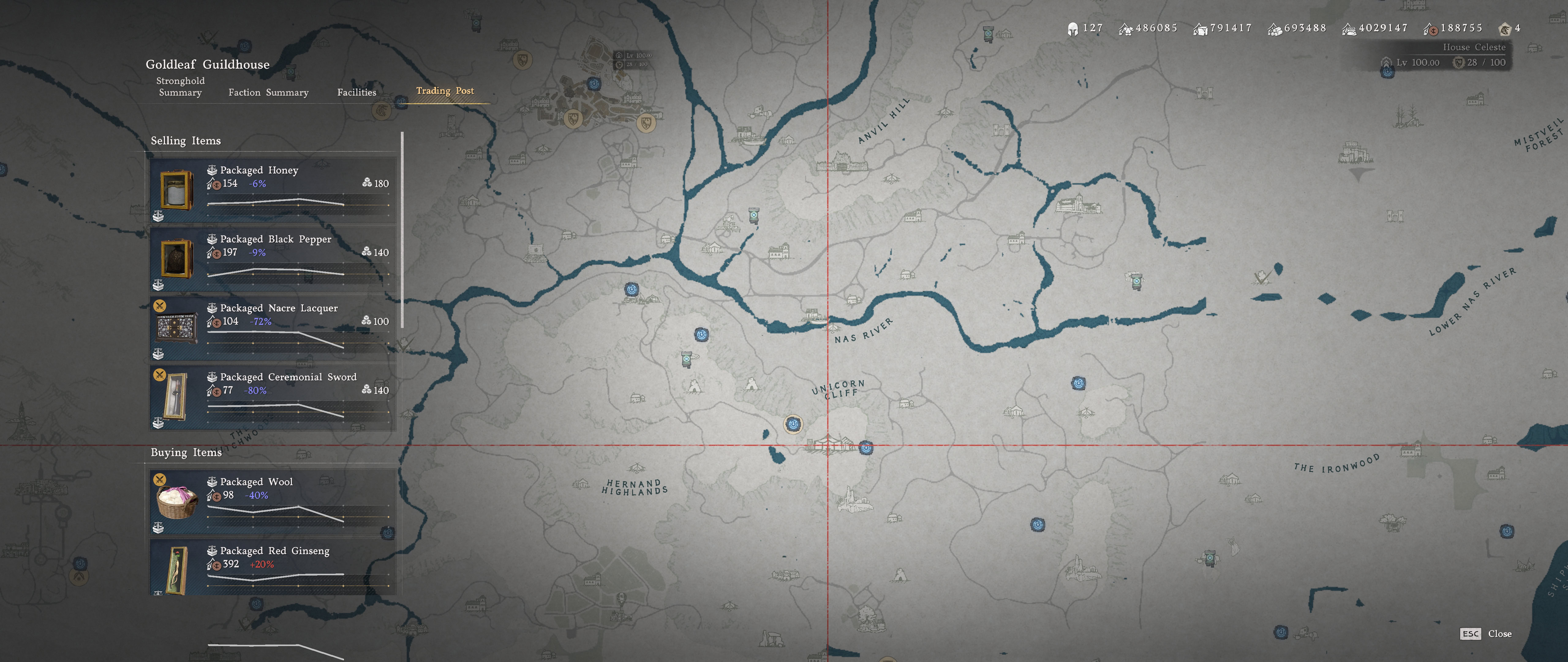
In addition to expanding your knowledge with new lore details, you can inspect individual establishments on the world map to assign your Greymane workers to do Missions.
I strongly advise you to do that from the Greymane Camp by interacting with Ross, the Dispatch Coordinator. It’s way more convenient.
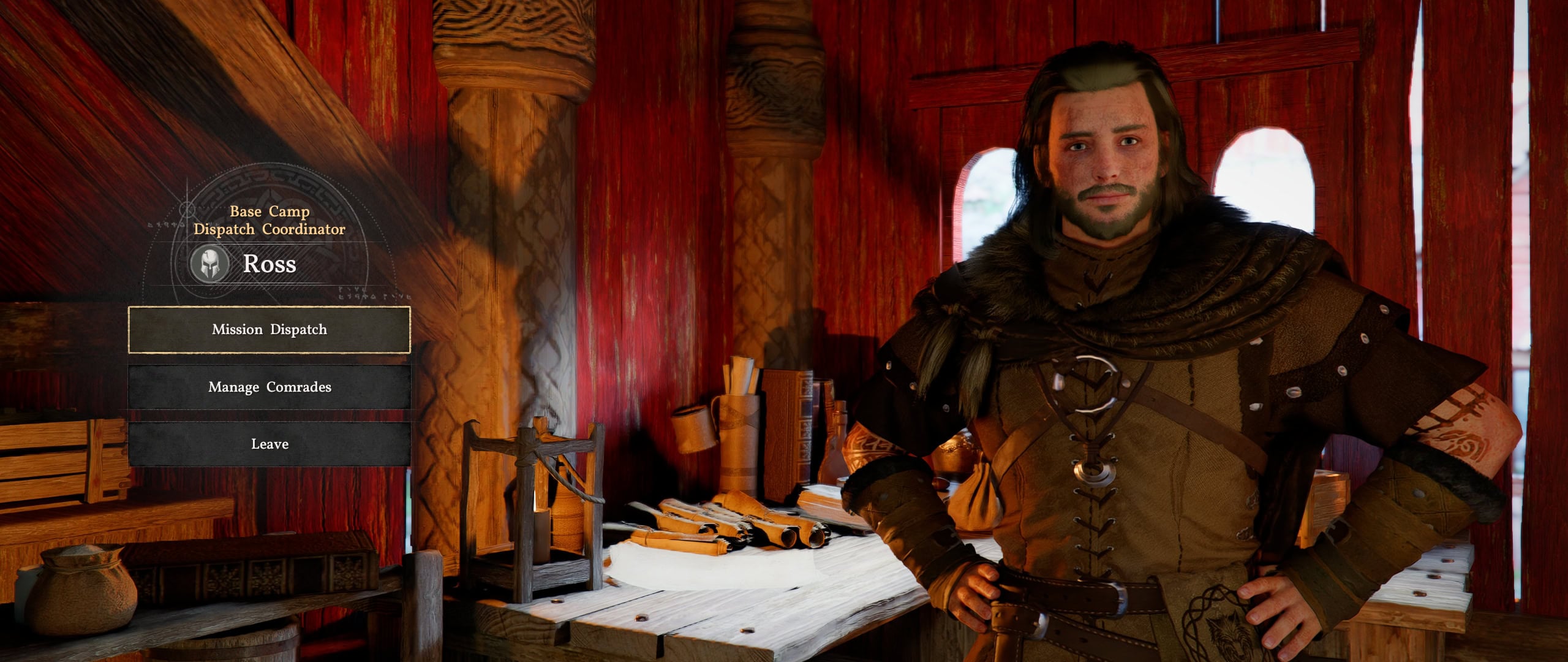
Use the Region Tabs when talking to Ross to browse the available missions. This will help you find specific missions in the gigantic list you will have in the late game. Until Pearl Abyss adds filtering per type…
When and why would you want to leave it ON?
If you are in no rush and are willing to wait those extra seconds for the 3D model and textures to load in, leave this feature on. It doesn’t affect any other aspect of the game.
It takes a few seconds each time you inspect a location and pays off by loading a cool 3D view from the sky of the surrounding area.
You can take your time and enjoy watching the “fog” dispersing to reveal a stunning view of the wider area and then zoom in on the specific location you want to inspect.
What other settings you may want to tweak?
We are not discussing FPS-improvements here. I want to give you a few tips about other gameplay-related settings that you may want to consider tweaking to your personal taste.
Input
Most of the settings here are strongly personal and depend on what you use, a controller or keyboard and mouse. We have an in-depth Controls Guide for Crimson Desert, which you should check out if you are struggling with the game’s complex (at first) controls.
Gameplay
- Re-Blockade: Turn it off until you are done with the game. It can have negative impact on your progression, especially if you turn it to War.
- Display Accessories: Turn it off if you don’t want to see the facial accessories your characters are wearing.
- Fix Minimap Rotation: I personally find it way better when the map is always pointing north. This is not like driving with a GPS turned on. Having it point always north is cleaner and easier.
- Fast Forward Speed: Adjust how fast the conversations go when you press the corresponding button. Can go up to 4x.
Accessibility
- UI Size and UI HUD Size: Put both sliders to the left if you are not on a very small screen or having trouble reading the information from the screen. Smaller UI is more immersive.
- Blur Intensity and Depth of Field: I strongly prefer these features to be OFF in all games I play. The attempted cinematic effect simulation is never to my taste in video games.