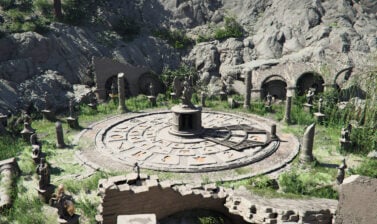
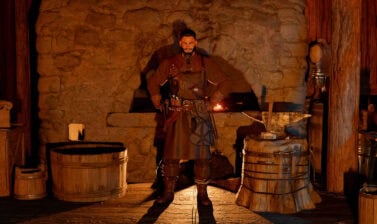
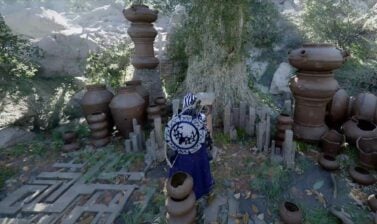
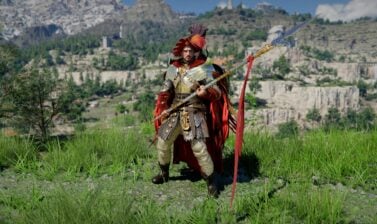
By hiding the minimap, HP bar and other static elements of the UI, you will achieve (almost) full immersion in Crimson Desert. But this feature comes with a few drawbacks!
How to hide the Minimap and Status UI?
With the release of Patch 1.13.00 on July 4th, 2026, Pearl Abyss added a new command allowing you to toggle on and off the minimap along with the stats above it, the HP bar and all other small icons in the bottom left corner.
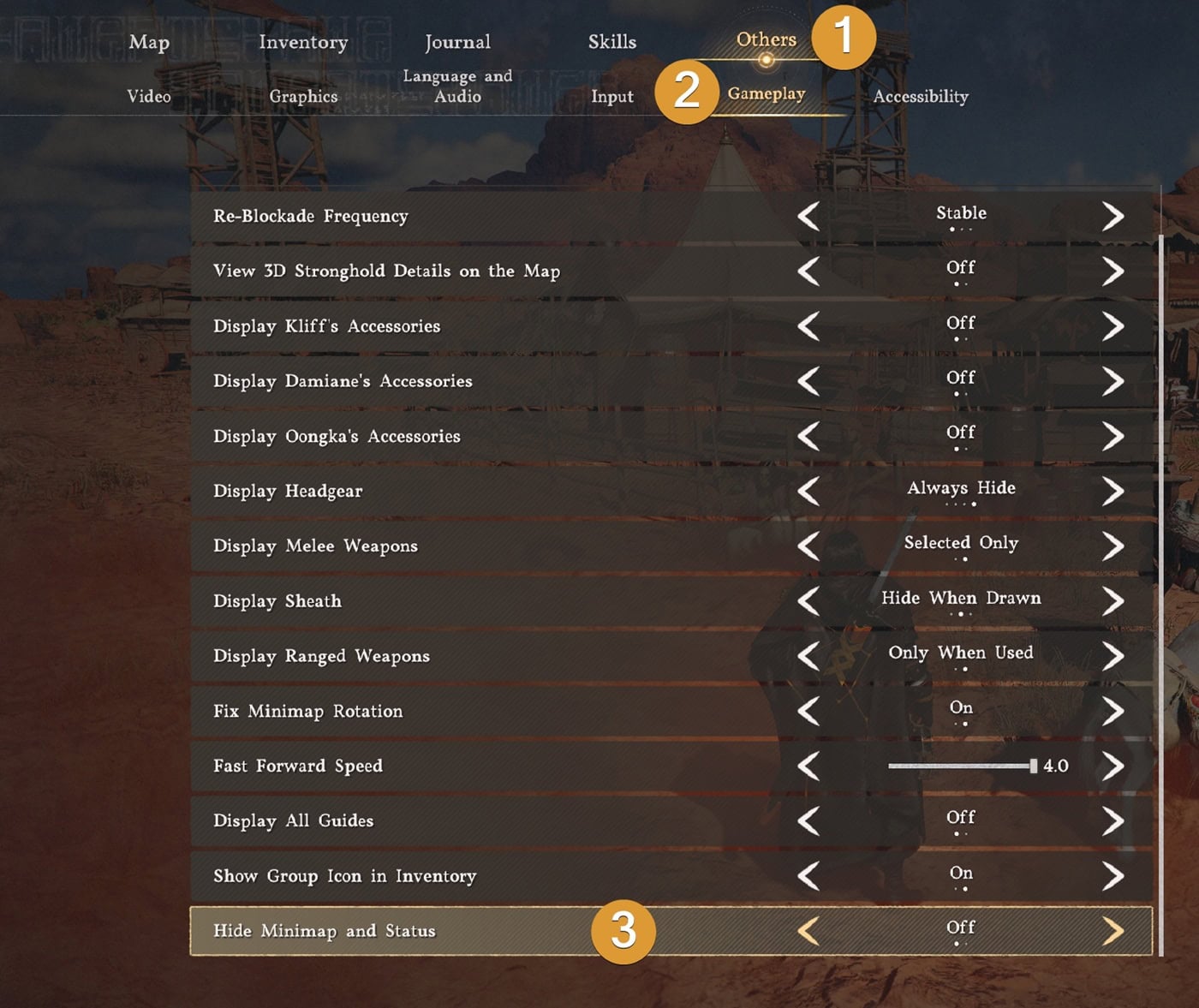
To do this, go to Main Menu → Settings → Others → Gameplay. Scroll to the bottom, where you will find the “Hide Minimap and Status” option. It is turned OFF by default, meaning the minimap and other static elements around it are constantly visible.
What happens when you switch it ON?
Here is what will be hidden when you switch this setting to ON:
- Minimap
- Time of Day above the Minimap
- Currently tracked quest
- HP Bar (even when you draw your weapon)
- Food Quick Slot (the keybind still works, but you won’t see the icon)
- Equipment Skill (the keybind still works, but you won’t see the icon)
- Stamina and Elemental Effect (they still apply, but you won’t see the icon)
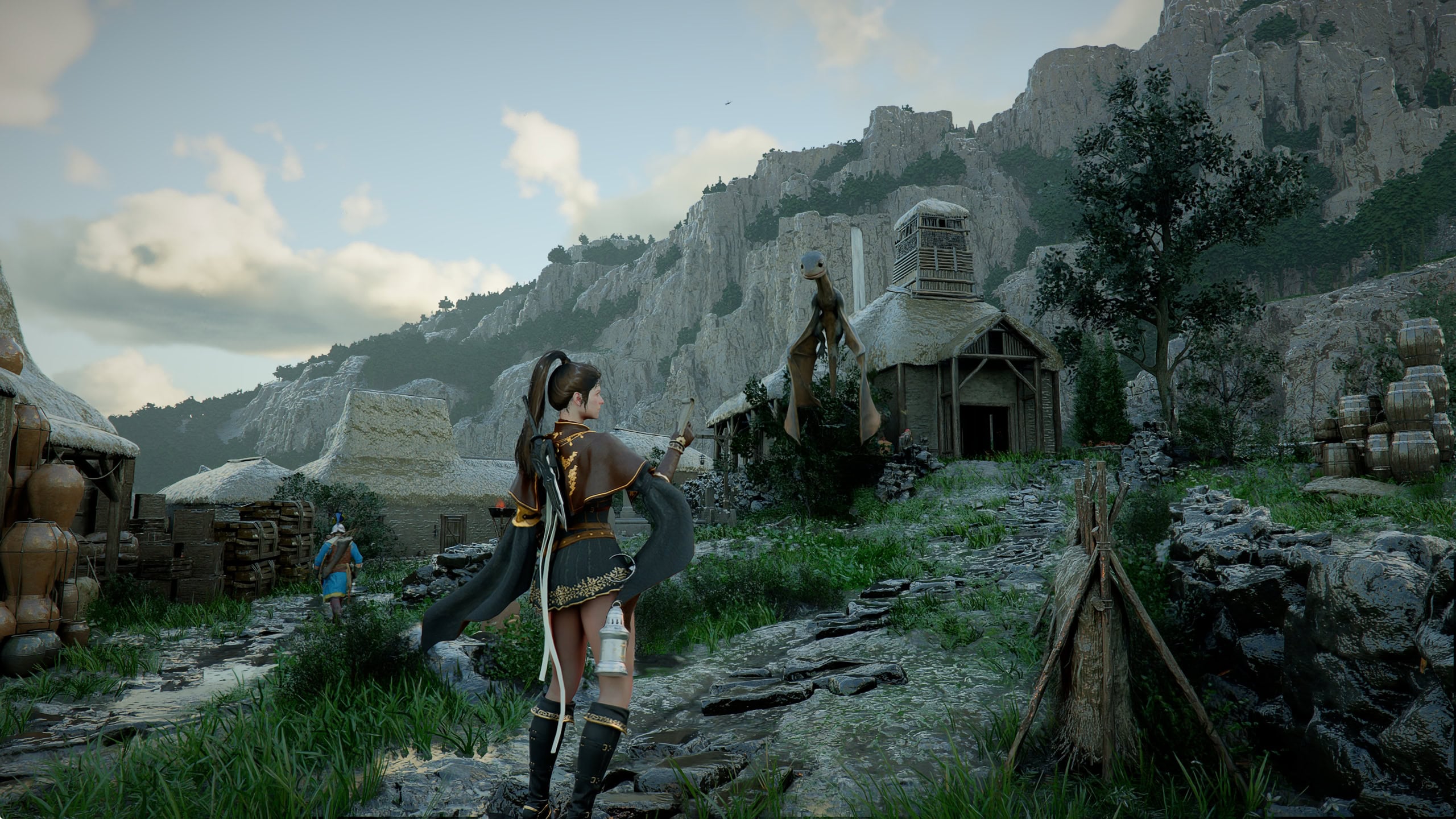
Here is what you will continue to see on your screen:
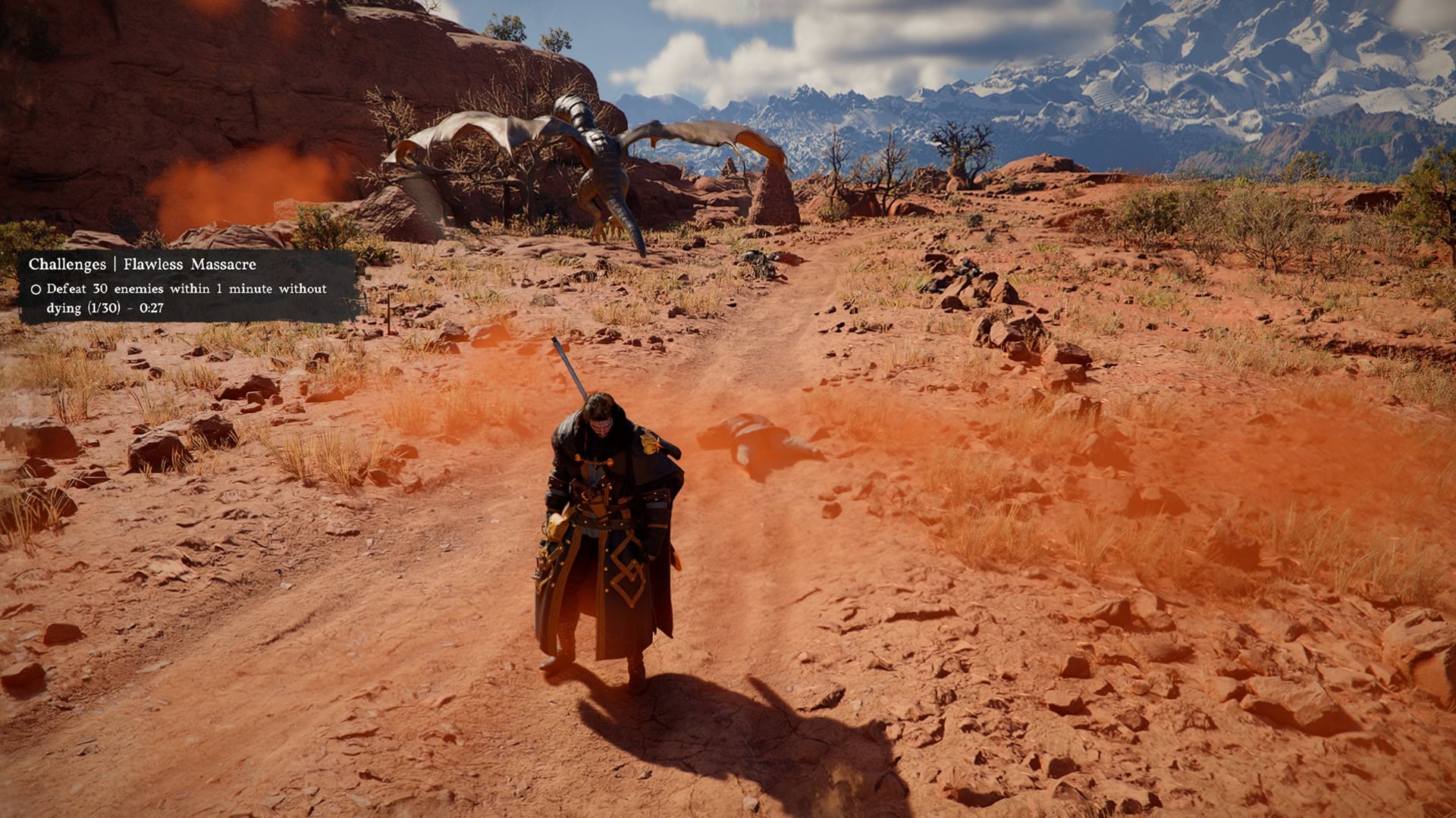
- Prompts for challenges will pop in the middle left of your screen when triggered.
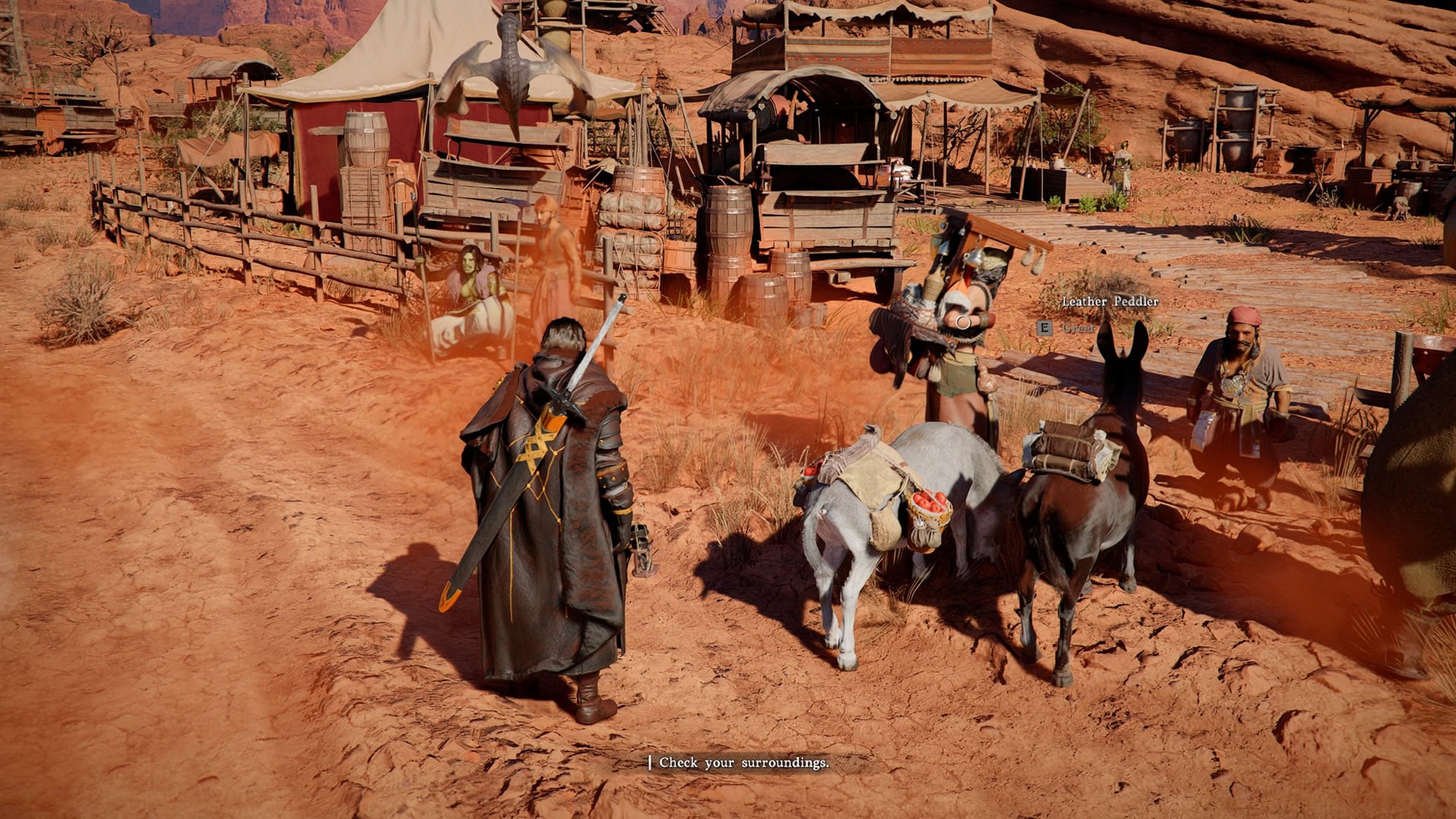
- Interaction prompts will appear in the bottom right when close to an NPC.
- Quest hints will appear in the bottom middle when you enter a quest area.
- Interact Button and NPC names will appear when you approach them.
- Any other temporary pop-up will also show up briefly, as it always has. This includes Subtitles (if turned on) Mission Notifications, Mount commands.
Advantages and Drawbacks
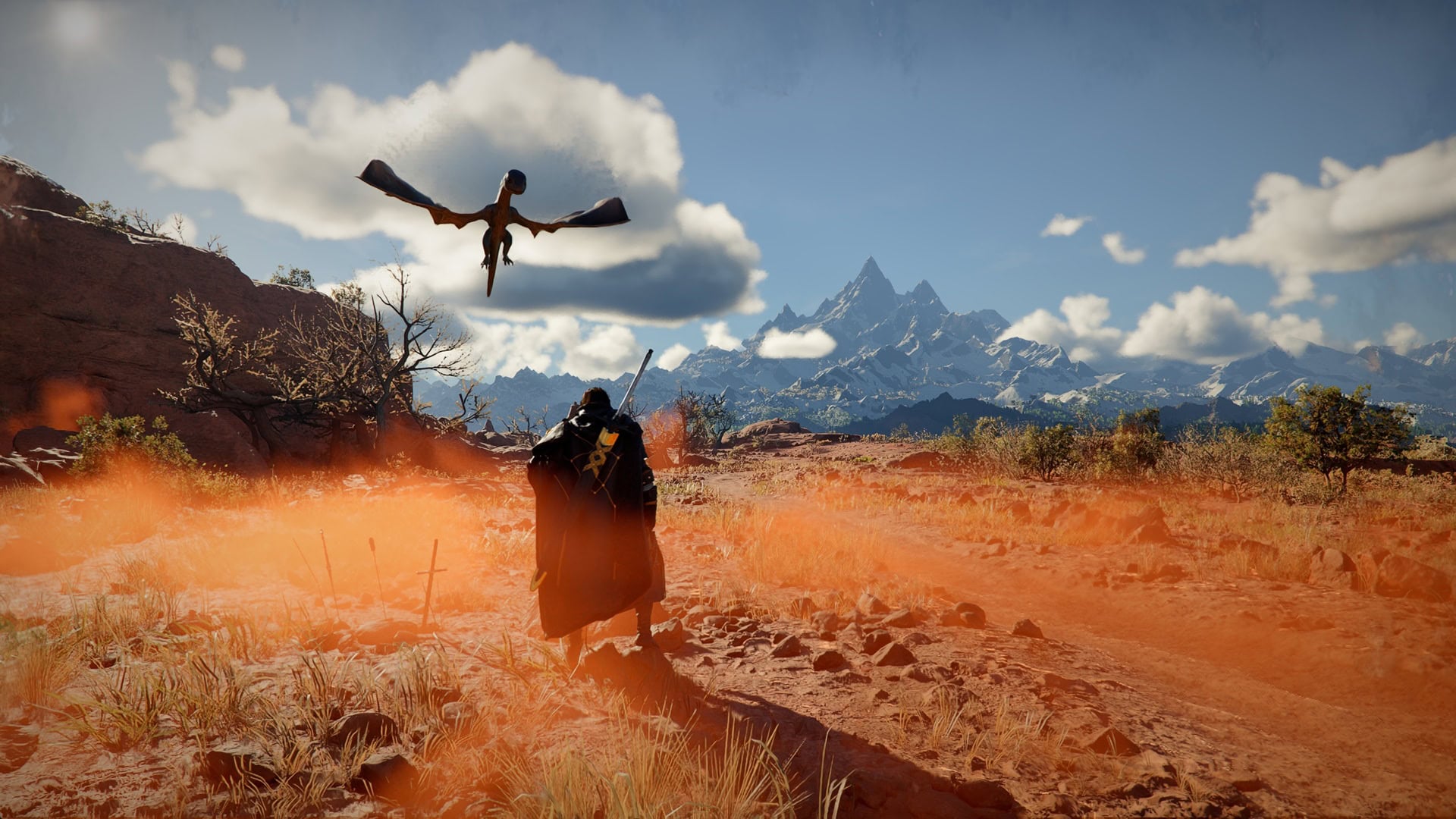
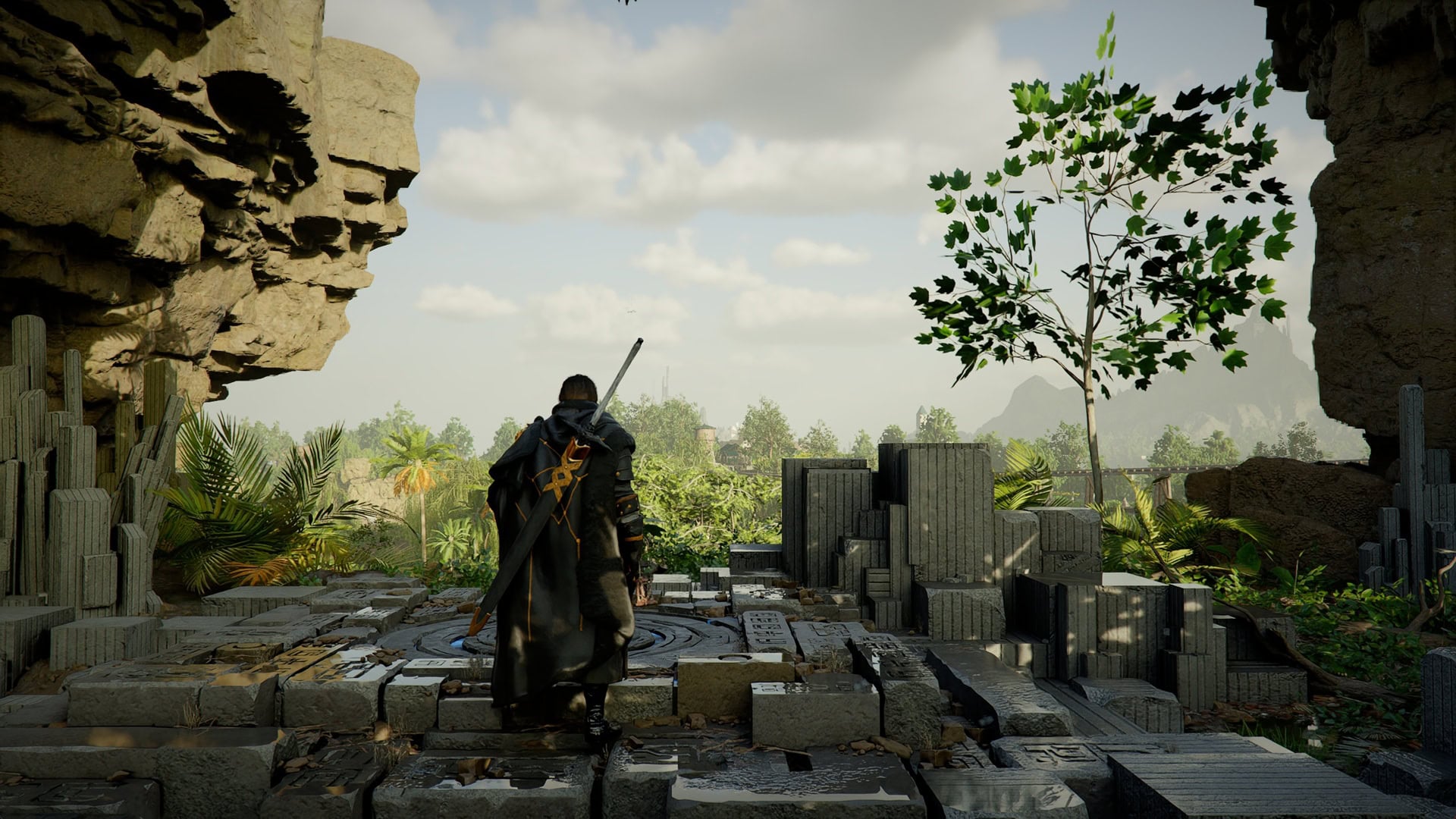
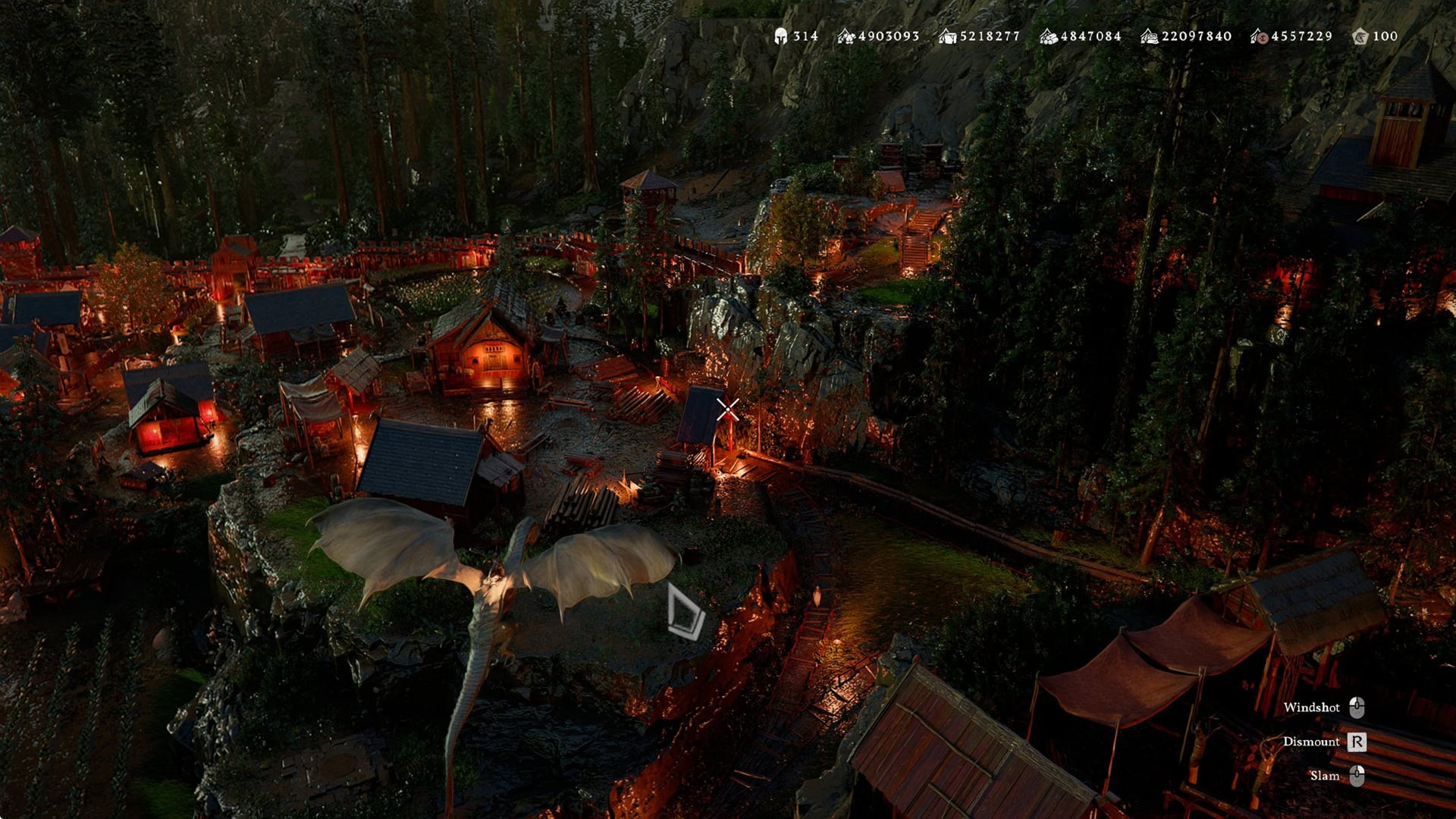
The biggest and most obvious advantage is that when you hide the entire UI, you can fully immerse yourself into the gorgeous environemts Crimson Desert has to offer. This live and incredibly detailed beautiful world will look even more amazing without the UI in the lower left corner. It’s like playing in Photo Mode!
There are disadvantages, obviously. While you can easily remember the status of your Equipment Skills and predict when you can use them, and while you can spam eat food or drink tea like mad by simply pressing the cooldown (even during combat), you will not see a visual UI confirmation of something going on or off cooldown.
The worst part is that the HP Bar will never be visible. The only indicator you will get, is the splats of blood and the screen’s edges going red when you take a hit.
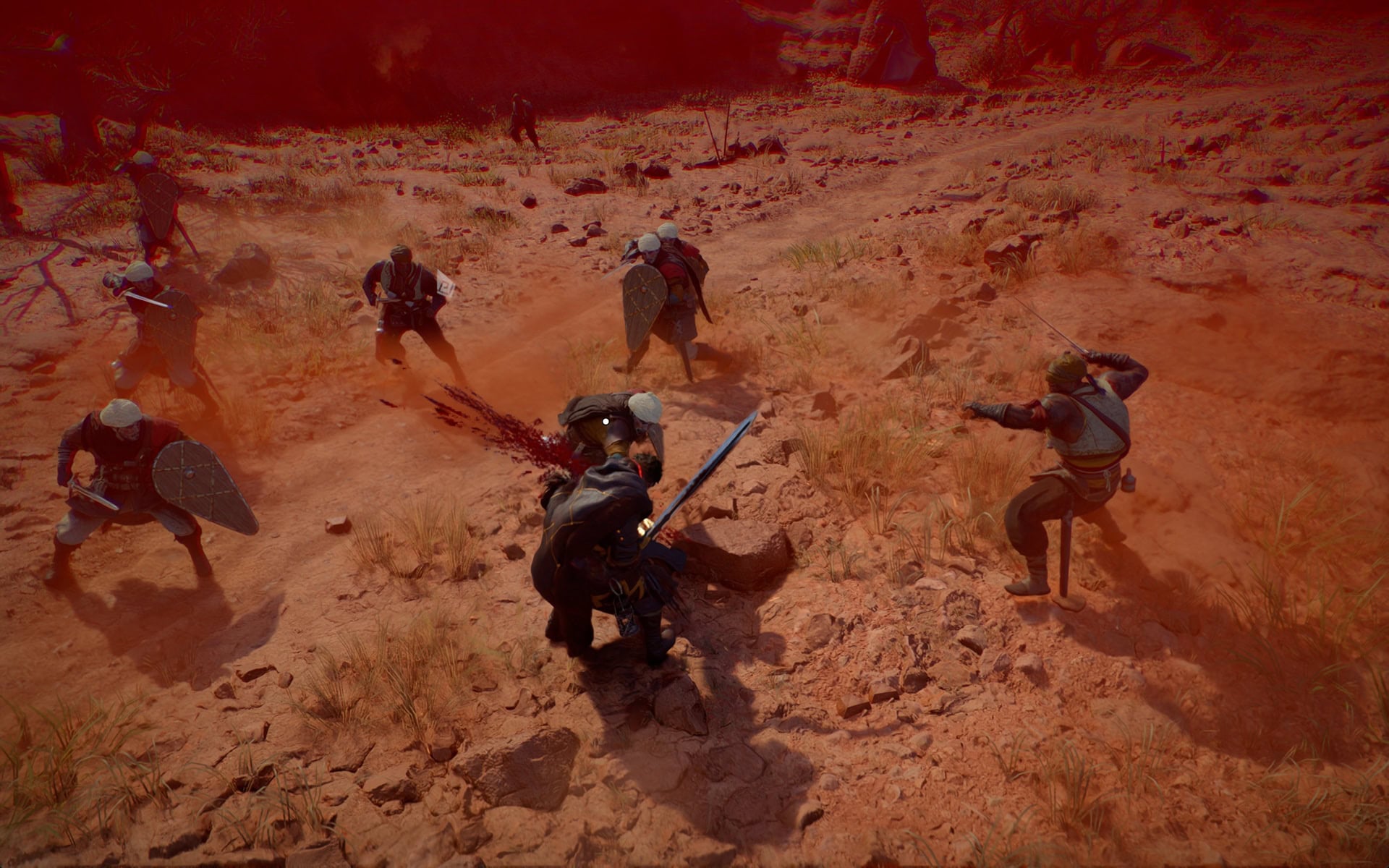
However, you will not know how much these hits hurt you. You will either have to press the keybind to display your stats frequently or rely on being “too tough” for your opponents.
This last one is an actual argument for the endgame. You get so overpowered by the time you finish the main story (unless your rush through the main quests and ignore everything else), that you will not really need to look at your HP Bar often or at all. Normal NPCs will not be able to touch you, let alone hurt you.
Another negative is that you will not know where your targeted destination is. Apart from the marker on the Minimap, there is no other indication. The minimap also serves as a compass.
I hope that Pearl Abyss will expand on this feature, by adding more segmented choices. Example: Hide Minimap, but display HP Bar and Status while in combat.
By default, when you are out of combat, the HP bar and its accompanying icons (Food Quick Slot and Equipment Skill) disappear, leaving only the Minimap visible. This is a good default position to leave things on if you are a new player.
We recommend keeping the Minimap and Status Visible all the time or at least until you reach the level of comfort where you don’t really care about HP and food anymore and you just want to enjoy the stunning vistas and endless horizons while you are grinding the last few remaining achievements.
If you need the UI, but want it to be a little bit less intrusive, you can scale it down. This option is located in Main Menu → Settings → Others → Accessibility. Here you will also find settings to toggle the visibility of Helmets and hide your weapons out of combat.