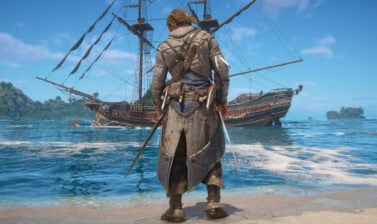
Assassin’s Creed Black Flag Resynced Updates introduced the option to hide Edward’s Blow Pipe, Trinkets, and Pistols. This guide will show you how to do it and why you should.
How to Hide the Blow Pipe
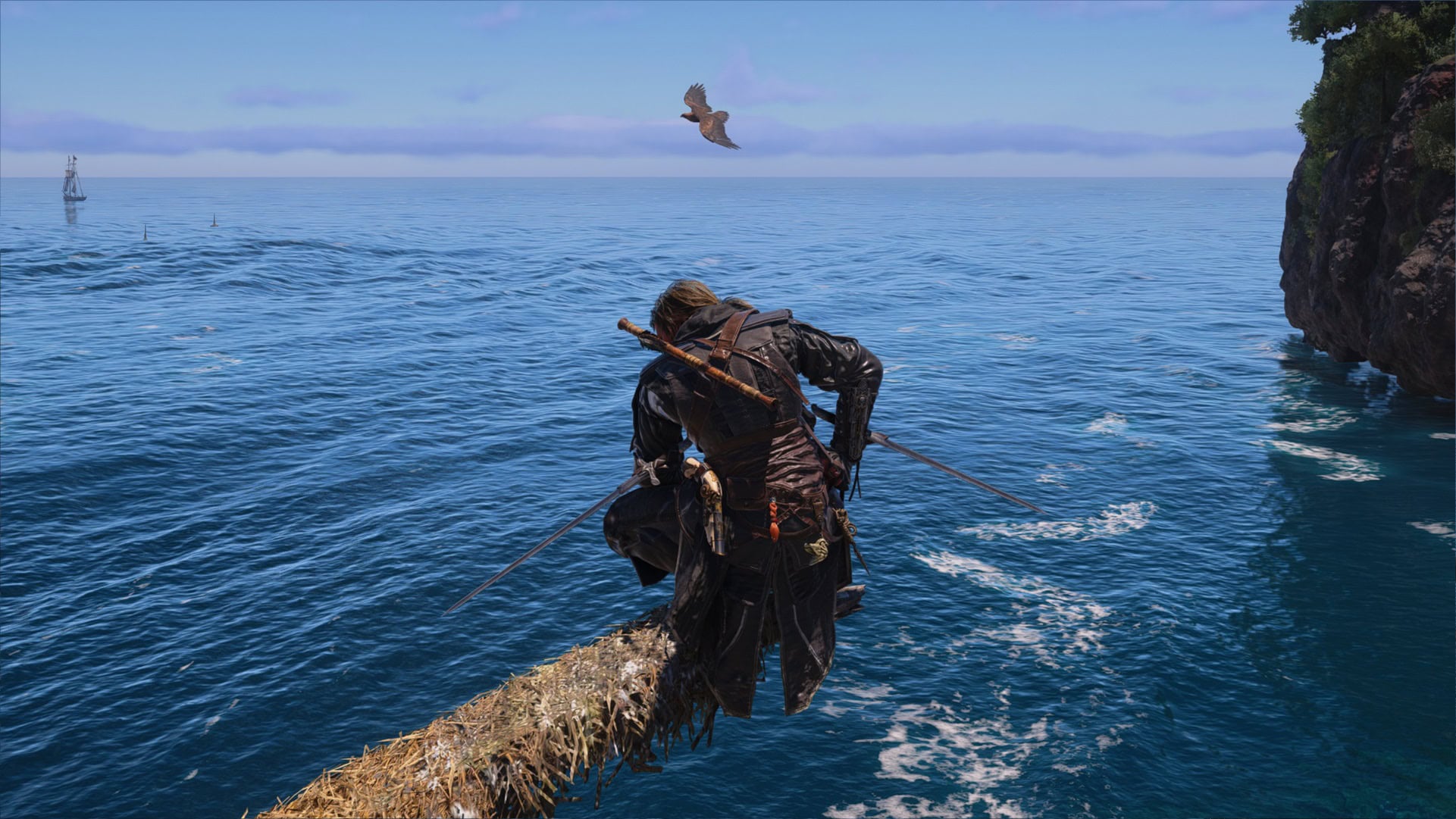
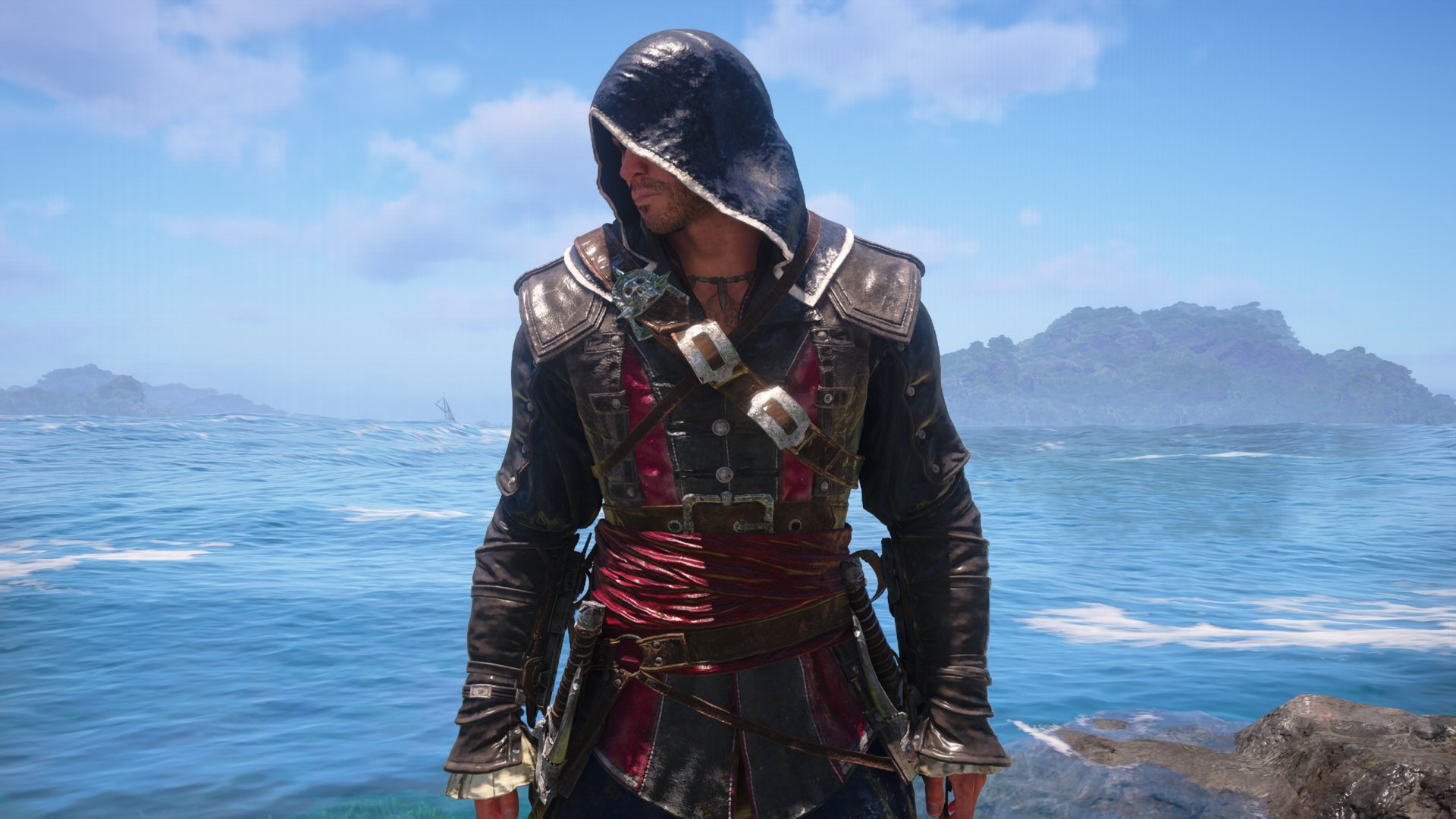
Once you complete the Overrun and Outnumbered main story quest, Edward will permanently have the Blow Pipe strapped to his back, which didn’t sit well with many of us.
Patch 1.0.6 brought the highly requested feature of hiding the Blow Pipe from Edward’s back. To do it, follow these steps:
- Open the Inventory Menu.
Open the Inventory Menu by pressing the I key on your keyboard or by pressing the Options/Menu Button on your controller. - Hover over your equipped Outfit.
The Outfit option is located at the top right corner of your inventory. - Activate the Hide Gear Toggle.
Press Tab if you’re on a keyboard, RT for an XBOX controller, or R2 for a PlayStation controller.
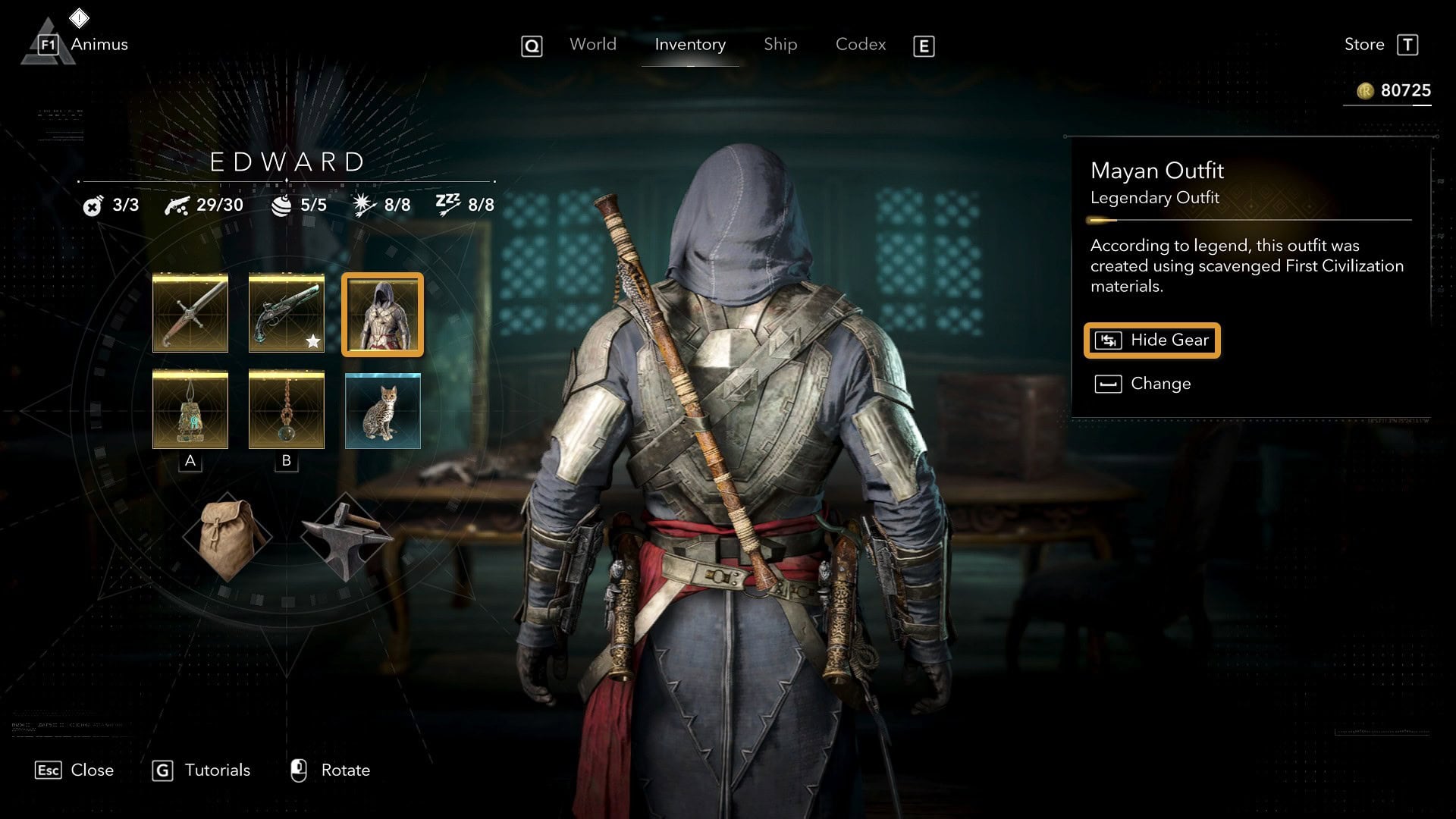
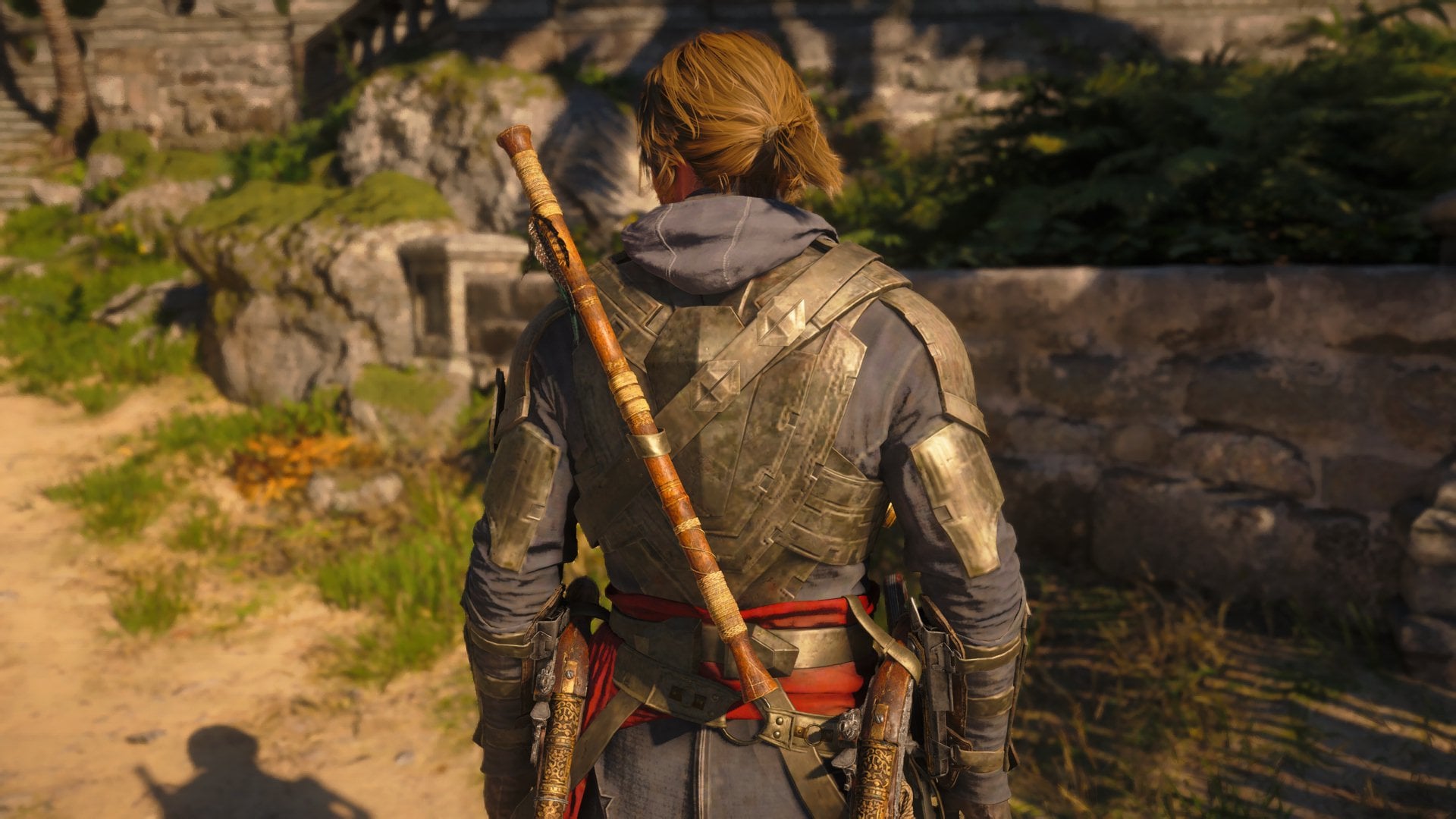
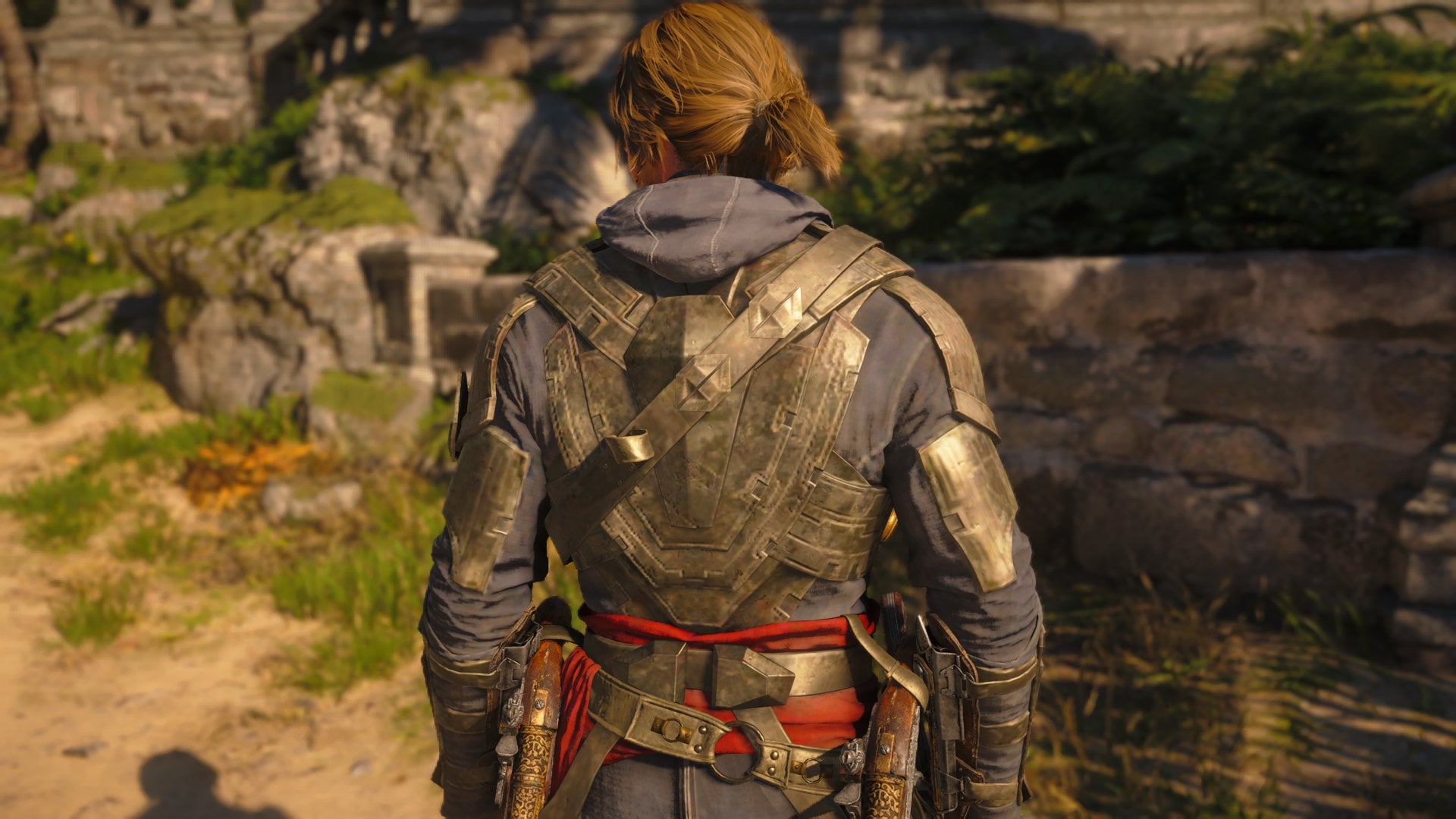
This will hide the Blow Pipe from Edward’s back, but you will still be able to use it as a tool during gameplay whenever you want.
How to Hide the Pistols
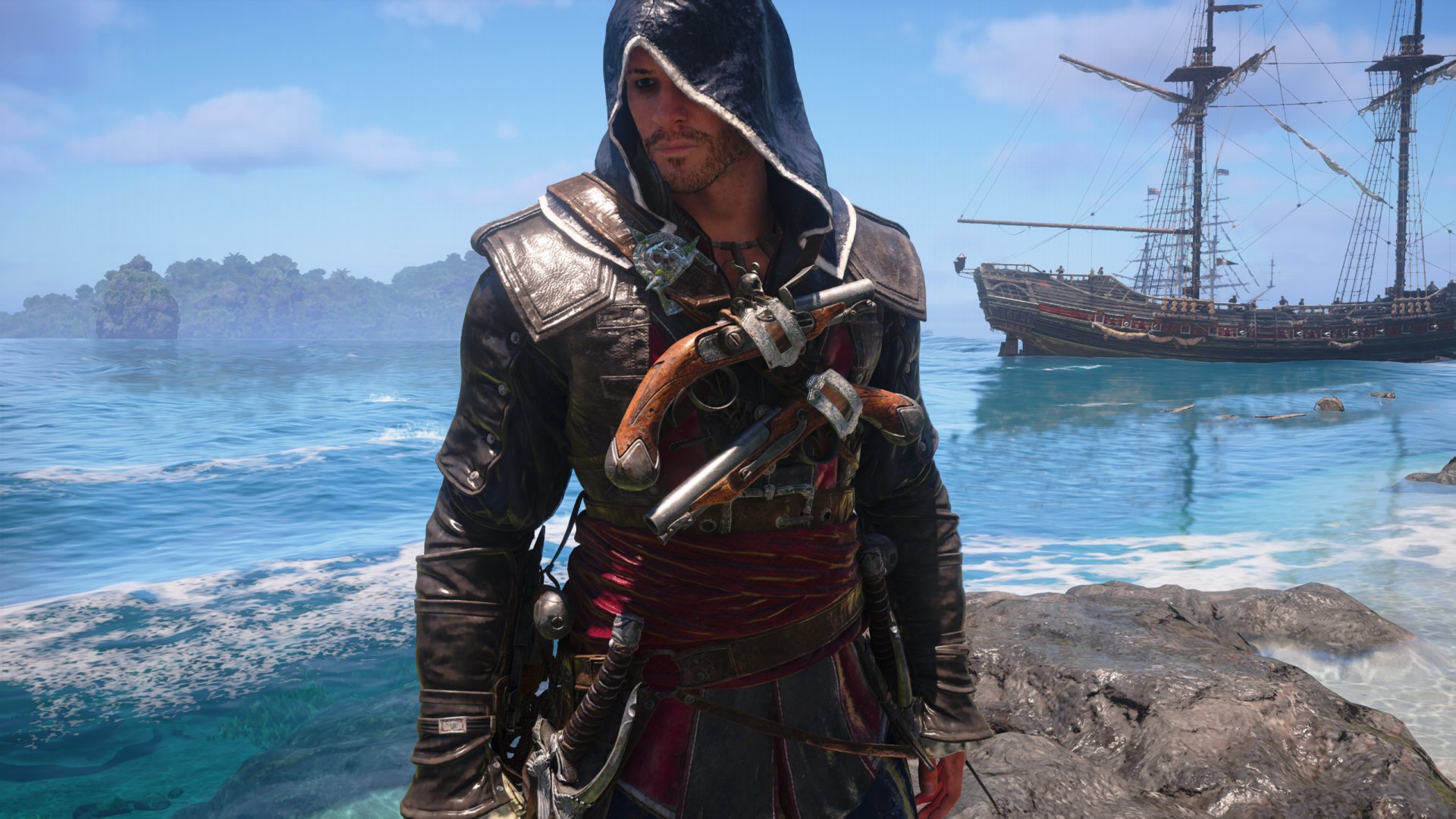
With Patch 1.0.7 Ubisoft added the option to hide your pistols. To do it follow these steps:
- Open the Inventory Menu.
Open the Inventory Menu by pressing the I key on your keyboard or by pressing the Options/Menu Button on your controller. - Hover over your equipped Pistols.
The Pistols option is located in the middle top box of your inventory. - Activate the Hide Gear Toggle.
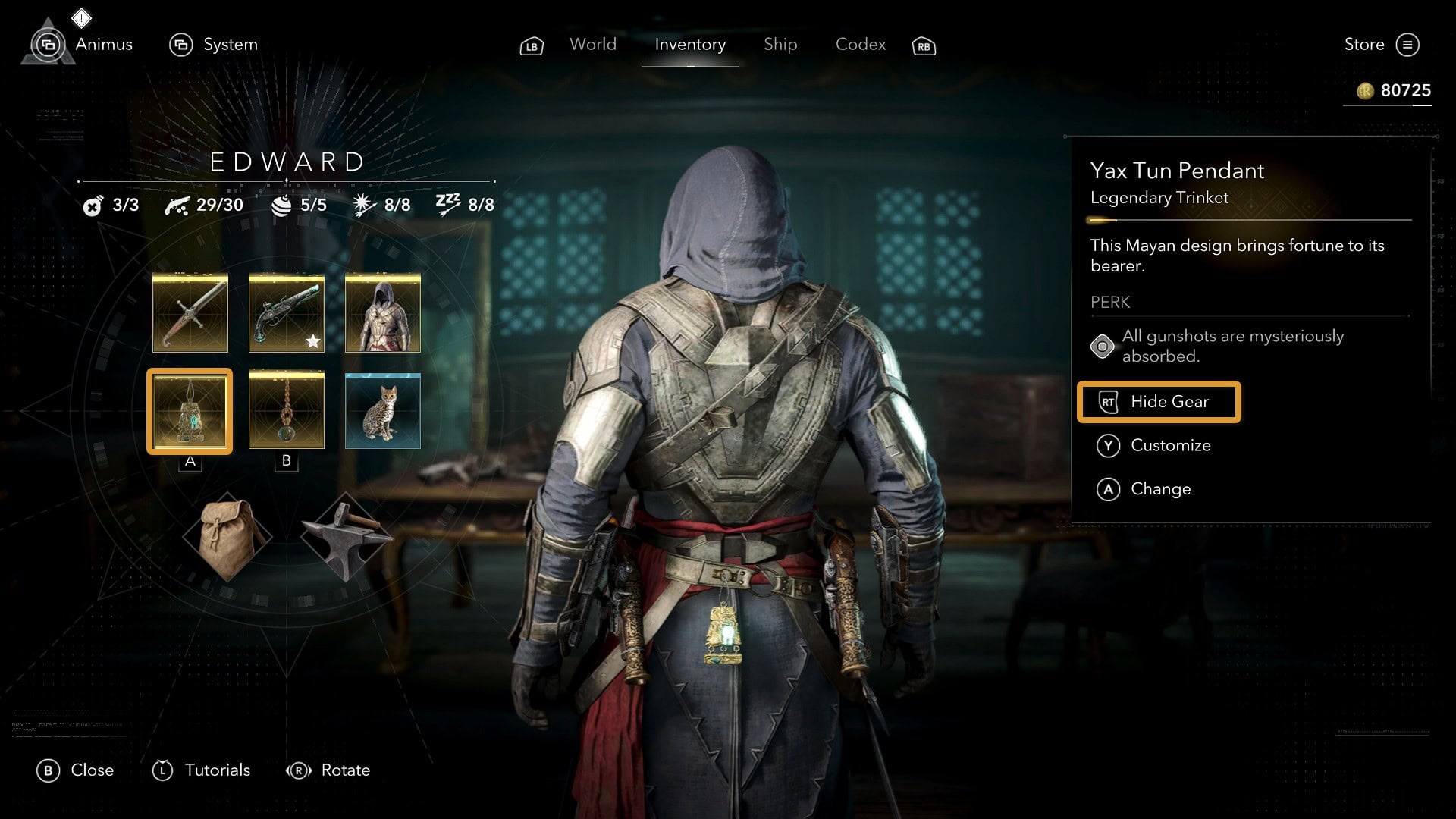
Press Tab if you’re on a keyboard, RT for an XBOX controller, or R2 for a PlayStation controller.
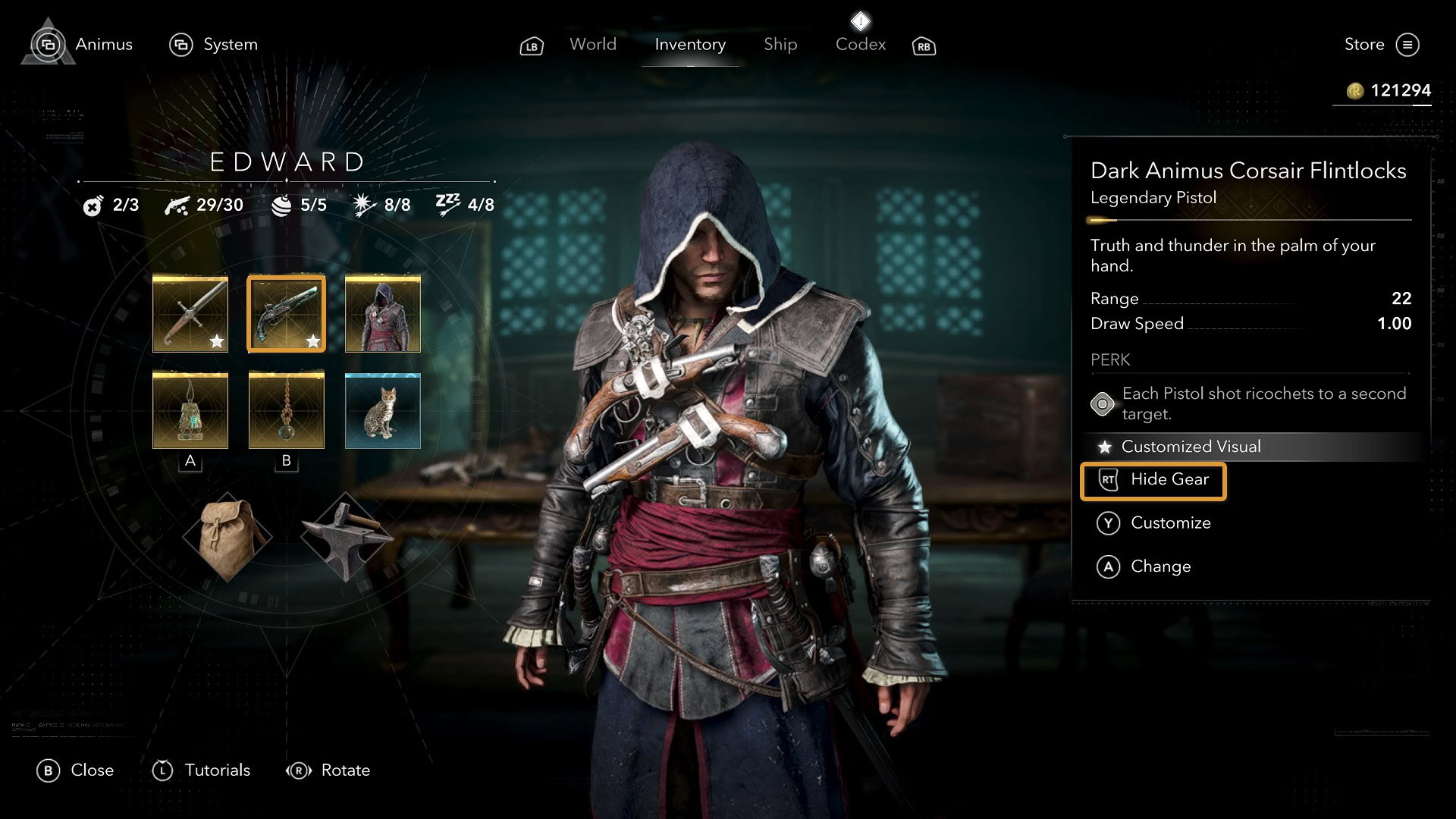
Doing this hides the pistols from showing but you can still use them freely during gameplay whenever you want.
How to Hide the Trinkets
Just like with the Blow Pipe and Pistols, you can hide the trinkets from showing on Edward’s lower back. These aren’t as invasive as the Blow Pipe, but some players might find them annoying.
On your inventory’s bottom row, you’ll find both your equipped trinkets. If you hover on each of them, you’ll also find the Hide Gear toggle. You’ll have to press it for each trinket.
As of the time of writing this guide, Hiding Trinkets does not happen until you reload your save file.
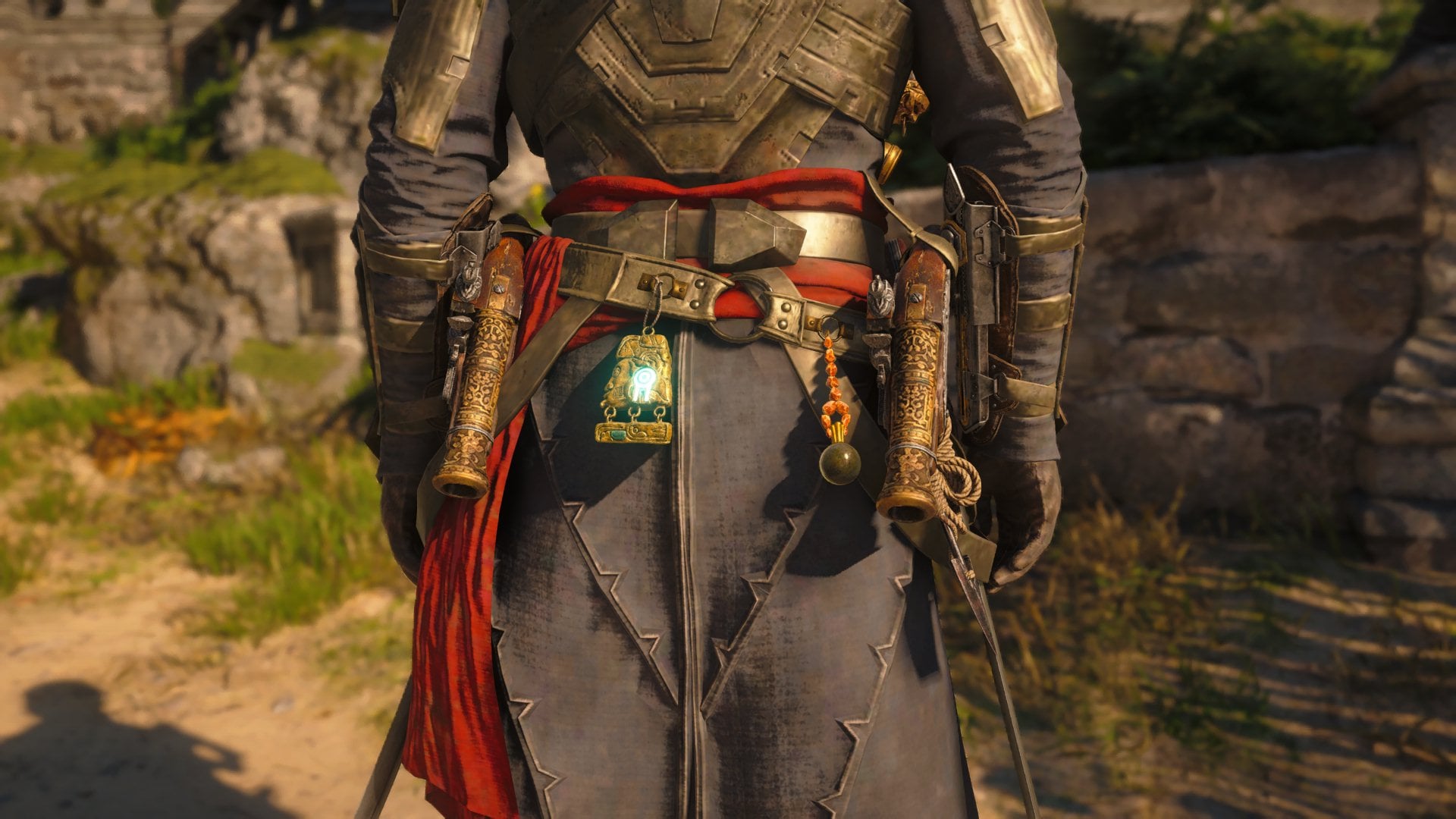
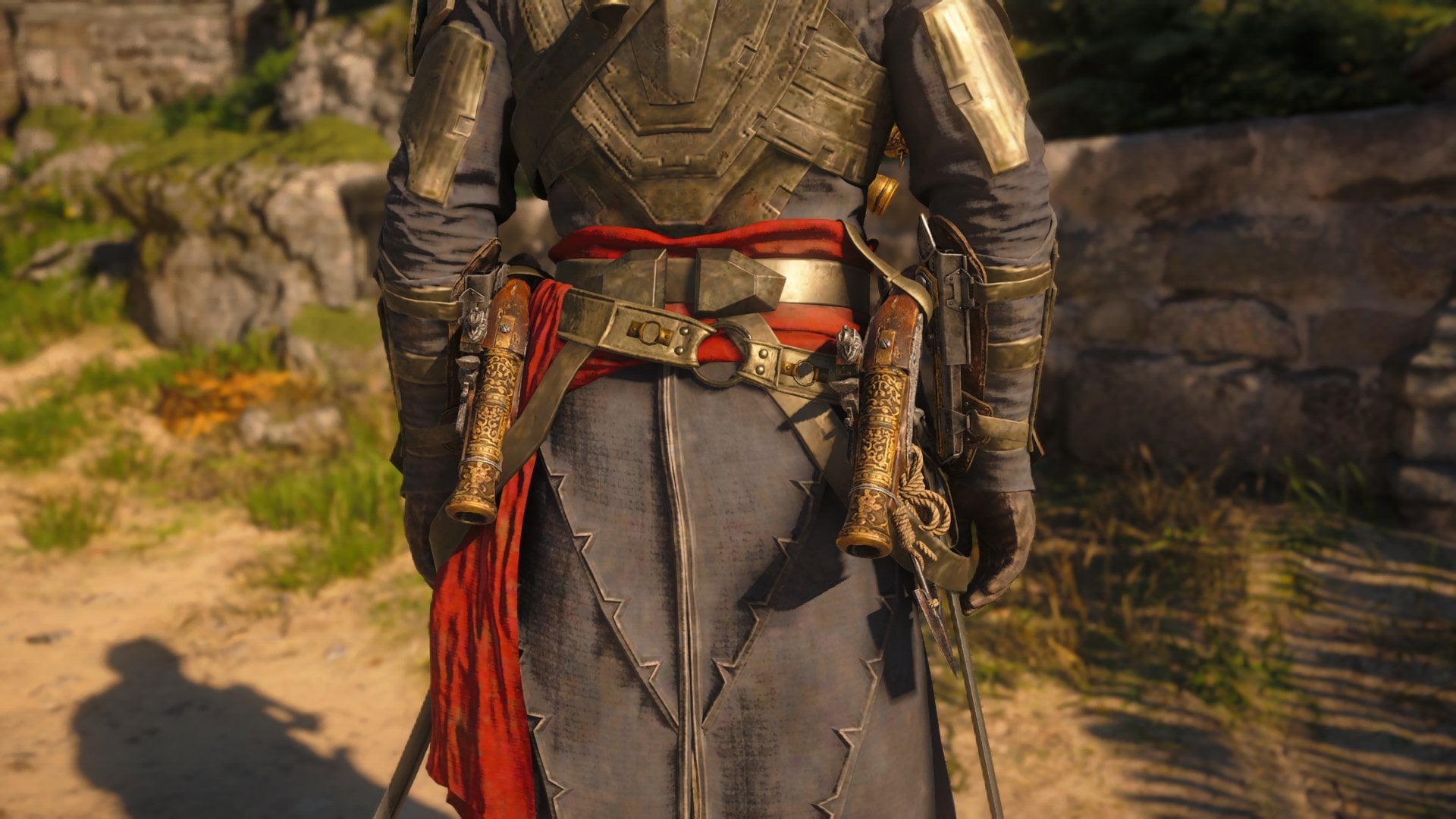
After you update your game to Patch 1.0.7 or higher, you will be able to hide visual effects from Trinket perks. To do so, follow these steps:
- Open the Options Menu.
Open the Options Menu by pressing the ESC key on your keyboard or by pressing the Options/Menu Button on your controller. - Go to the Interface Tab.
Navigate through tabs by pressing Q or E on your keyboard or RB and LB/R1 and L1 on your controller. - In the HUD section, enter HUD/VFX Customization.
The HUD section is at the bottom of the Interface list - At the bottom of the list, set Perk Effects to Off.
Remove the checkmark to set Perk Effects to Off.
How to Customize Edward’s Gear (Transmog)
If you happen to find an item that fits really well with your playstyle but you don’t like its look, this option will solve the issue by making said item look like another one you find more visually appealing. Here’s how to do it.
- Open the Inventory Menu.
Open the Inventory Menu by pressing the I key on your keyboard or by pressing the Options/Menu Button on your controller. - Hover over the Item you want to customize.
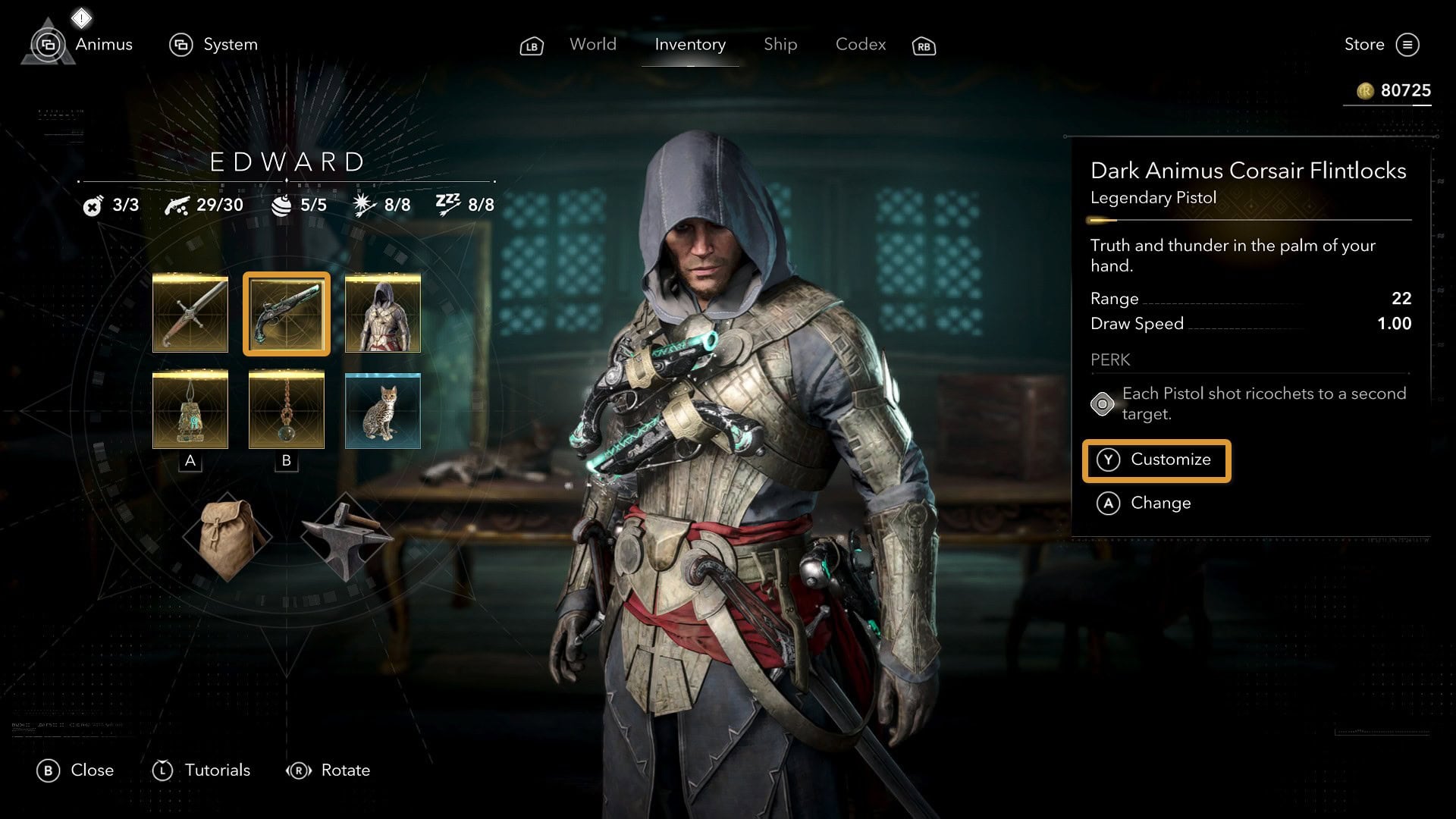
Hover over the Sword, Pistol, or Trinket you want to customize - Press the Customize Button.
Press the X key if you’re on a Keyboard, the Y button for an XBOX controller, or the Triangle button for a PlayStation Controller. - Select the appearance you want to use.
You’ll see a menu where you can see all the gear you have and can choose the appearance your equipped item will take.
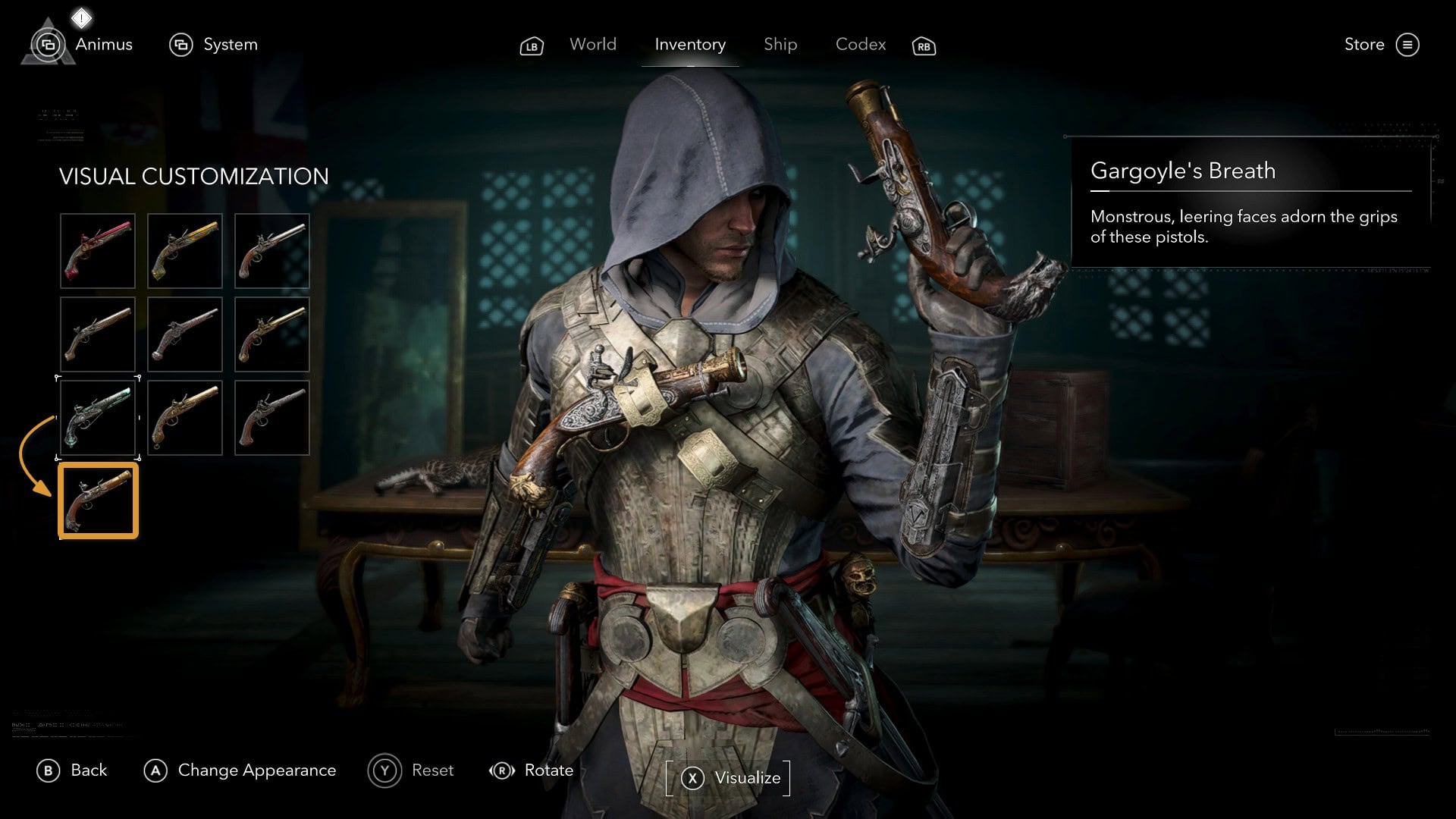
Are there any benefits or drawbacks of diding and customizing your gear?
In Assassin’s Creed Black Flag Resynced, you can customize an item’s appearance to match another one’s without losing its stats and attributes. This feature has been a part of most other modern Assassin’s Creed games.
Changing the appearance of your gear is known as “transmog” among the gaming communities, and this is a purely 100% cosmetic feature. It will have no effect on your gameplay. They have the sole purpose of making you feel cooler while plundering the Caribbean and stopping the evil Templars.
In Black Flag Resynced, you can customize the look of Outfits, Swords, Pistols, and Trinkets. Collecting those is a journey, and if you need some additional help, we have full catalogs of all items’ locations.