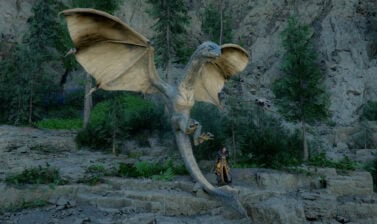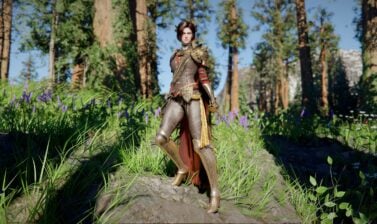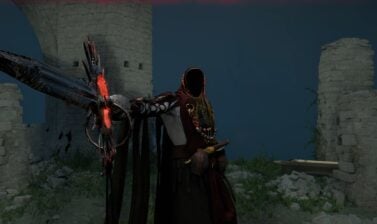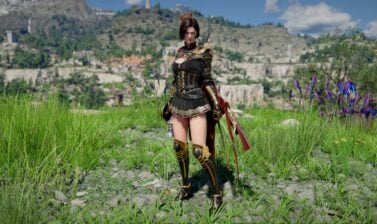

Pearl Abyss released Update 1.14.00 for Crimson Desert today. This small patch adds a single new feature, but it’s a major one – cross-platform saving is now possible.
Update 1.13 was a major patch. It added over 40 new Armor pieces, few of them forming brand-new complete sets inspired by some of the game’s bosses (Cassius Morten, Lucian Bastier, Tarandus the Ashen, Gregor, Halberd of Carnage, T’rukan the Ascended).
Update 1.14.00 is now live. It is not as big, but offers cross-save and a few fixes and improvements, including a fix for a broken quest.
What is Cross-Save and how to enable it?
This week, the patch notes are seemingly few and unremarkable. Unless you play the game on multiple platforms! The new Cross-save feature allows you to share your progress between PlayStation, Xbox, Steam, and Epic Games Store – basically all platforms where the game is sold.
You can stop the game and save it on one platform, then switch platform and pick up right where you left your character.
To be able to take advantage of the new feature, you will need to link your accounts. You can do it on the Cross-Save page Pearl Abyss launched specifically for this purpose. It also has an extensive FAQ section you can read through to make sure you are not missing anything.
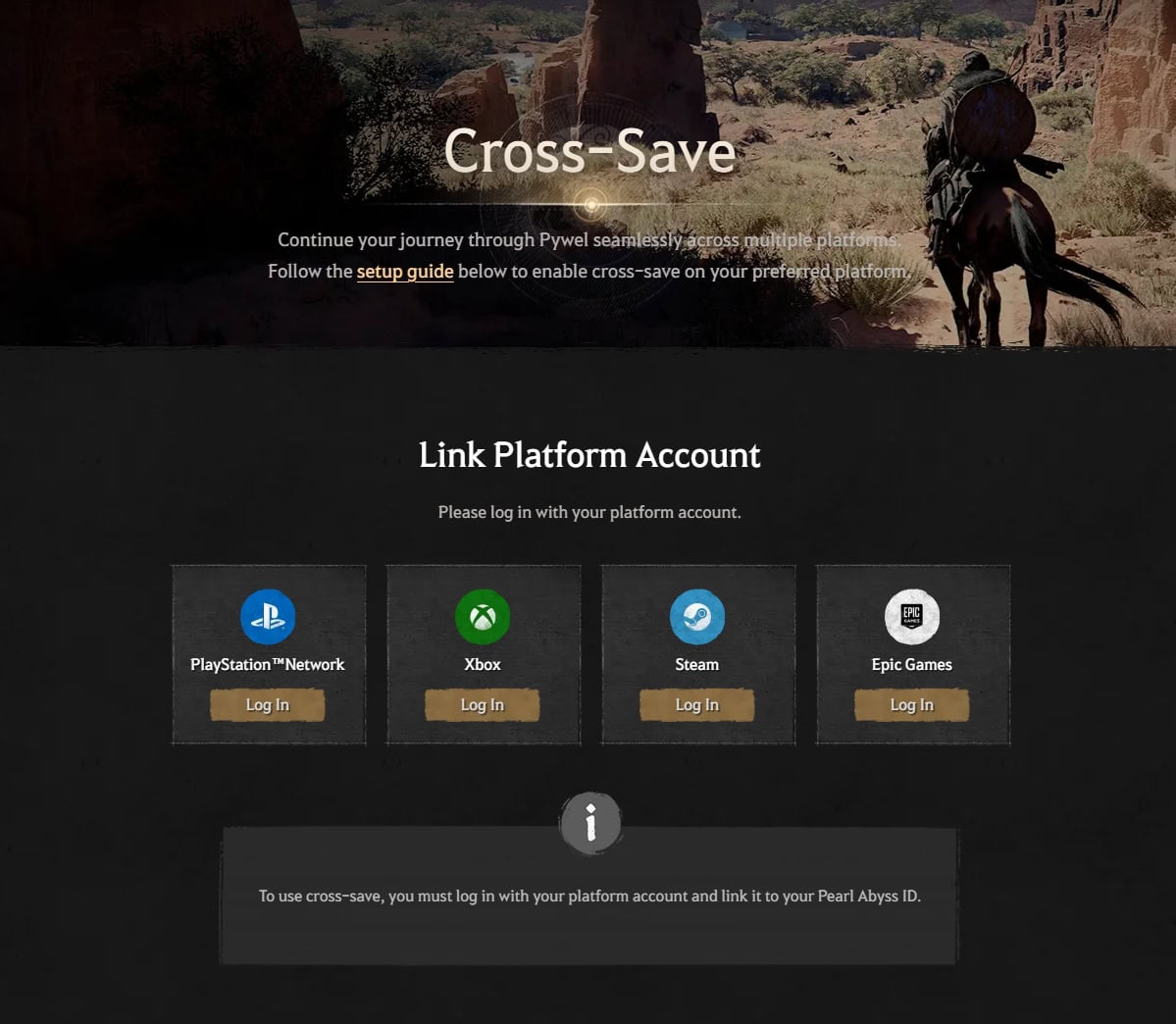
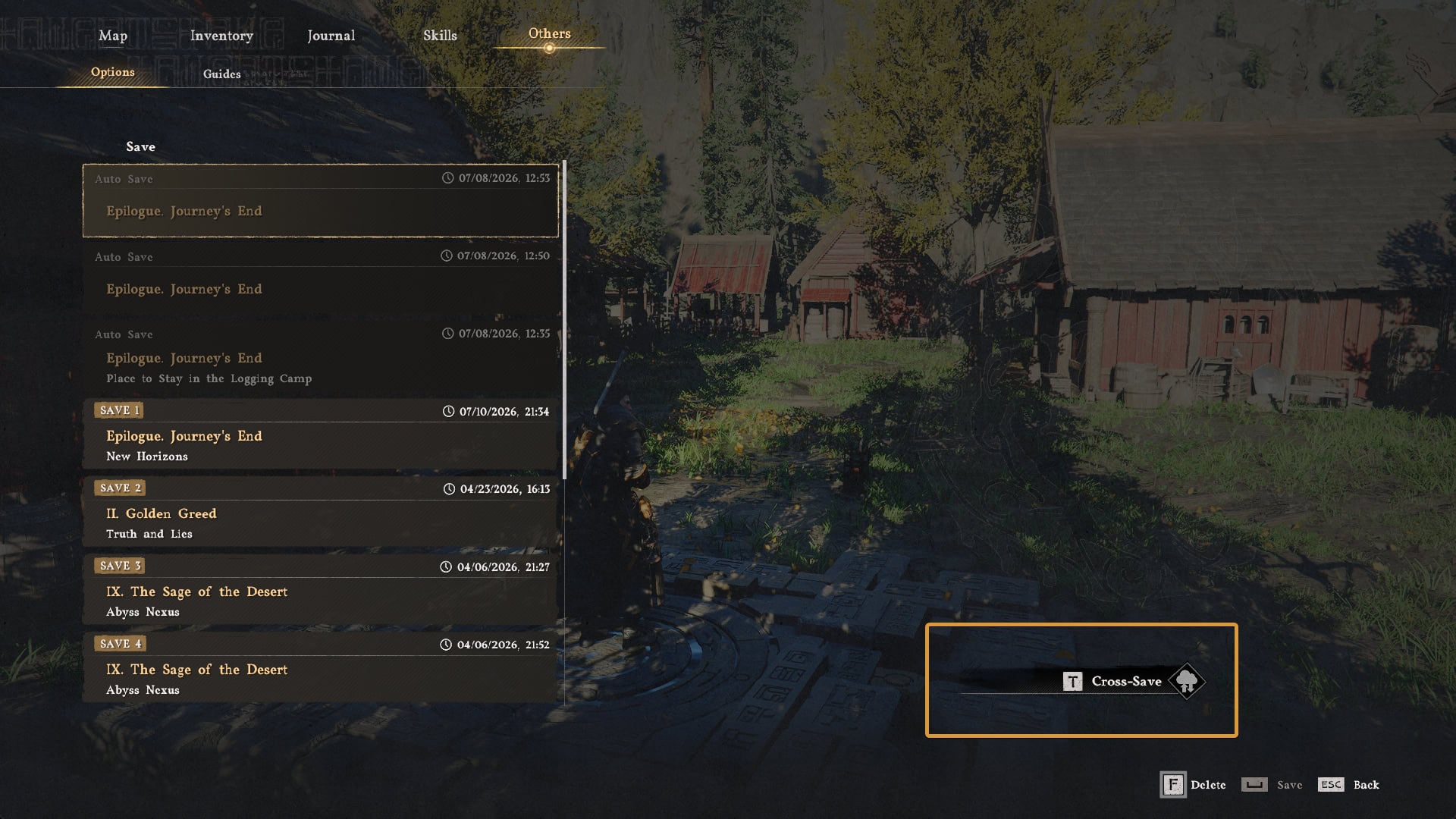
There are a few key limitations or requirements you need to be aware of. Here are the key ones (you can find more in Pearl Abyss’ FAQ section):
- One Cross-Save Slot: Only a single slot is provided per Pearl Abyss ID. All accounts you link together will share this slot.
- No Autosave: The cross-save slot does not autosave. It acts as a manual save slot.
- One account per Platform: You can link one account for each platform.
- Unlinking all accounts results in losing data: If you unlink all of your linked accounts (even the last one), the Cross-Save slot will be deleted and you will lose your progress saved there. The same loss of data will occur if you delete your Pearl Abyss ID.
- Region limitations: If Pearl Abyss ID is not allowed in a certain region of the world, you will not be able to use the Cross-Save feature.
Full patch notes for Update 1.14.00
Below are the full patch notes as published by Pearl Abyss and listed on the game’s official website on July 16th, 2026.
New Additions
- Added a cross-save feature.
- Cross-save feature is available on PlayStation, XBOX, Steam, and Epic Games Store.
- Cross-save allows you to continue your progress using a single save file.
- Learn more about cross-save on the cross-save page.
Main Improvements
Content
- Fixed an issue where the quest “A Dwarf’s Concern” could not be completed.
- Fixed an issue where the character could not be controlled when a pet jumped onto the bed while the player was interacting with it.
Combat / Action
- [Damiane] “Skystep” now uses the same control input as Oongka’s “Vertical Flight,”
- Fixed an issue where “Aerial Force Palm” would be interrupted while free-falling.
Localization
- Fixed various localization errors and improved localization quality across all languages.
Others
- Fixed an issue where the motion of a character on a mount could appear unnatural when the mount was moving at high speed in certain situations.
- Fixed an issue where sound effects would not play after the battle with Praevus the Ancient.
- Fixed an issue where sound effects for “Ator’s Orb” would continue to play even after the orb had disappeared.
- Fixed an issue where NPCs could not pass through open wooden gates.
Known Issues as of July 16th, 2026
- [AMD] The game crashes when using driver version 26.6.2 or higher(including the 26.6.3 hotfix).
- This issue can be resolved by using driver version 26.6.1 or earlier, or version 26.6.4 and later.
- When a pet jumps onto the bed while the player is interacting with it, the character cannot be controlled.
- This issue can be temporarily resolved by unsummoning your pet.
- Fish being caught while fishing in certain areas are unable to move.
- Greymane faction quests cannot be progressed while playing as Damiane or Oongka.
- If the “Evasion Control” option is set to “Hold,” the default Evasion key still functions even after the Evasion key has been changed.
- If Damiane dies immediately after using the Shield Toss skill, she can no longer use her shield or related skills.
- If this issue occurs, you can resolve it by saving and reloading.
- NPCs required for quest progression cannot ride together on Legendary Animal mounts.
- [Mac] When using a keyboard and mouse at certain resolutions, the cursor position differs from the actual furniture placement point.
- [Mac] The colorblind filter is not applied to the UI when “Colorblind Mode” is enabled.
- [PlayStation] The screen may freeze if characters are entered rapidly while using the virtual keyboard to set the name of a pet or horse.
- Please enter characters slowly with brief pauses when changing names. We apologize for the inconvenience.
- On NVIDIA GTX 1060 GPUs, enabling ‘FSR Upscaling’ and ‘Frame Generation’ causes the screen to appear white.
- When using FSR4 upscaling, an issue occurs in rainy environments where rain disappears, or the screen becomes blurry or distorted.